AI Background Noise Reducer
Download on App Store

This page is not an official page of the app or its developer, but an independent editorial publication created for informational and commentary purposes. Unless expressly stated otherwise, neither the app nor its developer is affiliated with, endorsed by, sponsored by, authorized by, or otherwise officially connected with MWM, Apple, Google Play, the app publisher, or the app's developer, and nothing on this page implies that the app was developed using MWM's services. Any trademarks, logos, screenshots, and other content remain the property of their respective owners.


Logo of AI Background Noise Reducer
Download on App Store

AI Background Noise Reducer

Stop letting background noise ruin your best takes. Transform noisy recordings into professional, polished content instantly with powerful AI that processes everything privately on your device.

Key Figures

Downloads

0

User Rating

3.1/5

Total Ratings

0

Publisher

Naresh Jagani

Category

Utilities

Locales

1

Latest Version

4.0

Size

147.4 MB

First Released

Apr 16, 2023
Features

Professional Sound, Without the Studio

Transform noisy recordings into high-quality content with powerful AI noise reduction that respects your privacy and fits your mobile workflow.

Instant AI Noise Removal

Automatically eliminate wind, traffic, and background chatter from your videos and audio files with a single tap for a studio-quality finish.

Secure On-Device Processing

Your data stays private. All audio and video files are processed directly on your iPhone or iPad—nothing is ever uploaded to a server.

The following screenshots and description are sourced directly from the app's official store listing and are the property of the app developer.

App Store

Screenshots
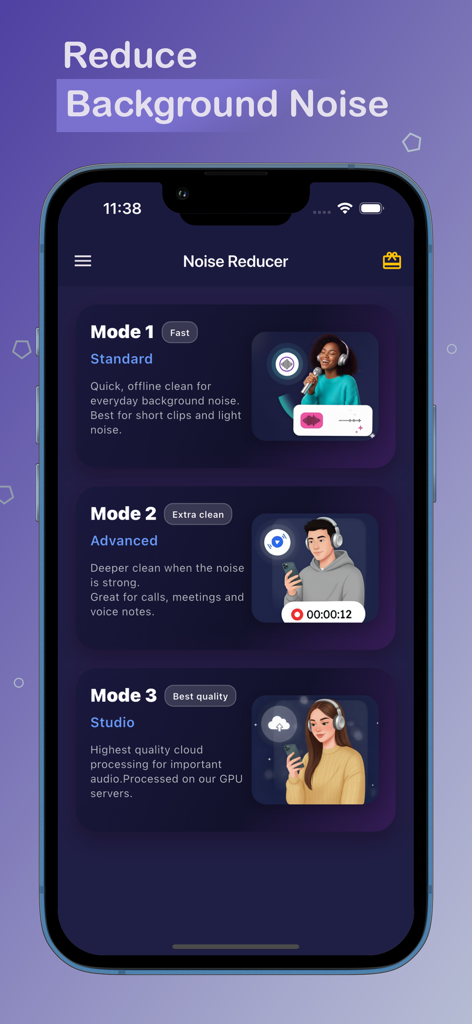
AI Background Noise Reducer - User interface of the AI Background Noise Reducer app showing three processing options Standard Advanced and Studio modes
User interface of the AI Background Noise Reducer app showing three processing options Standard Advanced and Studio modes

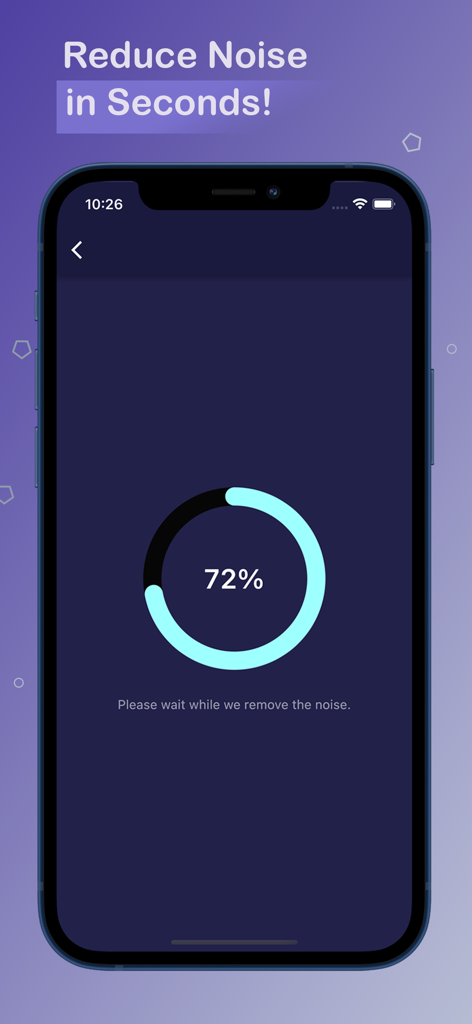
AI Background Noise Reducer - A smartphone screen displaying the 72 percent progress of the AI noise reduction process.
A smartphone screen displaying the 72 percent progress of the AI noise reduction process.

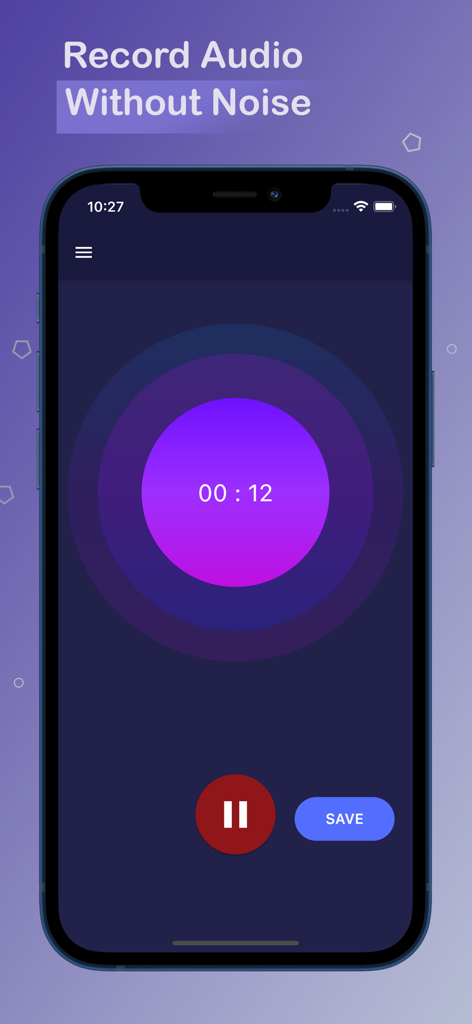
AI Background Noise Reducer - A smartphone showing the audio recording interface of the AI Background Noise Reducer app
A smartphone showing the audio recording interface of the AI Background Noise Reducer app

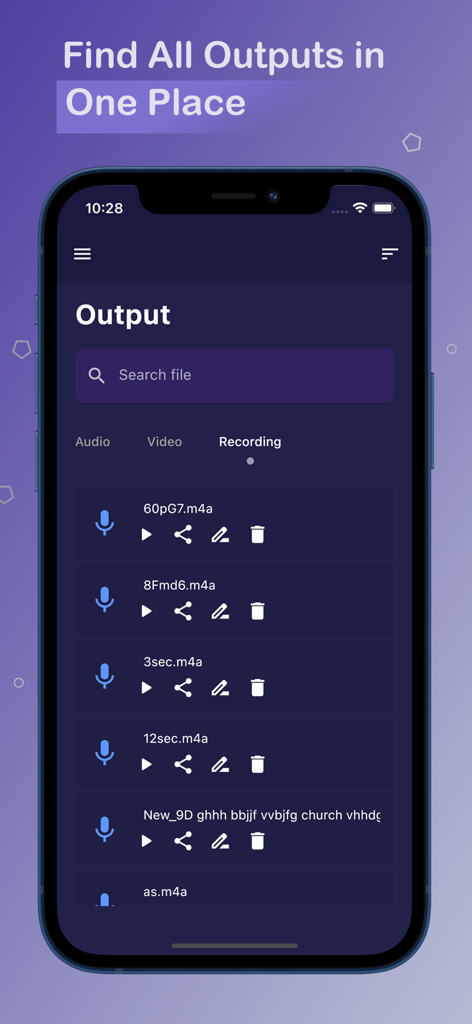
AI Background Noise Reducer - AI Background Noise Reducer app showing a list of cleaned audio recordings in the output tab

AI Background Noise Reducer app showing a list of cleaned audio recordings in the output tab

Description

The app's noise reduction capabilities are unparalleled. It offers the ability to eliminate any unwanted background noise from your audio, video, and recordings. You can remove background noise from your audio recordings, making it perfect for podcasters, YouTubers, and other content creators. The Ai Background Noise Reducer app is a comprehensive solution for all your audio recording needs. With its advanced noise reduction technology, you can capture stunning and noise-free audio recordings, ensuring that your recordings sound professional and polished. The app offers various features that make it an ideal choice for anyone looking for a high-quality audio recording experience. Apart from noise reduction, the app also provides a range of other useful features. You can use the app to record audio files, making it an excellent choice for those who need to capture a large amount of content. The app also offers features that make it easy to manage your audio, video, and recordings. You can sort your files by date, size, and name, and delete files within the app, making it easy to keep your files organized and accessible. The app's user privacy features are also worth mentioning. All audio and video files are processed on your device, ensuring that your data remains private and secure. The app does not upload any files to any servers, giving you complete control over your data and ensuring the highest levels of privacy. The Ai Background Noise Reducer app is a versatile tool for content creators. It includes an AI background noise removal feature and supports noise removal in audio recordings. The app also features an audio editor and voice editor for refining and enhancing recordings. Overall, it's an all-in-one solution for capturing high-quality content. Ai Background Noise Reducer offers two products for all users: 1. Free 2. Premium Free app users get: 1) The ability to process a single file at once 2) A total of 50 processing minutes across all devices with the same login details 3) 10 minutes per day by checking in to the app 4) The ability to manage audio, video, and audio files within the app Premium app users get: 1) Unlimited processing minutes across all devices with the same login details 2) The ability to process multiple files at once 3) No ads Ai Background Noise Reducer plans: * Monthly: $2.99 * Annual: $29.99 Payments and Renewal: * Payment will be charged to iTunes Account at confirmation of purchase. Subscription automatically renews unless auto-renew is turned off at least 24-hours before the end of the current period. * Account will be charged for renewal within 24-hours prior to the end of the current period. * You can manage or turn off auto-renew in your Account settings at any time after purchase * No cancellation of the current subscription is allowed during the active period. Terms of use (EULA): https://noisereducerpro.com/eula
 Privacy policy: https://noisereducerpro.com/privacy

Download

Download on App Store

This page is not an official page of the app or its developer, but an independent editorial publication created for informational and commentary purposes. Unless expressly stated otherwise, neither the app nor its developer is affiliated with, endorsed by, sponsored by, authorized by, or otherwise officially connected with MWM, Apple, Google Play, the app publisher, or the app's developer, and nothing on this page implies that the app was developed using MWM's services. Any trademarks, logos, screenshots, and other content remain the property of their respective owners.








