
This page is not an official page of the app or its developer, but an independent editorial publication created for informational and commentary purposes. Unless expressly stated otherwise, neither the app nor its developer is affiliated with, endorsed by, sponsored by, authorized by, or otherwise officially connected with MWM, Apple, Google Play, the app publisher, or the app's developer, and nothing on this page implies that the app was developed using MWM's services. Any trademarks, logos, screenshots, and other content remain the property of their respective owners.


AI Notes Voice to Text, Renote
Powered by GPT-5 and Gemini 3 Pro, Renote turns meetings, lectures, and ideas into clear, structured notes in seconds. Stop manual note-taking and start working smarter.
Downloads
20K+User Rating
Total Ratings
400Publisher
Category
ProductivityLocales
49Latest Version
4.3.1.0Size
112.4 MBFirst Released
Jun 16, 2023Turn Every Conversation into Actionable Intelligence
Maximize your productivity with GPT-5 and Gemini-powered transcription and summaries that do the heavy lifting for you.
Instant AI Summaries
Convert long meetings and lectures into structured notes and clear action items in seconds using cutting-edge GPT-5 technology.
Precision Navigation
Skip the tedious replays. Tap any sentence to jump directly to the exact moment in your audio with interactive timestamps.
The following screenshots and description are sourced directly from the app's official store listing and are the property of the app developer.
App Store
Screenshots
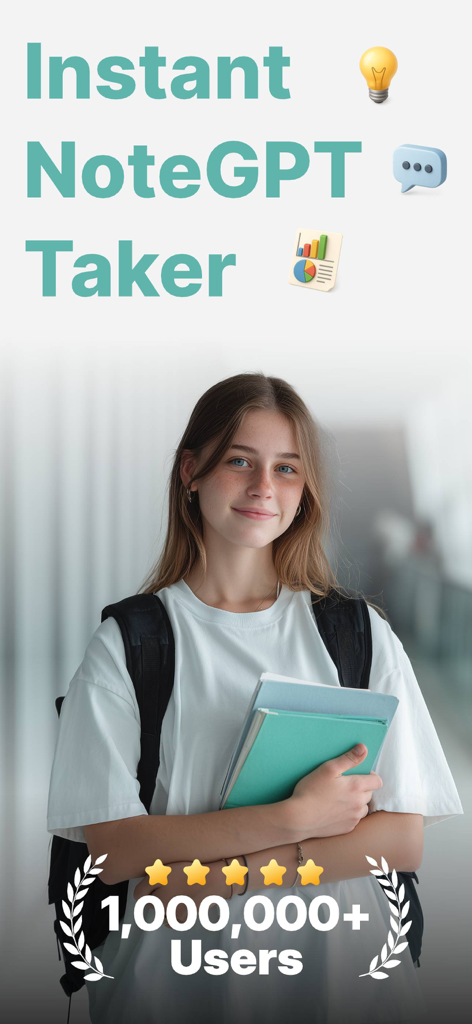
A smiling student holding notebooks featuring the Renote AI note taker app branding with a 1 million users milestone badge
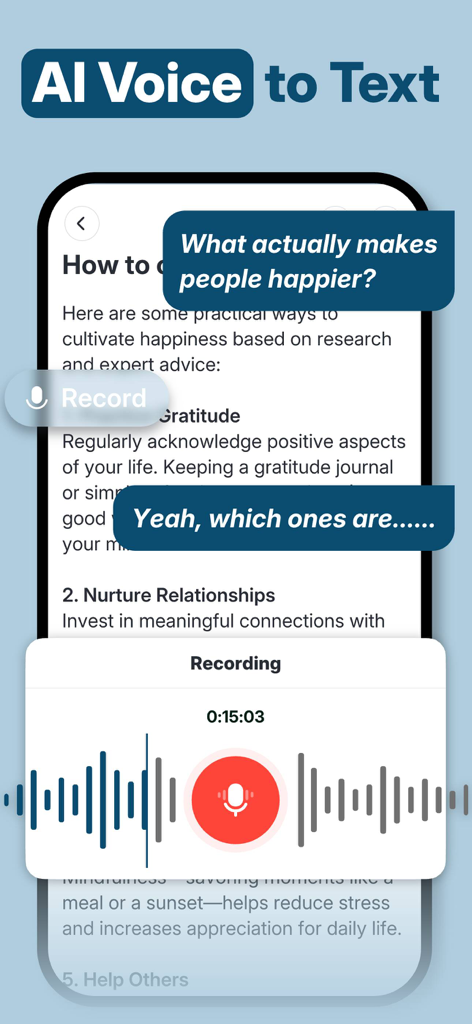
Interface of the Renote app showing real-time AI voice to text transcription and an active voice recording screen.
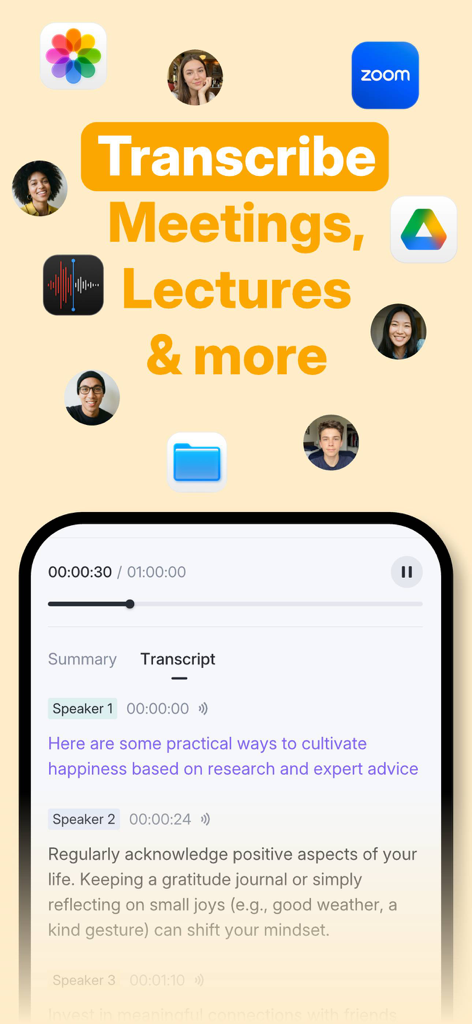
Renote app interface showing AI transcription of a meeting with speaker identification and timestamps
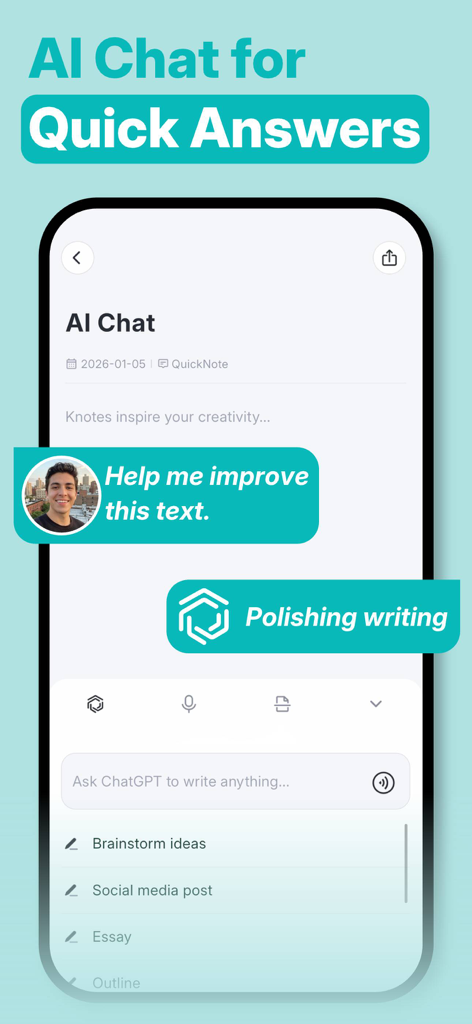
AI Chat interface in Renote app for polishing writing and brainstorming ideas
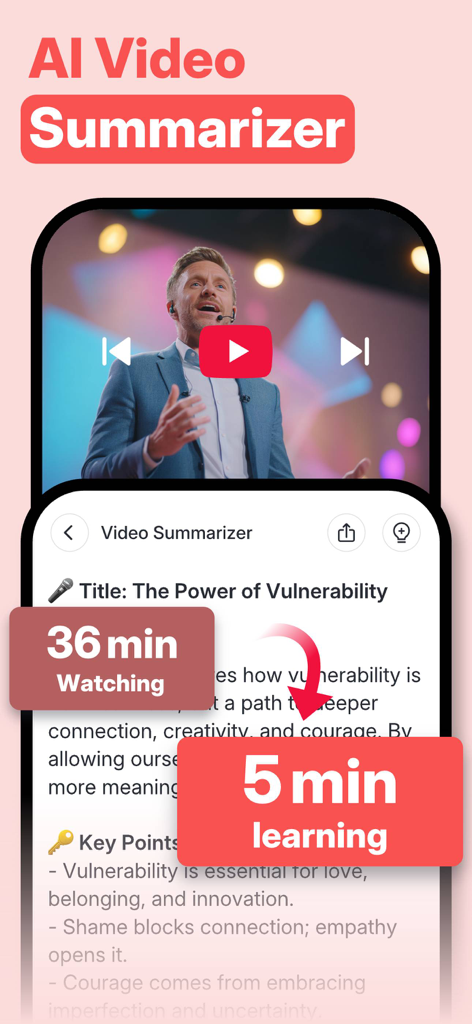
Interface of Renote app showing the AI Video Summarizer feature converting a thirty six minute video into a five minute summary with key points
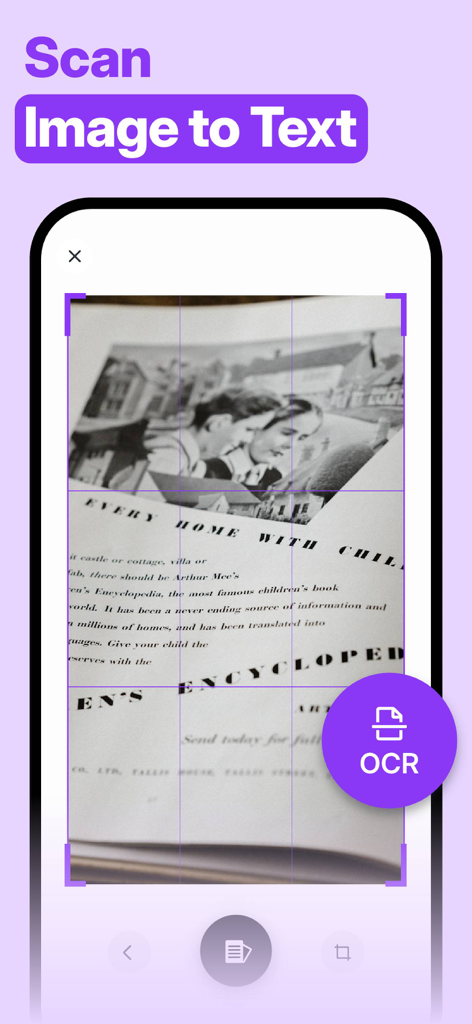
Renote app interface showing the scan image to text feature using OCR technology
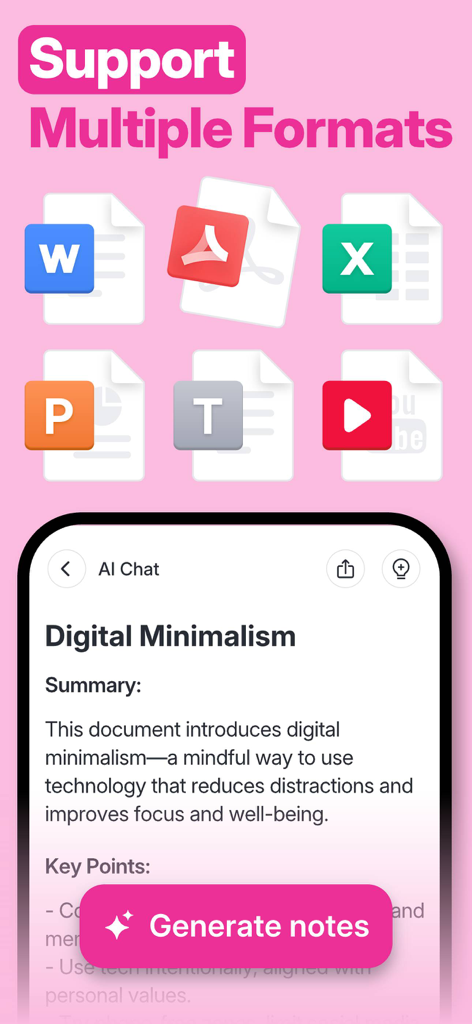
Renote app interface showing support for multiple file formats and an AI generated summary of a document
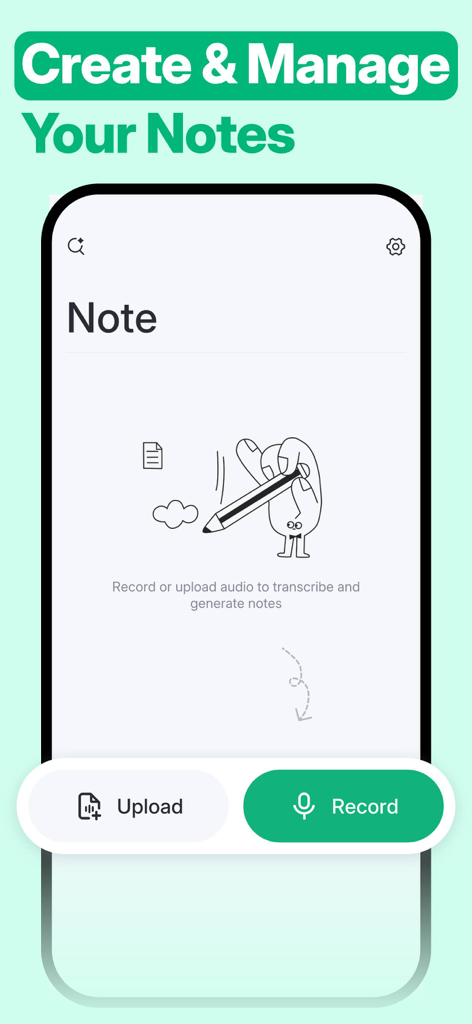
Interface of Renote app for creating and managing notes with upload and record options
Description
Download
More Like This
Apps with similar features and user experience

Notion: Notes, Tasks, AI
Notion Labs, Incorporated

Freenotes®: AI Notes Taking
Hangzhou Free Notes Technology Co., Ltd

Structured - Daily Planner
unorderly GmbH

Google Tasks: Get Things Done
Google LLC

TickTick:To-Do List & Calendar
Appest Limited

Noteful: Notes & PDF Markup
Noteful Technologies Ltd

Todoist: To Do List & Calendar
Doist Inc.

To do list MinimaList & Widget
Inner Grow Limited

monday.com - Work Platform
monday.com Ltd.
This page is not an official page of the app or its developer, but an independent editorial publication created for informational and commentary purposes. Unless expressly stated otherwise, neither the app nor its developer is affiliated with, endorsed by, sponsored by, authorized by, or otherwise officially connected with MWM, Apple, Google Play, the app publisher, or the app's developer, and nothing on this page implies that the app was developed using MWM's services. Any trademarks, logos, screenshots, and other content remain the property of their respective owners.