
This page is not an official page of the app or its developer, but an independent editorial publication created for informational and commentary purposes. Unless expressly stated otherwise, neither the app nor its developer is affiliated with, endorsed by, sponsored by, authorized by, or otherwise officially connected with MWM, Apple, Google Play, the app publisher, or the app's developer, and nothing on this page implies that the app was developed using MWM's services. Any trademarks, logos, screenshots, and other content remain the property of their respective owners.

Air Conditioner・AC Remote App
No more fumbling for the remote. The app puts total climate authority in your hand.
Downloads
100k+User Rating
Total Ratings
1.0KPublisher
Category
UtilitiesLocales
7Latest Version
1.4Size
10.3 MBFirst Released
Dec 3, 2024Key functionalities assessed for modern home climate control and energy efficiency.
Feature Analysis: Air Conditioner・AC Remote App
Smartphone Remote Control
The app transforms the user's smartphone into a universal remote, offering convenient and modern control over air conditioning units.
Energy Efficiency Modes
The app incorporates energy-saving modes and customizable options, enabling users to reduce energy consumption and lower utility costs while maintaining comfort.
Comprehensive Climate Control
It provides quick access to all essential AC functions, including precise temperature adjustments, fan speed management, and activation of specific modes like sleep.
Intuitive User Interface
This tool features an intuitive layout designed for effortless navigation and quick adjustments, ensuring a smooth user experience.
Frequently Asked Questions
Everything you need to know about Air Conditioner・AC Remote App
What is the main function of the Air Conditioner・AC Remote App?
The Air Conditioner・AC Remote App provides universal control for your air conditioner directly from your smartphone. It offers quick access to essential functions like temperature, fan speed, and sleep mode settings.
Can the Air Conditioner・AC Remote App control temperature?
Yes, the Air Conditioner・AC Remote App controls temperature. Users adjust cooling settings to achieve a tailored atmosphere, displayed visually in degrees Celsius on the interface.
Does the Air Conditioner・AC Remote App include energy-saving features?
Yes, the Air Conditioner・AC Remote App includes energy-saving modes. These features enable users to customize settings, reducing energy costs while maintaining optimal climate control from their phone.
How does the Air Conditioner・AC Remote App handle subscriptions?
The Air Conditioner・AC Remote App charges subscription payments to the credit card linked to your iTunes Account. Subscriptions automatically renew unless cancelled 24 hours prior.
How can users manage their subscription for the Air Conditioner・AC Remote App?
Users manage their subscription and auto-renewal for the Air Conditioner・AC Remote App by navigating to their Account Settings after purchase. This allows cancellation before renewal.
Does the Air Conditioner・AC Remote App support multiple AC units in different rooms?
Yes, the Air Conditioner・AC Remote App supports controlling multiple AC units. It allows for quick connection and management of various devices across different rooms like bedrooms and living rooms.
How easy is it to connect a device with the Air Conditioner・AC Remote App?
Connecting a device with the Air Conditioner・AC Remote App is easy. The app scans for AC units, identifies them, and provides a clear option to connect directly from your phone.
Does the Air Conditioner・AC Remote App offer different operational modes?
Yes, the Air Conditioner・AC Remote App offers various operational modes. These include cooling, fan, and auto settings, accessible through dedicated icons and buttons within the app's interface.
Where can I find the Privacy Policy for the Air Conditioner・AC Remote App?
The Privacy Policy for the Air Conditioner・AC Remote App is located at https://sites.google.com/view/remote-app-privacy-policy. Users confirm consent to this policy by using the application.
Does the Air Conditioner・AC Remote App offer a free trial period?
Yes, the Air Conditioner・AC Remote App may offer a free trial. However, any unused portion of this trial is forfeited if a user purchases a subscription.
The following screenshots and description are sourced directly from the app's official store listing and are the property of the app developer.
App Store
Screenshots
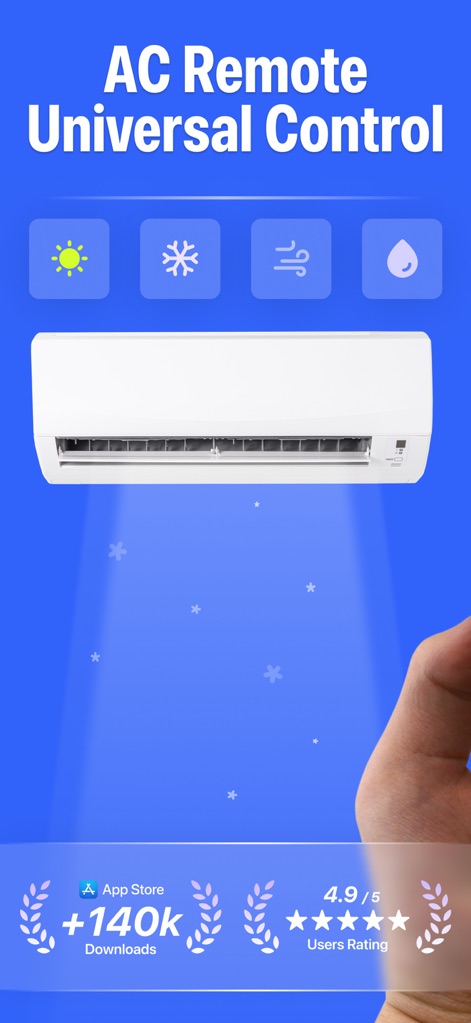
This tool showcases its universal control capabilities with clear mode icons and highlights impressive user ratings and download statistics.
Universal AC Control
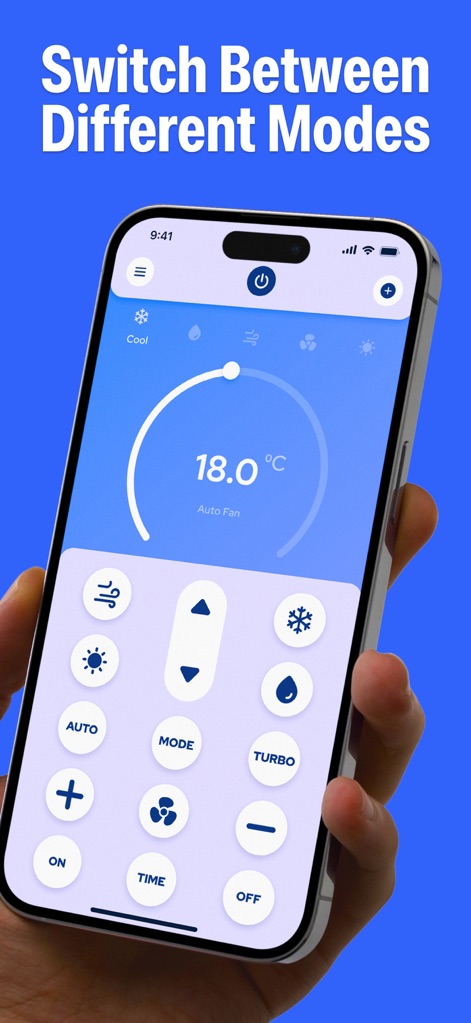
Users can effortlessly navigate climate settings using the prominent temperature dial and an array of dedicated function buttons for precise control.
Intuitive Mode Switching
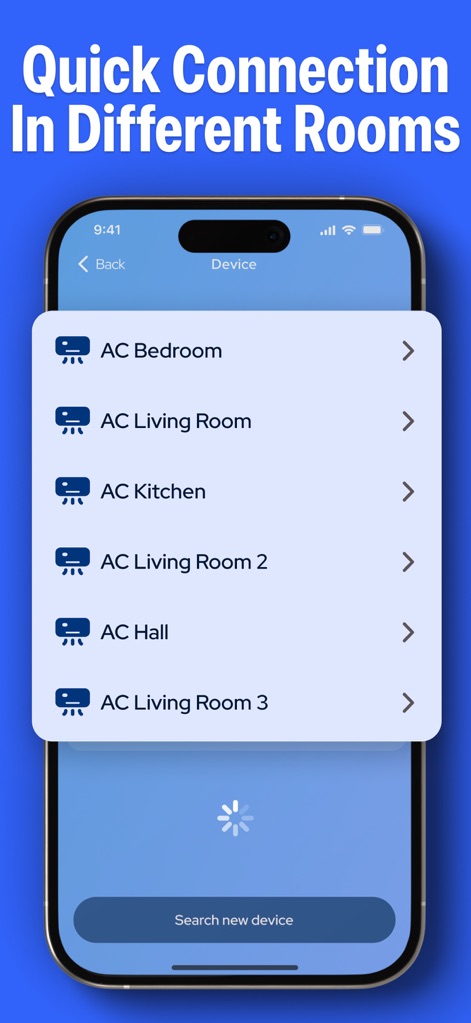
The app simplifies managing multiple units by presenting a clear list of AC devices, enabling quick connection to air conditioners in different rooms.
Multi-Room Management
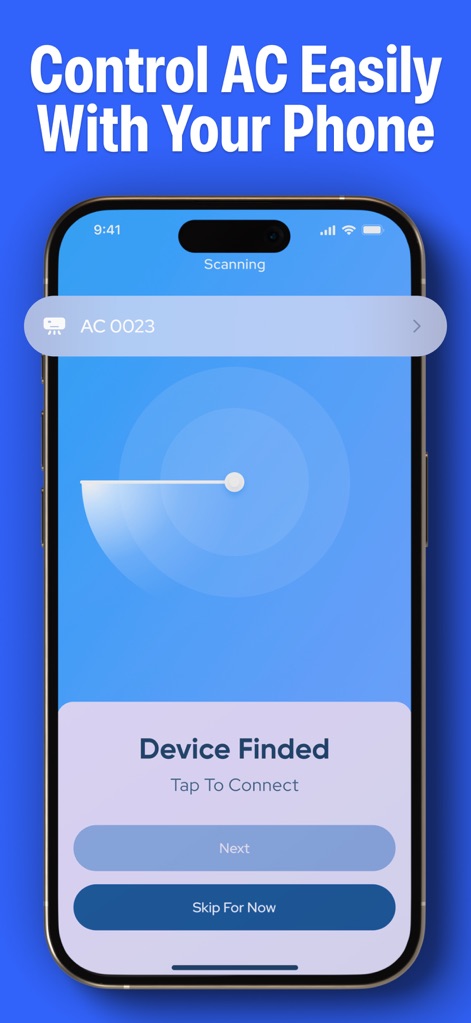
The app features a streamlined scanning interface for quick device discovery and provides intuitive options for instant connection to identified AC units.
Seamless Device Pairing
Description
Download
More Like This
Top-ranked apps in the same category

Google LLC

Google Chrome
Google LLC

中国移动(手机营业厅)
China Mobile Online Services Co., Ltd.

Google Authenticator
Google LLC

CNH do Brasil
Servicos e Informacoes do Brasil

Cleanup: Phone Storage Cleaner
DEEP FLOW SOFTWARE SERVICES - FZCO

gov.br
Servicos e Informacoes do Brasil

中国电信-全国统一官方服务平台
CHINA TELECOM Corporation Ltd.

Microsoft Edge: AI Browser
Microsoft Corporation
This page is not an official page of the app or its developer, but an independent editorial publication created for informational and commentary purposes. Unless expressly stated otherwise, neither the app nor its developer is affiliated with, endorsed by, sponsored by, authorized by, or otherwise officially connected with MWM, Apple, Google Play, the app publisher, or the app's developer, and nothing on this page implies that the app was developed using MWM's services. Any trademarks, logos, screenshots, and other content remain the property of their respective owners.