
This page is not an official page of the app or its developer, but an independent editorial publication created for informational and commentary purposes. Unless expressly stated otherwise, neither the app nor its developer is affiliated with, endorsed by, sponsored by, authorized by, or otherwise officially connected with MWM, Apple, Google Play, the app publisher, or the app's developer, and nothing on this page implies that the app was developed using MWM's services. Any trademarks, logos, screenshots, and other content remain the property of their respective owners.


Any MP3 Converter -Extract MP3
Transform any video into high-quality MP3s or custom ringtones in seconds. Extract, enhance with AI denoising, and enjoy your sounds offline without the premium price tag.
Downloads
481K+User Rating
Total Ratings
1K+Publisher
Category
MusicLocales
19Latest Version
3.7Size
116.3 MBFirst Released
Jan 24, 2023Unlock Every Sound in Your Digital World
The all-in-one audio toolkit to extract, enhance, and customize your favorite media files directly on your iPhone.
Instant Video Extraction
Convert any local or online video into high-quality MP3, WAV, or AAC files with support for over 150 formats.
Personalized Ringtones
Tired of default sounds? Transform any viral clip or movie quote into a custom ringtone or notification alert in seconds.
Frequently Asked Questions
Everything you need to know about Any MP3 Converter -Extract MP3
What is Any MP3 Converter -Extract MP3?
Any MP3 Converter -Extract MP3 is an application for extracting and converting audio from local and online video files. It supports various video formats and allows users to save converted MP3s as ringtones.
What video formats can Any MP3 Converter process?
Any MP3 Converter supports over 150 video formats for audio extraction. These include common types like MP4, MOV, MKV, AVI, WMV, FLV, H.264, MPEG, and 3GP.
How can I import videos into Any MP3 Converter?
Users can import videos into Any MP3 Converter from various sources. Options include Local Album, Files App, URL (online videos), Wi-Fi Transfer, Dropbox, OneDrive, and iTunes Library.
Can Any MP3 Converter create ringtones from my media?
Yes, Any MP3 Converter allows users to easily create ringtones from both audio and video files. It provides specific options, such as "Ringtone 30 sec" for customization.
Does Any MP3 Converter offer audio editing tools?
Yes, Any MP3 Converter includes extensive audio post-processing tools. Features cover voice trim, equalizer, bass enhancement, automatic gain, and fade in/out effects, among others.
Which audio formats can Any MP3 Converter export?
Any MP3 Converter can extract and export audio files in multiple formats. Supported output formats include MP3, M4A, WAV, AIF, and AAC.
Is there an internal player in Any MP3 Converter?
Yes, Any MP3 Converter features a built-in music player. This allows users to enjoy their converted audio files directly within the application anytime and anywhere.
How can I share converted audio files from Any MP3 Converter?
Any MP3 Converter facilitates sharing converted audio files. Users can export files, transmit them via Wi-Fi to other devices, or share them directly through other installed applications.
Does Any MP3 Converter support extracting audio from online platforms like YouTube or TikTok?
Yes, Any MP3 Converter enables users to extract audio from online videos. The app’s URL import feature and integration with popular platforms like YouTube and TikTok facilitate this process.
The following screenshots and description are sourced directly from the app's official store listing and are the property of the app developer.
App Store
Screenshots
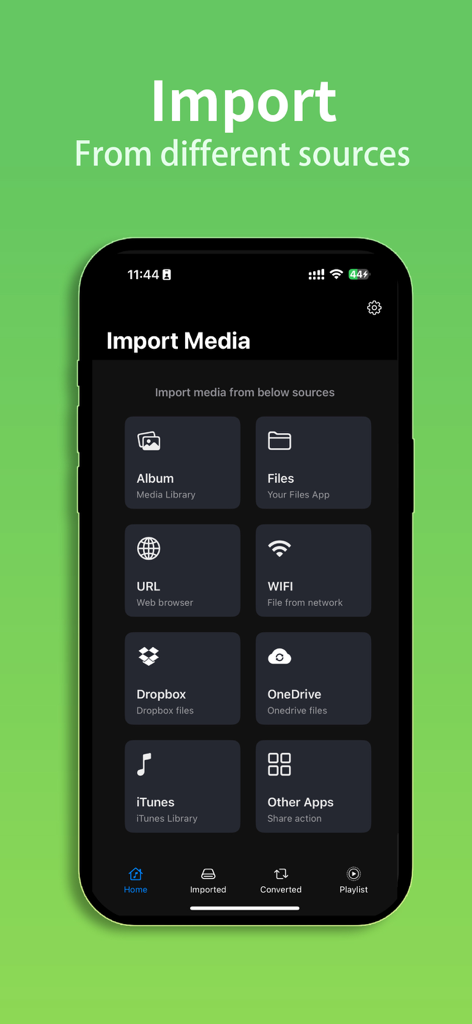
Interface showing multiple media import options in the Any MP3 Converter app
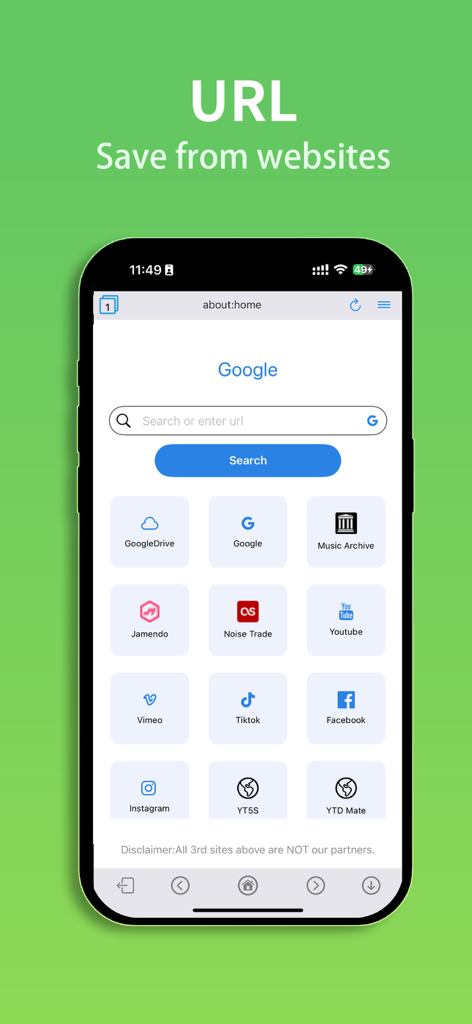
Built-in browser for extracting audio from social media platforms and websites.
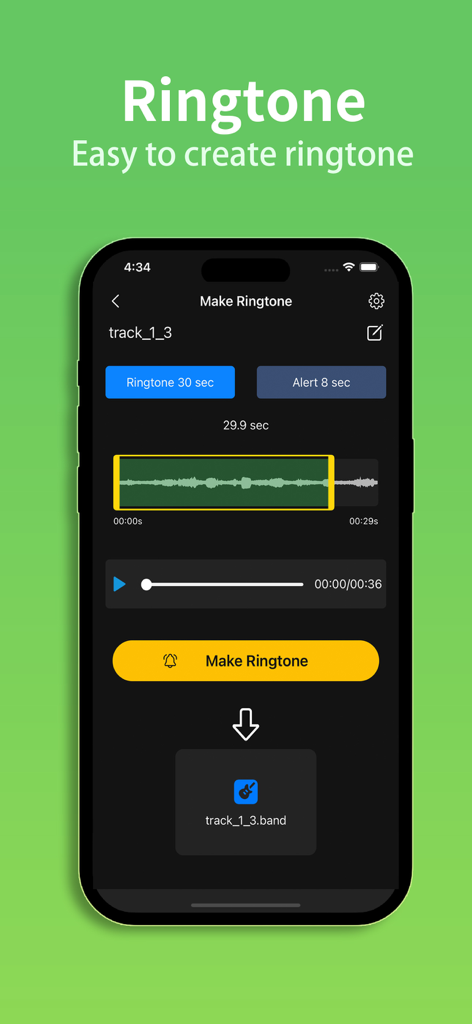
Interface of the Any MP3 Converter app showing the custom ringtone creation tool with audio trimming and waveform display
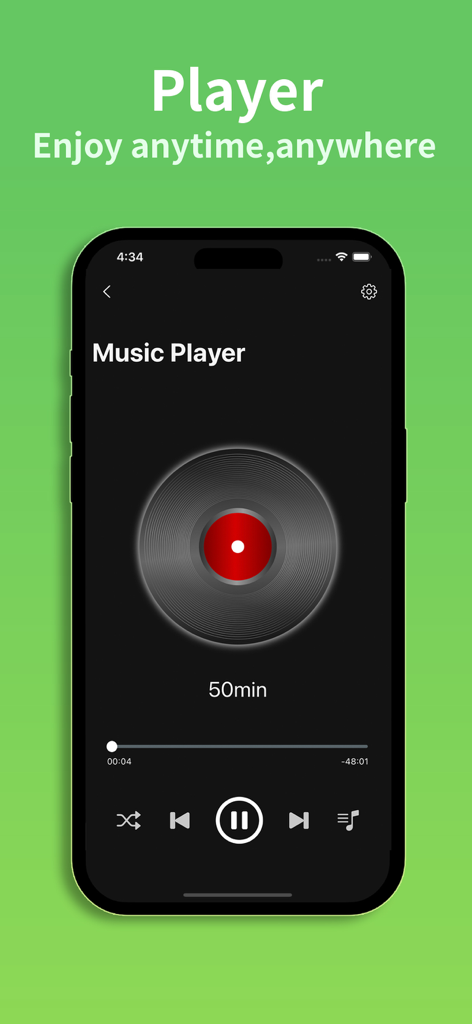
Mobile music player interface within the Any MP3 Converter app featuring playback controls and a vinyl record graphic
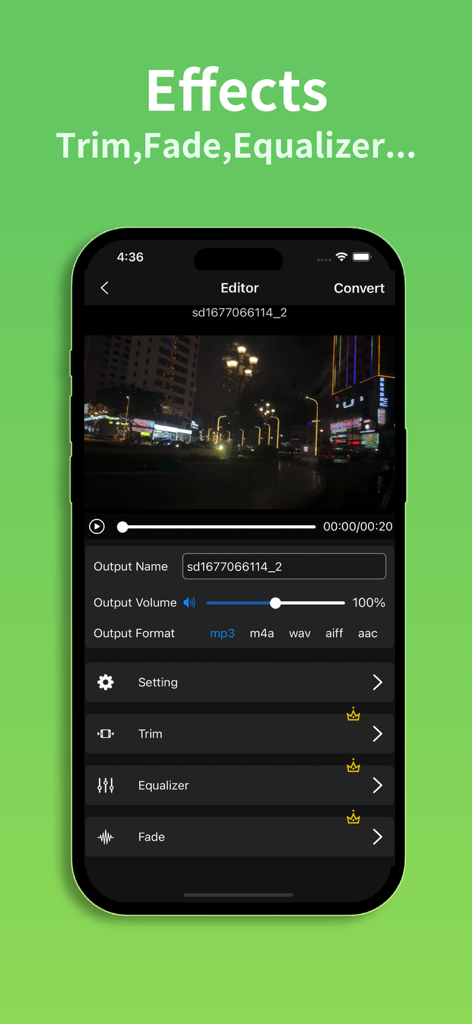
Any MP3 Converter app editor interface showing audio trim, equalizer, and fade effects for video to audio extraction.
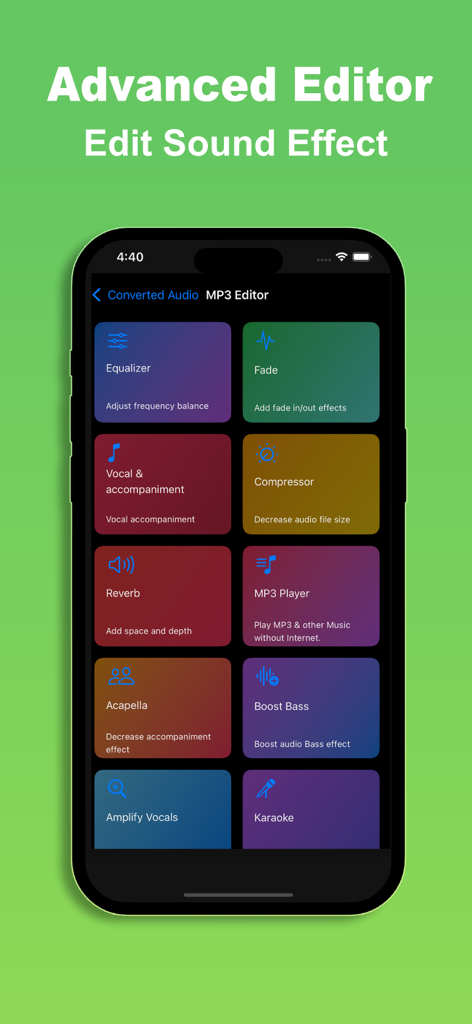
Advanced audio editor interface of the Any MP3 Converter app featuring tools for sound effects, bass boost, and vocal editing.
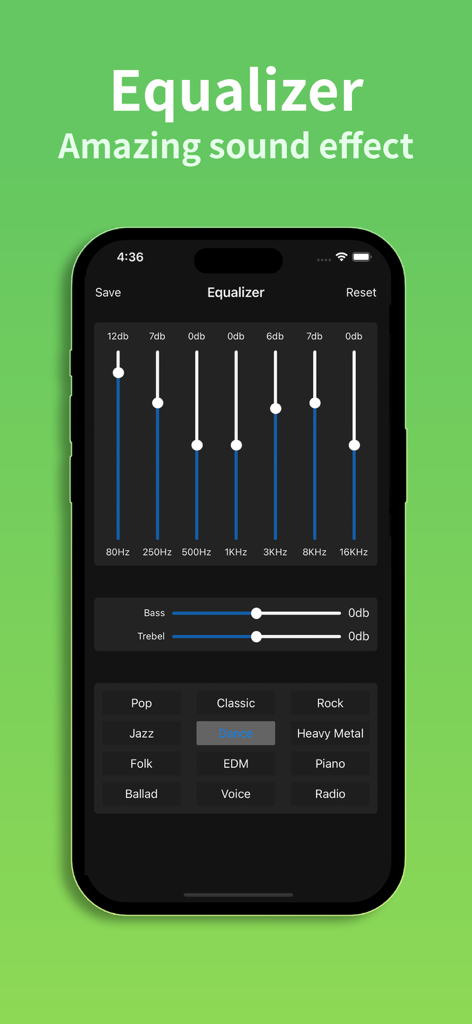
Equalizer interface in the Any MP3 Converter app showing frequency sliders and music genre presets.
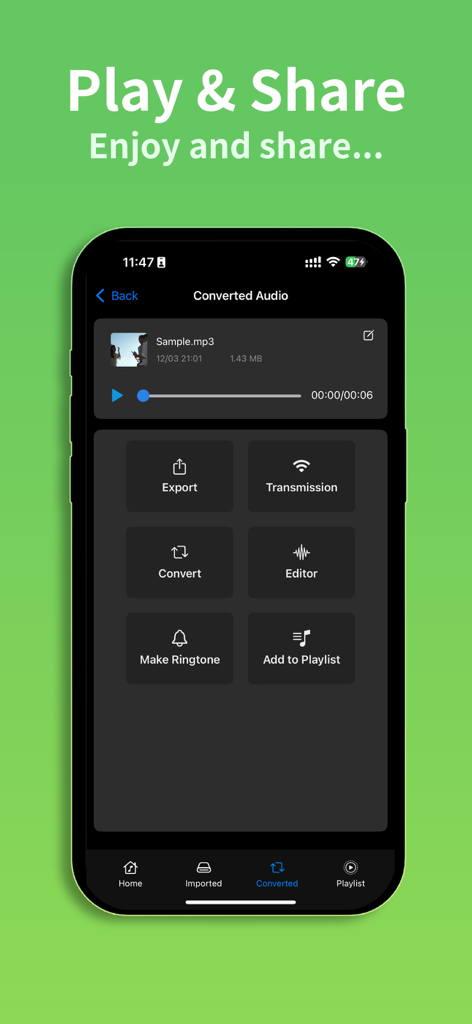
Any MP3 Converter app interface showing audio playback and options for export and ringtone creation
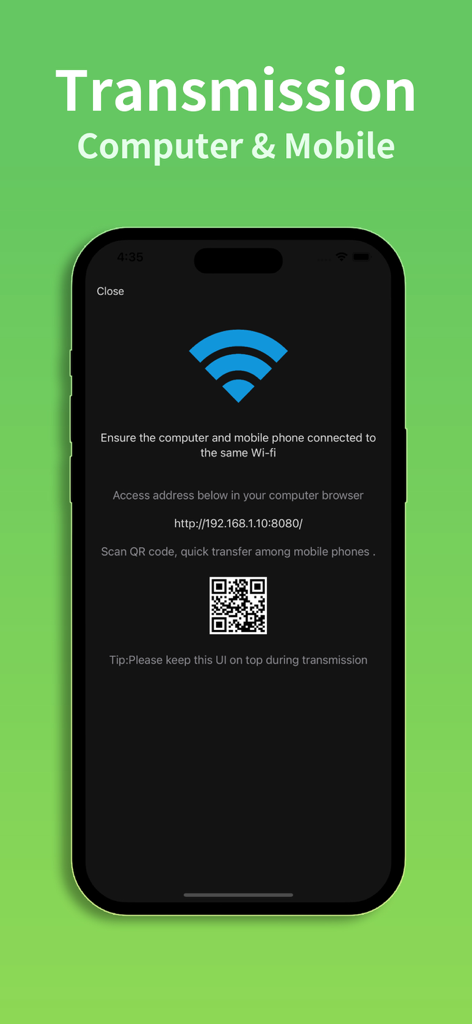
Any MP3 Converter app interface showing Wi-Fi transmission feature for transferring files between computer and mobile devices
Description
Download
More Like This
Apps with similar features and user experience

MP3 Converter -Audio Extractor
妍 岳

Audio Editor - Music Mixer
妍 岳

MP3 Converter: Video to Audio
Fitness Labs SRL

Audio Editor: MP3 Converter
ZHN Co., Ltd.

MP3 Converter - video2mp3
ZHN Co., Ltd.

EZAudioCut - Audio Editor Lite
龙刚 李

Audio Extractor-Audio Editing
正军 刘

Audio Editor & Music Mixer
Wuhan Net Power Technology Co., Ltd

Audio Converter&Ringtone Maker
俊鹏 位
This page is not an official page of the app or its developer, but an independent editorial publication created for informational and commentary purposes. Unless expressly stated otherwise, neither the app nor its developer is affiliated with, endorsed by, sponsored by, authorized by, or otherwise officially connected with MWM, Apple, Google Play, the app publisher, or the app's developer, and nothing on this page implies that the app was developed using MWM's services. Any trademarks, logos, screenshots, and other content remain the property of their respective owners.