
This page is not an official page of the app or its developer, but an independent editorial publication created for informational and commentary purposes. Unless expressly stated otherwise, neither the app nor its developer is affiliated with, endorsed by, sponsored by, authorized by, or otherwise officially connected with MWM, Apple, Google Play, the app publisher, or the app's developer, and nothing on this page implies that the app was developed using MWM's services. Any trademarks, logos, screenshots, and other content remain the property of their respective owners.
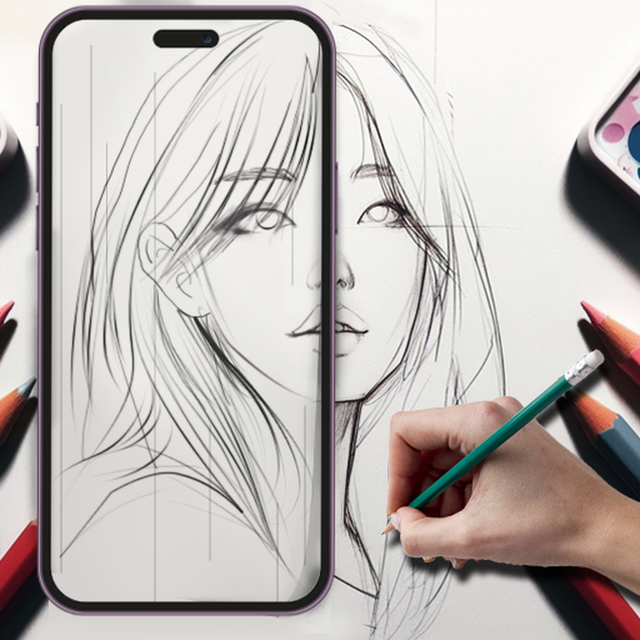

AR Sketch Studio
Turn your phone into a powerful art projector and master drawing in minutes. From viral anime sketches to aesthetic DIY decor, use AI to project any image onto paper and record satisfying time-lapses of your creative journey.
Downloads
3M+User Rating
Total Ratings
1K+Publisher
Category
UtilitiesLocales
1Latest Version
3.6Size
151.0 MBFirst Released
Dec 11, 2023Unlock Your Artistic Potential
Experience the easiest way to draw, sketch, and paint using your smartphone camera to guide every stroke with precision.
Precision AR Tracing
Project any image onto paper or canvas through your lens, ensuring perfect proportions every single time without the struggle.
Viral-Ready Time-lapses
Automatically record your creative journey and share satisfying 'ArtTok' style videos of your work with your followers.
Frequently Asked Questions
Everything you need to know about AR Sketch Studio
What is AR Sketch Studio?
AR Sketch Studio is an innovative mobile app that uses Augmented Reality (AR) technology to help users draw, sketch, and paint by tracing projected pictures on any surface. It transforms how you create art.
How does AR Sketch Studio use Augmented Reality (AR) for drawing?
AR Sketch Studio uses AR by projecting images onto paper through your phone's camera, allowing you to trace the outlines. You simply place your phone on a steady object and follow the projected sketch.
Can users trace their own pictures with AR Sketch Studio?
Yes, AR Sketch Studio allows users to import and convert their own pictures into border sketches for tracing. The app includes an AI Conversion tool for this feature, simplifying personalized drawing.
Does AR Sketch Studio offer drawing templates for users?
Yes, AR Sketch Studio provides over 1000 free sample painting and tracing templates. These cover various genres like Animals, Nature, Food, and Anime, offering extensive creative options.
Can I record time-lapse videos of my drawings in AR Sketch Studio?
Yes, AR Sketch Studio includes a feature to record time-lapse videos of your drawings. This allows you to capture, analyze, and refine your creative workflows, documenting your artistic process.
How can users improve sketches within AR Sketch Studio?
AR Sketch Studio offers various options to improve sketches, including adjustable edge level and opacity controls. These tools help create complete photo drawings and refine visual details.
What are the subscription options for AR Sketch Studio?
AR Sketch Studio offers a premium account that provides all app features without ads. Payment for this subscription is charged to your iTunes Account upon confirmation of purchase.
How does auto-renewal work for AR Sketch Studio subscriptions?
Subscriptions for AR Sketch Studio automatically renew unless auto-renew is turned off at least 24-hours before the current period ends. Your account is charged for renewal within 24-hours before the period's end.
Can a user manage their AR Sketch Studio subscription settings?
Yes, users can manage their AR Sketch Studio subscriptions and turn off auto-renewal by accessing their iTunes Account Settings after purchase. This provides control over billing.
Where can I find the Terms of Service and Privacy Policy for AR Sketch Studio?
The Terms of Service and Privacy Policy for AR Sketch Studio are accessible via the provided URL: https://friday1game.com/. This link is available within the app's official description.
The following screenshots and description are sourced directly from the app's official store listing and are the property of the app developer.
App Store
Screenshots
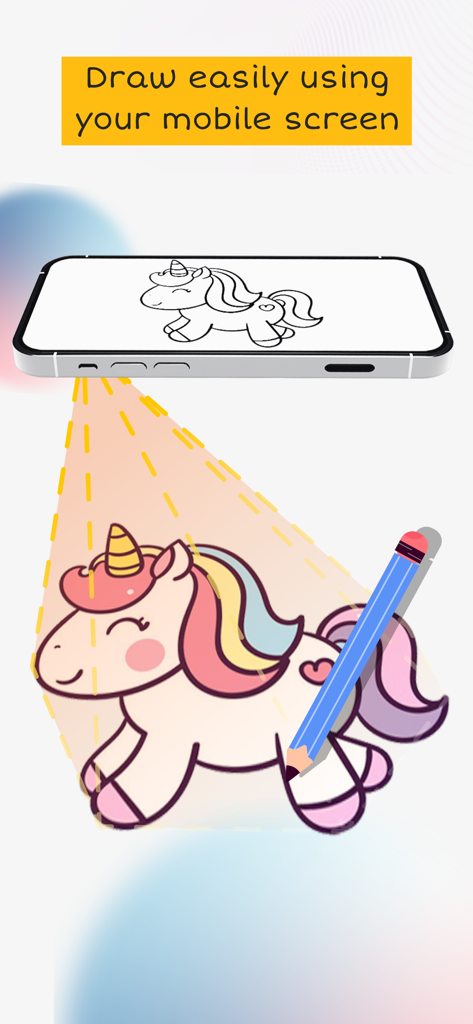
An iPhone projecting a unicorn sketch onto a surface to demonstrate easy drawing using AR technology
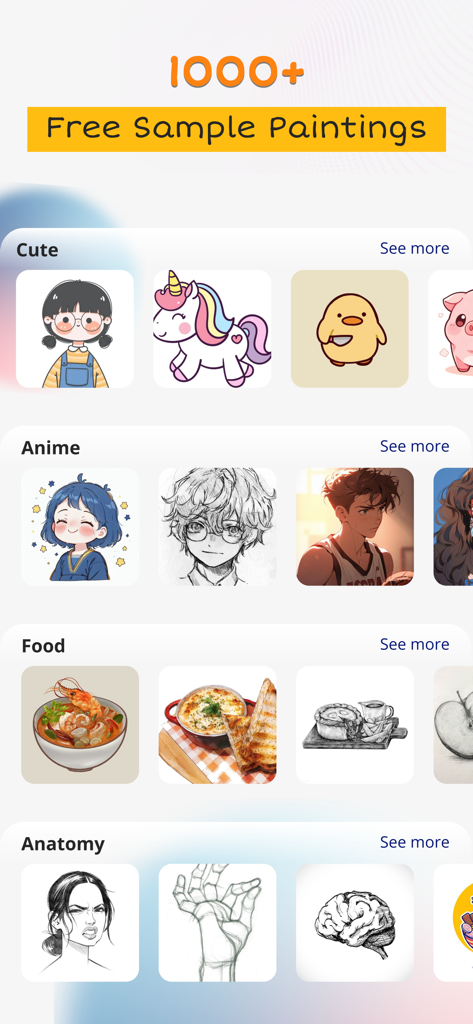
AR Sketch Studio app interface displaying various drawing template categories like anime cute food and anatomy
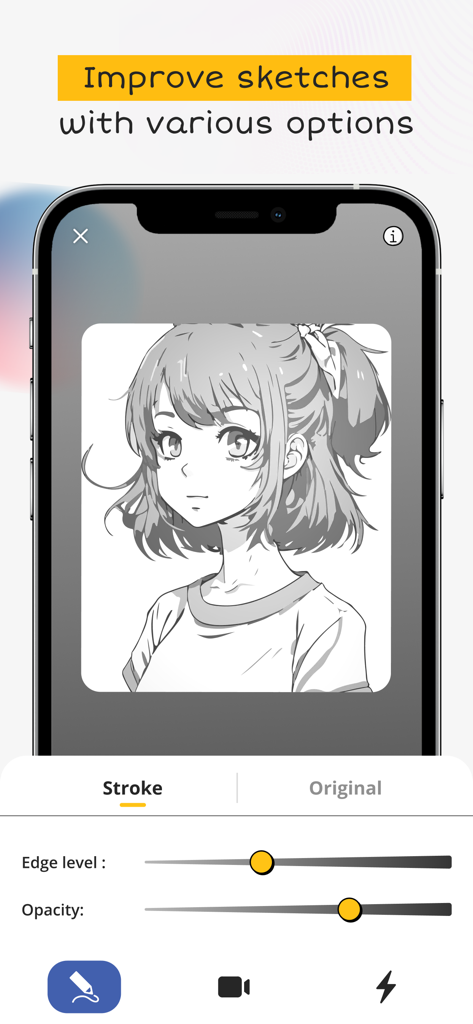
AR Sketch Studio app interface showing anime girl sketch with opacity and edge level sliders
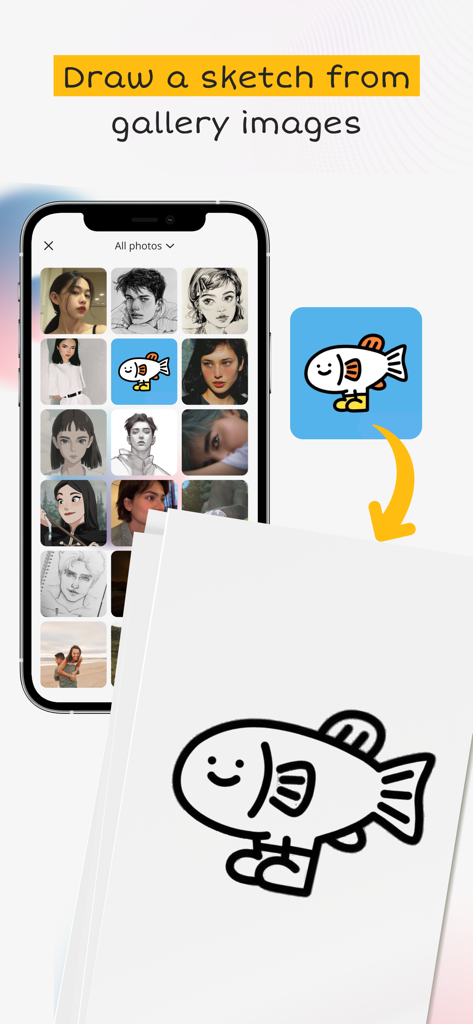
A mobile phone showing a photo gallery and the process of sketching a selected fish image onto paper using the AR Sketch Studio app.
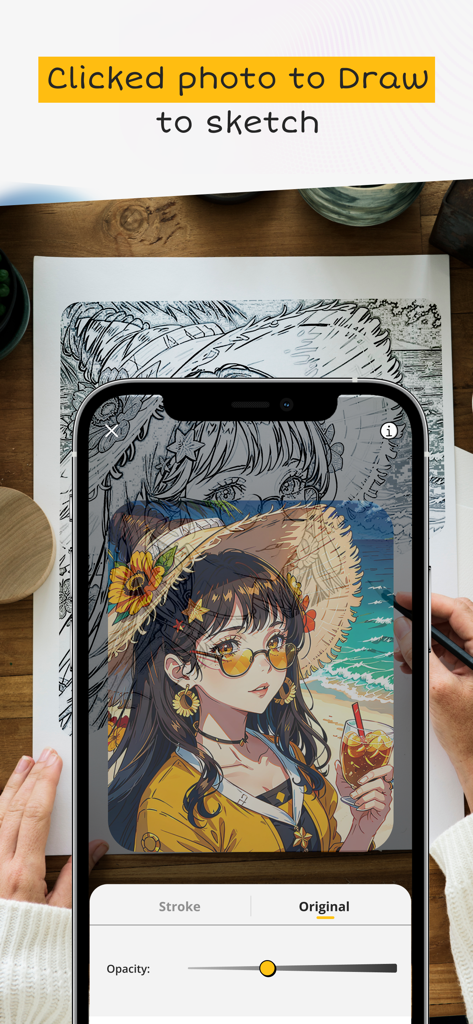
A person tracing an anime character from a phone screen onto paper using the AR Sketch Studio app.
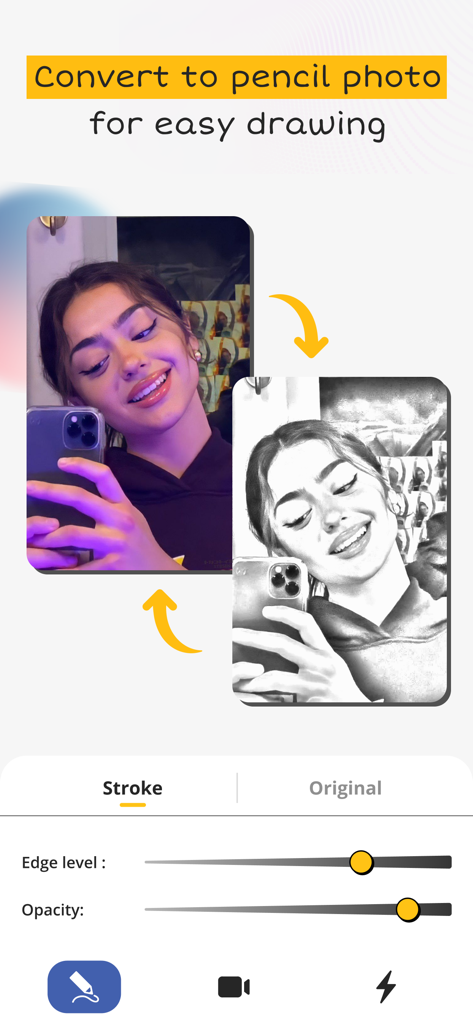
Interface showing how to convert a selfie into a pencil sketch for easy drawing and tracing
Description
Download
More Like This
Apps with similar features and user experience

AR Drawing Paint Sketch Trace
DROIDFUN LIMITED

Camera Lucida™: AR Drawing
Big Idea Design LLC

AR Drawing Sketch App: ArtEasy
SMDA GROUP SP Z O O SP KOMANDYTOWA

PicTrace: AR Drawing & Sketch
ANDROID VIETNAM TECHNOLOGY CORPORATION

AR Draw: Sketching & Painting
EIGEN SOFTWARE LIMITED

AR Drawing How to Draw Sketch
Magomed Dzhamalov

Da Vinci Eye: AR Trace & Draw
Da Vinci Eye LLC

AR Drawing - AR Sketch
Ketanbhai Khokhani

HEY CLAY®
HEY CLAY LTD
This page is not an official page of the app or its developer, but an independent editorial publication created for informational and commentary purposes. Unless expressly stated otherwise, neither the app nor its developer is affiliated with, endorsed by, sponsored by, authorized by, or otherwise officially connected with MWM, Apple, Google Play, the app publisher, or the app's developer, and nothing on this page implies that the app was developed using MWM's services. Any trademarks, logos, screenshots, and other content remain the property of their respective owners.