
This page is not an official page of the app or its developer, but an independent editorial publication created for informational and commentary purposes. Unless expressly stated otherwise, neither the app nor its developer is affiliated with, endorsed by, sponsored by, authorized by, or otherwise officially connected with MWM, Apple, Google Play, the app publisher, or the app's developer, and nothing on this page implies that the app was developed using MWM's services. Any trademarks, logos, screenshots, and other content remain the property of their respective owners.
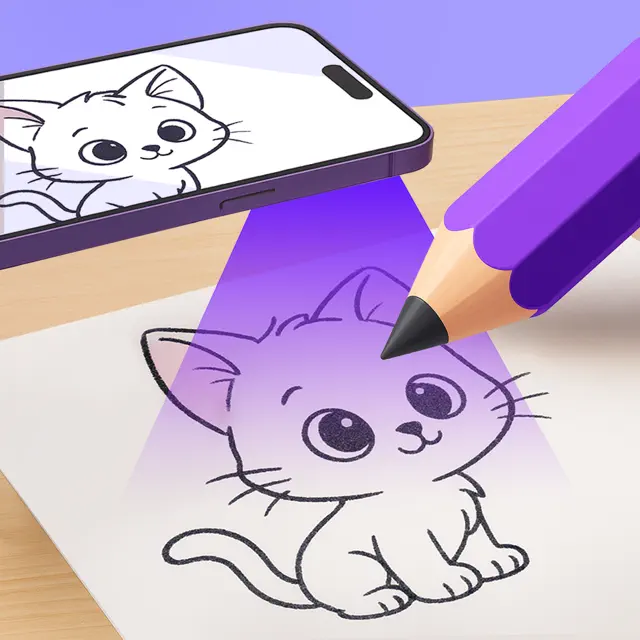

AR Tracing: Easy Art Drawing
No more blank page fear. This app turns anyone into an artist.
Downloads
100k+User Rating
Total Ratings
955Publisher
Category
Graphics & DesignLocales
9Latest Version
1.7Size
73.2 MBFirst Released
May 29, 2024An Analytical Overview for Creative Individuals
Key Features of AR Tracing: Easy Art Drawing
AR-Powered Tracing Technology
The app projects any digital image onto a physical surface, allowing users to effortlessly trace and create art without needing advanced drawing skills. This core feature makes drawing accessible to all levels.
Diverse Curated Image Library
This tool features hundreds of categorized images across various styles like Anime, Nature, and Doodles, providing a rich source of inspiration and practice material for different artistic interests and skill levels.
Personal Image Tracing
It allows users to upload any photo or digital sketch from their device's gallery, transforming personal memories or ideas into traceable templates for unique artwork.
AI-Powered Art Creation
The app incorporates an AI tool that generates unique images from text descriptions, offering an innovative way to create custom tracing templates based on user ideas.
Creative Process Recording
This tool features video recording capabilities, enabling users to capture their drawing process, create time-lapses, and share their artistic journey on social media or as tutorials.
Enhanced Drawing Aids
It allows users to utilize practical aids like grid lines for precision and a flashlight for improved visibility, making the tracing process even easier and more accurate.
Frequently Asked Questions
Everything you need to know about AR Tracing: Easy Art Drawing
How does AR Tracing: Easy Art Drawing work?
AR Tracing: Easy Art Drawing uses your phone's camera to project any image onto paper. This allows users to trace the projected image effortlessly. You only need your phone, paper, and a pencil to begin.
Does AR Tracing: Easy Art Drawing require special equipment?
No, AR Tracing: Easy Art Drawing does not require special equipment. Users simply place their device on a cup or glass. Essential tools are limited to a phone, paper, and a pencil.
What drawing tools are available in AR Tracing: Easy Art Drawing?
AR Tracing: Easy Art Drawing includes grid and flashlight features for easier sketching. Users can also adjust opacity. These tools enhance the tracing experience for all skill levels.
Can I use my own photos for tracing with AR Tracing: Easy Art Drawing?
Yes, AR Tracing: Easy Art Drawing allows users to upload images from their phone's gallery. This includes personal photos, digital sketches, or any picture found online, to bring them to life on paper.
Does AR Tracing: Easy Art Drawing include an AI art generator?
Yes, AR Tracing: Easy Art Drawing features a built-in AI tool. Users type a description, and the AI generates a unique image which can then be traced onto paper.
What types of images are available in the AR Tracing: Easy Art Drawing library?
AR Tracing: Easy Art Drawing offers hundreds of images in categories like Animals, Cars, Nature, Anime, Architecture, and Doodles. These cater to various skill levels, from beginners to advanced artists.
Can I record my drawing process in AR Tracing: Easy Art Drawing?
Yes, AR Tracing: Easy Art Drawing records the drawing process as a video. Users can also create time-lapses and photos. This feature is ideal for sharing creativity on social media or creating art tutorials.
Where can I find the Privacy Policy for AR Tracing: Easy Art Drawing?
The Privacy Policy for AR Tracing: Easy Art Drawing is available at https://playandlearngames.com/privacy. This link details how the application handles user data.
Is AR Tracing: Easy Art Drawing suitable for all skill levels?
Yes, AR Tracing: Easy Art Drawing is suitable for artists of all skill levels. Its image library features drawings of varying complexity, and the app makes learning to draw easier than ever.
The following screenshots and description are sourced directly from the app's official store listing and are the property of the app developer.
App Store
Screenshots
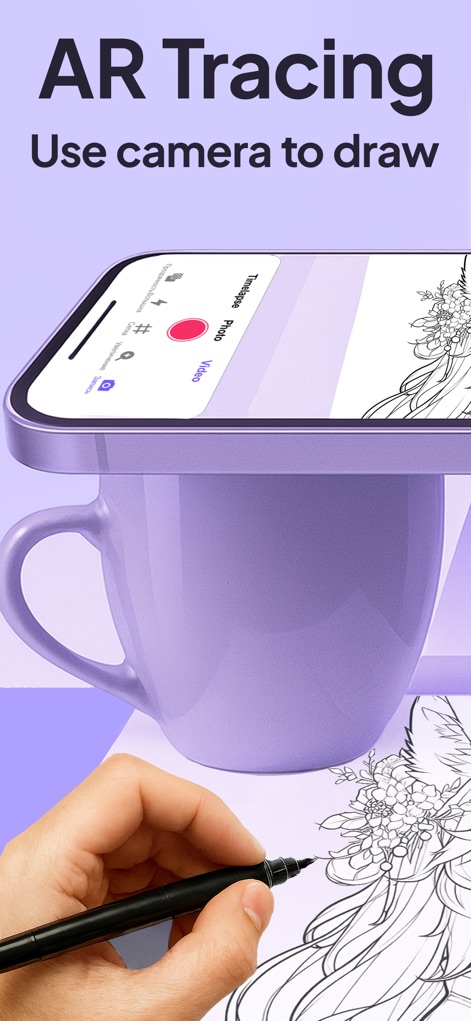
See how this innovative tool transforms a smartphone into an AR drawing assistant, projecting images onto paper while offering integrated recording options for timelapses and videos.
AR Tracing Setup
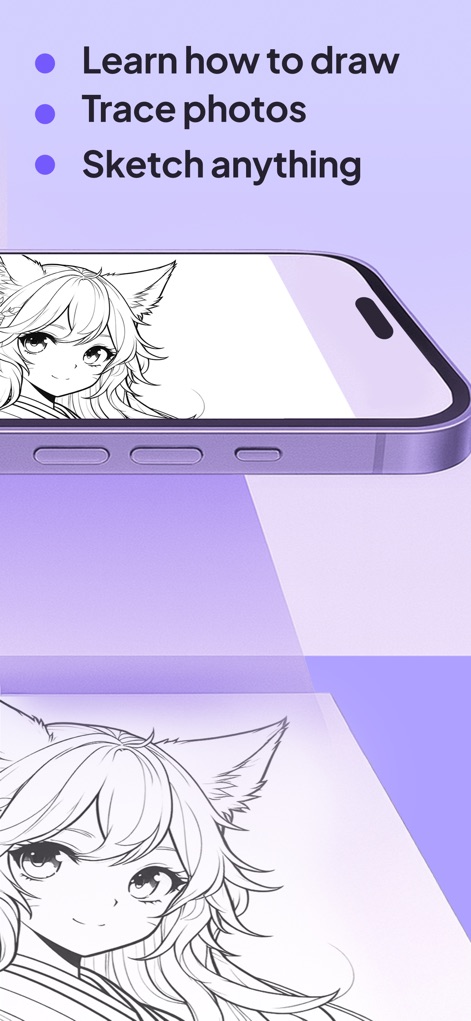
Explore how the app simplifies learning to draw, allowing users to trace complex anime characters and any uploaded photos with ease.
Effortless Sketching

Witness the app's powerful AI tool creating unique artwork, enhanced by practical on-screen controls for opacity and grid alignment.
AI Art Generation

Discover an extensive content library featuring diverse art styles from animals to anime, indicating popular designs with user engagement metrics.
Diverse Art Gallery

Learn how the app empowers users to trace any personal image from their gallery, guided by a helpful 'Sketch Assistant' for seamless conversion.
Custom Image Tracing
Description
Download
More Like This
Apps with similar features and user experience

AR Drawing Paint Sketch Trace
DROIDFUN LIMITED

Camera Lucida™: AR Drawing
Big Idea Design LLC

AR Drawing Sketch App: ArtEasy
SMDA GROUP SP Z O O SP KOMANDYTOWA

PicTrace: AR Drawing & Sketch
ANDROID VIETNAM TECHNOLOGY CORPORATION

AR Draw: Sketching & Painting
EIGEN SOFTWARE LIMITED

AR Drawing How to Draw Sketch
Magomed Dzhamalov

Da Vinci Eye: AR Trace & Draw
Da Vinci Eye LLC

AR Drawing - AR Sketch
Ketanbhai Khokhani

HEY CLAY®
HEY CLAY LTD
This page is not an official page of the app or its developer, but an independent editorial publication created for informational and commentary purposes. Unless expressly stated otherwise, neither the app nor its developer is affiliated with, endorsed by, sponsored by, authorized by, or otherwise officially connected with MWM, Apple, Google Play, the app publisher, or the app's developer, and nothing on this page implies that the app was developed using MWM's services. Any trademarks, logos, screenshots, and other content remain the property of their respective owners.