
This page is not an official page of the app or its developer, but an independent editorial publication created for informational and commentary purposes. Unless expressly stated otherwise, neither the app nor its developer is affiliated with, endorsed by, sponsored by, authorized by, or otherwise officially connected with MWM, Apple, Google Play, the app publisher, or the app's developer, and nothing on this page implies that the app was developed using MWM's services. Any trademarks, logos, screenshots, and other content remain the property of their respective owners.

Assembly Lab: 8086 NASM IDE
Skip the complex setup and dive into 16-bit real mode with a zero-config x86 simulator. Visualize registers, monitor memory in real-time, and debug NASM code with precision on iPhone, iPad, and Mac.
Downloads
300User Rating
Total Ratings
0Publisher
Category
Developer ToolsLocales
11Latest Version
1.2Size
7.8 MBFirst Released
Jan 9, 2026Master the Machine Code
The ultimate x86 16-bit sandbox for students and developers. Stop struggling with complex setups and start understanding how hardware works with a native, all-in-one IDE.
Zero-Config NASM Environment
Skip the frustration of setting up toolchains or legacy emulators. Write, assemble, and run x86 code instantly on your iPhone, iPad, or Mac with a built-in NASM-syntax assembler.
Visual Real-Time Debugging
Make abstract concepts visible. Monitor registers, watch flags change, and browse the full 1MB memory space in hex as your code executes instruction by instruction.
The following screenshots and description are sourced directly from the app's official store listing and are the property of the app developer.
App Store
Screenshots
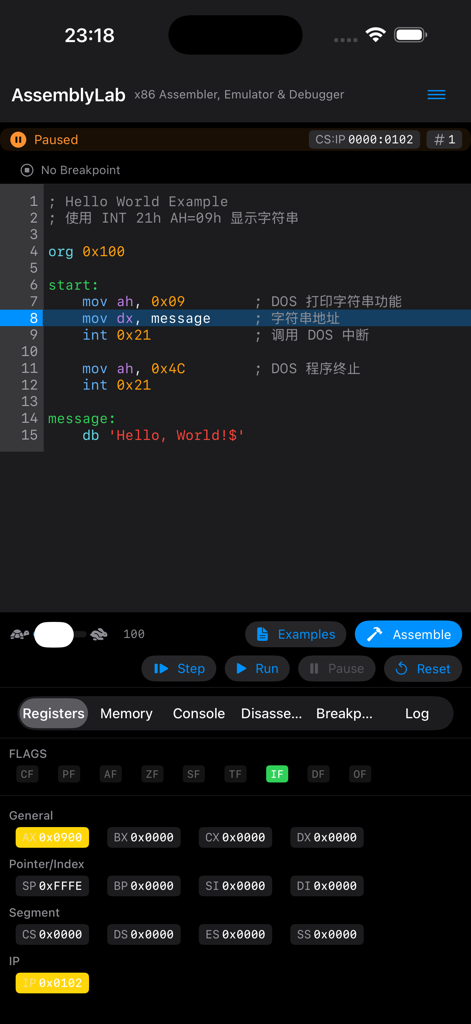
Assembly Lab app displaying NASM code editor and visual CPU register status
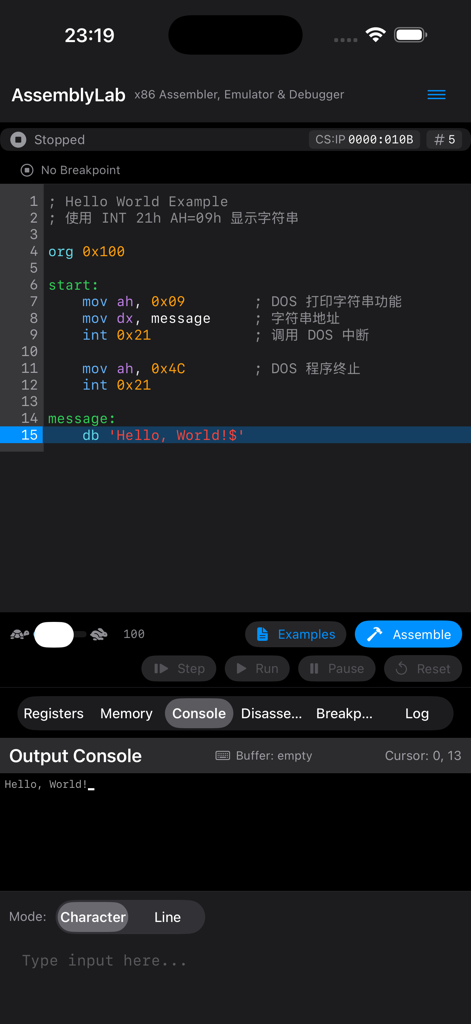
Assembly Lab app interface displaying 8086 assembly code and a Hello World message in the output console.
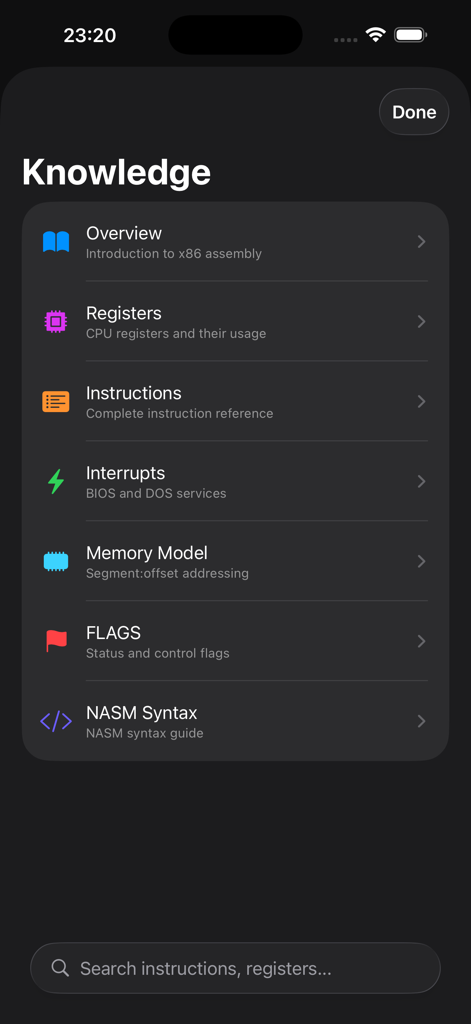
Assembly Lab app Knowledge section showing a list of x86 assembly learning topics like registers, instructions, and interrupts
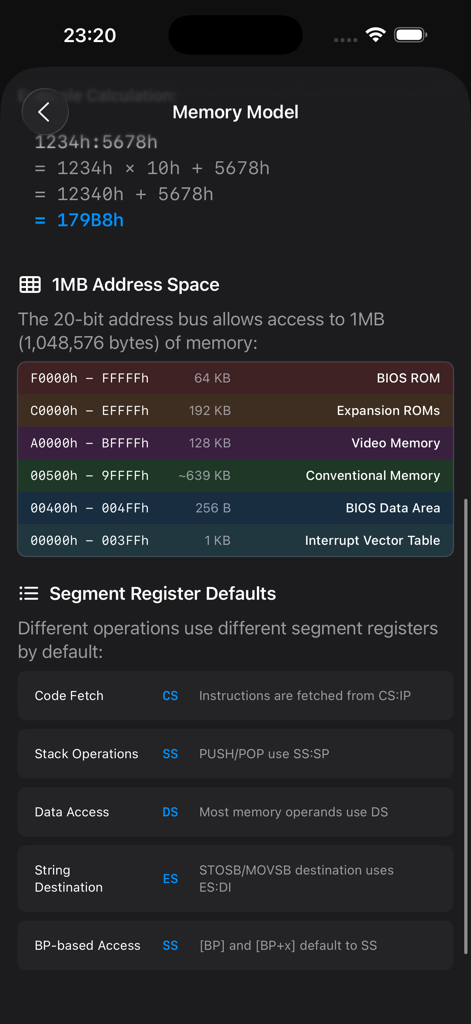
Visual map of the 8086 1MB memory address space and segment register default mappings
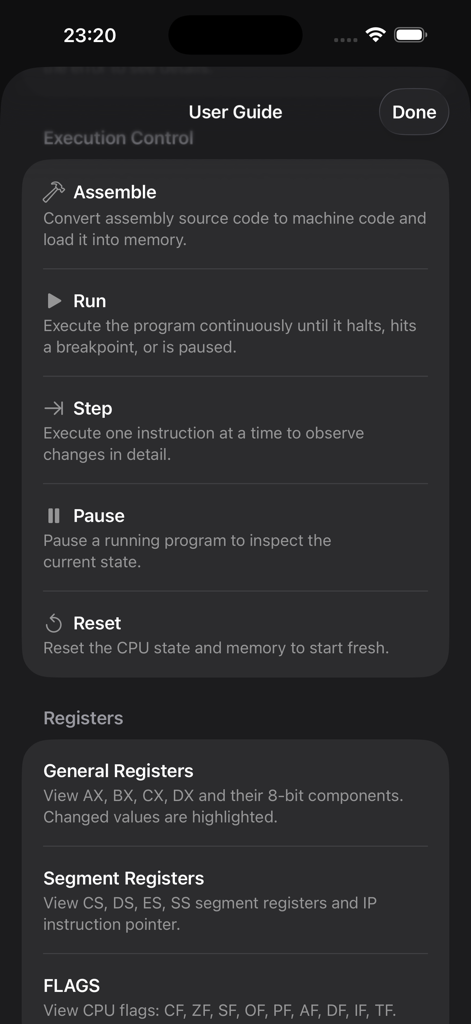
User guide screen of the Assembly Lab app showing execution controls and register definitions
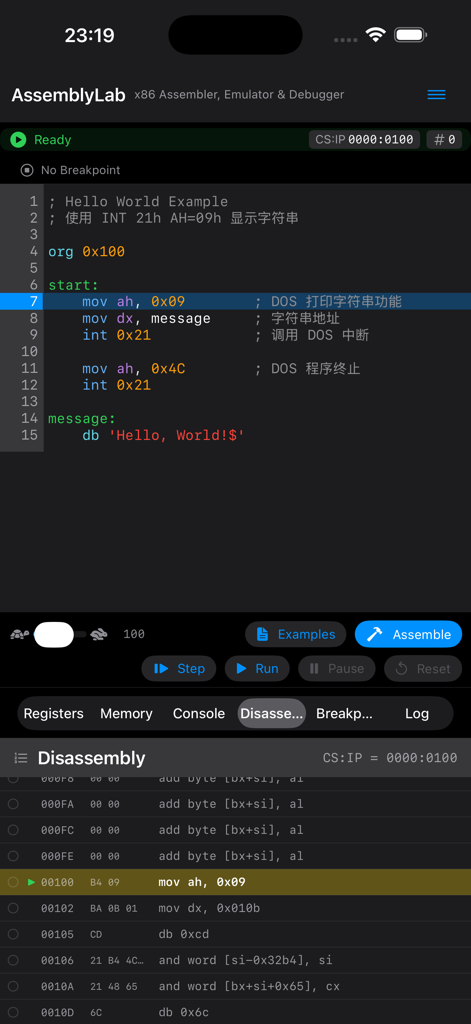
Assembly Lab mobile IDE showing code editor and disassembly view for 8086 NASM programming
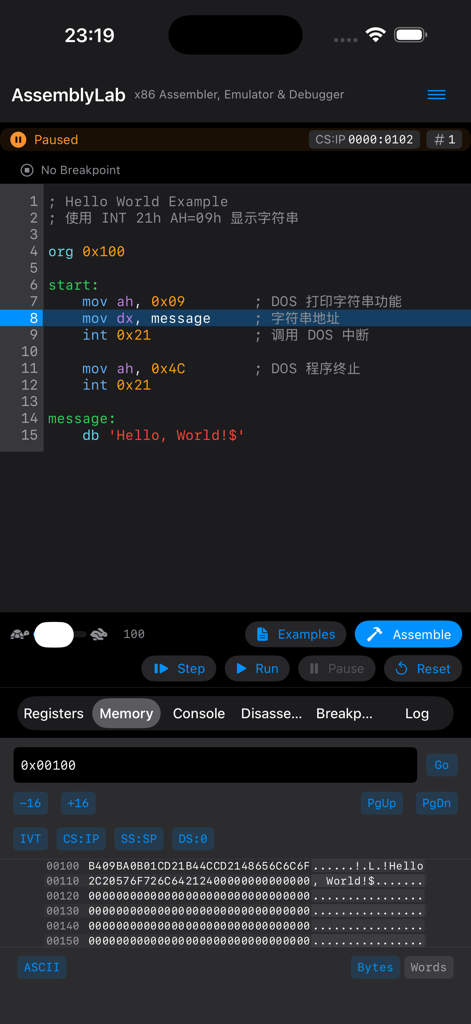
Assembly Lab 8086 NASM IDE showing code editor and memory viewer
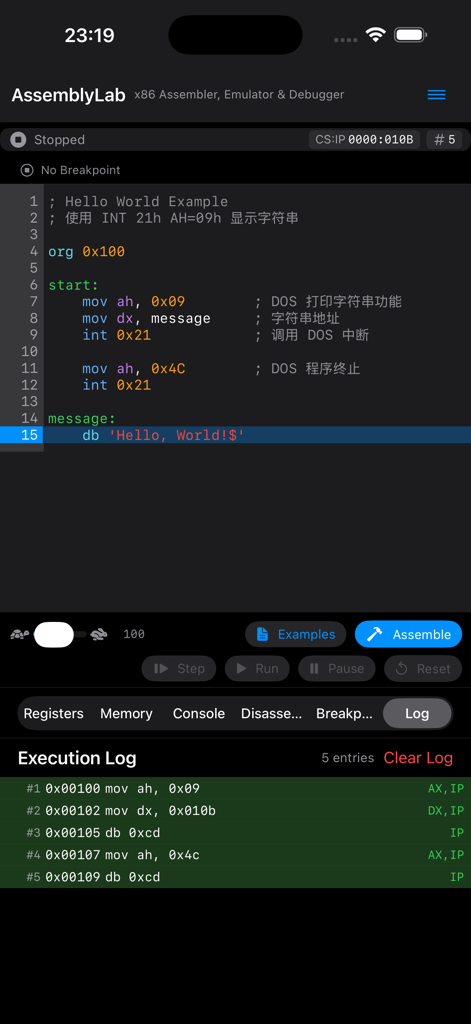
Assembly Lab app screen showing NASM assembly code and execution log
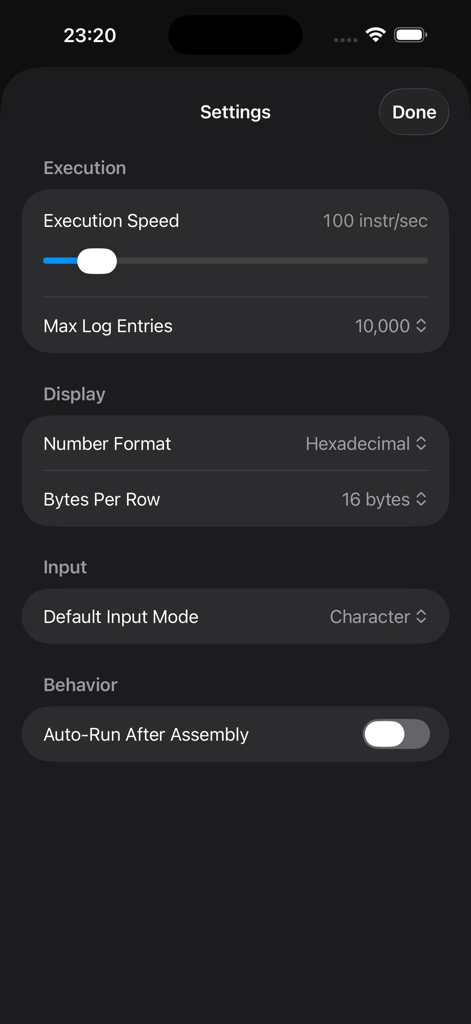
Settings menu of the Assembly Lab app showing options for execution speed and display formats.
Description
Download
More Like This
Top-ranked apps in the same category

TestFlight
Apple Inc.

Replit: Vibe Code Apps
Replit, Inc

GitHub
GitHub

O-KAM Pro
Shenzhen VeePai IoT Intelligent Technology LLC

Apple Developer
Apple Inc.

Expo Go
650 Industries, Inc.

Scriptable
Simon Stovring

App Store Connect
Apple Inc.

Stream - Network Debug Tool
Stream Lab Inc.
This page is not an official page of the app or its developer, but an independent editorial publication created for informational and commentary purposes. Unless expressly stated otherwise, neither the app nor its developer is affiliated with, endorsed by, sponsored by, authorized by, or otherwise officially connected with MWM, Apple, Google Play, the app publisher, or the app's developer, and nothing on this page implies that the app was developed using MWM's services. Any trademarks, logos, screenshots, and other content remain the property of their respective owners.