
This page is not an official page of the app or its developer, but an independent editorial publication created for informational and commentary purposes. Unless expressly stated otherwise, neither the app nor its developer is affiliated with, endorsed by, sponsored by, authorized by, or otherwise officially connected with MWM, Apple, Google Play, the app publisher, or the app's developer, and nothing on this page implies that the app was developed using MWM's services. Any trademarks, logos, screenshots, and other content remain the property of their respective owners.

Audio Editor ~ MP3 Converter
The ultimate toolbox for creators and music lovers. Trim clips, extract audio from video, and use AI to remove vocals or background noise—all from the palm of your hand.
Downloads
66K+User Rating
Total Ratings
200Publisher
Category
MusicLocales
17Latest Version
1.1.4Size
256.8 MBFirst Released
Nov 13, 2024Pro-Grade Audio Tools in Your Pocket
The ultimate mobile studio for creators and music lovers. From AI-powered vocal removal to batch conversion, manage all your audio needs in one powerful app.
AI-Powered Vocal Isolation
Strip vocals from any track or clean up background noise instantly using advanced local AI for the perfect mix or karaoke session.
Instant Video Extraction
Turn any video into a high-quality MP3 with one tap—perfect for grabbing trending sounds for TikTok or turning lectures into podcasts.
The following screenshots and description are sourced directly from the app's official store listing and are the property of the app developer.
App Store
Screenshots
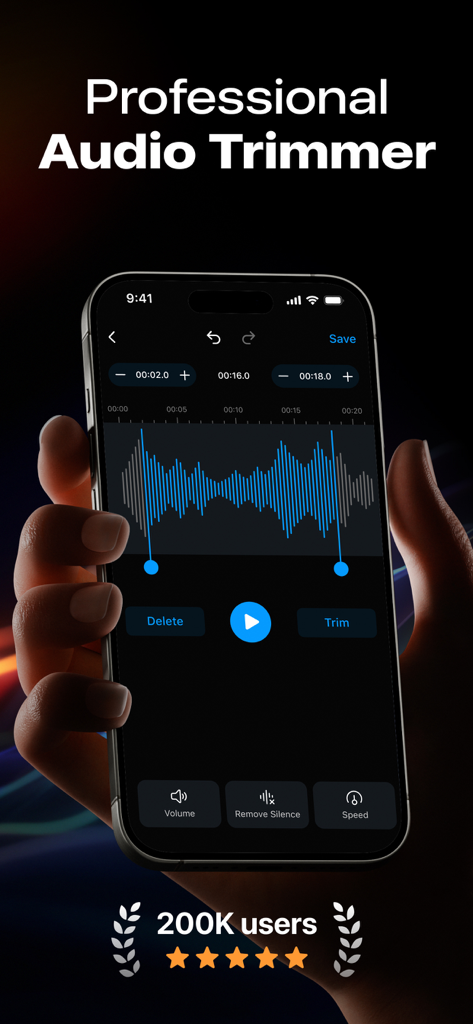
A person holding an iPhone displaying the professional audio trimmer interface with a blue sound waveform and editing tools.
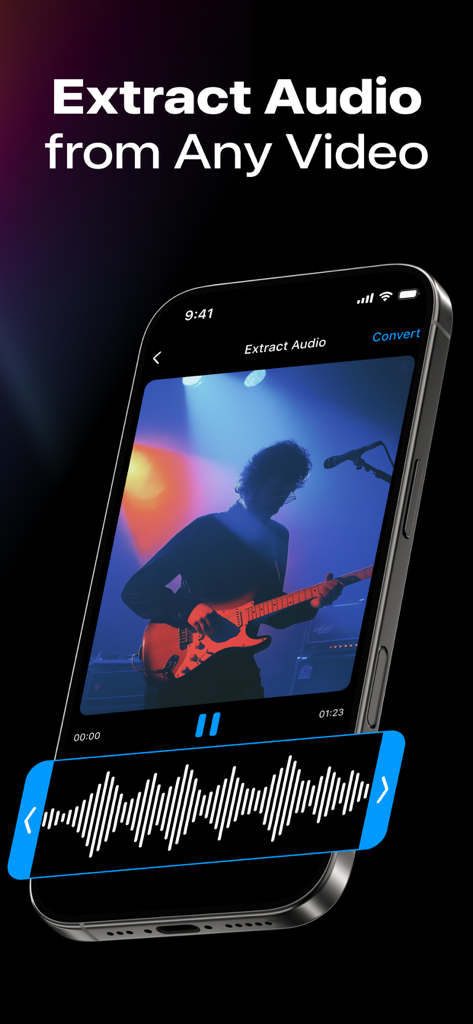
Smartphone screen showing how to extract audio from a video of a guitarist
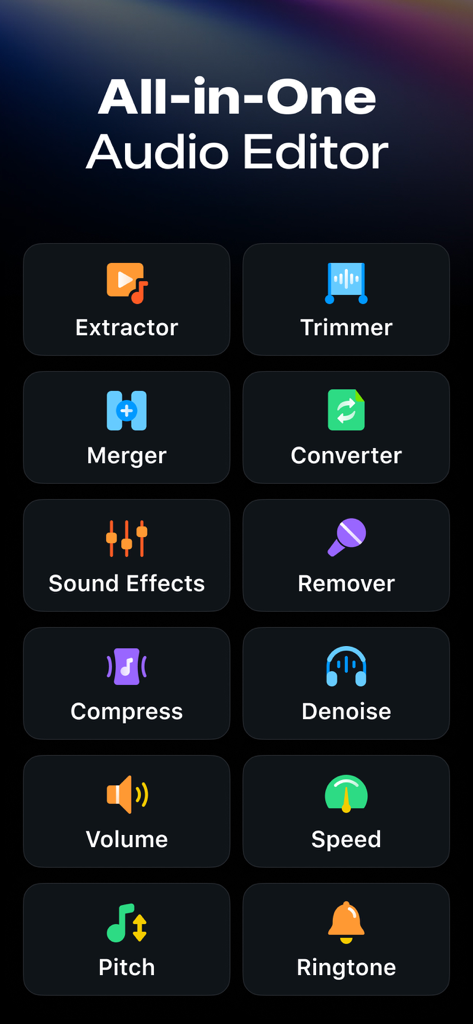
Interface of the Audio Editor app showing various tools like extractor, trimmer, and converter
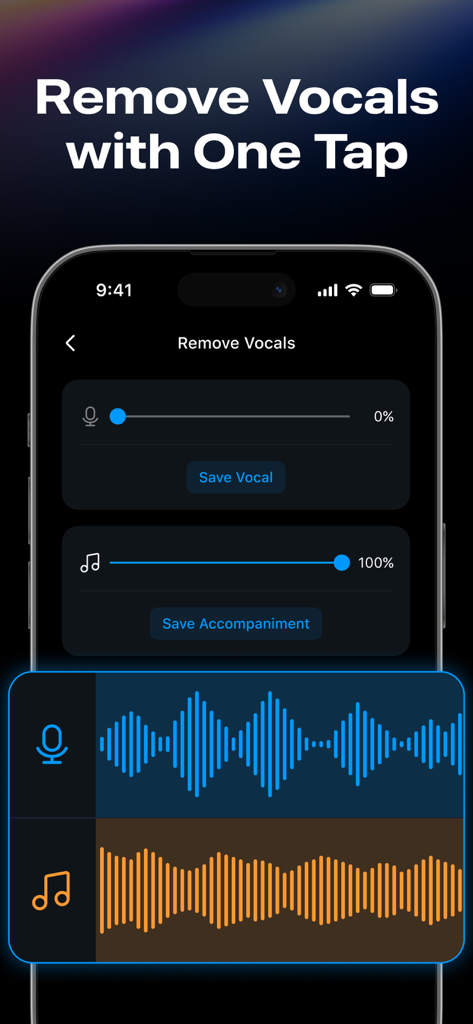
Interface of the audio editor app showing the remove vocals feature with sliders for vocals and accompaniment
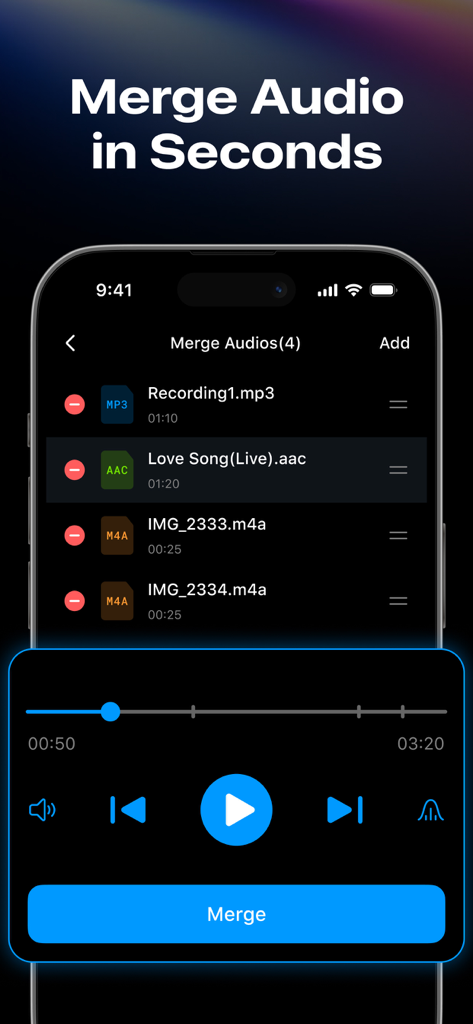
A smartphone screen displaying the audio merger feature with a list of MP3 and AAC files ready to be joined.
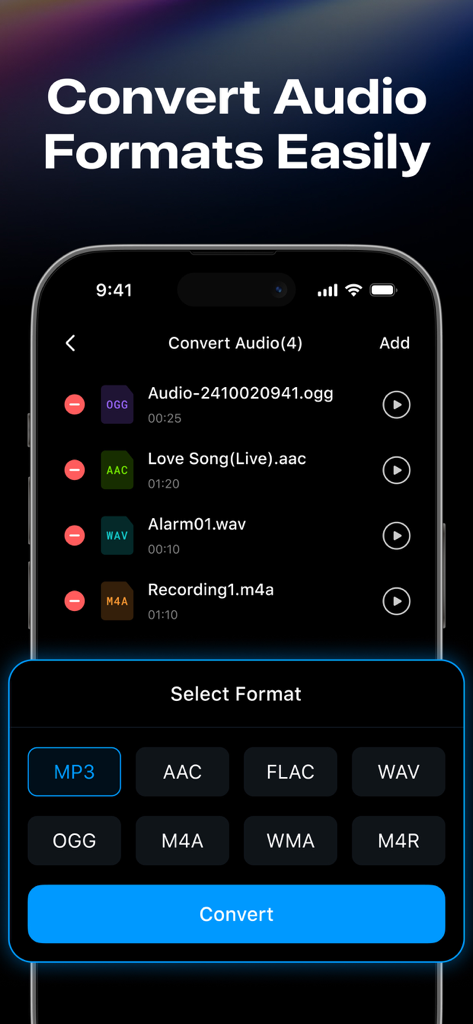
Interface of the Audio Editor app showing a list of files and various format conversion options like MP3 and AAC.
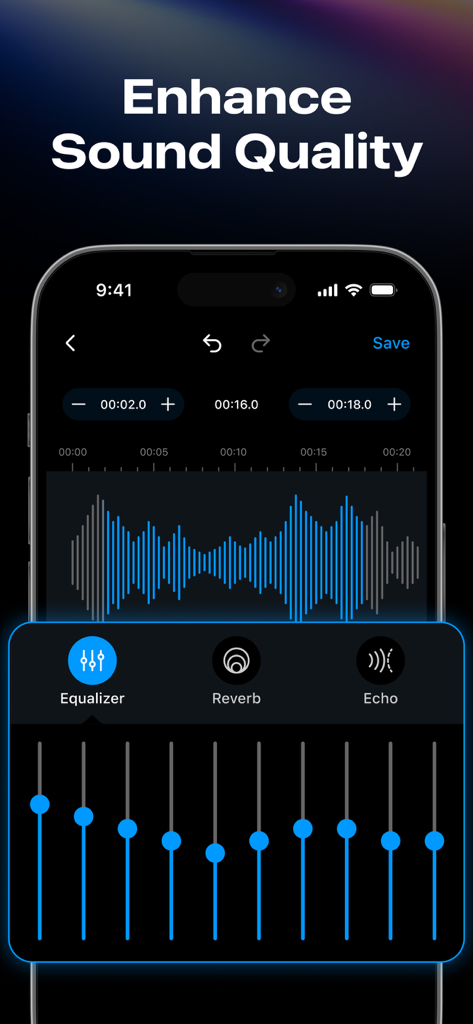
Mobile app interface showing audio enhancement tools including a 10-band graphic equalizer and waveform editor.
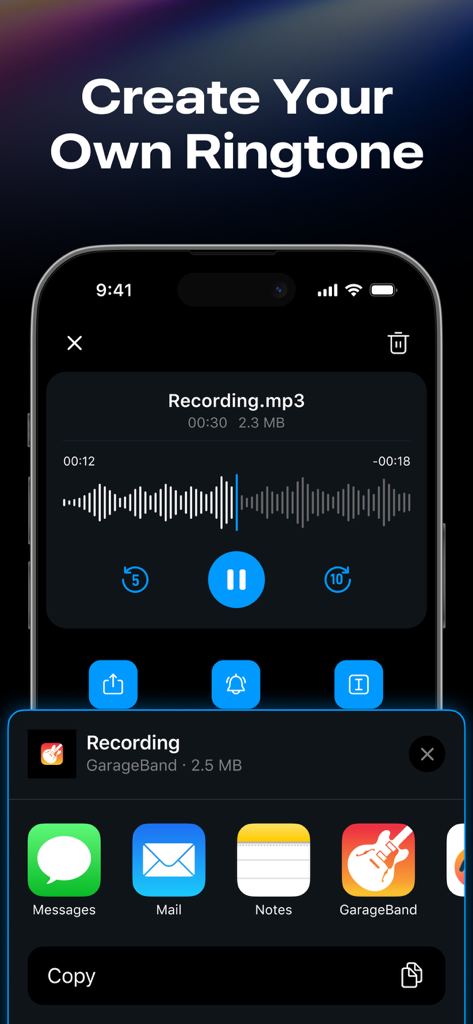
A mobile interface showing how to create and export custom iPhone ringtones from an audio file.
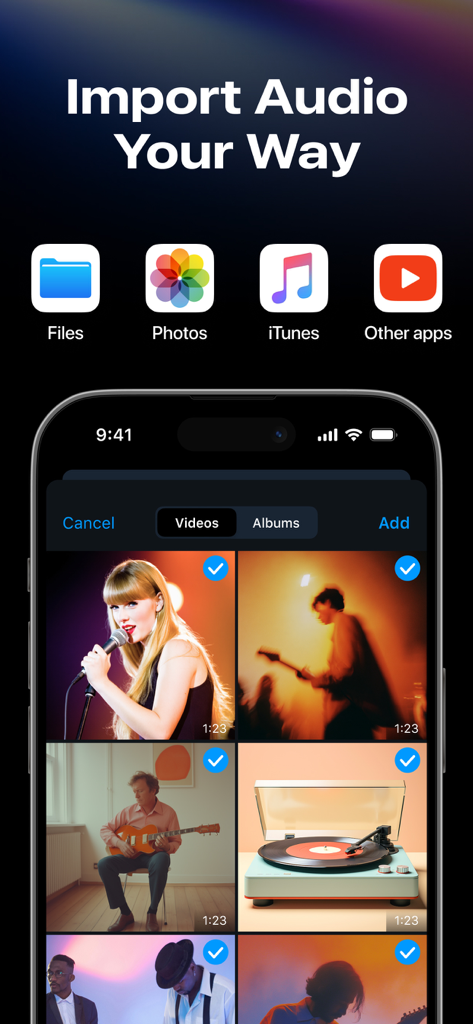
iPhone screen showing multiple audio import options including Files Photos iTunes and other apps with a video gallery view
Description
Download
More Like This
Apps with similar features and user experience

MP3 Converter -Audio Extractor
妍 岳

Audio Editor - Music Mixer
妍 岳

MP3 Converter: Video to Audio
Fitness Labs SRL

Audio Editor: MP3 Converter
ZHN Co., Ltd.

MP3 Converter - video2mp3
ZHN Co., Ltd.

EZAudioCut - Audio Editor Lite
龙刚 李

Audio Extractor-Audio Editing
正军 刘

Audio Editor & Music Mixer
Wuhan Net Power Technology Co., Ltd

Audio Converter&Ringtone Maker
俊鹏 位
This page is not an official page of the app or its developer, but an independent editorial publication created for informational and commentary purposes. Unless expressly stated otherwise, neither the app nor its developer is affiliated with, endorsed by, sponsored by, authorized by, or otherwise officially connected with MWM, Apple, Google Play, the app publisher, or the app's developer, and nothing on this page implies that the app was developed using MWM's services. Any trademarks, logos, screenshots, and other content remain the property of their respective owners.