Audio Memos SE: Record Voice
Download on App Store

This page is not an official page of the app or its developer, but an independent editorial publication created for informational and commentary purposes. Unless expressly stated otherwise, neither the app nor its developer is affiliated with, endorsed by, sponsored by, authorized by, or otherwise officially connected with MWM, Apple, Google Play, the app publisher, or the app's developer, and nothing on this page implies that the app was developed using MWM's services. Any trademarks, logos, screenshots, and other content remain the property of their respective owners.

Logo of Audio Memos SE: Record Voice
Download on App Store

Audio Memos SE: Record Voice

Capture every word with studio-quality filters, automated transcription, and seamless cloud integration. Designed for professionals who demand reliability and precision in every recording.

Key Figures

Downloads

653K+

User Rating

3.1/5

Total Ratings

23K+

Publisher

Imesart S.a.r.l.

Category

Business

Locales

10

Latest Version

6.0.0

Size

47.7 MB

First Released

Feb 6, 2009
Features

Power Your Professional Workflow

High-fidelity voice recording meets advanced productivity tools. Audio Memos SE is engineered for those who demand technical precision, reliability, and seamless cloud integration.

Professional-Grade Fidelity

Hear every detail with normalization filters and volume boost technology that eliminate muffled sounds and ensure constant average volume for perfect clarity.

Automated Cloud Integration

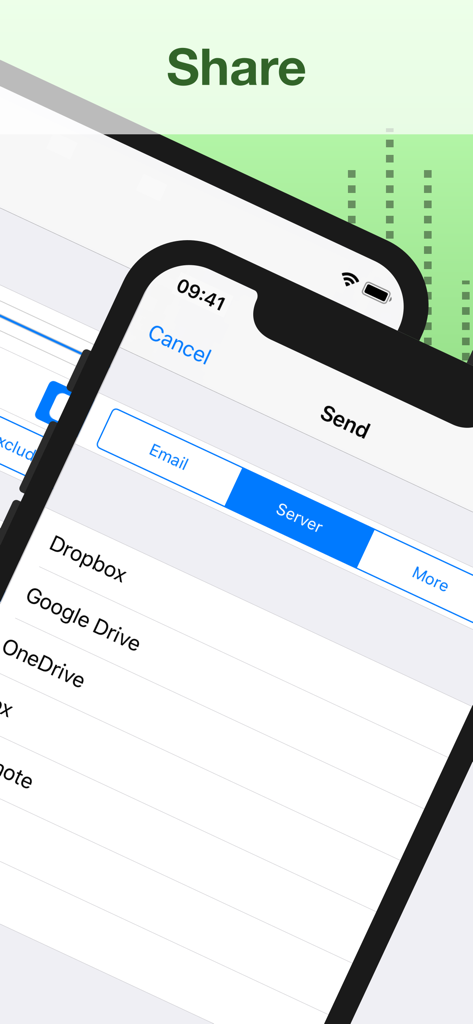
Effortlessly sync your recordings with Dropbox, Google Drive, or Evernote, keeping your depositions, lectures, or interviews safe and organized.

The following screenshots and description are sourced directly from the app's official store listing and are the property of the app developer.

App Store

Screenshots
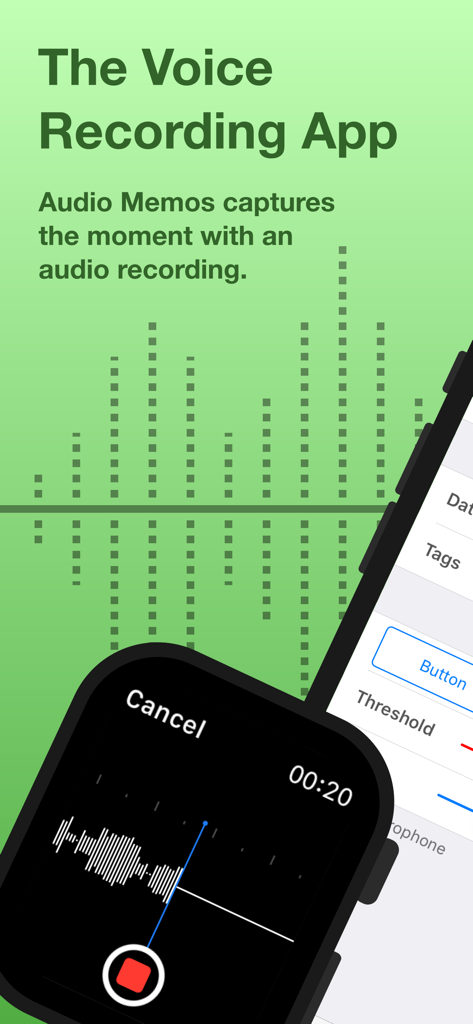
Audio Memos SE: Record Voice - Audio Memos SE voice recording app interface on Apple Watch and iPhone
Audio Memos SE voice recording app interface on Apple Watch and iPhone

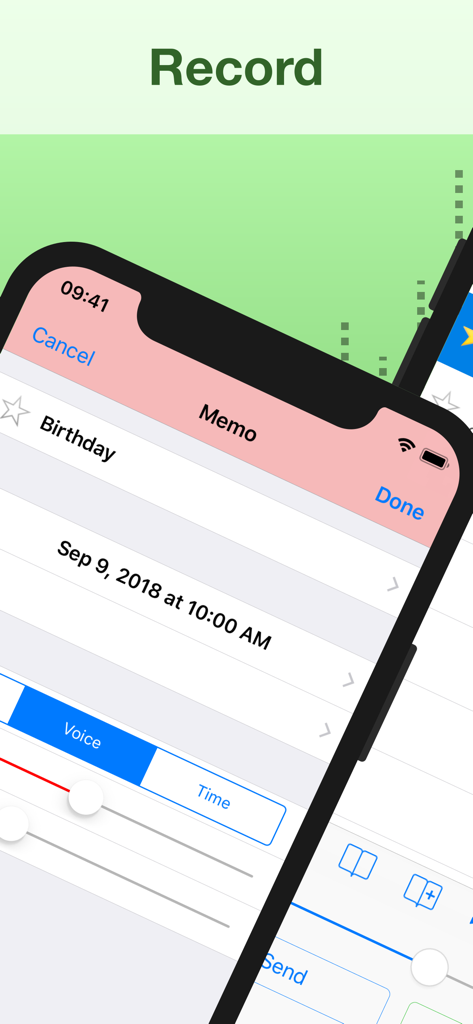
Audio Memos SE: Record Voice - Interface of Audio Memos SE showing a voice recording memo screen
Interface of Audio Memos SE showing a voice recording memo screen

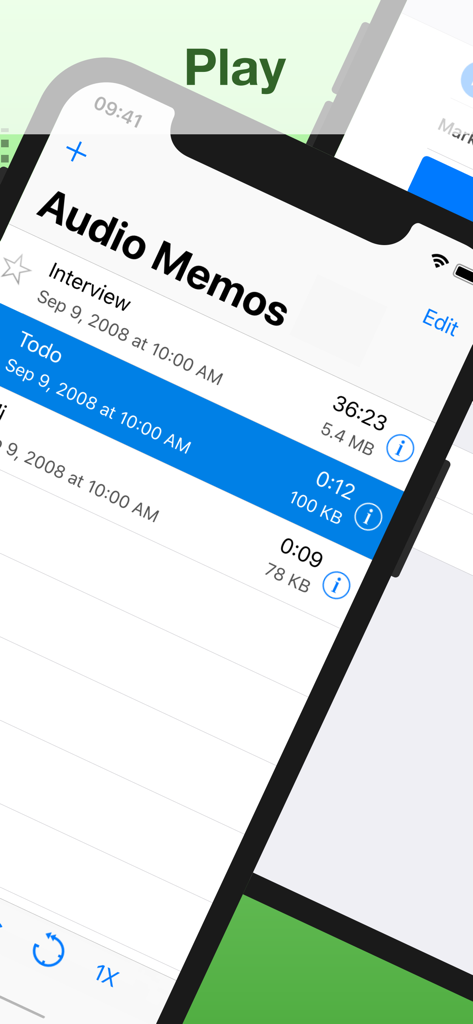
Audio Memos SE: Record Voice - A list of voice recordings in the Audio Memos SE app showing details like duration and file size
A list of voice recordings in the Audio Memos SE app showing details like duration and file size

Audio Memos SE: Record Voice - Audio Memos SE app interface showing audio editing and extraction tools with wav and m4a format labels
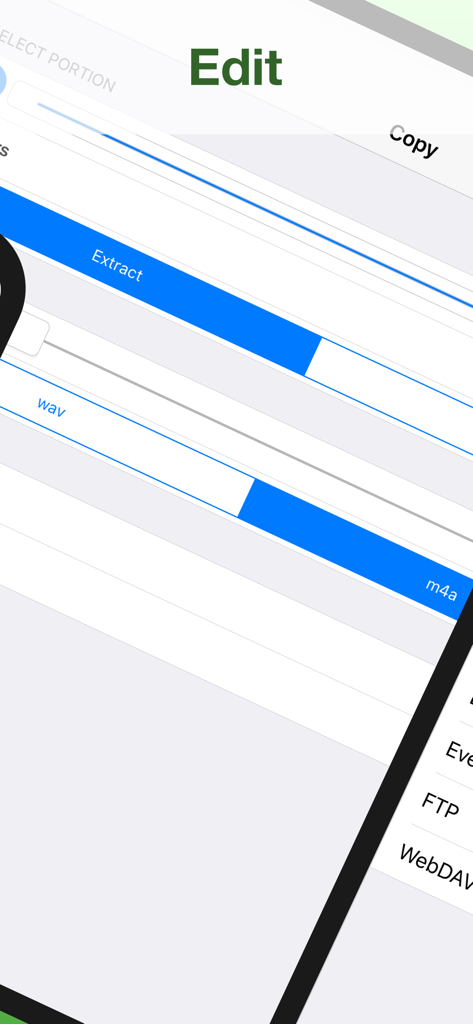
Audio Memos SE app interface showing audio editing and extraction tools with wav and m4a format labels

Audio Memos SE: Record Voice - Interface showing cloud storage export options including Dropbox and Google Drive in the Audio Memos SE app
Interface showing cloud storage export options including Dropbox and Google Drive in the Audio Memos SE app

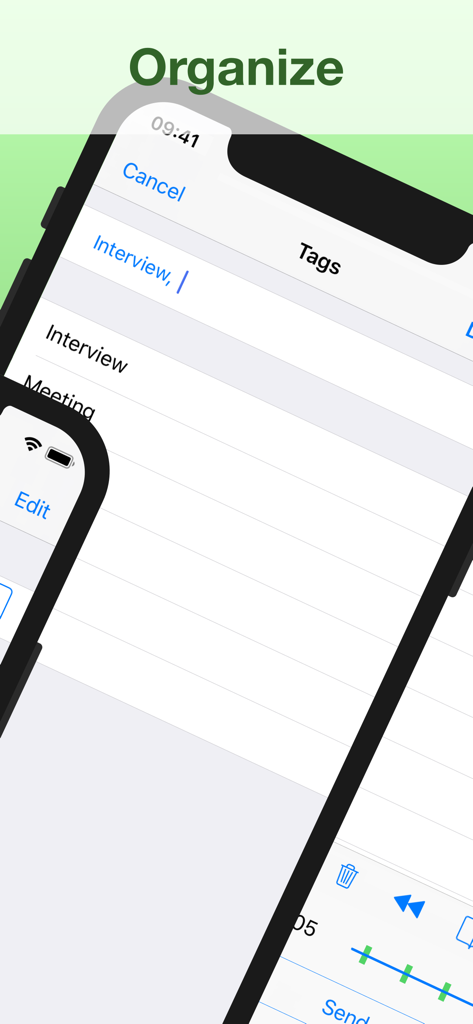
Audio Memos SE: Record Voice - Audio Memos SE app interface showing recording organization with tags like Interview and Meeting.

Audio Memos SE app interface showing recording organization with tags like Interview and Meeting.
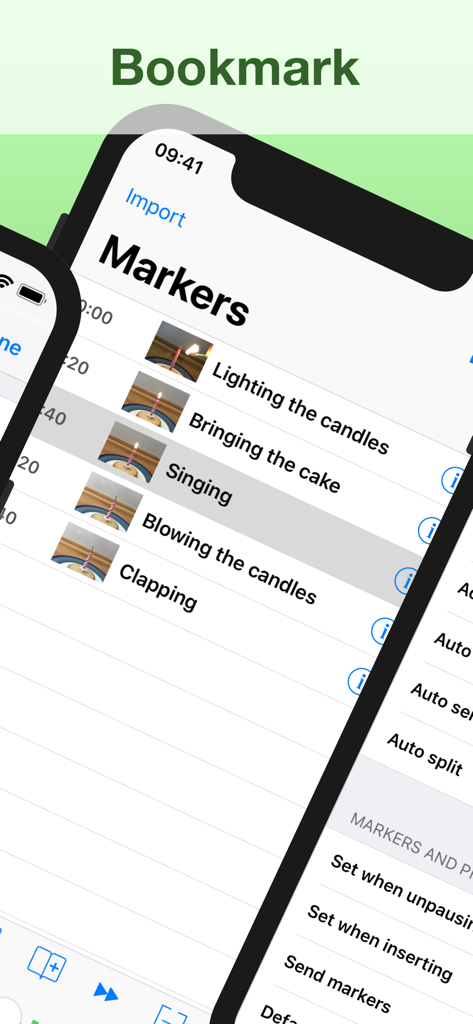
Audio Memos SE: Record Voice - Interface of the Audio Memos SE app showing a list of timestamped markers and bookmarks with photo thumbnails for easy navigation in a recording.
Interface of the Audio Memos SE app showing a list of timestamped markers and bookmarks with photo thumbnails for easy navigation in a recording.

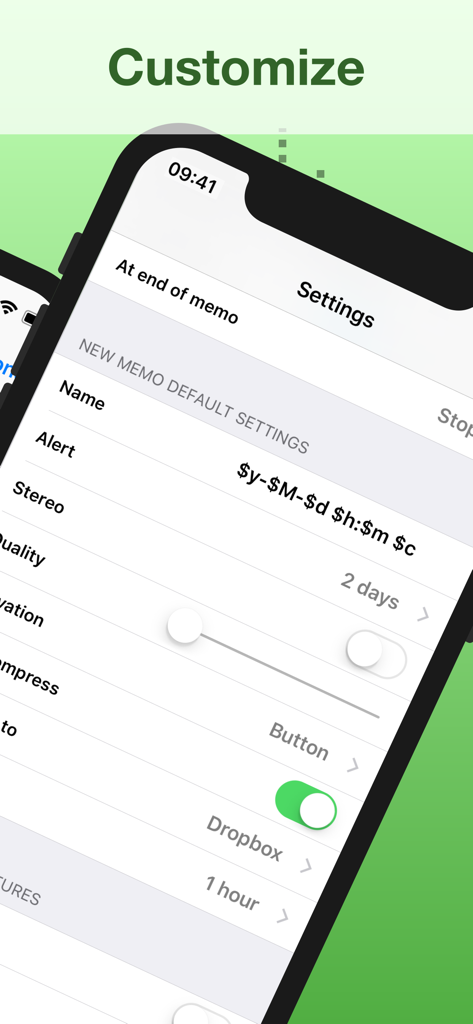
Audio Memos SE: Record Voice - Settings menu of Audio Memos SE showing voice recording customization and cloud sync

Settings menu of Audio Memos SE showing voice recording customization and cloud sync

Description

Audio Memos is a voice recorder for the iPhone and iPad. What you'll really like about Audio Memos, is that you can actually HEAR your recordings (try it and compare, you'll hear what we mean). It's also easy to use, with a simple and intuitive interface. Yet with many advanced features as volume boost, volume normalizing, editing of recordings and more. Most of these features are exclusive to this program, which makes it one of the most advanced recorder. This is a great recorder, don't just take our word for it: Audio Memos Free has been featured by Apple in the "What's hot" section. Your recordings are stored on your device but can be backed up to your computer using a simple web browser (or by email). See our website for more details. FEATURES • Send recordings by email. • High quality recordings up to 44100 Hz. Three levels of quality are available: 11025 Hz, 22050 Hz and 44100 Hz. • Professionally engineered audio normalizing filter, which enables you to have a constant average volume on all your recordings. This feature does not modify your recordings, so you can turn it on even if you intend to post process your audio files on a computer. • Wide range volume control using a volume boost. While listening to a recording, volume can be increased using your device's volume keys. If you find this insufficiently loud, you can adjust the volume boost in the application's settings. • Normalizing and boosting filters use dynamic compression with a non linear function to prevent clipping and minimize distortions. Note however that eventual clipping and distortion created by the microphone are not suppressed. If you care about quality, use the headset's microphone instead of the built in one. • Records even when your device is in sleep mode; and pauses automatically in the event of an incoming phone call. • Advanced listing of your recordings, which displays name, date, length and size information. A detailed view is also available for each recording. This view gives extra information such as quality and download status of a recording. • Must have controls as pause record, pause play, slider, quality control. • Uses widespread wav format to store recordings, so you can transfer and read them on any device. SUBSCRIPTION All features listed above can be used without an in app purchase. Some advanced features require an active subscription. These include: • Voice activated rec. - stop recording silence. • Upload to Dropbox, Google Drive, Box, Evernote, FTP or WebDAV. • Insert audio - insert comments easily. • Position markers - easy navigation. • Audio compression - email hours of recordings. • Memo alert dates / reminders. • Adjustable reading speed. • Add pictures to a memo. • Send or delete multiple recordings at a time. • Edit your recordings (trim, overwrite, merge). • Transcription - transform your memos into text. • Stereo recording using the builtin microphones (requires a compatible device and a «Pro +» subscription). Duration and price of each subscription are displayed in our storefront. All subscription costs will be charged to your Apple ID account, starting at the confirmation of purchase. Subscription automatically renews unless it is canceled at least 24 hours before the end of the subscription period. Your account will be charged for renewal within 24 hours prior to the end of the subscription period. It is not possible to cancel a subscription period once you have been charged for it. Any unused portion of a free trial period is forfeited as soon as a subscription is purchased. You can manage subscriptions and disable auto renewal by going to your account settings on the App Store after purchase. Terms of Service: https://imesart.com/legal/terms-of-service.php

Download

Download on App Store

This page is not an official page of the app or its developer, but an independent editorial publication created for informational and commentary purposes. Unless expressly stated otherwise, neither the app nor its developer is affiliated with, endorsed by, sponsored by, authorized by, or otherwise officially connected with MWM, Apple, Google Play, the app publisher, or the app's developer, and nothing on this page implies that the app was developed using MWM's services. Any trademarks, logos, screenshots, and other content remain the property of their respective owners.







