Audio Recorder with Trigger
Download on App Store

This page is not an official page of the app or its developer, but an independent editorial publication created for informational and commentary purposes. Unless expressly stated otherwise, neither the app nor its developer is affiliated with, endorsed by, sponsored by, authorized by, or otherwise officially connected with MWM, Apple, Google Play, the app publisher, or the app's developer, and nothing on this page implies that the app was developed using MWM's services. Any trademarks, logos, screenshots, and other content remain the property of their respective owners.

Logo of Audio Recorder with Trigger
Download on App Store

Audio Recorder with Trigger

Automate your recordings with sound-level triggers and geo-tagging. The ultimate tool for journalists, students, and professionals to capture, map, and organize high-quality audio without the dead air.

Key Figures

Downloads

200

User Rating

1.0/5

Total Ratings

0

Publisher

Philip Braham

Category

Utilities

Locales

1

Latest Version

8.3

Size

1.3 MB

First Released

Jan 23, 2024
Features

Capture Only What Matters

Stop wasting time on silent gaps. Our intelligent sound-trigger technology and geo-tagged organization are designed for professionals and students who need smarter audio capture.

Smart Sound Triggering

Skip the silence and save storage. Set a custom sound threshold so the app automatically records only when there is action, perfect for lectures or sleep tracking.

Geo-Tagged Context

Every recording is automatically pinned to a map. Whether you're a journalist in the field or a researcher on-site, you'll always know exactly where each clip was captured.

The following screenshots and description are sourced directly from the app's official store listing and are the property of the app developer.

App Store

Screenshots
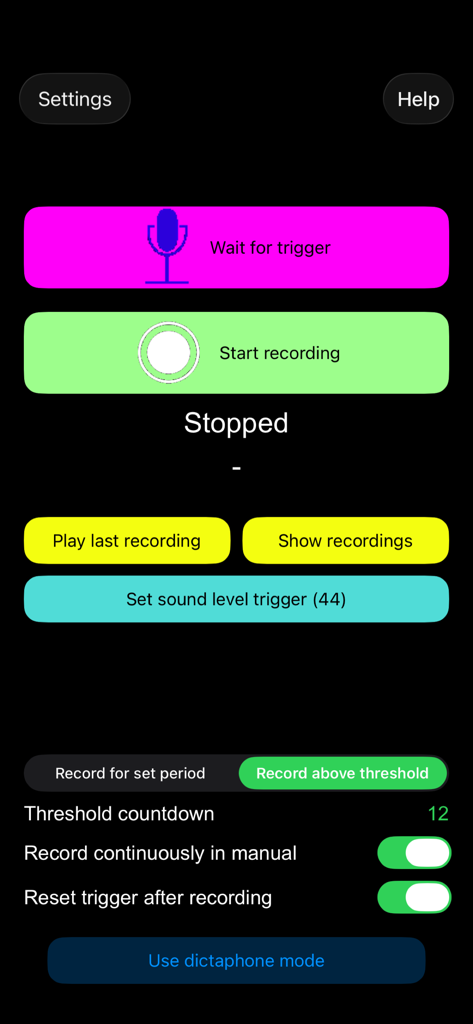
Audio Recorder with Trigger - Interface of the Audio Recorder with Trigger app showing recording and trigger settings
Interface of the Audio Recorder with Trigger app showing recording and trigger settings

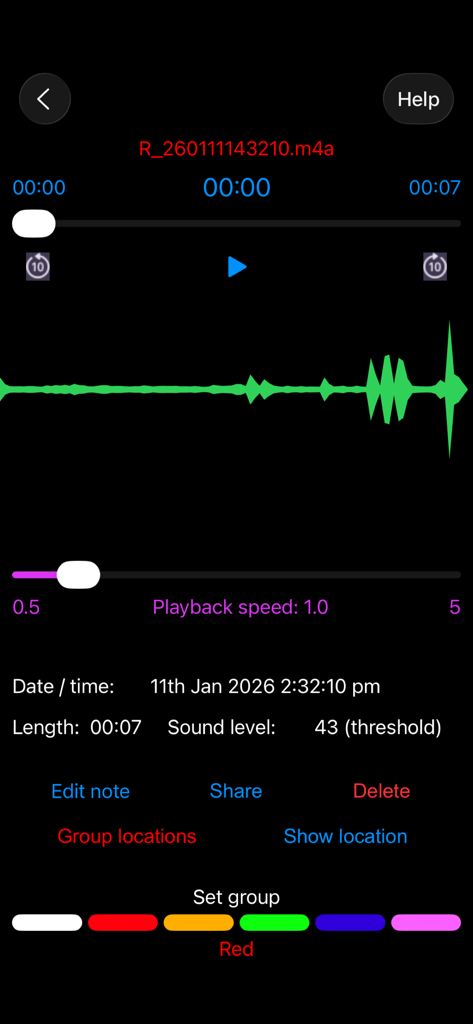
Audio Recorder with Trigger - Playback interface of the Audio Recorder with Trigger app showing waveform and recording metadata

Playback interface of the Audio Recorder with Trigger app showing waveform and recording metadata
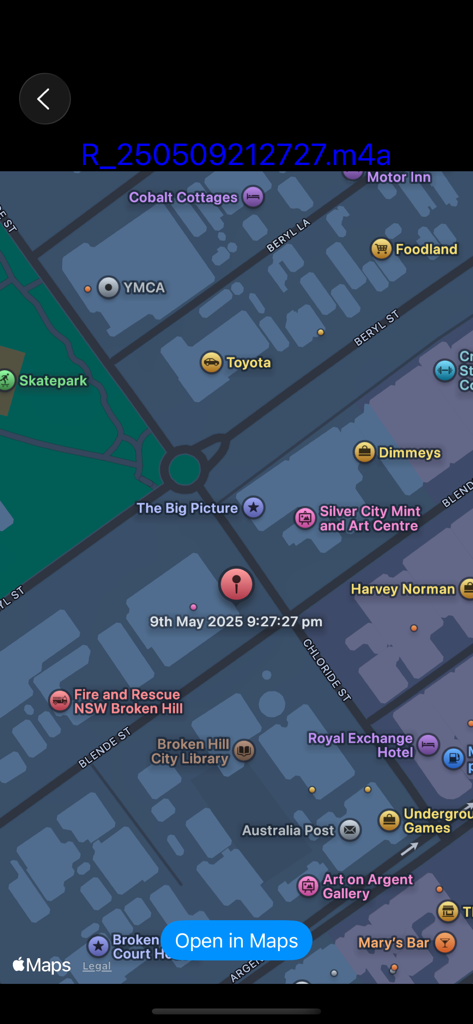
Audio Recorder with Trigger - Map showing the location and timestamp of a geotagged audio recording
Map showing the location and timestamp of a geotagged audio recording

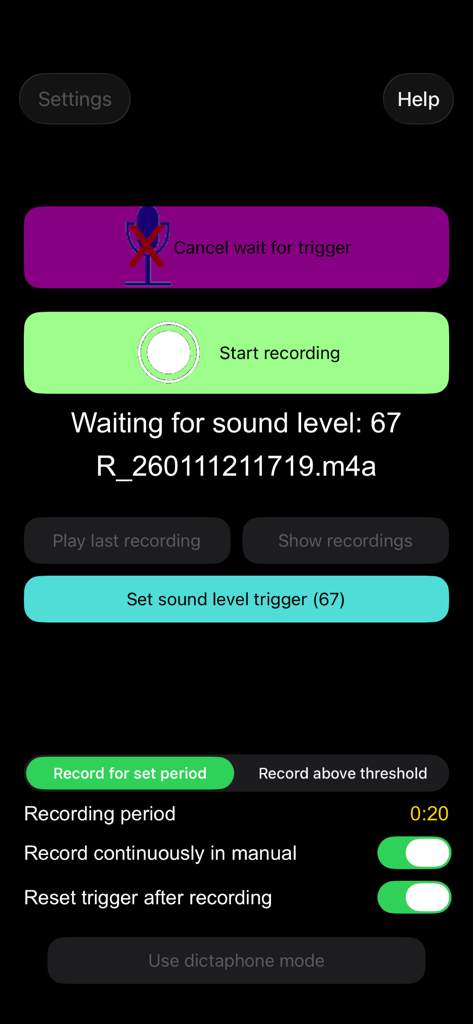
Audio Recorder with Trigger - Main screen of the app showing sound level trigger settings and recording buttons.
Main screen of the app showing sound level trigger settings and recording buttons.

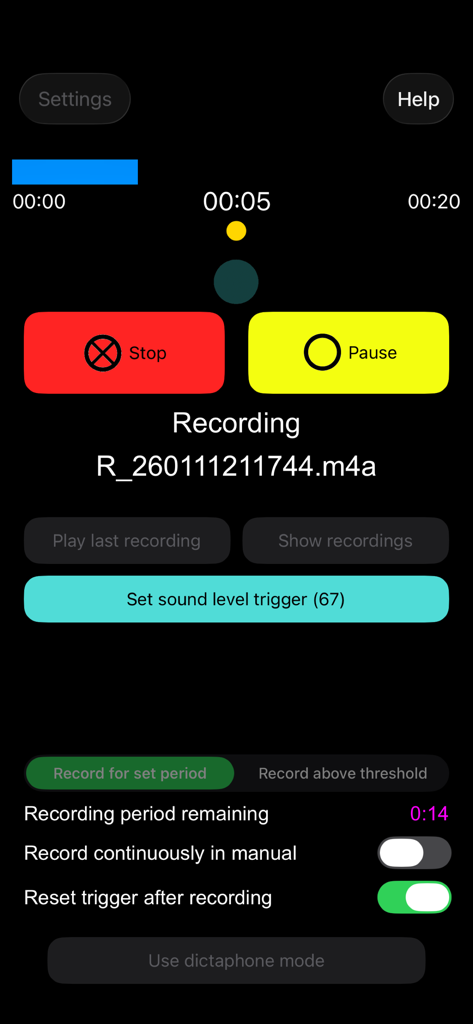
Audio Recorder with Trigger - Recording screen of the Audio Recorder with Trigger app featuring sound level settings
Recording screen of the Audio Recorder with Trigger app featuring sound level settings

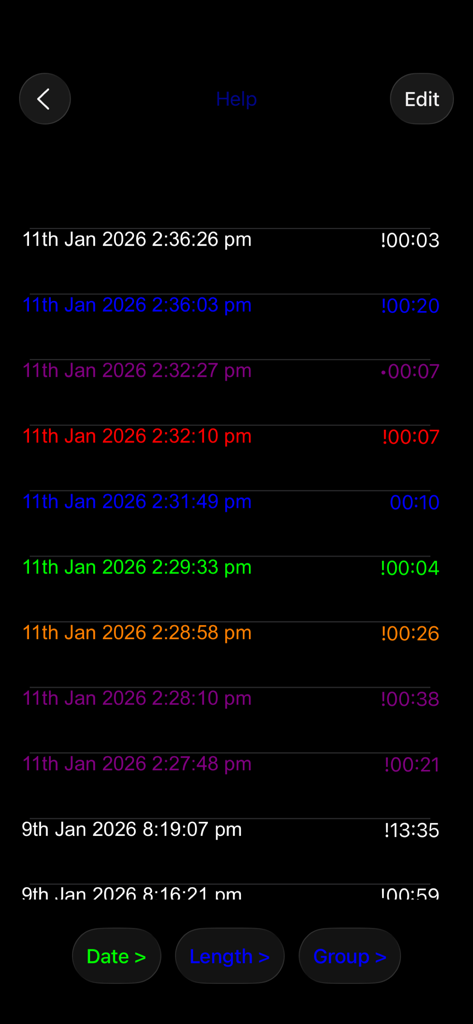
Audio Recorder with Trigger - A list of audio recordings organized into color groups
A list of audio recordings organized into color groups

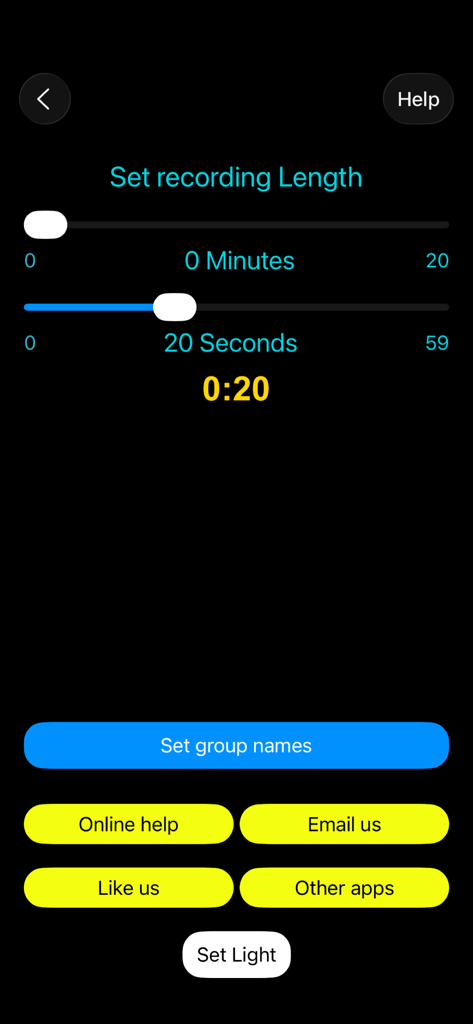
Audio Recorder with Trigger - Screen to set recording length with minute and second sliders
Screen to set recording length with minute and second sliders

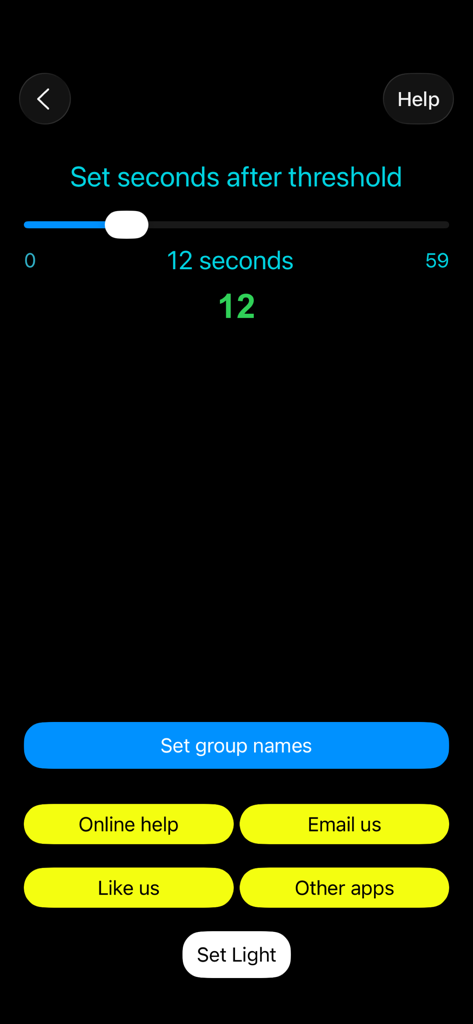
Audio Recorder with Trigger - Settings screen of Audio Recorder with Trigger app showing a slider to set seconds after threshold and menu buttons
Settings screen of Audio Recorder with Trigger app showing a slider to set seconds after threshold and menu buttons

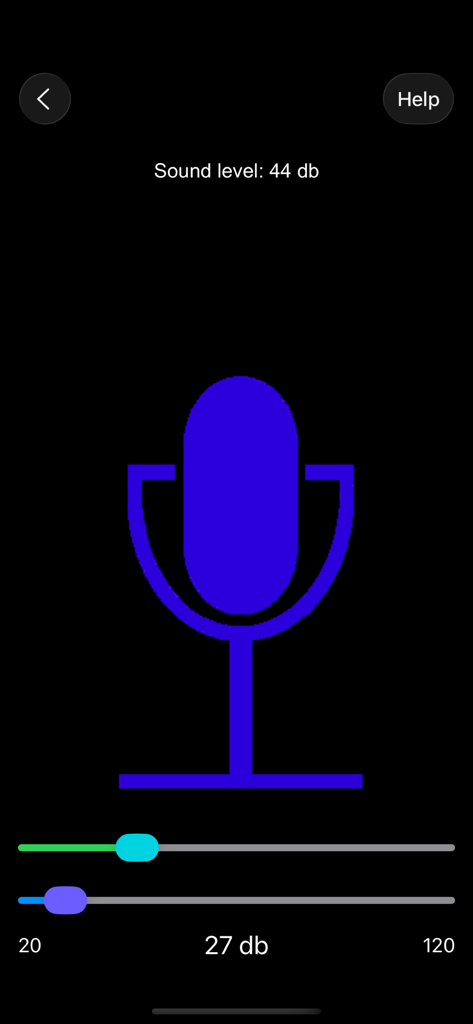
Audio Recorder with Trigger - Mobile app interface for monitoring sound levels and setting audio recording triggers
Mobile app interface for monitoring sound levels and setting audio recording triggers

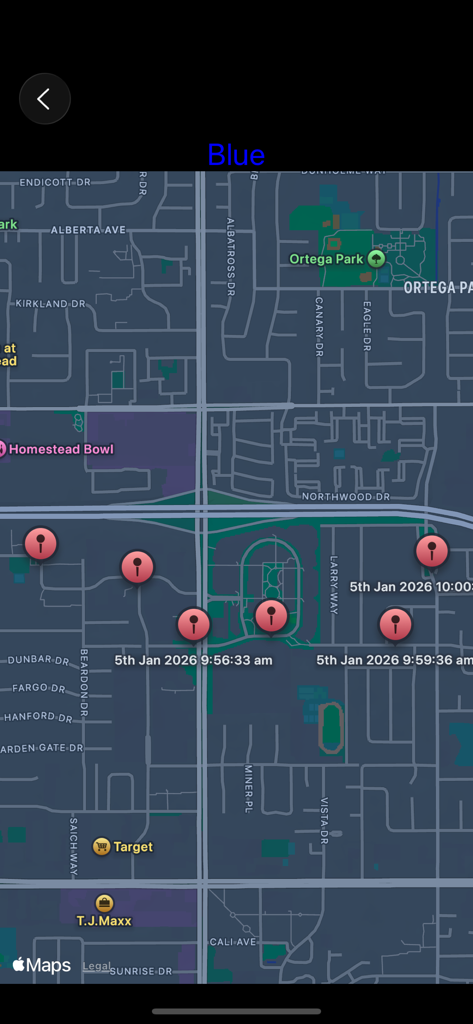
Audio Recorder with Trigger - Map view interface showing locations and timestamps of multiple geo-tagged audio recordings

Map view interface showing locations and timestamps of multiple geo-tagged audio recordings

Description

Recorder with trigger is the ultimate recording app. It will start recording when a trigger level of sound is reached (or just start it manually) or in Dictaphone mode recording takes place as long as the record button is held down. Recordings are geo-tagged so the location of the recording can be seen on a map. Put the recordings into colour groups and show all their locations. Add notes to a recording. Share the recordings. KEY FEATURES: - HD Audio recorder - High quality voice recording. - Record immediately or wait for trigger - Record for a certain time, until the ambient sound drops or until stopped manually - Dictaphone note-taking mode - View waveform of recording - Record songs, lectures, speeches etc.  - Best quality - Play, pause, stop audio files. - Send / Share your recording. - Delete or upload your recording right from the app. - Add notes to your recordings. - Save / pause / resume / abort the recording process control - Background recording (full app only) - A timer to keep track of your recording time. - Smart recorder, automatic recording ADVANCED FEATURES: Voice Recorder - Audio Recorder Audio Recorder - Mostly known as professional, and easy voice recorder. Use it for record voice memos, talks, podcasts, music and songs in high quality. Designed for everybody, especially students, journalists and musicians. Never miss important information during a meeting or at the lecture. Geo-tagged Recordings: Recordings are geo-tagged so the location of the recording can be seen on a map. Every recording automatically includes your location. This makes it ideal for journalists, travellers, and professionals who want detailed location context for every sound clip. Recorder with Trigger: Set trigger level to record high quality voice recordings. Recording starts when a trigger level of sound is reached. Say goodbye to missed moments! Set a trigger threshold, and Recorder with Trigger will automatically begin recording whenever the surrounding sound exceeds that level and can stop when the level drops. Dictaphone Recordings: In Dictaphone mode recording takes place as long as the record button is held down. This audio recording app allows you to easily capture notes and memos by voice, as well as record meetings, lectures, interviews, and everyday sounds. Instead of writing notes by hand, simply record everything you need, from quick to-do lists to important memos using speech. Colour Group recordings Put the recordings into colour groups and show all their locations. Add notes to a recording. Group all your vocal recordings into defined categories. Mark your favourite talks and memos. Place recordings, choose colours and folders. Achieve clear and sharp sound. Map View of Recordings See all your geo-tagged recordings displayed on an interactive map, either on its own or the whole group. Tap any pin to instantly see the notes. Recordings can also be shown on the Maps app. Share Recordings Easily Share your recordings quickly through email, or social apps. Export them for transcription, editing, or storage — all in a few taps. Why Choose Recorder with Trigger? Voice Recorder Audio Memos is more than just a simple recorder, it’s a powerful, automatic voice recorder with sound timer & trigger, location tagging, and intuitive organisation. Capture everything that matters automatically, efficiently, and in quality sound. Record your sleep talk! Download and enjoy much more!

Download

Download on App Store

This page is not an official page of the app or its developer, but an independent editorial publication created for informational and commentary purposes. Unless expressly stated otherwise, neither the app nor its developer is affiliated with, endorsed by, sponsored by, authorized by, or otherwise officially connected with MWM, Apple, Google Play, the app publisher, or the app's developer, and nothing on this page implies that the app was developed using MWM's services. Any trademarks, logos, screenshots, and other content remain the property of their respective owners.








