
This page is not an official page of the app or its developer, but an independent editorial publication created for informational and commentary purposes. Unless expressly stated otherwise, neither the app nor its developer is affiliated with, endorsed by, sponsored by, authorized by, or otherwise officially connected with MWM, Apple, Google Play, the app publisher, or the app's developer, and nothing on this page implies that the app was developed using MWM's services. Any trademarks, logos, screenshots, and other content remain the property of their respective owners.


Authenticator App - Official ™
The ultimate 2FA & MFA solution for iPhone users. Protect your banking, work, and social media accounts with encrypted cloud backup and seamless one-tap authentication.
Downloads
100User Rating
Total Ratings
0Publisher
Category
UtilitiesLocales
1Latest Version
1.0Size
13.4 MBFirst Released
Feb 24, 2025Ironclad Security for Your Digital World
Take total control of your online accounts with the most reliable multi-factor authentication built exclusively for iPhone professionals.
Secure Cloud Backup
Never worry about being locked out again. Encrypt and store your codes safely in the cloud for effortless recovery if you switch or lose your device.
Universal One-Tap Setup
Consolidate everything from Google and Facebook to Salesforce and LinkedIn. Simply scan a QR code to unify all your secure logins in one single app.
Frequently Asked Questions
Everything you need to know about Authenticator App - Official ™
What is the Authenticator App?
The Authenticator App is a 2FA (Two-Factor Authentication) solution that provides an extra layer of security for sensitive data. It offers the best MFA (Multi-Factor Authentication) experience for iPhone users.
Does the Authenticator App support offline use?
Yes, the Authenticator App supports offline authentication. It works without an internet connection, allowing users to retrieve codes anytime and anywhere.
How does the Authenticator App secure user accounts?
The Authenticator App strengthens online security by adding an extra verification step for logins. It generates Time-Based One-Time Passwords (TOTP) and uses industry-leading device encryption for stored codes.
Can Authenticator App users back up their authentication codes?
Yes, Authenticator App users can securely back up their authentication codes. The app provides encrypted cloud backup, ensuring users never lose access to their accounts.
What are the premium features of the Authenticator App?
Premium features of the Authenticator App include access to all unlimited functionalities. Free app users can add a limited number of authentication codes and accounts.
How can users add new accounts to the Authenticator App?
Users can add new accounts to the Authenticator App by scanning QR codes from supported websites and apps. It also supports manual code entry.
Which services does the Authenticator App support for two-factor authentication?
The Authenticator App supports major services like Google, Facebook, Instagram, Twitter, and Microsoft. It also offers specific 2FA guides for various platforms including Amazon and Discord.
Can users migrate their accounts to a new iPhone with the Authenticator App?
Yes, users can easily migrate their accounts to a new iPhone. The Authenticator App facilitates this with secure cloud backup and one-tap restore functionality.
Does the Authenticator App offer a free trial for its premium features?
Yes, the Authenticator App offers subscriptions with a free trial. These trials automatically convert to a paid subscription unless canceled at least 24 hours prior to expiration.
What encryption methods does the Authenticator App use?
The Authenticator App stores authentication codes securely using industry-leading device encryption. It also supports multiple token formats, including TOTP, HOTP, SHA-1, SHA-256, and SHA-512 algorithms.
The following screenshots and description are sourced directly from the app's official store listing and are the property of the app developer.
App Store
Screenshots
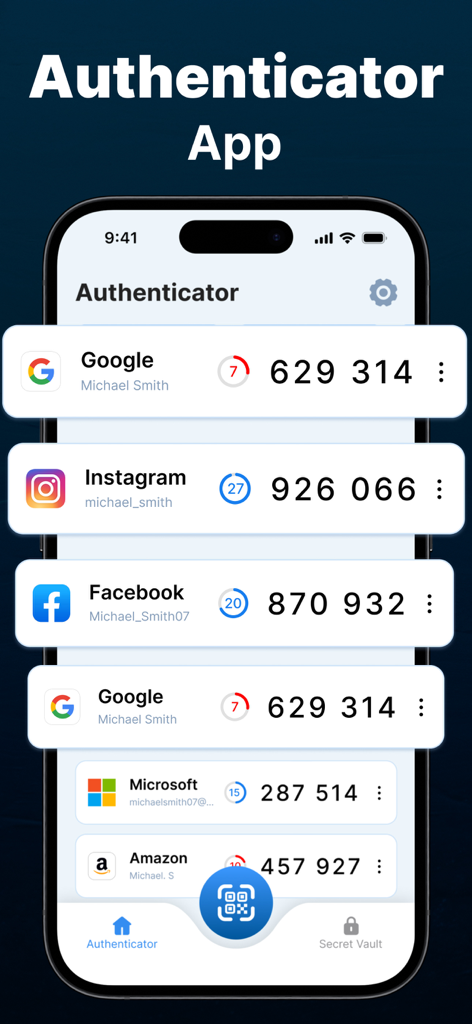
Interface of the Authenticator App showing two-factor authentication codes for various online accounts on an iPhone
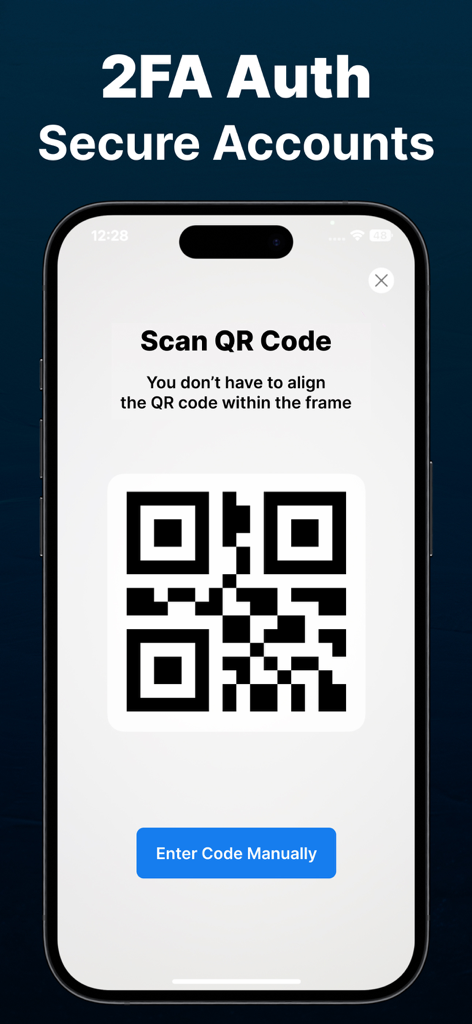
iPhone screen showing the QR code scanner interface for secure 2FA account setup.
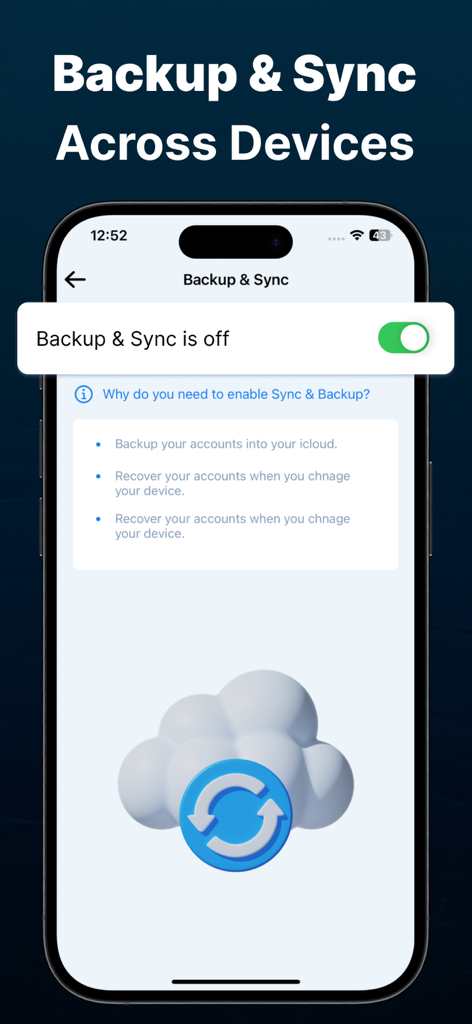
Authenticator app screen showing backup and sync settings for secure cloud account recovery.
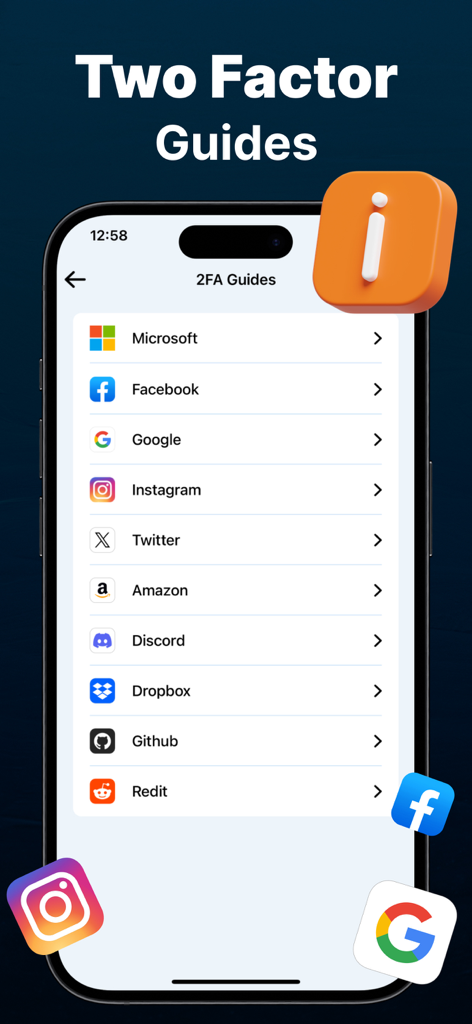
An iPhone screen displaying a list of two-factor authentication setup guides for popular services like Microsoft Google and Facebook
Description
Download
More Like This
Top-ranked apps in the same category

Google LLC

Google Chrome
Google LLC

中国移动(手机营业厅)
China Mobile Online Services Co., Ltd.

Google Authenticator
Google LLC

CNH do Brasil
Servicos e Informacoes do Brasil

Cleanup: Phone Storage Cleaner
DEEP FLOW SOFTWARE SERVICES - FZCO

gov.br
Servicos e Informacoes do Brasil

中国电信-全国统一官方服务平台
CHINA TELECOM Corporation Ltd.

Microsoft Edge: AI Browser
Microsoft Corporation
This page is not an official page of the app or its developer, but an independent editorial publication created for informational and commentary purposes. Unless expressly stated otherwise, neither the app nor its developer is affiliated with, endorsed by, sponsored by, authorized by, or otherwise officially connected with MWM, Apple, Google Play, the app publisher, or the app's developer, and nothing on this page implies that the app was developed using MWM's services. Any trademarks, logos, screenshots, and other content remain the property of their respective owners.