
This page is not an official page of the app or its developer, but an independent editorial publication created for informational and commentary purposes. Unless expressly stated otherwise, neither the app nor its developer is affiliated with, endorsed by, sponsored by, authorized by, or otherwise officially connected with MWM, Apple, Google Play, the app publisher, or the app's developer, and nothing on this page implies that the app was developed using MWM's services. Any trademarks, logos, screenshots, and other content remain the property of their respective owners.


Authenticator - OTP Manager
Protect your digital assets with military-grade encryption and automated cloud backups. Seamlessly sync your codes across iPhone, iPad, and Mac for ultimate security and convenience.
Downloads
23K+User Rating
Total Ratings
200Publisher
Category
UtilitiesLocales
33Latest Version
2.3.5Size
125.6 MBFirst Released
Oct 14, 2024Uncompromising Security for Your Digital Life
Experience peace of mind with encrypted cloud backups, seamless multi-device syncing, and bank-grade protection for all your accounts.
Encrypted Cloud Backup
Never worry about losing access. Your accounts are backed up with end-to-end encryption, ready to restore instantly on any new device.
Seamless Multi-Device Sync
Boost your productivity with real-time synchronization across your iPhone, Mac, and iPad. Your codes are always where you need them.
The following screenshots and description are sourced directly from the app's official store listing and are the property of the app developer.
App Store
Screenshots
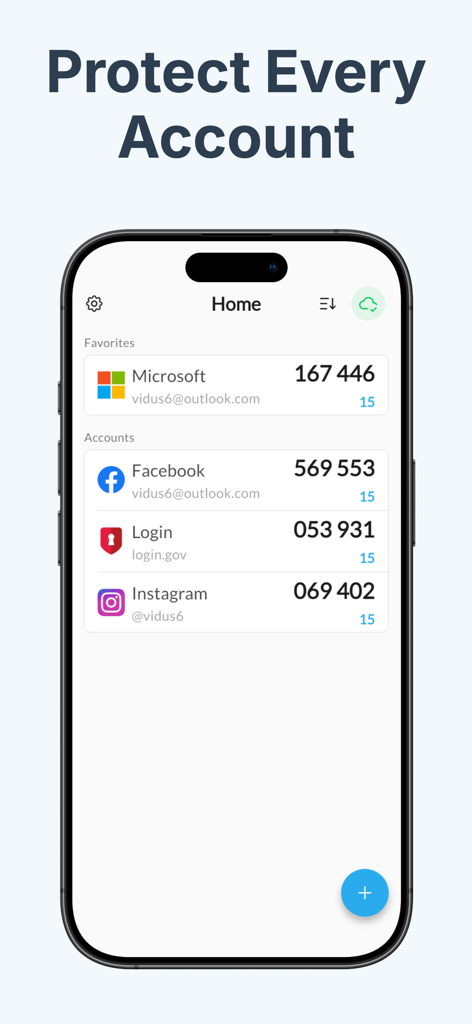
Iphone screen displaying the Authenticator OTP Manager home page with 2FA verification codes for Microsoft, Facebook, and Instagram accounts.

A grid of popular app icons like Google Facebook and Binance demonstrating compatibility with various online services

Promotional screen for Authenticator OTP Manager showing over 10 million users and a 4.7 star rating.
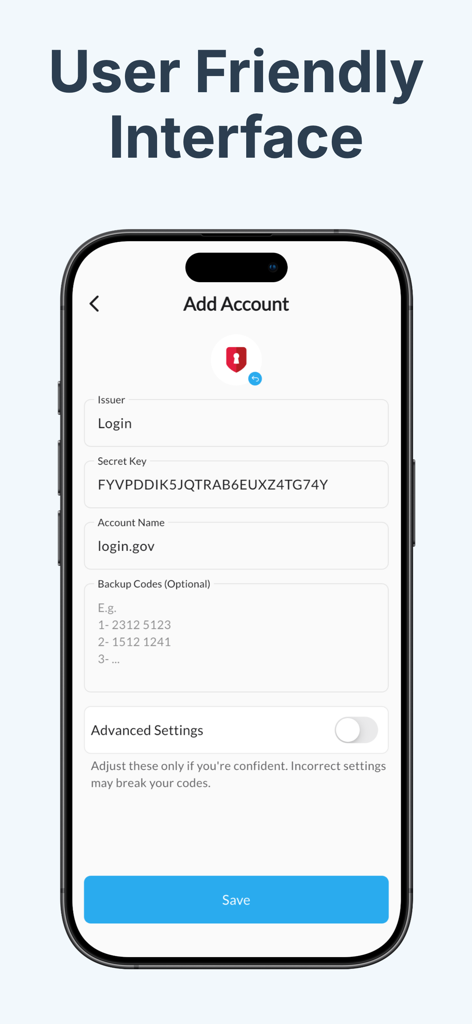
Screenshot of the Add Account screen in the Authenticator OTP Manager app showing form fields for manual setup
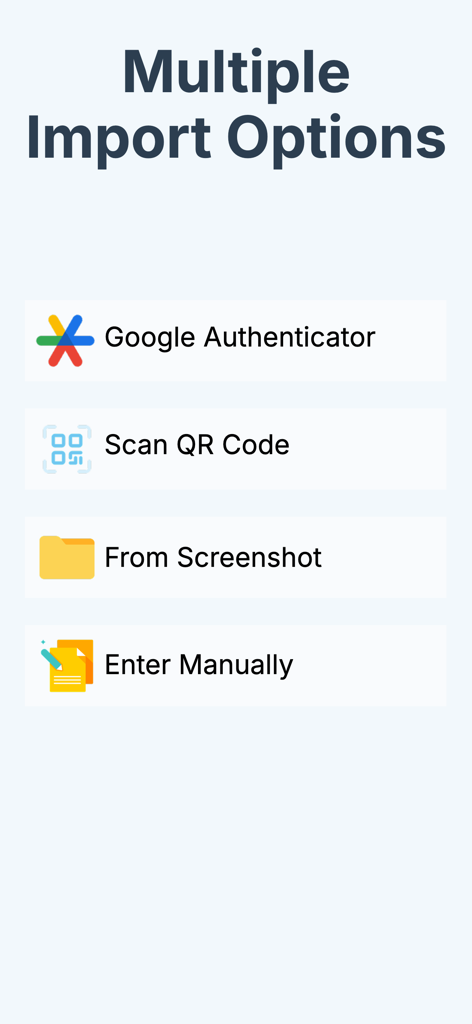
Screenshot of the Authenticator app showing multiple account import options including Google Authenticator and QR code scanning
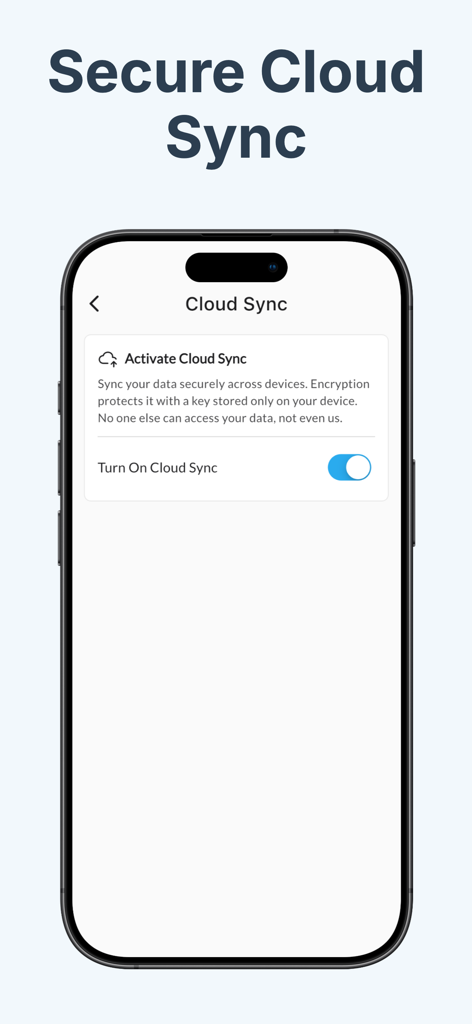
Smartphone screen showing the secure cloud sync activation feature in the Authenticator OTP Manager app.
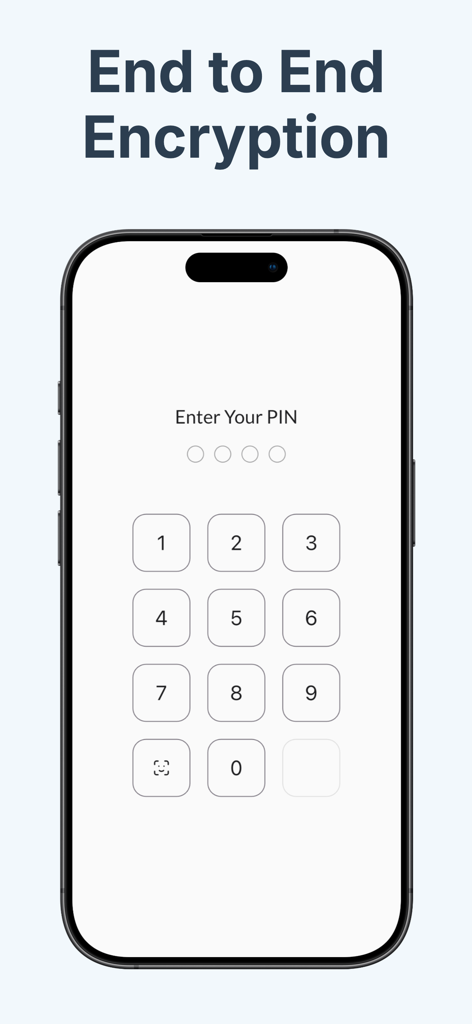
Smartphone displaying end to end encryption and a secure PIN entry screen for the Authenticator app.
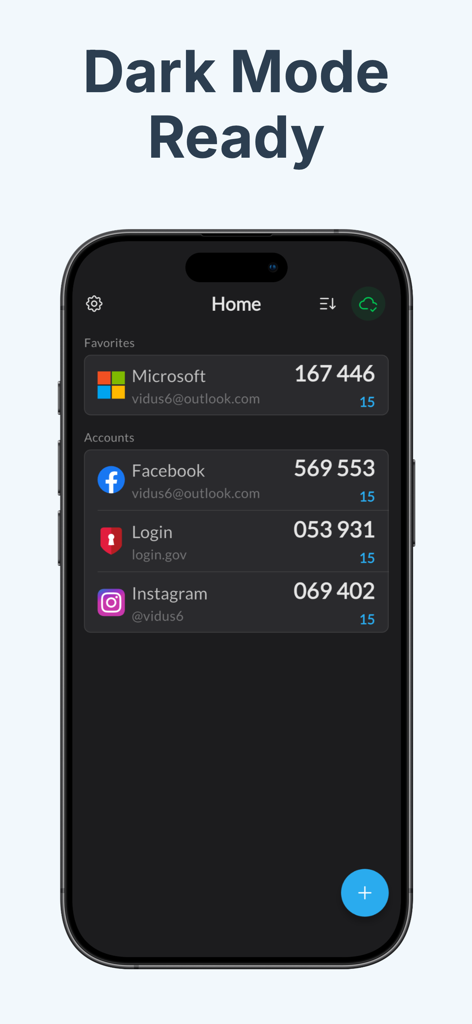
Authenticator app interface in dark mode displaying 2FA codes for Microsoft and Facebook accounts on an iPhone.
Description
Download
More Like This
Top-ranked apps in the same category

Google LLC

Google Chrome
Google LLC

中国移动(手机营业厅)
China Mobile Online Services Co., Ltd.

Google Authenticator
Google LLC

CNH do Brasil
Servicos e Informacoes do Brasil

Cleanup: Phone Storage Cleaner
DEEP FLOW SOFTWARE SERVICES - FZCO

gov.br
Servicos e Informacoes do Brasil

中国电信-全国统一官方服务平台
CHINA TELECOM Corporation Ltd.

Microsoft Edge: AI Browser
Microsoft Corporation
This page is not an official page of the app or its developer, but an independent editorial publication created for informational and commentary purposes. Unless expressly stated otherwise, neither the app nor its developer is affiliated with, endorsed by, sponsored by, authorized by, or otherwise officially connected with MWM, Apple, Google Play, the app publisher, or the app's developer, and nothing on this page implies that the app was developed using MWM's services. Any trademarks, logos, screenshots, and other content remain the property of their respective owners.