
This page is not an official page of the app or its developer, but an independent editorial publication created for informational and commentary purposes. Unless expressly stated otherwise, neither the app nor its developer is affiliated with, endorsed by, sponsored by, authorized by, or otherwise officially connected with MWM, Apple, Google Play, the app publisher, or the app's developer, and nothing on this page implies that the app was developed using MWM's services. Any trademarks, logos, screenshots, and other content remain the property of their respective owners.


Base44 Guide
Elevate your development workflow with expert tutorials, categorized code snippets, and ready-to-use prompts designed to maximize your coding productivity.
Downloads
15K+User Rating
Total Ratings
200Publisher
Category
UtilitiesLocales
1Latest Version
1.3Size
39.6 MBFirst Released
Dec 1, 2025Master the Future of AI Coding
Unlock the full potential of Cursor AI with curated tutorials and professional-grade prompt snippets designed to double your development speed.
Pro-Grade Prompt Library
Stop guessing and start generating. Access ready-made prompts for complex logic, refactoring, and debugging to bypass the blank-page syndrome.
Advanced Feature Mastery
Go beyond basic chat. Learn to master codebase indexing, symbol references, and deep AI integrations to stay ahead in the tech landscape.
Frequently Asked Questions
Everything you need to know about Base44 Guide
What is the Base44 Guide app?
The Base44 Guide app provides comprehensive tutorials for mastering Base44 features and functionalities. It includes a favorites section, search functionality, and ready-made prompts for code generation to enhance coding productivity.
Can I save my favorite guides in Base44 Guide?
Yes, the Base44 Guide app features a favorites section where users can easily save and access their preferred tutorials and guides.
Does Base44 Guide offer code generation prompts?
Yes, the Base44 Guide app includes new functionality with ready-made prompts for code generation, organized in a snippets section with categories for easy reference.
What types of guides does the Base44 Guide app provide?
The Base44 Guide app provides guides on installation, autocomplete & AI suggestions, inline code edits, chat assistant, debugging & fixes, AI agent mode, and terminal AI commands.
Is a subscription required for the Base44 Guide app?
Yes, a subscription is required to unlock all features within the Base44 Guide app.
How much does the Base44 Guide app cost?
The Base44 Guide app offers auto-renewable subscriptions: 1 week for $4.99, 1 month for $12.99, 1 year for $39.99, and a Lifetime option for $59.99.
How can I cancel my Base44 Guide app subscription?
Users can cancel their Base44 Guide app subscription anytime through their device’s subscription settings.
Is the Base44 Guide app an official Base44 product?
No, the Base44 Guide app is a third-party product and is not directly related to the Base44 brand. It serves as a guide on how to use the brand's product.
Does the Base44 Guide app include an AI Assistant?
Yes, the Base44 Guide app includes an AI Assistant that assists with coding by generating code fragments and providing explanations based on user input.
Where can I find the Privacy Policy for the Base44 Guide app?
The Privacy Policy for the Base44 Guide app is linked in the app description and accessible via the in-app settings menu. The URL is https://doc-hosting.flycricket.io/tutorial-for-cursor-ai-privacy-policy/c29984c7-cba8-4d78-a271-e2c60667b2bb/privacy.
The following screenshots and description are sourced directly from the app's official store listing and are the property of the app developer.
App Store
Screenshots
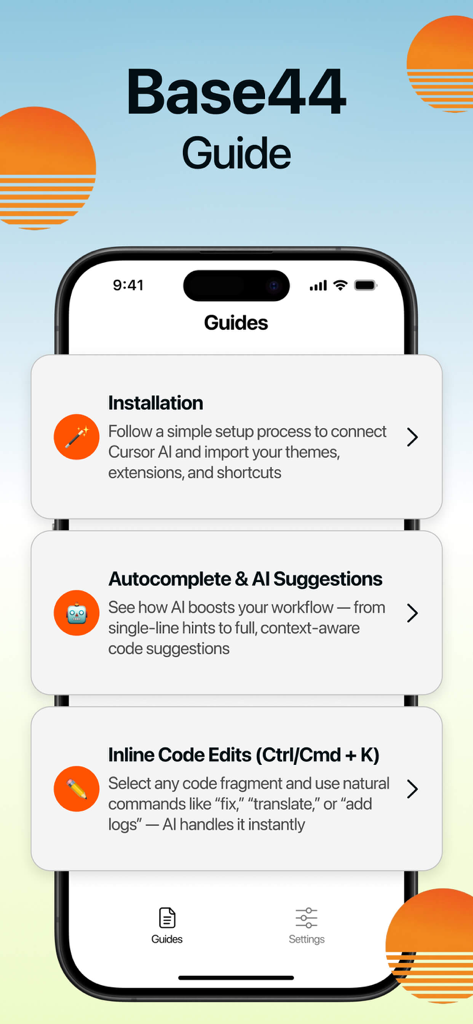
Base44 Guide app screen showing tutorials for installation and AI code suggestions
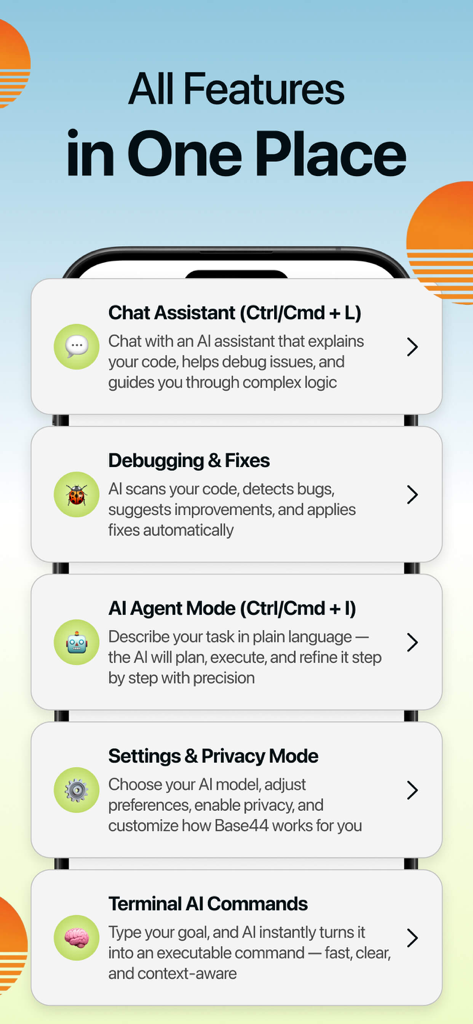
Base44 Guide app screen showing features like Chat Assistant, AI Agent Mode, and Terminal AI Commands.
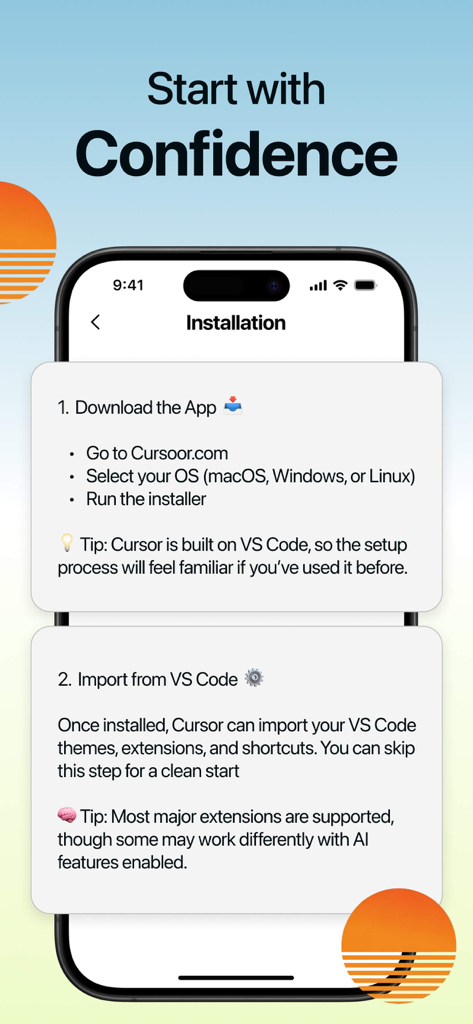
Screenshot of the Base44 Guide app showing step by step installation instructions for Cursor AI.
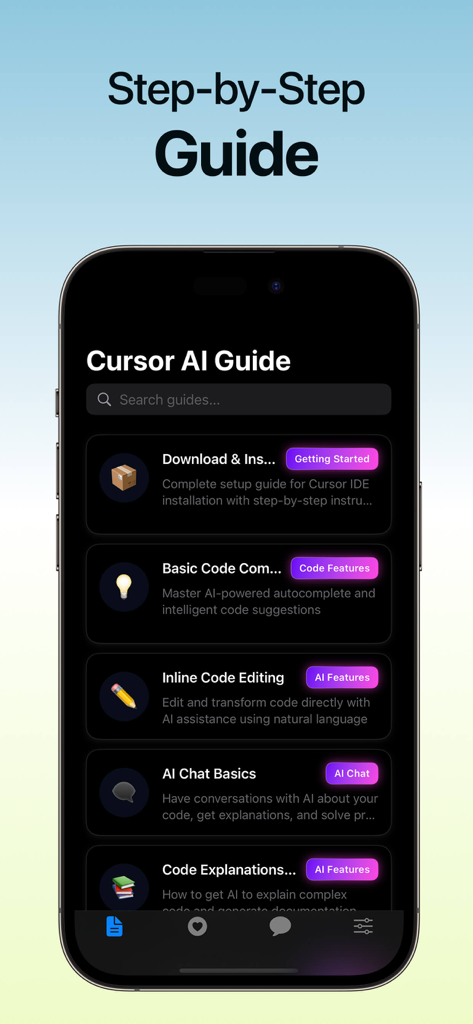
A mobile app interface titled Cursor AI Guide displaying various step by step tutorials for developers
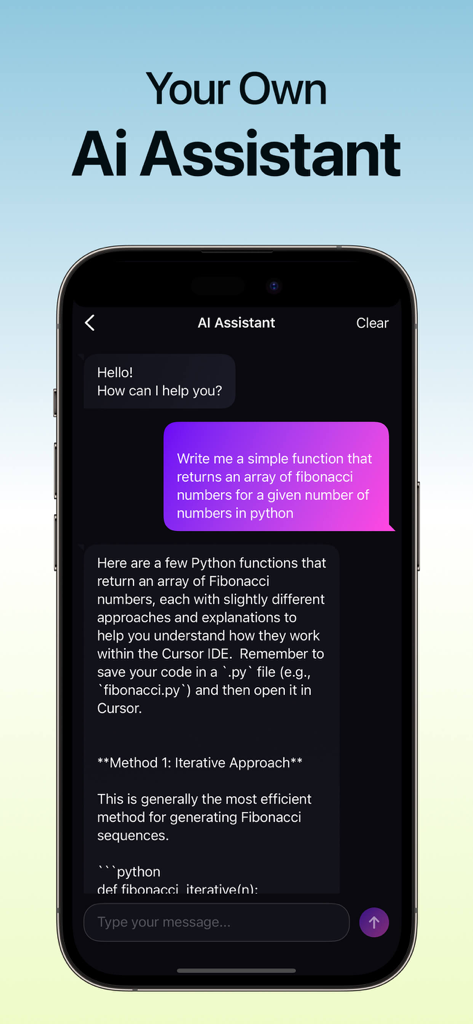
Chat interface showing the AI Assistant generating Python code snippets in the Base44 Guide app
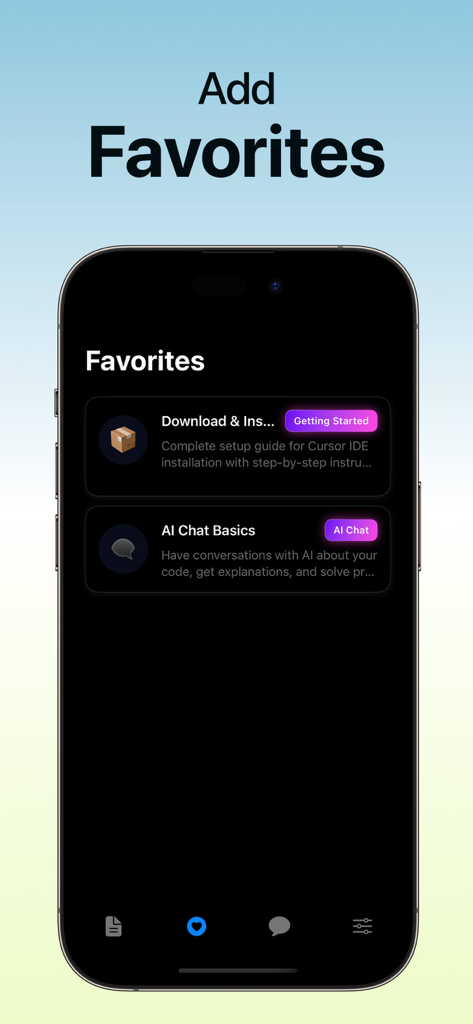
A mobile screen showing the Favorites section of the Base44 Guide app with tutorial categories for AI chat and installation
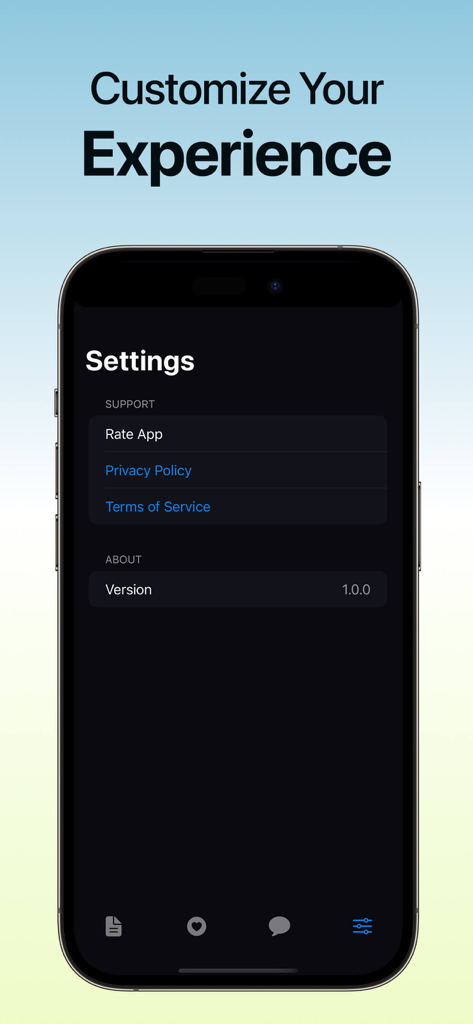
Settings screen of the Base44 Guide app showing app support options and version details
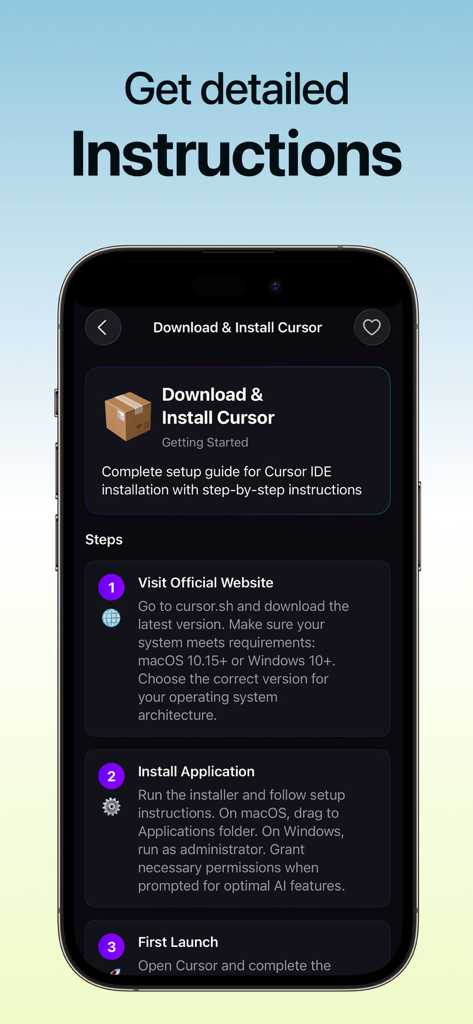
Mobile app screen showing step by step instructions for downloading and installing Cursor AI
Description
Download
More Like This
Top-ranked apps in the same category

Google LLC

Google Chrome
Google LLC

中国移动(手机营业厅)
China Mobile Online Services Co., Ltd.

Google Authenticator
Google LLC

CNH do Brasil
Servicos e Informacoes do Brasil

Cleanup: Phone Storage Cleaner
DEEP FLOW SOFTWARE SERVICES - FZCO

gov.br
Servicos e Informacoes do Brasil

中国电信-全国统一官方服务平台
CHINA TELECOM Corporation Ltd.

Microsoft Edge: AI Browser
Microsoft Corporation
This page is not an official page of the app or its developer, but an independent editorial publication created for informational and commentary purposes. Unless expressly stated otherwise, neither the app nor its developer is affiliated with, endorsed by, sponsored by, authorized by, or otherwise officially connected with MWM, Apple, Google Play, the app publisher, or the app's developer, and nothing on this page implies that the app was developed using MWM's services. Any trademarks, logos, screenshots, and other content remain the property of their respective owners.