
This page is not an official page of the app or its developer, but an independent editorial publication created for informational and commentary purposes. Unless expressly stated otherwise, neither the app nor its developer is affiliated with, endorsed by, sponsored by, authorized by, or otherwise officially connected with MWM, Apple, Google Play, the app publisher, or the app's developer, and nothing on this page implies that the app was developed using MWM's services. Any trademarks, logos, screenshots, and other content remain the property of their respective owners.


Bit Converter Plus
The essential offline utility for calculating storage capacity and data throughput. Seamlessly toggle between binary (1024) and decimal (1000) bases with a lightweight, Dark Mode-ready interface designed for IT experts.
Downloads
100User Rating
Total Ratings
0Publisher
Category
UtilitiesLocales
1Latest Version
1.1Size
0.6 MBFirst Released
Nov 21, 2022Professional-Grade Data Conversion
The essential utility for engineers, developers, and students to bridge the gap between storage capacity and transfer throughput with absolute precision.
Binary vs. Decimal Precision
Eliminate calculation errors with a dedicated toggle between K=1024 for storage media and K=1000 for network transmission speeds.
Massive Scale Support
Seamlessly convert across the entire digital spectrum, from basic bits and bytes to enterprise-level Zettabytes and Yottabytes.
The following screenshots and description are sourced directly from the app's official store listing and are the property of the app developer.
App Store
Screenshots
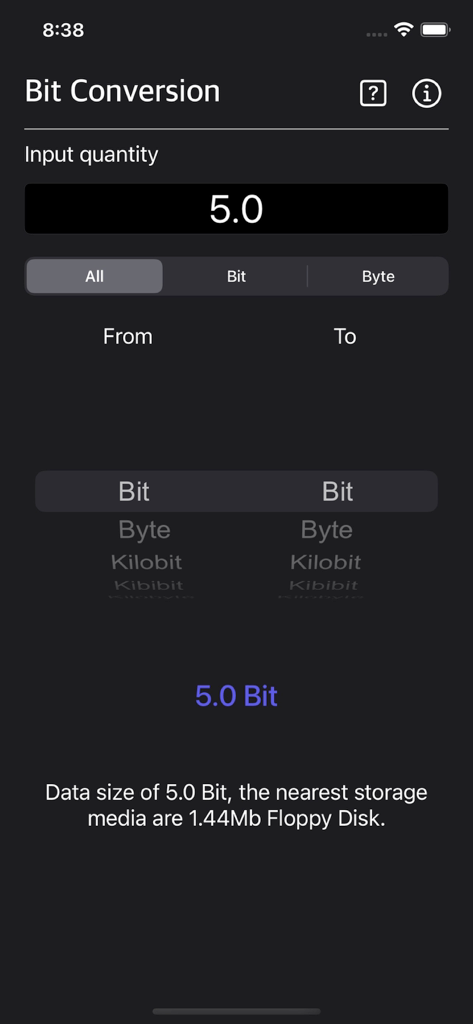
Bit Converter Plus mobile app screen showing a digital data conversion interface in dark mode.
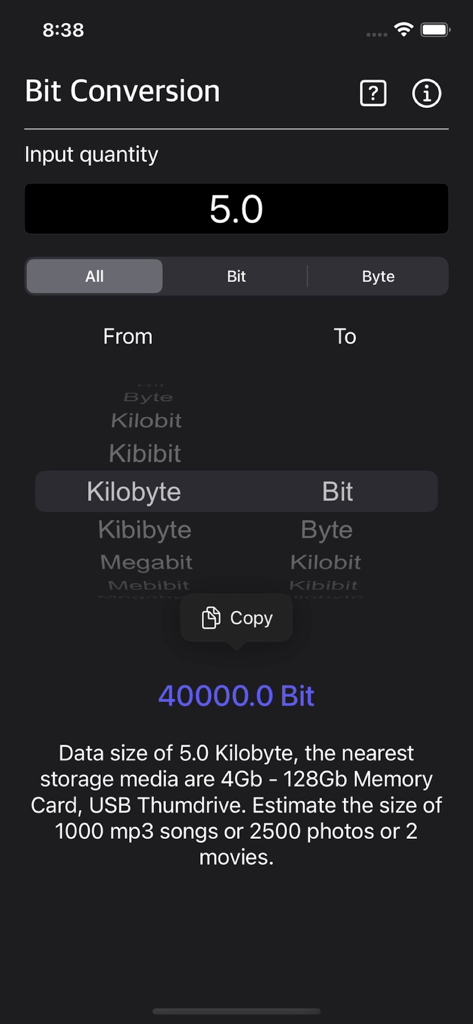
A mobile app interface of Bit Converter Plus showing a conversion from 5.0 Kilobyte to 40000.0 Bit in dark mode
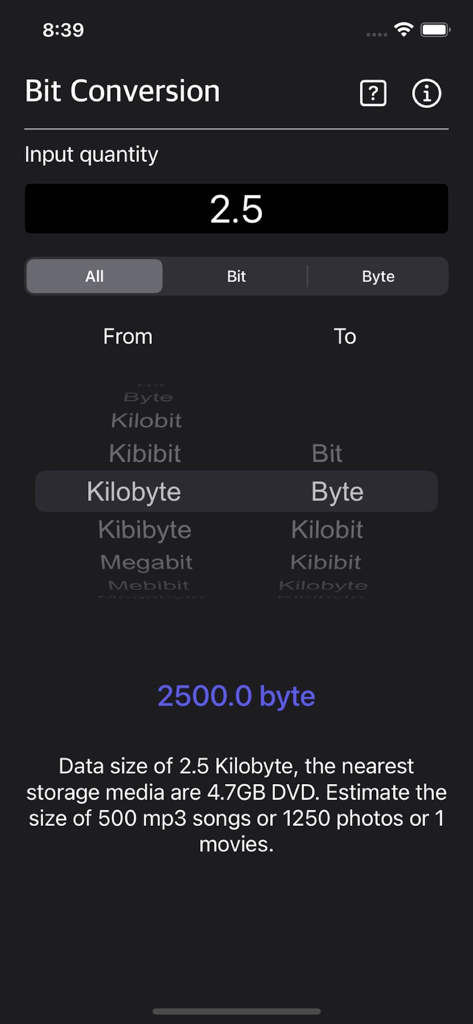
Bit Converter Plus app interface showing a kilobyte to byte conversion in dark mode
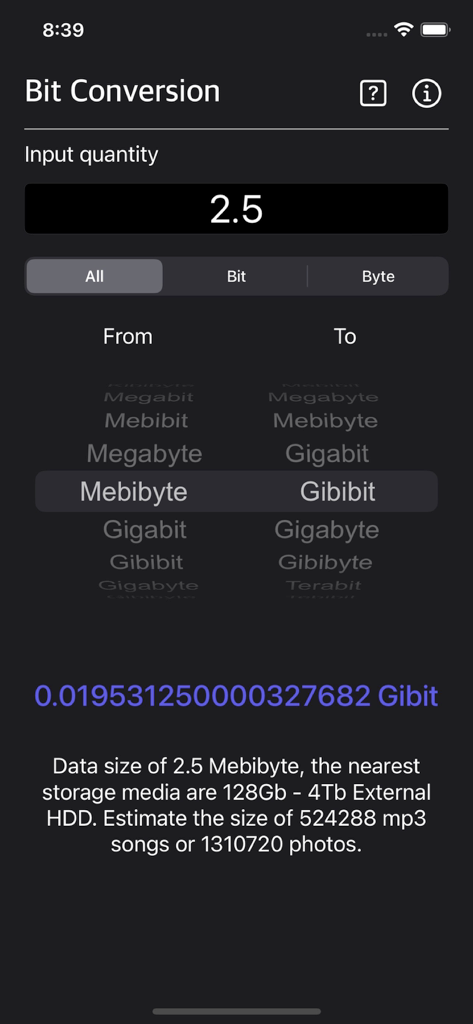
Digital unit conversion interface of Bit Converter Plus app in dark mode showing Mebibyte to Gibibit conversion
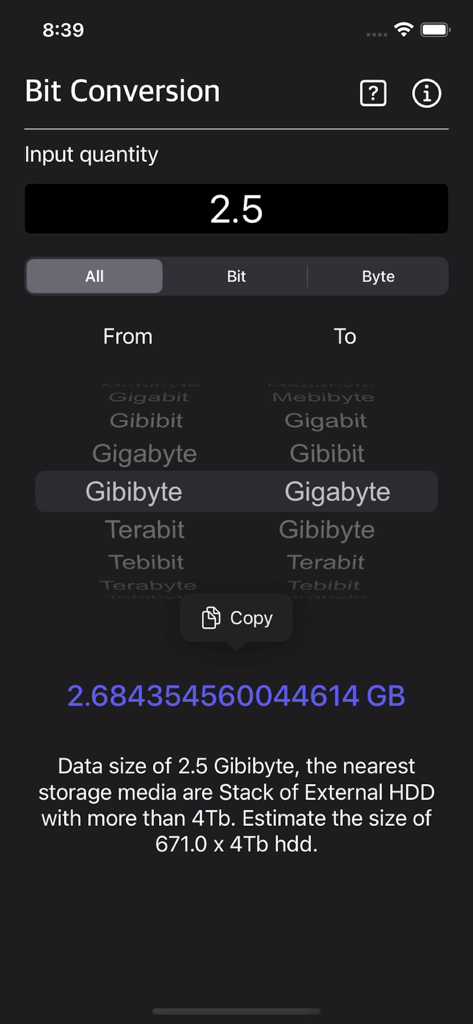
Bit Converter Plus app screenshot showing digital data conversion from Gibibyte to Gigabyte
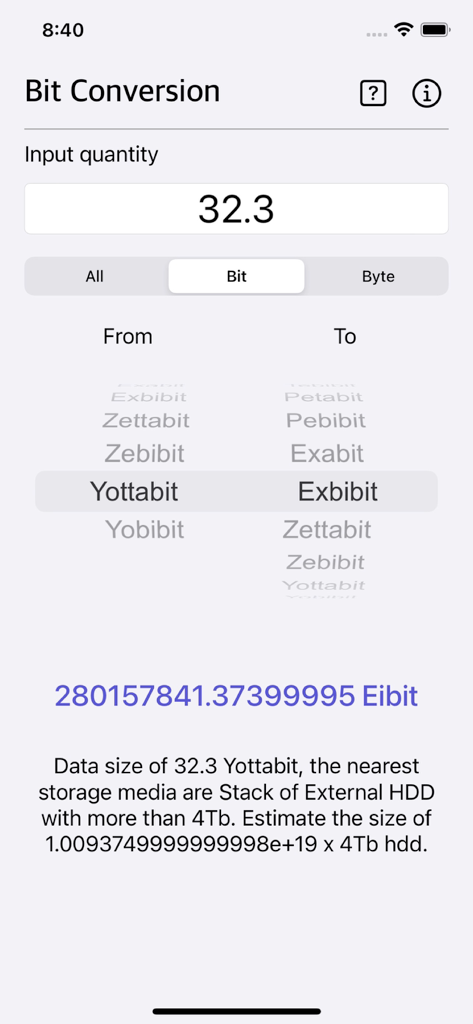
Bit Converter Plus app interface performing a conversion from Yottabit to Exbibit
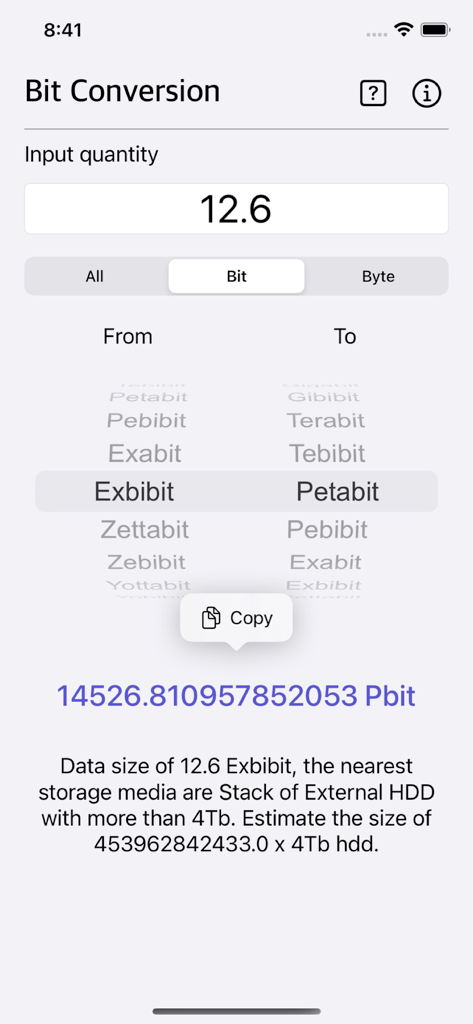
Bit Converter Plus app interface showing a digital unit conversion from Exbibit to Petabit with detailed result
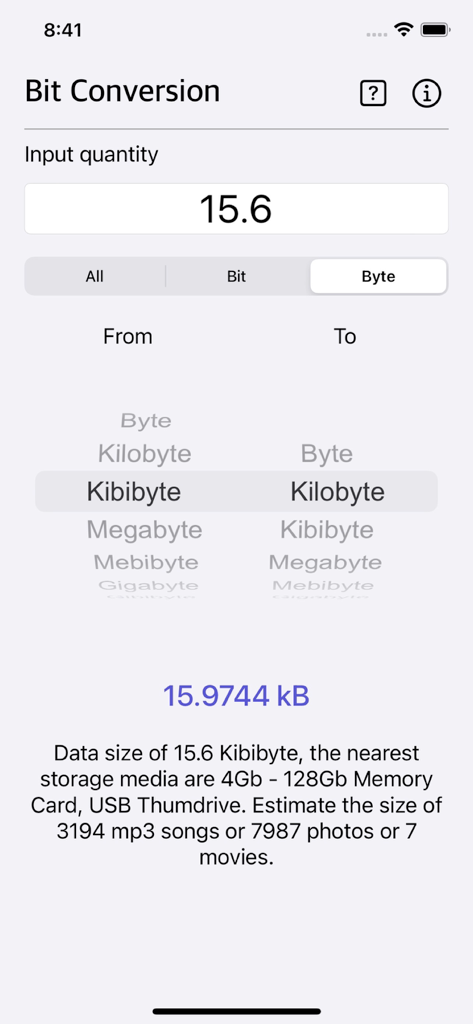
Bit Converter Plus app interface showing conversion from Kibibyte to Kilobyte with data size estimations
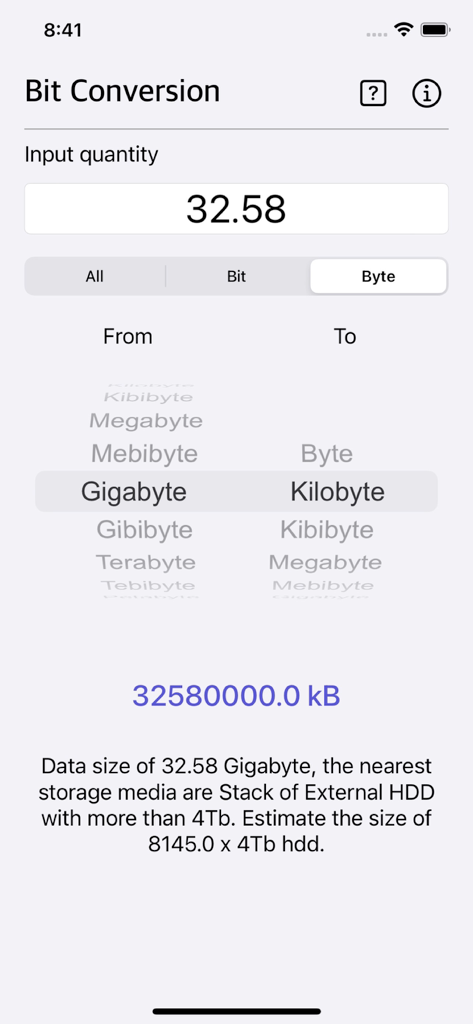
Bit Converter Plus mobile app displaying a conversion from Gigabyte to Kilobyte
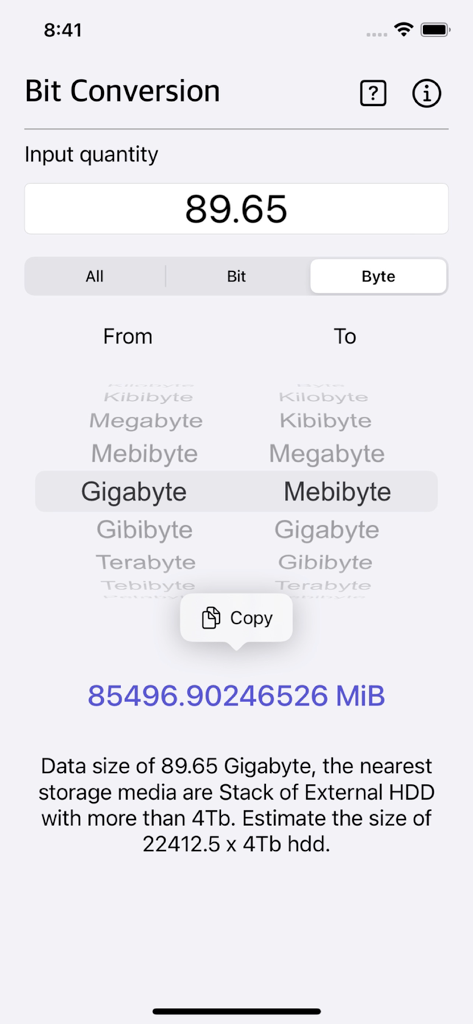
Bit Converter Plus app interface showing a conversion from Gigabytes to Mebibytes with a data size estimation
Description
Download
More Like This
Top-ranked apps in the same category

Google LLC

Google Chrome
Google LLC

中国移动(手机营业厅)
China Mobile Online Services Co., Ltd.

Google Authenticator
Google LLC

CNH do Brasil
Servicos e Informacoes do Brasil

Cleanup: Phone Storage Cleaner
DEEP FLOW SOFTWARE SERVICES - FZCO

gov.br
Servicos e Informacoes do Brasil

中国电信-全国统一官方服务平台
CHINA TELECOM Corporation Ltd.

Microsoft Edge: AI Browser
Microsoft Corporation
This page is not an official page of the app or its developer, but an independent editorial publication created for informational and commentary purposes. Unless expressly stated otherwise, neither the app nor its developer is affiliated with, endorsed by, sponsored by, authorized by, or otherwise officially connected with MWM, Apple, Google Play, the app publisher, or the app's developer, and nothing on this page implies that the app was developed using MWM's services. Any trademarks, logos, screenshots, and other content remain the property of their respective owners.