
This page is not an official page of the app or its developer, but an independent editorial publication created for informational and commentary purposes. Unless expressly stated otherwise, neither the app nor its developer is affiliated with, endorsed by, sponsored by, authorized by, or otherwise officially connected with MWM, Apple, Google Play, the app publisher, or the app's developer, and nothing on this page implies that the app was developed using MWM's services. Any trademarks, logos, screenshots, and other content remain the property of their respective owners.

Blur Background Photo Effect
Create stunning SLR-style backgrounds and stylish mosaic effects with a simple touch. The must-have tool for creators to protect their privacy and perfect their aesthetic.
Downloads
6M+User Rating
Total Ratings
258K+Publisher
Category
Photo & VideoLocales
10Latest Version
2.4.17Size
60.6 MBFirst Released
Aug 17, 2021Transform Your Feed with Professional Blur Effects
Join over 6 million users who turn ordinary snapshots into stunning, privacy-safe portraits with just a few intuitive swipes.
Pro-Grade Bokeh Style
Achieve that high-end SLR camera look instantly to make your subject pop and give your social media grid a professional, aesthetic edge.
Privacy Made Stylish
Securely mask sensitive info, license plates, or faces using a wide variety of modern and retro mosaic patterns that don't ruin your photo's vibe.
Frequently Asked Questions
Everything you need to know about Blur Background Photo Effect
What is Blur Background Photo Effect?
Blur Background Photo Effect, also known as Mosaic+, allows users to easily process photos by tracing to add various blurs and mosaics. It also includes cropping functionality.
How can I blur photos using Blur Background Photo Effect?
Yes, Blur Background Photo Effect enables blurring photos by simply tracing with your finger. This applies popular blur effects to your images.
Does Blur Background Photo Effect offer different types of blur and mosaic effects?
Yes, Blur Background Photo Effect provides a wide variety of mosaic and blur types. These include options for modern blurring, retro blurring, and layering mosaics.
Can I crop images within the Blur Background Photo Effect app?
Yes, Blur Background Photo Effect supports cropping. Users can cut processed photos or images to any desired size after applying effects.
Is Blur Background Photo Effect suitable for protecting privacy in photos?
Yes, Blur Background Photo Effect is recommended for protecting privacy. Users can add stylish blur to faces or blur backgrounds, which helps obscure identifiable information.
Where can I find the privacy policy for Blur Background Photo Effect?
The privacy policy for Blur Background Photo Effect is available at 'https://www.stellaxia.com/privacypolicy'. This link is provided within the app's description.
Can Blur Background Photo Effect make backgrounds look like an SLR camera?
Yes, Blur Background Photo Effect allows users to blur the background of photos to achieve an effect similar to those taken with an SLR camera.
Does Blur Background Photo Effect include a sticker feature?
Yes, Blur Background Photo Effect features a new sticker functionality. This allows users to add various stickers to their processed images.
How do I contact support for the Blur Background Photo Effect app?
Users can contact support for Blur Background Photo Effect by navigating to 'Start the app > Settings button > Contact us'. This provides a direct channel for questions.
The following screenshots and description are sourced directly from the app's official store listing and are the property of the app developer.
App Store
Screenshots
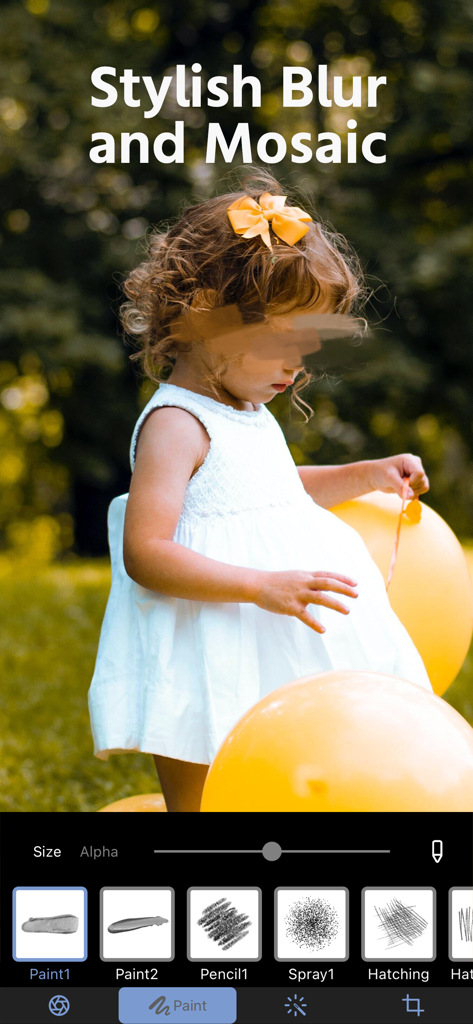
A mobile photo editing screen showing a childs face blurred for privacy using stylish brush tools
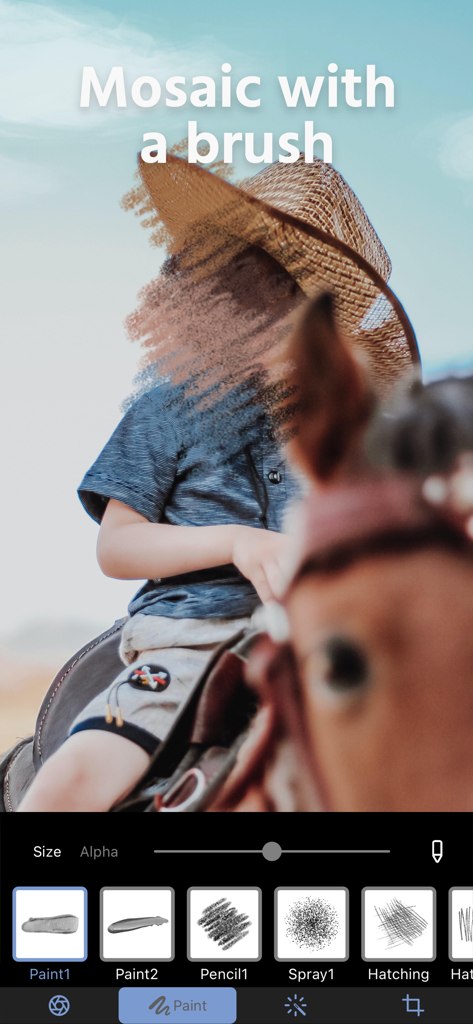
Photo editing interface showing a brush tool applying a mosaic effect to a childs face for privacy
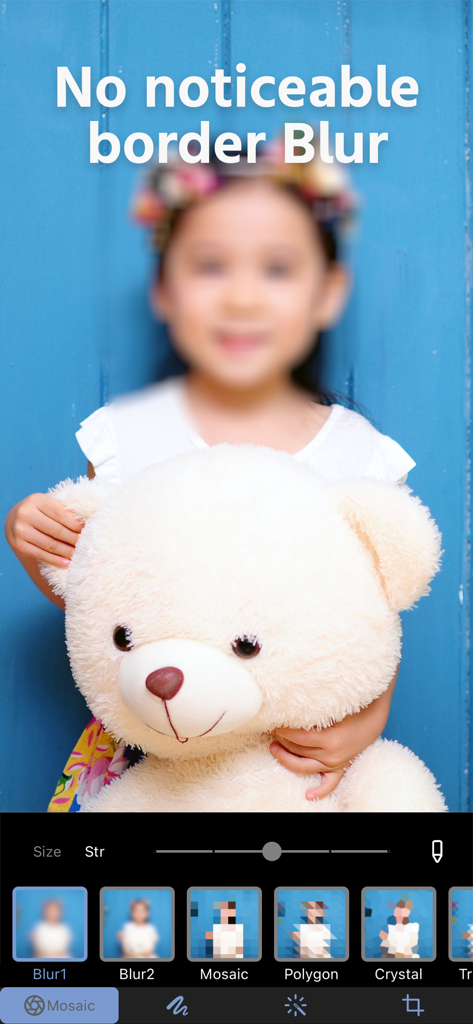
A photo of a girl holding a teddy bear with a soft blur effect applied to her face and background using the Mosaic plus app editing tools
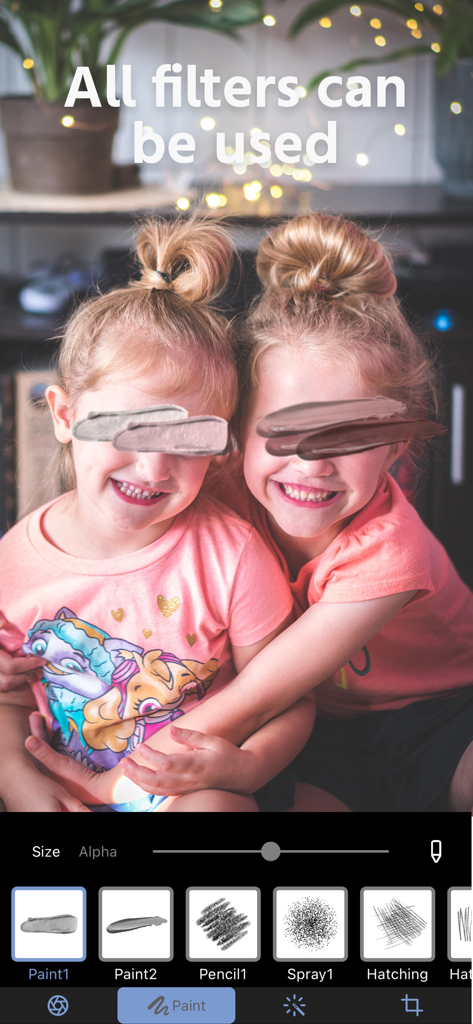
Mosaic plus app interface showing artistic paint filters used to blur faces for privacy
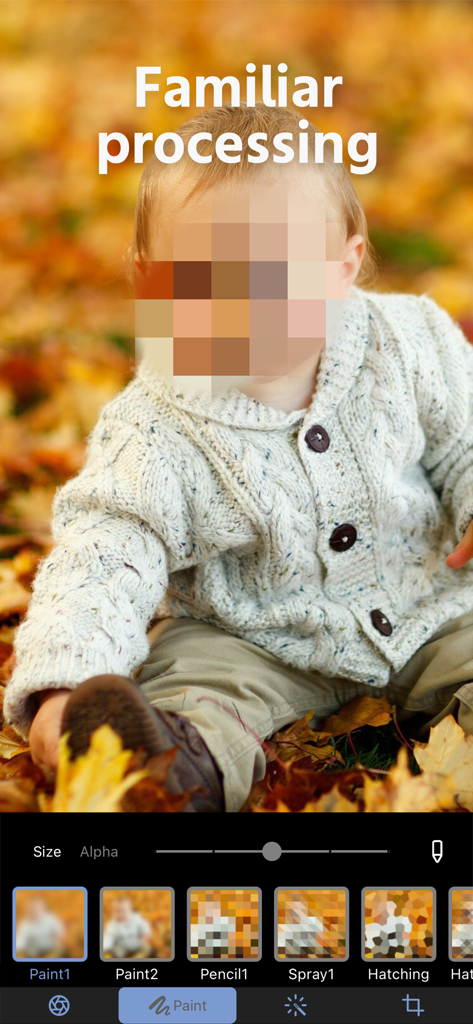
Pixelated mosaic blur effect on a child's face for privacy protection in the photo editor
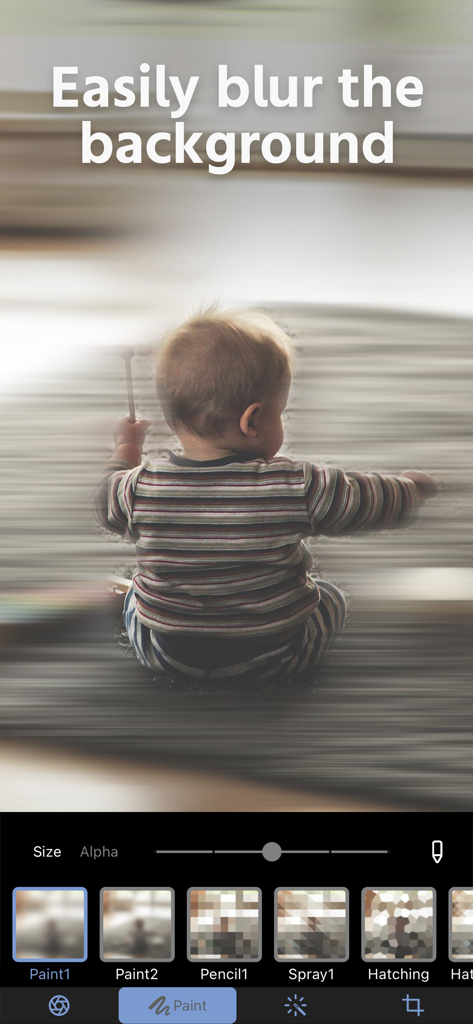
App interface for blurring backgrounds featuring a baby photo and editing tools
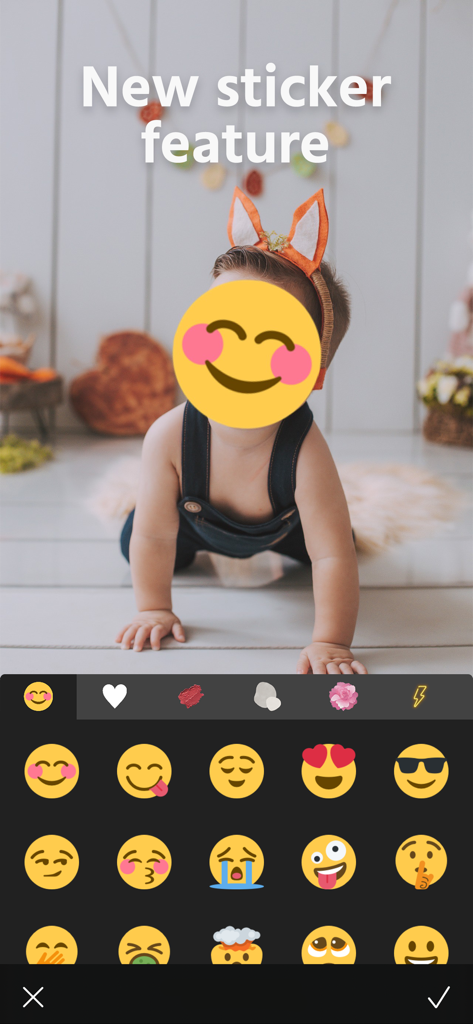
Photo editing app interface showing a child face covered by a smiling emoji sticker for privacy
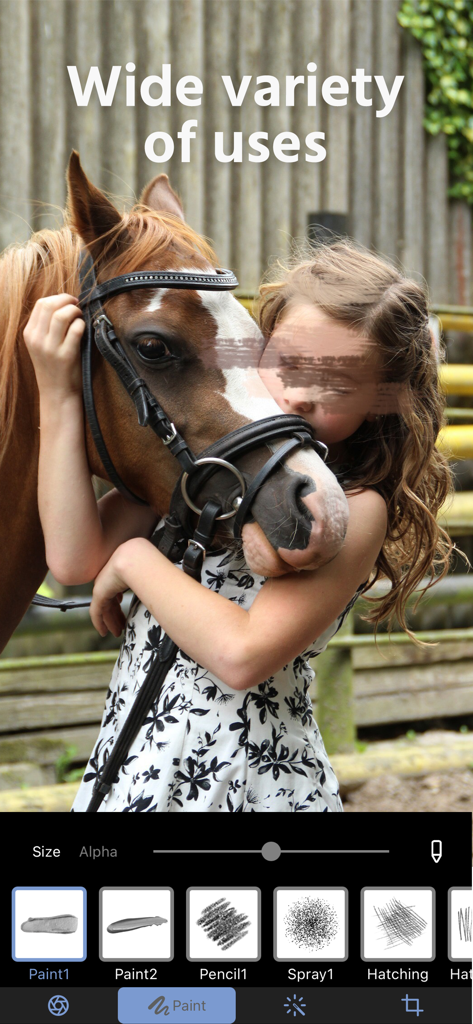
Interface of the Mosaic plus app showing a girl and a horse with a creative paint blur over her eyes for privacy
Description
Download
More Like This
Apps with similar features and user experience

Blur Photo Effect Background
Honk Honk Punch Pty Ltd

Blur Photo Editor
Sohel Ibna Saad

Blur Photo - Background & Face
Alenrom sp. z o.o.

Blur Photo Editor: blur effect
Ryoichi Fukugawa

Motion Blur Photo Editor
Daria Khalitova

Blurr: Motion Blur Effect Pro
Viacheslav Khakhulin
Blurry Photo Aрр
AI Photo Editor Lab SRL
Blur Photo Background
SUNWOONG JANG

Blur Photo - Effect Editor
Appenvision Ltd
This page is not an official page of the app or its developer, but an independent editorial publication created for informational and commentary purposes. Unless expressly stated otherwise, neither the app nor its developer is affiliated with, endorsed by, sponsored by, authorized by, or otherwise officially connected with MWM, Apple, Google Play, the app publisher, or the app's developer, and nothing on this page implies that the app was developed using MWM's services. Any trademarks, logos, screenshots, and other content remain the property of their respective owners.