
This page is not an official page of the app or its developer, but an independent editorial publication created for informational and commentary purposes. Unless expressly stated otherwise, neither the app nor its developer is affiliated with, endorsed by, sponsored by, authorized by, or otherwise officially connected with MWM, Apple, Google Play, the app publisher, or the app's developer, and nothing on this page implies that the app was developed using MWM's services. Any trademarks, logos, screenshots, and other content remain the property of their respective owners.


Blur Photo Effect Background
Transform your photos with DSLR-quality bokeh, remove distractions, and protect your privacy with ease. The ultimate tool for creating aesthetic social media content and custom wallpapers in seconds.
Downloads
10M+User Rating
Total Ratings
57K+Publisher
Category
Photo & VideoLocales
15Latest Version
3.5.0Size
40.8 MBFirst Released
Sep 3, 2015Professional Results, Zero Effort
From stunning portrait bokeh to essential privacy protection, our AI-driven tools give you the creative control of a DSLR right on your iPhone.
Smart AI Background Blur
Instantly isolate subjects and create professional depth-of-field effects that make your social media feed stand out.
Total Precision Control
Edit with confidence using brush offset and deep zoom, ensuring every edge is perfect without your finger blocking the view.
Frequently Asked Questions
Everything you need to know about Blur Photo Effect Background
What is Blur Photo Effect Background?
Blur Photo Effect Background is an app for blurring unwanted details, removing blemishes, enhancing photos, and creating custom wallpapers. It offers precision editing and AI smart detection.
Does Blur Photo Effect Background offer AI-powered blur features?
Yes, Blur Photo Effect Background includes AI Smart Detection to automatically detect and blur faces, objects, or backgrounds. It uses advanced AI for precision.
Can I remove blemishes with the Blur Photo Effect Background app?
Yes, the Blur Photo Effect Background app features a Blemish Remover. It is part of the complete photo editor tools to fine-tune every detail.
How much does Blur Photo Effect Background Premium cost?
Blur Photo Effect Background Premium costs $2.99 per month or $11.99 per year. The yearly subscription includes a 3-day free trial.
What editing controls are available in Blur Photo Effect Background?
Blur Photo Effect Background provides precision editing with high-resolution support, zoom, pan, rotate, and brush offset control. It also includes adjustable blur brushes and undo/redo options.
Can Blur Photo Effect Background create custom wallpapers?
Yes, Blur Photo Effect Background allows users to create stunning custom wallpapers using their own photos. It includes built-in cropping presets for perfect fit.
Does Blur Photo Effect Background support high-resolution photo editing?
Yes, Blur Photo Effect Background supports high-resolution editing with deep zoom. This enables pixel-perfect results and maintains image quality.
What types of blur effects does Blur Photo Effect Background offer?
Blur Photo Effect Background offers an adjustable blur brush, focus blur, and invert blur. It also includes options for pixelated mosaic, halftone, or soft blur effects.
How can I contact support for Blur Photo Effect Background?
You can contact support for Blur Photo Effect Background by emailing support@honkhonkpunch.com for bugs, suggestions, or new feature requests.
Can I use Blur Photo Effect Background to censor sensitive information?
Yes, Blur Photo Effect Background can be used to censor sensitive information by applying blur or pixelation effects. This allows for proper redaction of details.
The following screenshots and description are sourced directly from the app's official store listing and are the property of the app developer.
App Store
Screenshots
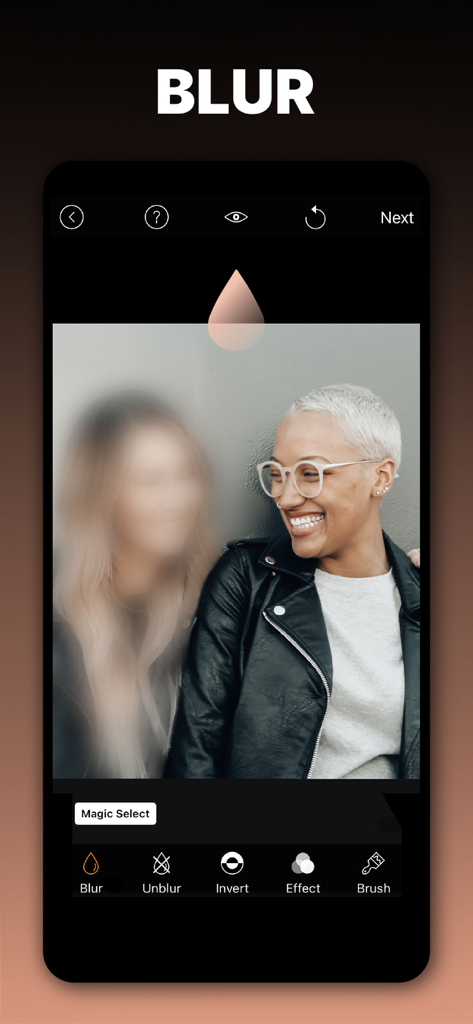
A mobile app interface demonstrating selective blur on a portrait of two people.
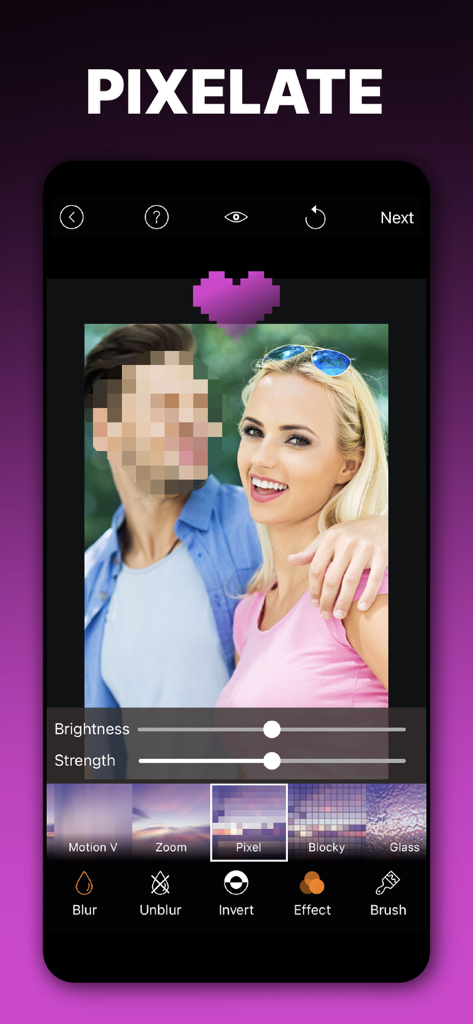
A smartphone screen showing the pixelate feature of the Blur Photo Effect app used to hide a face
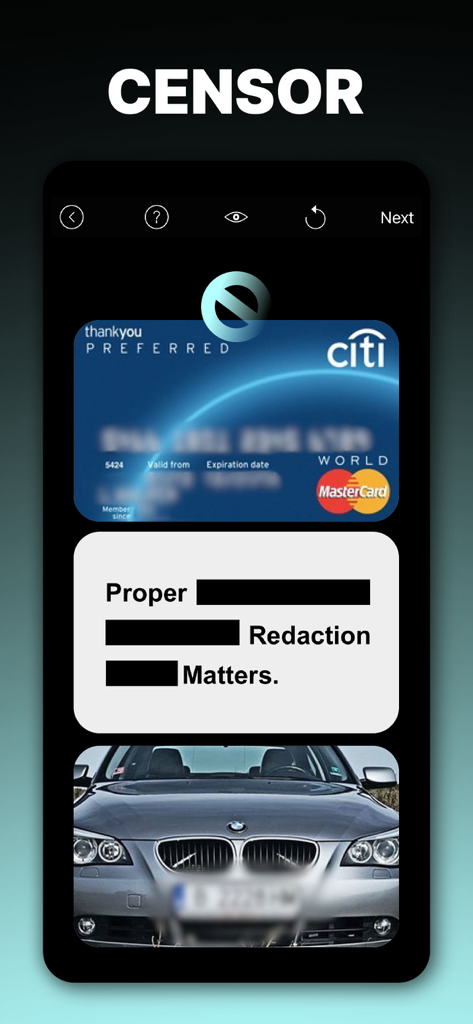
App interface demonstrating blurring a credit card and car license plate and using black redaction bars on text.
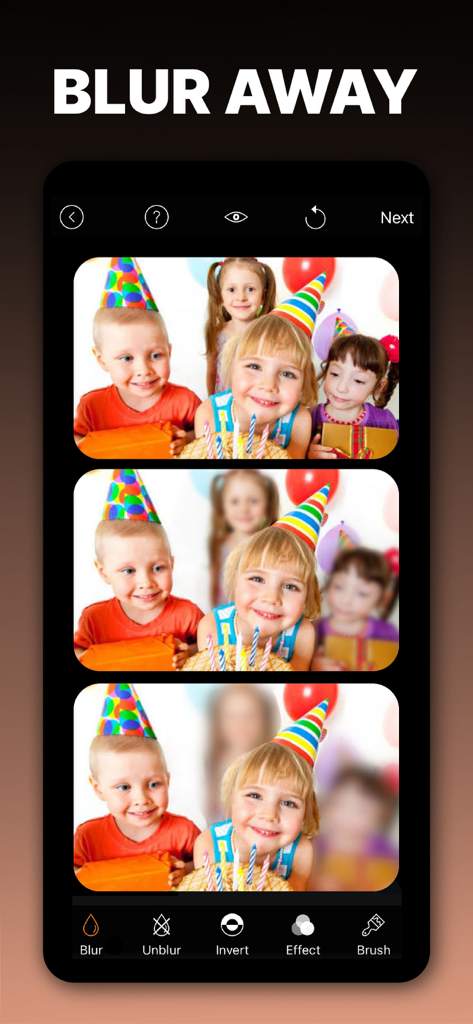
Smartphone screen showing the Blur Photo app interface with a photo of children being edited to blur out background faces for privacy.
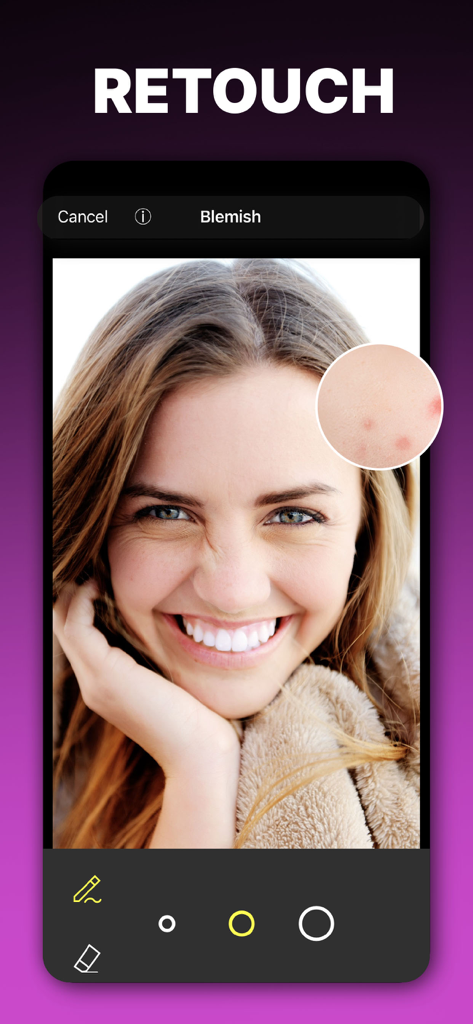
Blemish removal and photo retouching tool on a smartphone screen
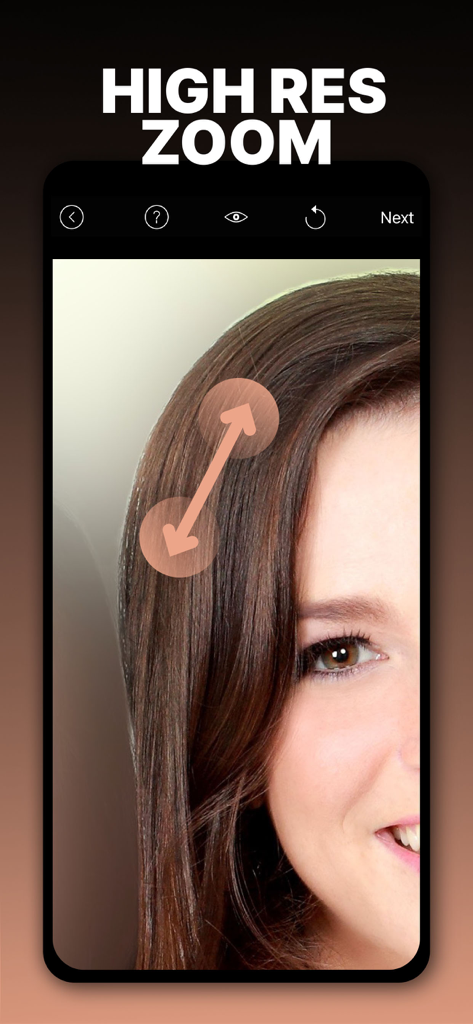
High resolution zoom feature for precision photo editing in the Blur Photo Effect app
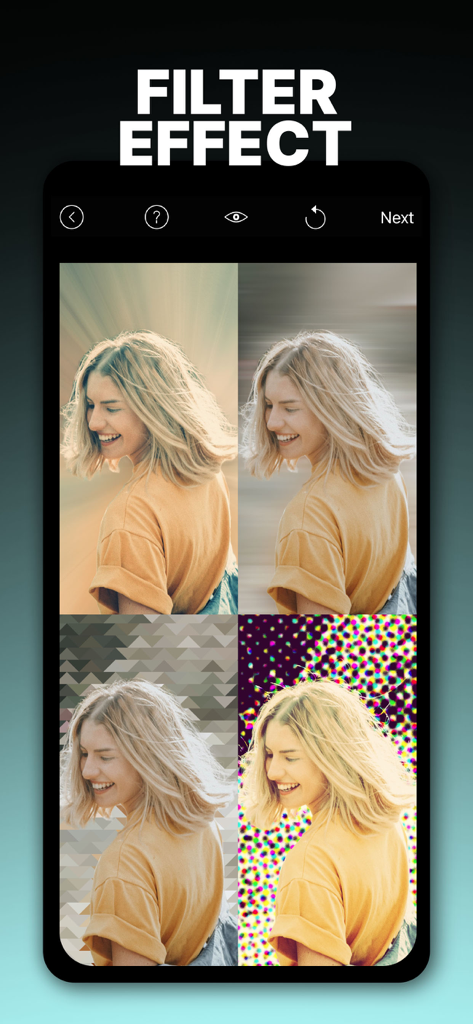
Mobile app interface showing four different artistic background filter effects applied to a portrait of a woman
Description
Download
More Like This
Apps with similar features and user experience

Blur Background Photo Effect
Shiho Sadamizu

Blur Photo Editor
Sohel Ibna Saad

Blur Photo - Background & Face
Alenrom sp. z o.o.

Blur Photo Editor: blur effect
Ryoichi Fukugawa

Motion Blur Photo Editor
Daria Khalitova

Blurr: Motion Blur Effect Pro
Viacheslav Khakhulin
Blurry Photo Aрр
AI Photo Editor Lab SRL

Blur Photo Background
SUNWOONG JANG

Blur Photo - Effect Editor
Appenvision Ltd
This page is not an official page of the app or its developer, but an independent editorial publication created for informational and commentary purposes. Unless expressly stated otherwise, neither the app nor its developer is affiliated with, endorsed by, sponsored by, authorized by, or otherwise officially connected with MWM, Apple, Google Play, the app publisher, or the app's developer, and nothing on this page implies that the app was developed using MWM's services. Any trademarks, logos, screenshots, and other content remain the property of their respective owners.