
This page is not an official page of the app or its developer, but an independent editorial publication created for informational and commentary purposes. Unless expressly stated otherwise, neither the app nor its developer is affiliated with, endorsed by, sponsored by, authorized by, or otherwise officially connected with MWM, Apple, Google Play, the app publisher, or the app's developer, and nothing on this page implies that the app was developed using MWM's services. Any trademarks, logos, screenshots, and other content remain the property of their respective owners.


Motion Blur Photo Editor
Achieve professional DSLR-level depth and glamorous motion blur in just one tap. Perfect your social feed with sophisticated effects designed for the modern creator.
Downloads
1M+User Rating
Total Ratings
11K+Publisher
Category
Graphics & DesignLocales
1Latest Version
2.6Size
63.1 MBFirst Released
Jan 9, 2022Aesthetic Magic at Your Fingertips
The ultimate toolkit for creating dreamy, professional-grade photos. One tap is all it takes to give your social feed that high-end influencer glow.
Viral Motion Effects
Capture the 'main character' vibe with dynamic blur styles that add energy, nostalgia, and a touch of elegance to any shot.
Instant DSLR Depth
Achieve that expensive-looking blurred background without the heavy gear. Perfect for portraits that need to stand out from the crowd.
Frequently Asked Questions
Everything you need to know about Motion Blur Photo Editor
What is Motion Blur App?
Motion Blur App adds effortless aesthetic to photos by applying various blur effects, creating stunning visuals with ease and sophistication.
What blur styles does Motion Blur App provide?
Motion Blur App offers dreamy blur styles including Gaussian, Zoom, and Motion blur effects to make photos stand out.
Can I adjust blur intensity in Motion Blur App?
Yes, Motion Blur App provides perfect control, allowing users to easily adjust the blur intensity to keep important elements in focus.
Does Motion Blur App feature Bokeh effects?
Yes, Motion Blur App includes Bokeh effects, overlays, and drip effects to add extra glam, sparkle, and style to your photos.
How can I share photos from Motion Blur App?
Yes, Motion Blur App allows users to share their stunning photo creations directly to social media platforms like Instagram, Facebook, and Twitter.
Does Motion Blur App create DSLR-quality background blur?
Yes, Motion Blur App creates professional DSLR-level background blur effects directly from your phone, enhancing photo depth.
Can I apply motion blur effects with Motion Blur App?
Yes, the Motion Blur App offers specific motion blur effects, allowing users to add dynamic blurred aesthetics to their images with one tap.
The following screenshots and description are sourced directly from the app's official store listing and are the property of the app developer.
App Store
Screenshots
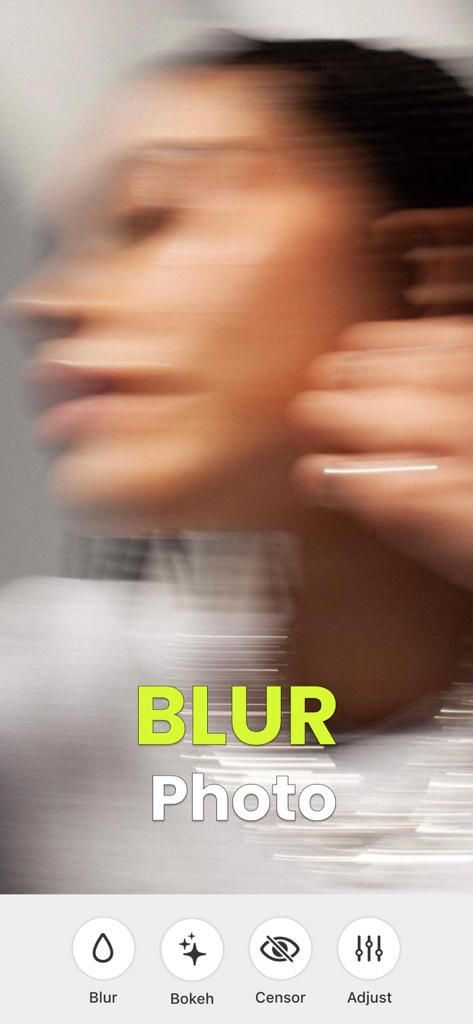
Interface of the Motion Blur Photo Editor app showing a dreamy blurred portrait with editing tools for Bokeh and Censor
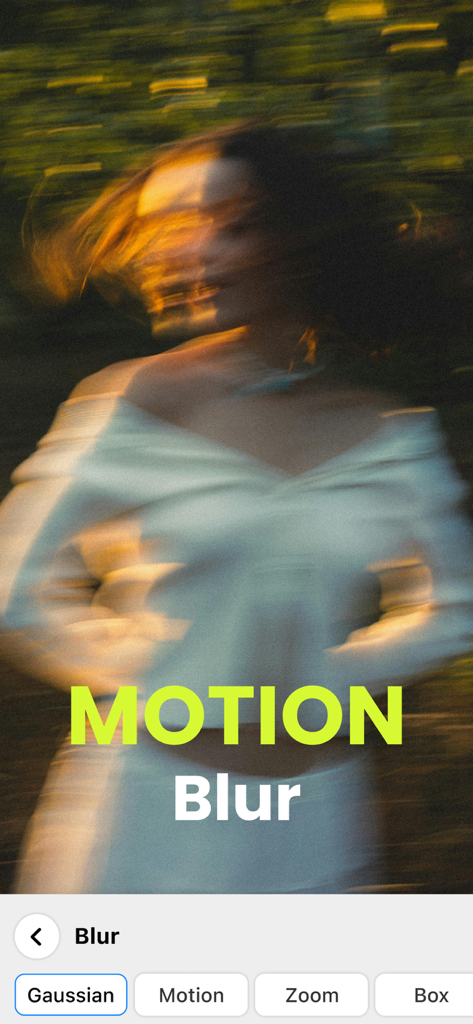
A portrait of a woman with an artistic motion blur effect showing the photo editing app interface
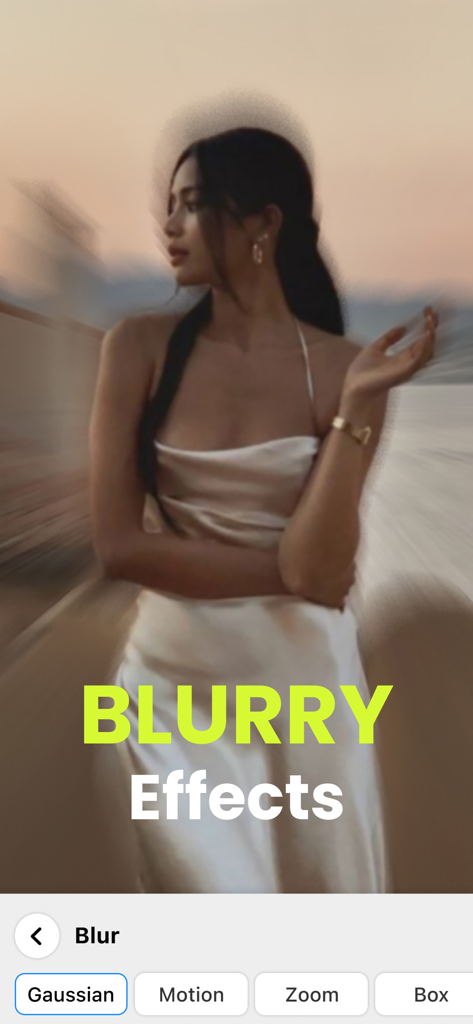
A woman in a white dress with a creative motion blur effect applied via a mobile photo editing app interface showing different blur types like Gaussian and Zoom
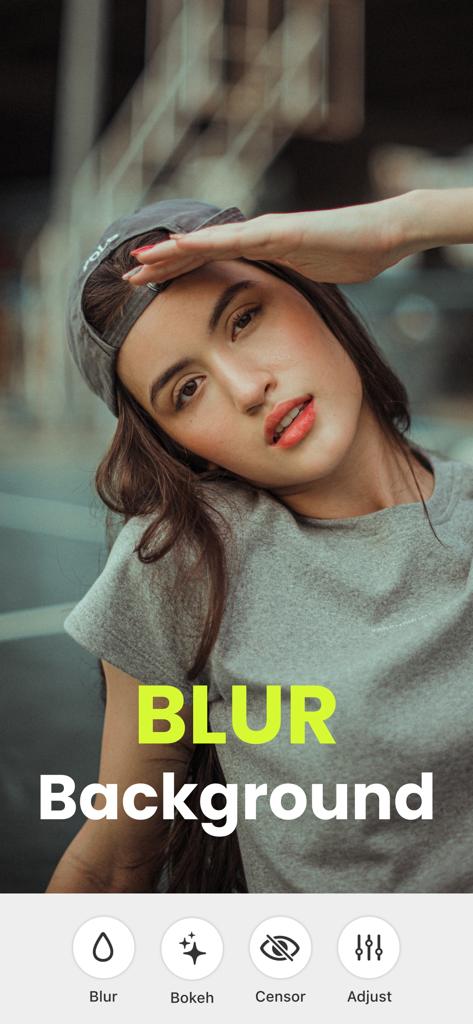
Portrait of a young woman with a professional blurred background in the Motion Blur Photo Editor app
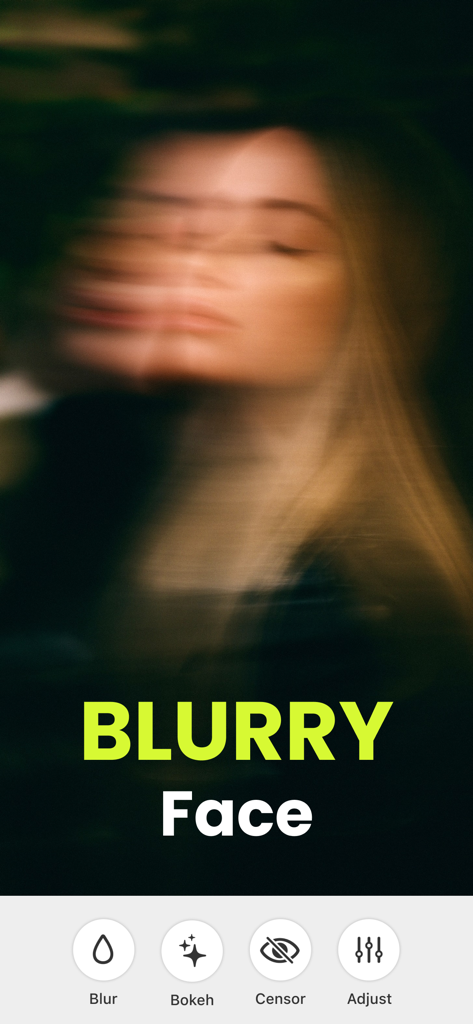
Aesthetic motion blur effect applied to a woman's face in the Motion Blur Photo Editor app
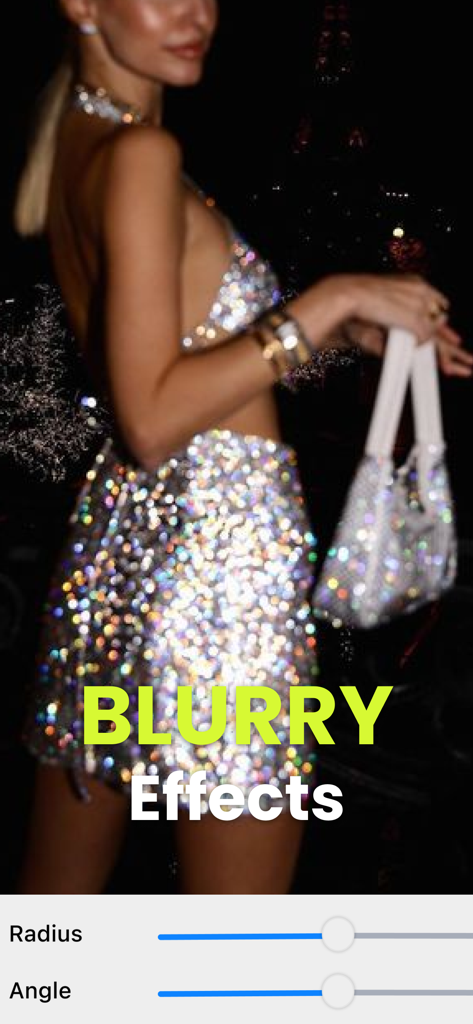
A woman in a glamorous sparkly dress with a motion blur effect and editing sliders for radius and angle.
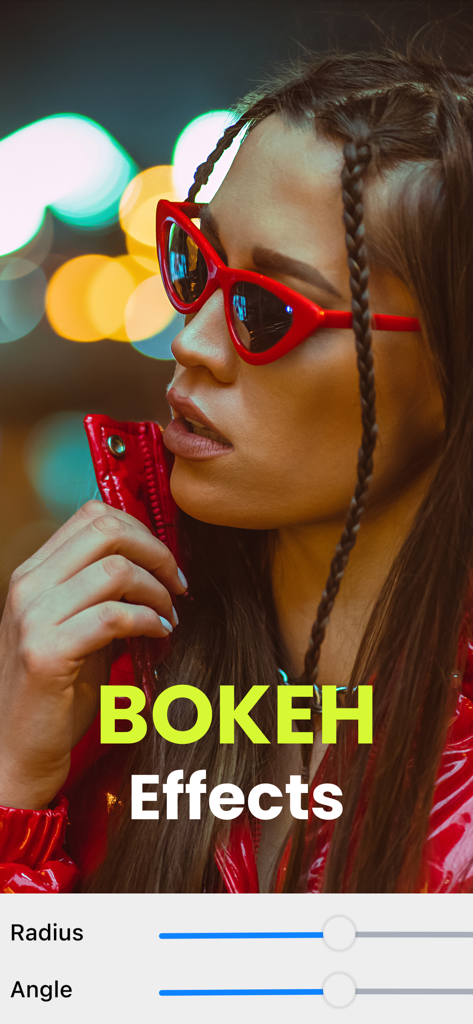
Portrait of a woman with red sunglasses featuring professional bokeh background blur effects
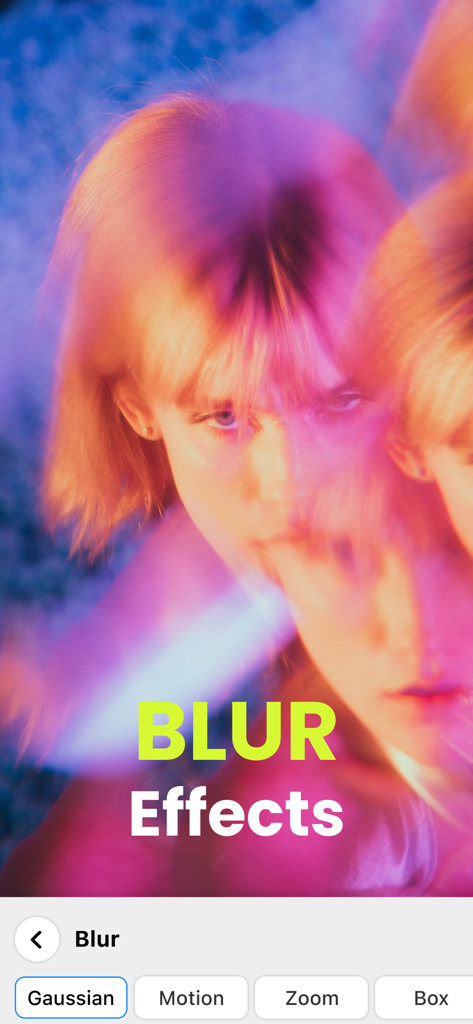
A woman's face with a dreamy motion blur effect in the Motion Blur Photo Editor app interface with options for Gaussian and Motion blur
Description
Download
More Like This
Apps with similar features and user experience

Blur Background Photo Effect
Shiho Sadamizu

Blur Photo Effect Background
Honk Honk Punch Pty Ltd
Blur Photo Editor
Sohel Ibna Saad

Blur Photo - Background & Face
Alenrom sp. z o.o.

Blur Photo Editor: blur effect
Ryoichi Fukugawa
Blurr: Motion Blur Effect Pro
Viacheslav Khakhulin
Blurry Photo Aрр
AI Photo Editor Lab SRL
Blur Photo Background
SUNWOONG JANG

Blur Photo - Effect Editor
Appenvision Ltd
This page is not an official page of the app or its developer, but an independent editorial publication created for informational and commentary purposes. Unless expressly stated otherwise, neither the app nor its developer is affiliated with, endorsed by, sponsored by, authorized by, or otherwise officially connected with MWM, Apple, Google Play, the app publisher, or the app's developer, and nothing on this page implies that the app was developed using MWM's services. Any trademarks, logos, screenshots, and other content remain the property of their respective owners.