
Brainrot: Screen Time Control


Tired of fried dopamine and 3 AM doomscrolling? Block the distractions, save 2 hours a day, and watch your cute brain avatar thrive as you finally get your life back.
Publisher
Category
ProductivityDownloads
259K+User Rating
Total Ratings
8K+Locales
1Discover the interface used by 259K+ users.
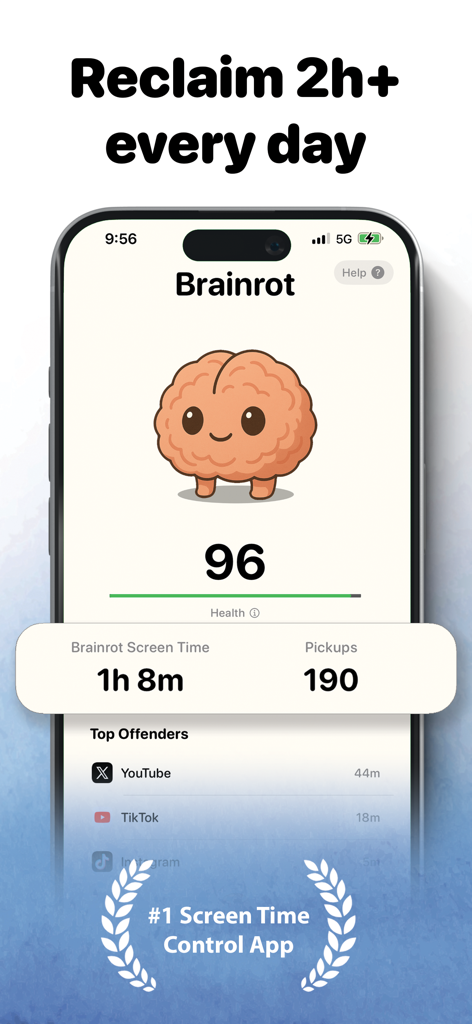
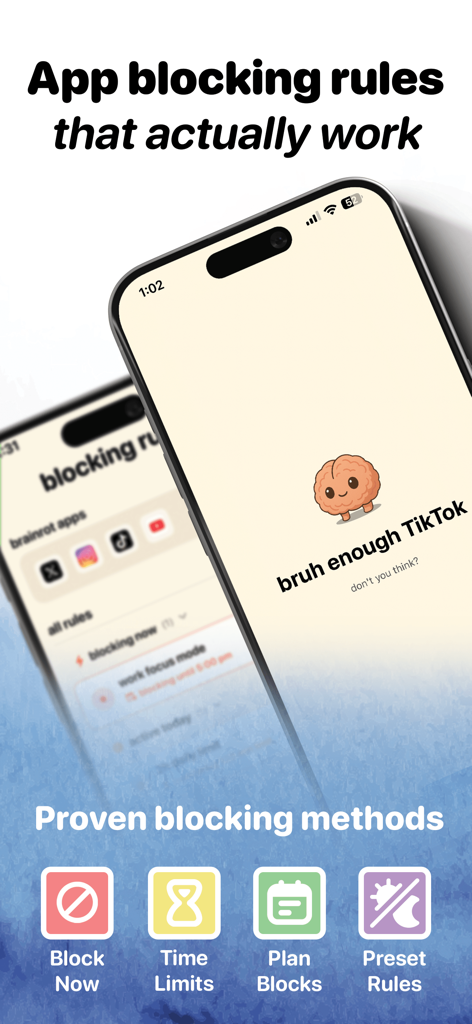
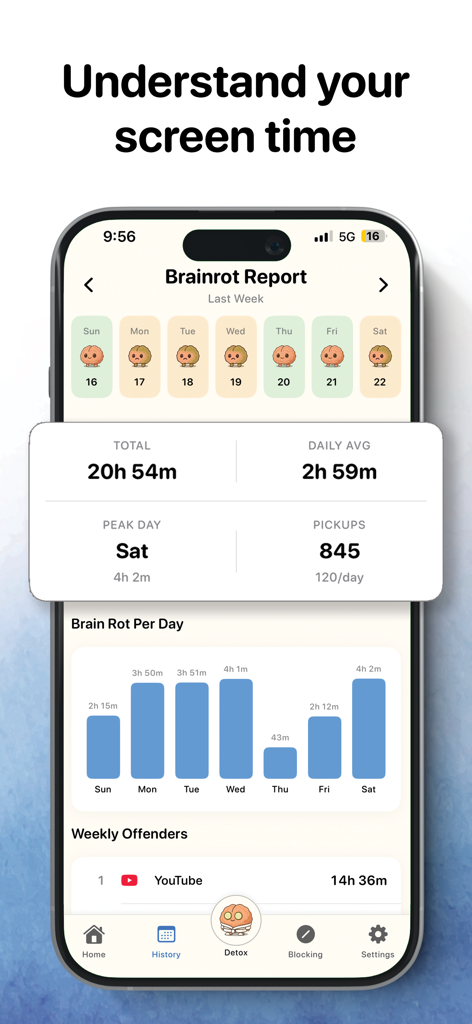
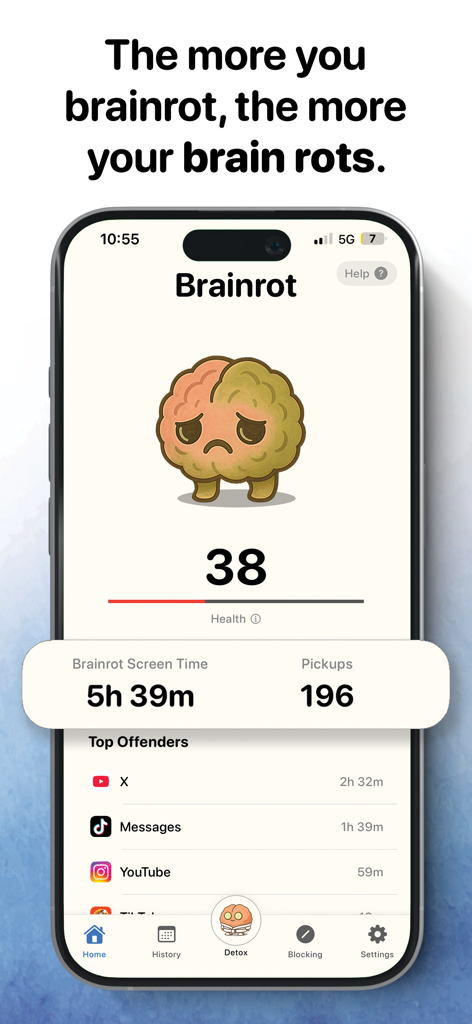
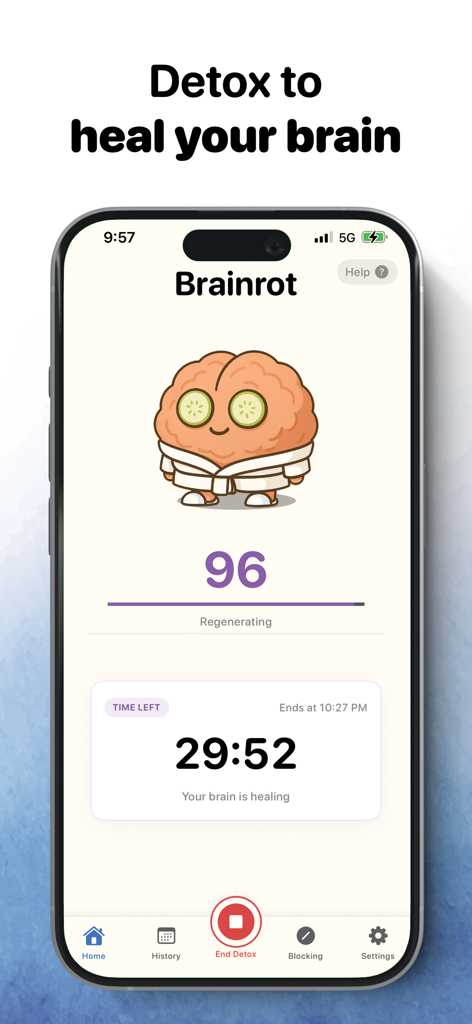
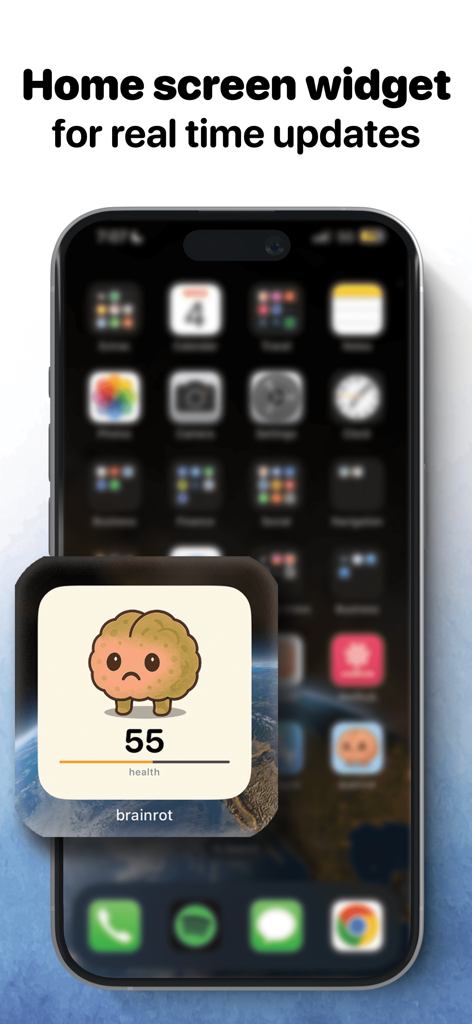
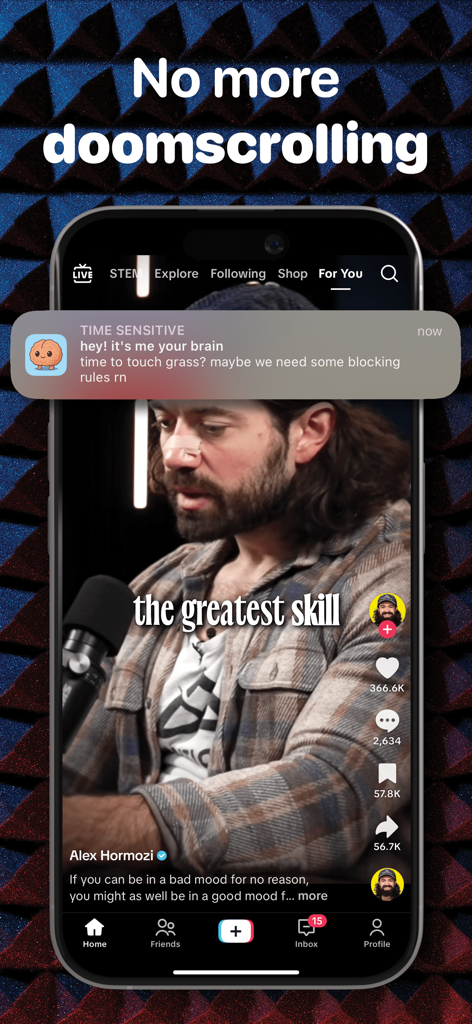
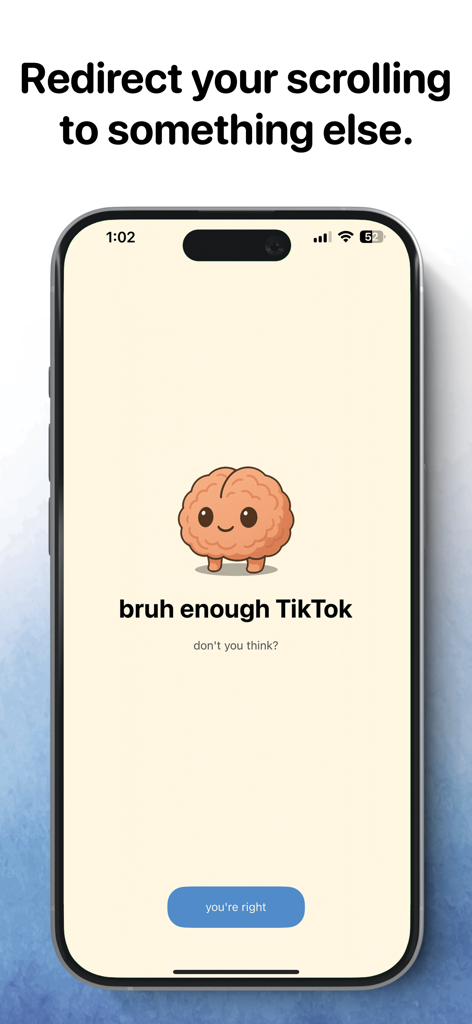
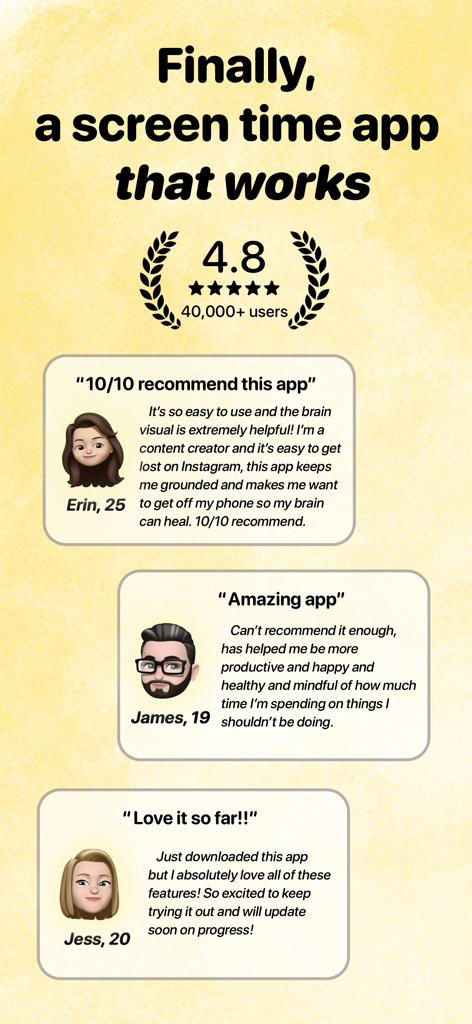
The tools that make this app stand out, trusted by 259K+ users.
Watch your cute brain avatar decay in real-time as you doomscroll. It's the visceral, aesthetic nudge you need to put the phone down.
Instant blocking for the apps that fry your dopamine. Set smart schedules for bedtime and study sessions to keep your focus locked in.
Level up your productivity with integrated Pomodoro timers and deep work sessions designed for the modern hustle.
Insights from user reviews.
Sentiment Score
Summary
The app receives overwhelmingly negative feedback, primarily due to its aggressive paywall and lack of a free trial or version. Users feel misled by the app appearing free initially, only to be forced into a subscription after a lengthy onboarding process, often finding the annual price of $70 to be excessive. While the core concept of managing screen time is generally well-received as a "neat idea" by many, some paying users reported significant bugs, including ineffective app blocking, inaccurate screen time tracking, and a malfunctioning "brain health" display. Overall, the app is largely perceived as a "cash grab" that fails to deliver on its promise without a substantial upfront investment or reliable functionality for those who do pay.
Common Themes
Everything you need to know about Brainrot: Screen Time Control.
Description
Latest Version
1.0.19
Size
41.5 MB
First Released
May 20, 2025
Don't let your brain decay in the scroll. Join 250,000+ others using the visual nudge to beat distractions and win back 2 hours every day.
Everything you need to know about Brainrot: Screen Time Control
Brainrot is a playful screen time control, app blocker, and focus coach. It helps users reclaim their day by blocking apps and sites, setting schedules, and providing visual nudges to reduce digital distraction.
Brainrot helps by instantly blocking apps and websites, offering a focus timer, setting smart schedules, and providing mindful breaks. Its visual brain avatar also decays with doom scrolling, serving as a constant reminder.
Yes, Brainrot provides instant blocking for both apps and websites. Users can pick specific apps and sites to block, set time limits, plan blocks, and use preset rules.
Yes, Brainrot prioritizes privacy and security. It uses Apple’s Screen Time API, meaning all monitoring and blocking occur entirely on your device. Your browsing data never leaves your phone.
All features described for Brainrot, including instant blocking, focus timers, smart schedules, mindful breaks, and clear insights, require an active subscription to function.
Yes, Brainrot provides clear insights to help users understand their screen time. It offers reports showing total screen time, daily averages, peak usage, and identifies 'Top Offenders' and 'Weekly Offenders'.
Yes, Brainrot includes a focus timer designed for deep work and Pomodoro technique users. This feature helps individuals stay concentrated during dedicated work periods.
Yes, Brainrot offers a home screen widget for real-time updates. This widget displays the cute brain avatar and its current health score, providing a constant visual reminder.
The cute brain avatar in Brainrot visually decays as you doom scroll. This serves as a playful yet effective visual nudge, encouraging you to put your phone down and reduce excessive screen time.
Yes, Brainrot features smart schedules for managing screen time. Users can set up specific schedules for bedtime, mornings, and meetings to automatically control app access.
Apps with similar features and user experience

OPAL OS CORPORATION

Screen Detox Inc

Brick LLC (Wisconsin)

riedel.wtf apps S.L.
ScreenZen LLC

Labi, LLC

Seamint Co., Ltd.

MWM

MobileSoft s.r.o.
App information, icons, screenshots, and descriptions displayed on this page are sourced from the Apple App Store and are the property of their respective developers. Download estimates and rankings are based on MWM's proprietary models and may not reflect actual figures. This page is provided for informational and analytical purposes only.
Believe this page infringes your intellectual property? File a dispute