
This page is not an official page of the app or its developer, but an independent editorial publication created for informational and commentary purposes. Unless expressly stated otherwise, neither the app nor its developer is affiliated with, endorsed by, sponsored by, authorized by, or otherwise officially connected with MWM, Apple, Google Play, the app publisher, or the app's developer, and nothing on this page implies that the app was developed using MWM's services. Any trademarks, logos, screenshots, and other content remain the property of their respective owners.


ScreenZen- Screen Time Control
Your digital life is a mess. ScreenZen hands back the reins.
Downloads
1M+User Rating
Total Ratings
81.1KPublisher
Category
ProductivityLocales
6Latest Version
1.2.177Size
105.1 MBFirst Released
Jul 16, 2021An evaluation of core functionalities designed for digital well-being and productivity enhancement.
Key Features Analysis: ScreenZen - Screen Time Control
Strict Blocking Mechanisms
The app provides robust strict blocking options, allowing users to make applications inaccessible based on time ranges, open counts, or accumulated screen time, with the added capability to hide blocked apps from the home screen for stronger deterrence.
Progressive App Launch Delay
The app provides a configurable delay before opening distracting applications, with the option for this wait time to progressively increase, encouraging users to reconsider their intent and reduce impulsive app usage.
Tamper-Proof Settings Lock
This tool features a settings lock to prevent impulsive overrides of configured restrictions, ensuring that users cannot easily bypass their own set boundaries during moments of weakness.
Intentionality Prompts
This tool features customisable prompts, such as 'Is this important?', displayed before an app opens, encouraging users to consciously evaluate their need to engage and fostering intentional screen use.
Interrupted Session Control
This tool features the ability to interrupt sessions on distracting apps, allowing users to engage for short, controlled periods, thereby preventing prolonged, unproductive scrolling.
App Usage Goals & Blocking
It allows users to establish daily or session-specific usage goals for individual applications, with an optional hard block activated upon reaching the set limit, promoting mindful consumption.
Granular Scheduling & Customization
The app offers extensive customization, enabling users to configure usage rules, delays, and blocks differently for specific applications, days of the week, and times, adapting to varied routines and needs.
Streak Tracking & Motivation
The app incorporates streak tracking to gamify self-control, motivating users to consistently adhere to their set limits and avoid overriding settings, fostering long-term behavioral change.
Mindful Waiting Activities
It offers guided breathing exercises and other brief activities to engage users during enforced waiting periods, encouraging a shift in focus away from the distracting app and promoting mindfulness.
Focused Distraction Tracking
It provides focused screen time analytics, isolating usage data specifically for identified distracting applications, offering clear insights without inflating statistics with essential utility app usage.
Frequently Asked Questions
Everything you need to know about ScreenZen- Screen Time Control
What is ScreenZen- Screen Time Control?
ScreenZen- Screen Time Control is an app designed to reduce screentime and compulsive app opening. It employs strategies like delays, strict blocking, and usage goals to help users reclaim daily time and manage digital habits.
How does ScreenZen- Screen Time Control help delay app opening?
ScreenZen- Screen Time Control allows users to set a configurable delay before opening distracting apps. The wait time can automatically increase with each subsequent opening, prompting users to reconsider their immediate app usage.
Can I set daily app usage goals with ScreenZen- Screen Time Control?
Yes, ScreenZen- Screen Time Control enables users to set app goals, such as limiting daily app opens or session durations. The app automatically blocks access once these predefined usage limits are reached.
Does ScreenZen- Screen Time Control support custom schedules for app blocking?
Yes, ScreenZen- Screen Time Control supports custom schedules for app blocking. Users can configure different limits and blocking rules for specific days of the week and distinct time ranges, enhancing flexibility.
What types of interventions does ScreenZen- Screen Time Control offer before opening apps?
ScreenZen- Screen Time Control offers interventions like "Is this important?" messages. It also provides activities, such as breathing exercises or math problems, to engage users during the delay period before app access.
How does strict blocking work in ScreenZen- Screen Time Control?
ScreenZen- Screen Time Control's strict blocking feature activates for specific time ranges, after a set number of app opens, or when a screentime limit is exceeded. Blocked apps can also be hidden from the home screen.
Can ScreenZen- Screen Time Control prevent users from changing its settings?
Yes, ScreenZen- Screen Time Control can prevent users from changing its settings. It includes a lock feature for its settings menu, which ensures that configured app limits and blocking preferences remain active.
Does ScreenZen- Screen Time Control track all screen time?
No, ScreenZen- Screen Time Control specifically tracks screen time only for designated distracting apps. It intentionally excludes general usage from utility apps, providing a focused view on problematic app consumption patterns.
How does ScreenZen- Screen Time Control help users stay motivated?
ScreenZen- Screen Time Control helps users stay motivated through its "Streaks" feature. This encourages individuals to adhere to their set limits and avoid overriding app blocking settings, fostering consistent screen time reduction habits.
Can I temporarily disable blocking in ScreenZen- Screen Time Control?
Yes, ScreenZen- Screen Time Control offers a "Quick Disable" option. Users can temporarily disable blocking for a specified duration, such as 60 minutes, directly from the application's settings when needed.
The following screenshots and description are sourced directly from the app's official store listing and are the property of the app developer.
App Store
Screenshots
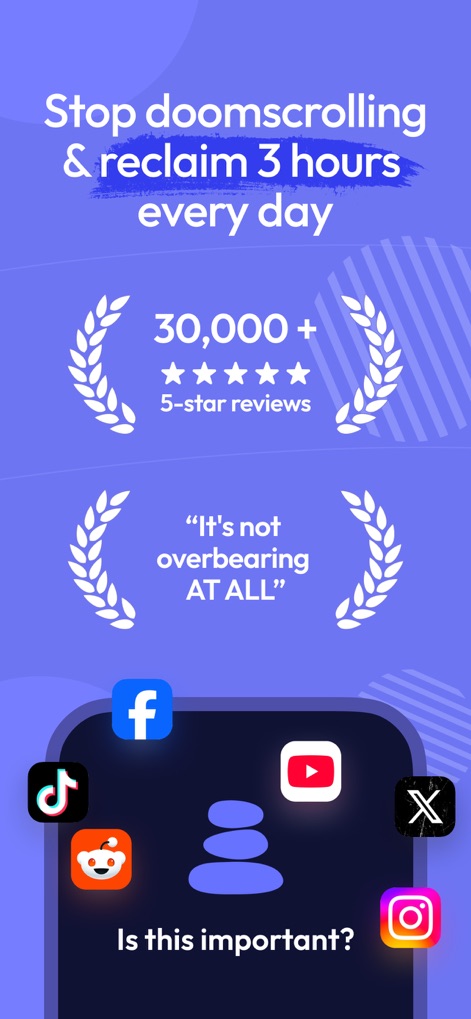
This tool highlights its effectiveness through impressive user testimonials like "30,000+ 5-star reviews" and immediately prompts reflection with questions such as "Is this important?".
Reclaim Your Time
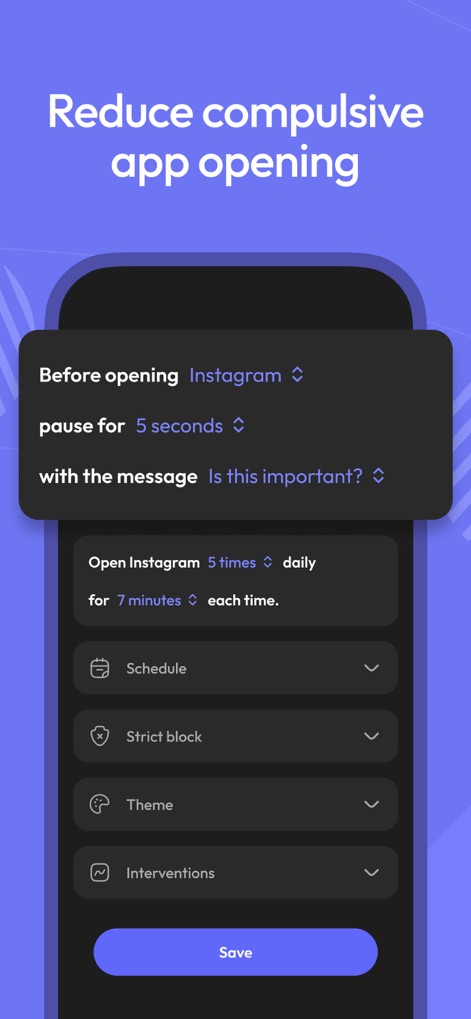
Users can fine-tune their app usage by setting a custom "pause for 5 seconds" before opening and defining daily limits like "Open Instagram 5 times daily" for focused control.
Custom Control Settings
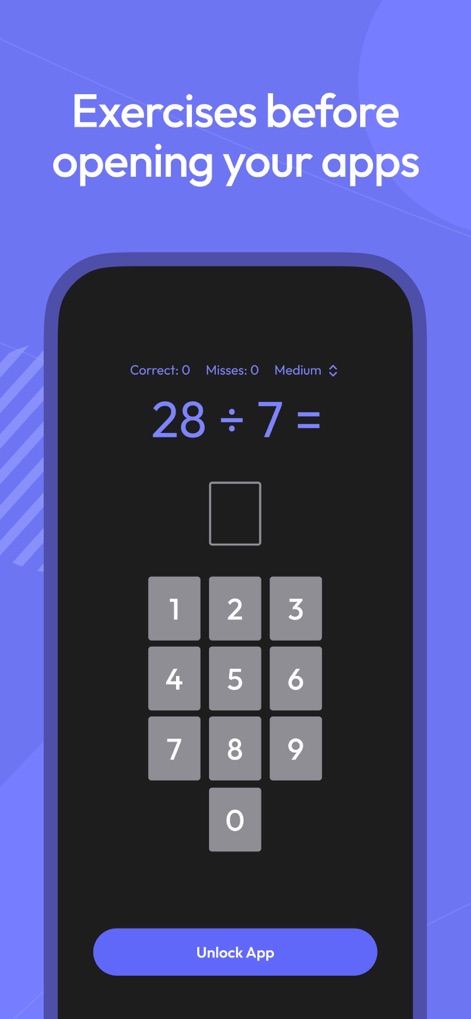
The app encourages conscious pauses through cognitive exercises, such as a "math problem" requiring input from the interactive "number pad" before granting access.
Mindful Interventions
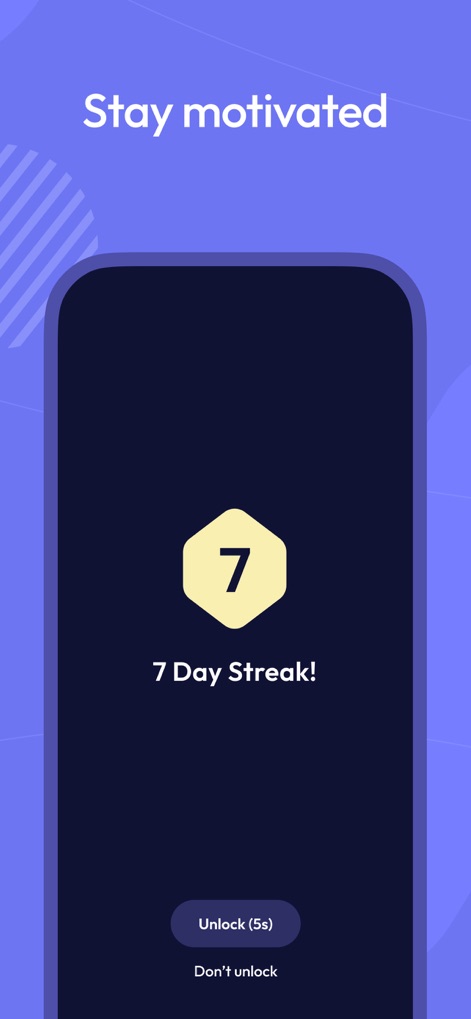
This tool fosters digital well-being through motivational elements like the "7 Day Streak!" badge and a brief "Unlock (5s)" countdown to reinforce positive habits.
Motivation & Streaks

The app provides robust control with scheduled blocking defined by a "Start time" and "End time", alongside "Strict block" options activated "After Daily Screentime" limits are met.
Advanced Blocking Options
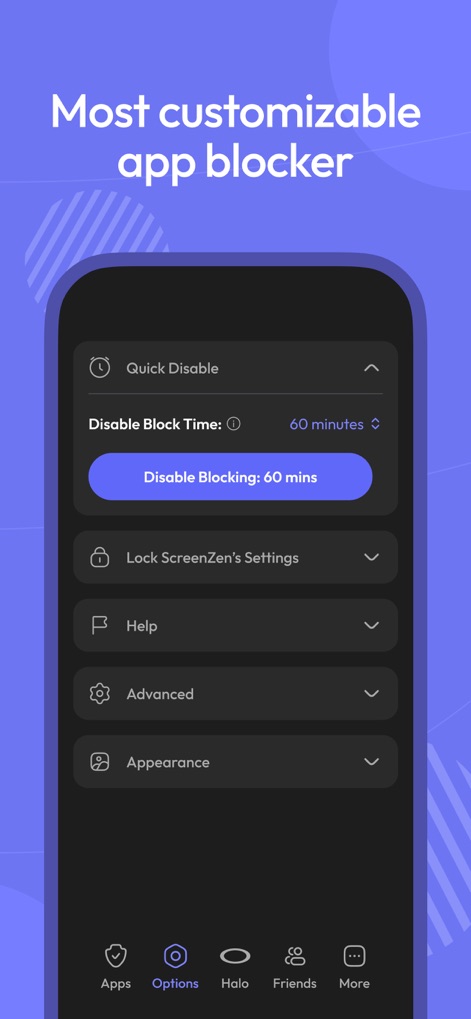
Users can temporarily manage controls with the "Quick Disable" feature for durations like "60 minutes" and secure their settings via the "Lock ScreenZen's Settings" option.
Flexible Customization
Description
Download
More Like This
Apps with similar features and user experience

Opal: Screen Time Control
OPAL OS CORPORATION

BePresent: Screen Time Control
Screen Detox Inc

Brick - Ditch Distractions
Brick LLC (Wisconsin)

one sec | screen time + focus
riedel.wtf apps S.L.

Refocus: Block Apps & Websites
Labi, LLC

Clarymind: Focus + Self Care
Seamint Co., Ltd.

Roots: Screen Time Control
MWM

AppBlock: Block Apps & Website
MobileSoft s.r.o.

ClearSpace: Reduce Screen Time
Clearspace Technologies, Inc.
This page is not an official page of the app or its developer, but an independent editorial publication created for informational and commentary purposes. Unless expressly stated otherwise, neither the app nor its developer is affiliated with, endorsed by, sponsored by, authorized by, or otherwise officially connected with MWM, Apple, Google Play, the app publisher, or the app's developer, and nothing on this page implies that the app was developed using MWM's services. Any trademarks, logos, screenshots, and other content remain the property of their respective owners.