
This page is not an official page of the app or its developer, but an independent editorial publication created for informational and commentary purposes. Unless expressly stated otherwise, neither the app nor its developer is affiliated with, endorsed by, sponsored by, authorized by, or otherwise officially connected with MWM, Apple, Google Play, the app publisher, or the app's developer, and nothing on this page implies that the app was developed using MWM's services. Any trademarks, logos, screenshots, and other content remain the property of their respective owners.

BusyCal: Calendar & Tasks
Take total control of your schedule with a professional-grade command center that integrates events, tasks, and travel time into one powerful, high-density view across all your Apple devices.
Downloads
317K+User Rating
Total Ratings
4K+Publisher
Category
ProductivityLocales
10Latest Version
6.4.1Size
100.3 MBFirst Released
Jun 22, 2016The Ultimate Command Center for Your Life
BusyCal is designed for power users who need more than a basic calendar. Experience a professional-grade suite that unifies tasks, travel time, and complex schedules into one seamless view.
Unified Tasks & Scheduling
Stop switching between apps. View your to-do list directly on your calendar, where tasks carry forward automatically until they are completed.
Smart Natural Language Input
Create events in seconds by typing like a human. Type 'Lunch with Mark at 12 at Starbucks' and BusyCal handles the details for you.
The following screenshots and description are sourced directly from the app's official store listing and are the property of the app developer.
App Store
Screenshots
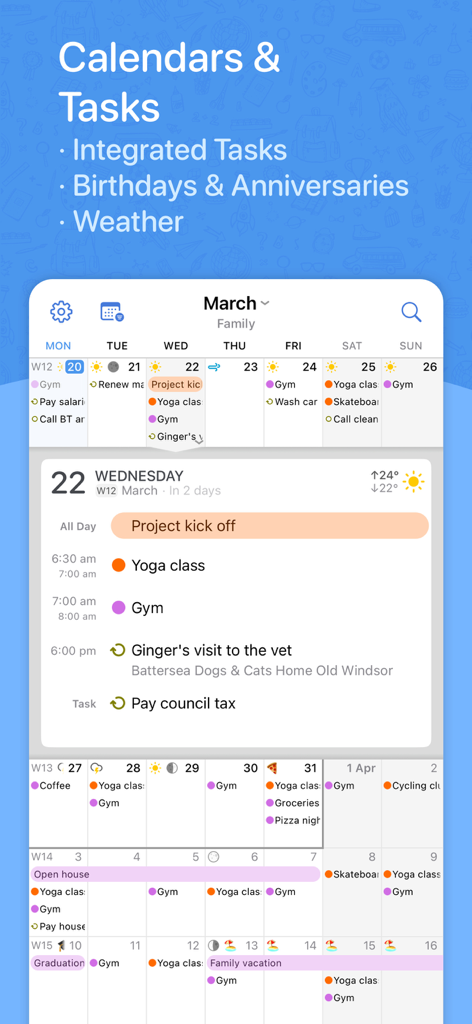
BusyCal mobile app interface showing calendar events tasks and weather integration
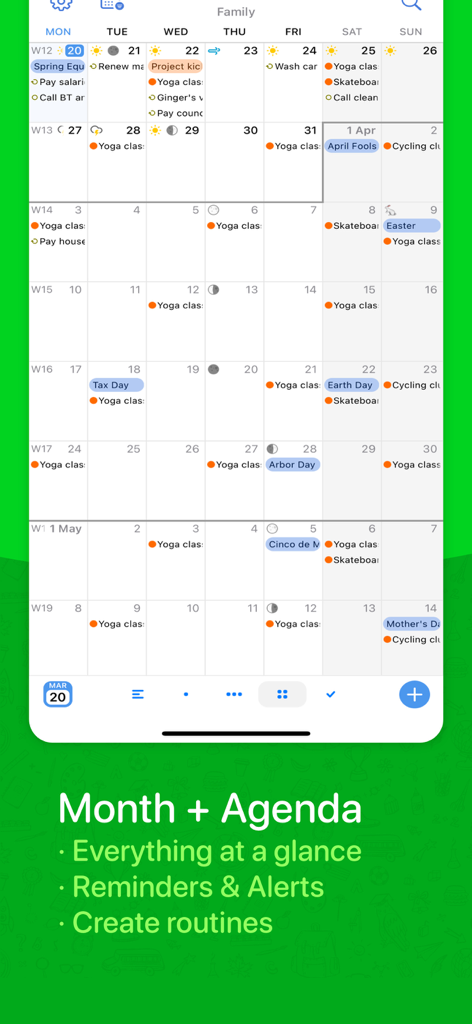
BusyCal app screenshot showing a detailed month calendar view with events, weather icons, and tasks
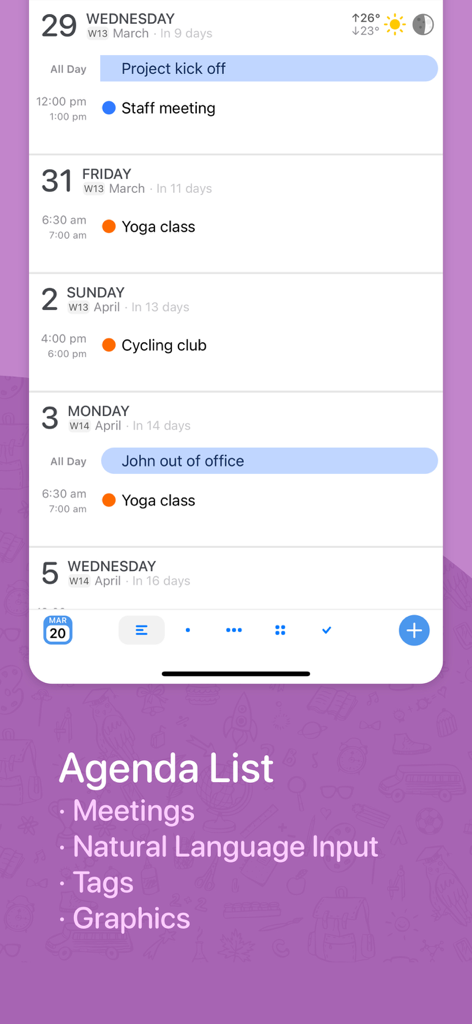
Screenshot of BusyCal app showing a detailed agenda list view with various meetings and classes scheduled
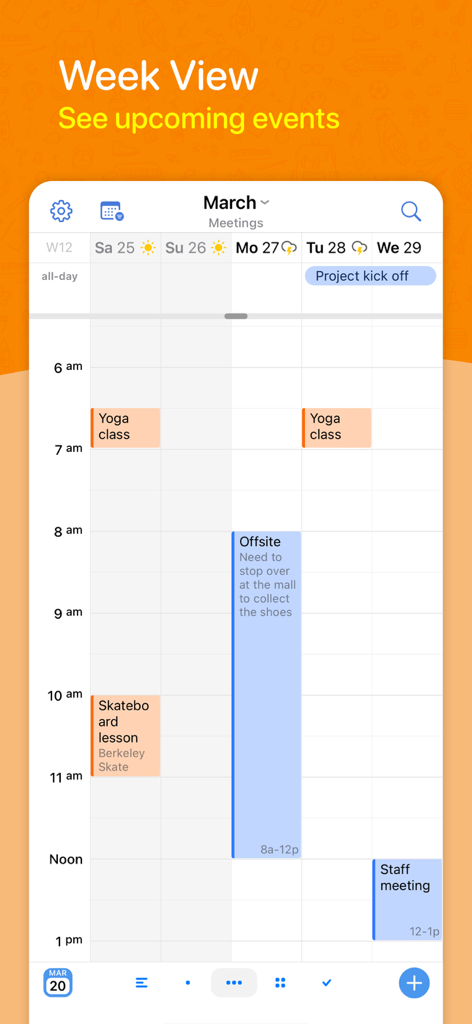
BusyCal app screenshot showing the week view calendar with events weather icons and color-coded tasks
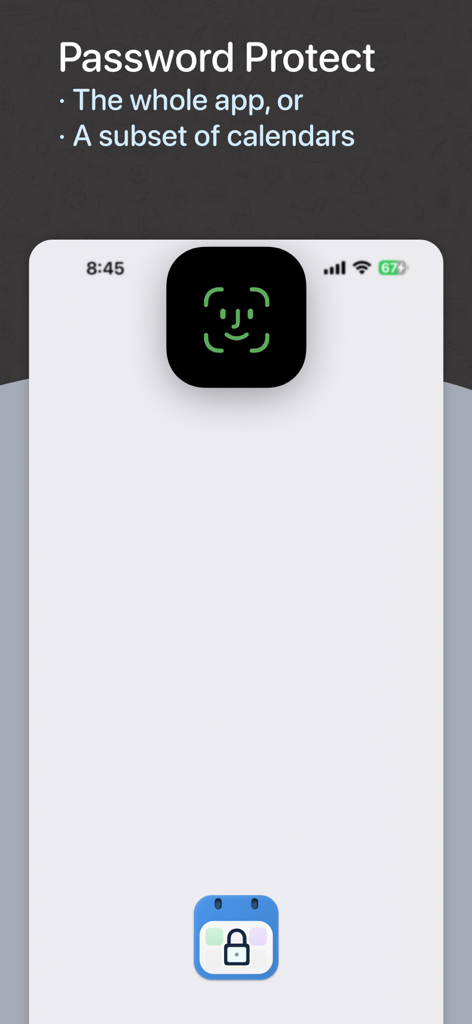
BusyCal app screen demonstrating password and FaceID protection for calendars.
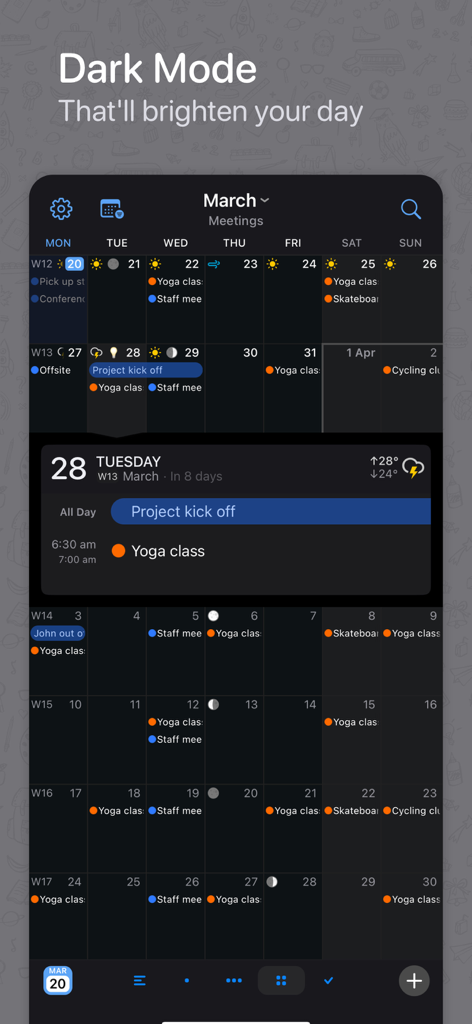
BusyCal app showing a monthly calendar with events and tasks in dark mode
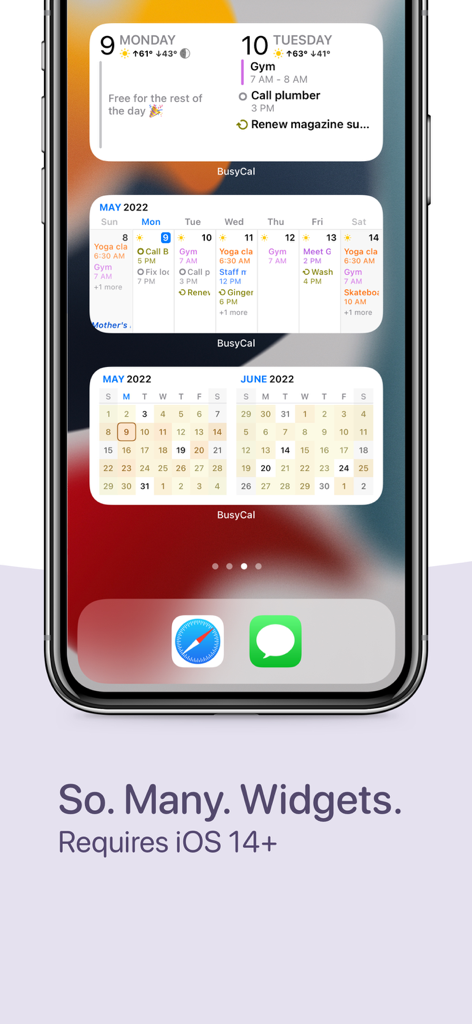
BusyCal calendar and task widgets for iPhone
Description
Download
More Like This
Apps with similar features and user experience

Toki - The AI Calendar
Orion Arm Pte. Ltd

CalendarTask - Efficient life
Beijing Xiaowei Cloud Service Technology Co., Ltd.
Across: Modern Calendar
DayMore Corp.

Calendar ·
Luni

iCalendar
Symfonies, Inc.

Calendar,Schedule & to do list
陈 彭

FirstSeed Calendar for iPad
FirstSeed Inc

Timepage: Calendar Planner
Bonobo Pte Ltd

GoodTask - To Do List, Tasks
haha Interactive
This page is not an official page of the app or its developer, but an independent editorial publication created for informational and commentary purposes. Unless expressly stated otherwise, neither the app nor its developer is affiliated with, endorsed by, sponsored by, authorized by, or otherwise officially connected with MWM, Apple, Google Play, the app publisher, or the app's developer, and nothing on this page implies that the app was developed using MWM's services. Any trademarks, logos, screenshots, and other content remain the property of their respective owners.