
This page is not an official page of the app or its developer, but an independent editorial publication created for informational and commentary purposes. Unless expressly stated otherwise, neither the app nor its developer is affiliated with, endorsed by, sponsored by, authorized by, or otherwise officially connected with MWM, Apple, Google Play, the app publisher, or the app's developer, and nothing on this page implies that the app was developed using MWM's services. Any trademarks, logos, screenshots, and other content remain the property of their respective owners.

GoodTask - To Do List, Tasks
The award-winning task manager for power users and professionals. Transform your simple checklists into a professional project management system with Kanban boards, advanced Smart Lists, and seamless iCloud sync.
Downloads
467K+User Rating
Total Ratings
5K+Publisher
Category
ProductivityLocales
14Latest Version
8.1.6Size
138.0 MBFirst Released
Mar 24, 2016Master Your Workday with Professional Power
Transform your Apple Reminders and Calendars into a professional-grade task management system designed for high-achievers.
Intelligent Smart Lists
Clear mental clutter with advanced filters. Organize tasks by tags, priority, and location to focus exactly on what matters right now.
Visual Board Views
Bring Kanban-style project management to your personal tasks. Visualize your workflow and track progress across different stages with ease.
The following screenshots and description are sourced directly from the app's official store listing and are the property of the app developer.
App Store
Screenshots
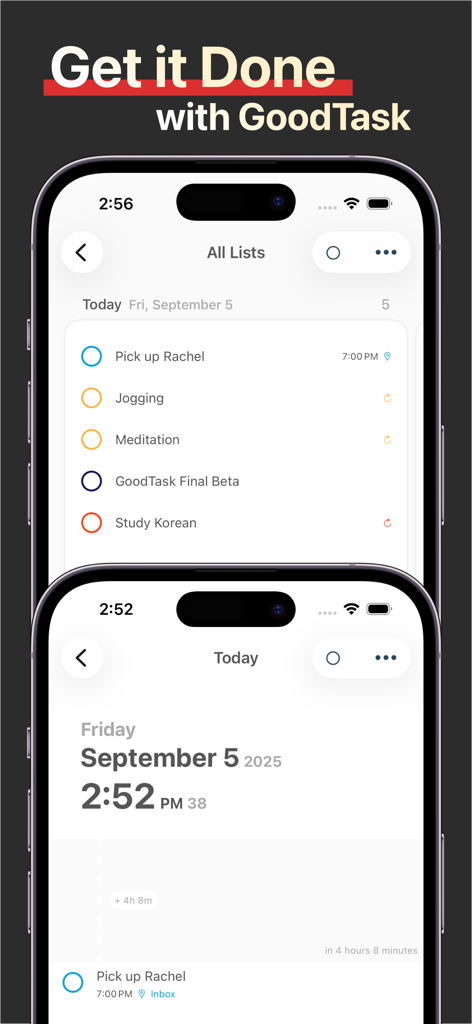
GoodTask app interface on two iPhones showing task lists and daily schedule
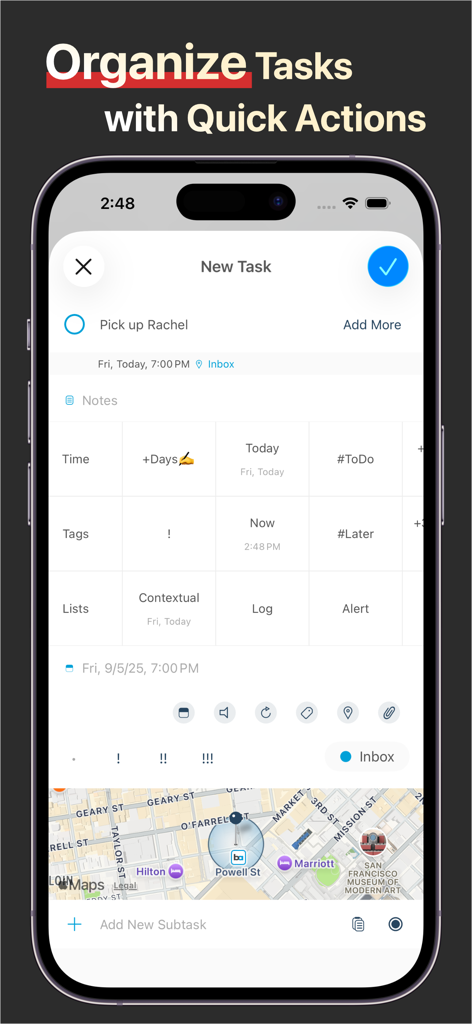
GoodTask app screen for organizing tasks using quick actions and location features
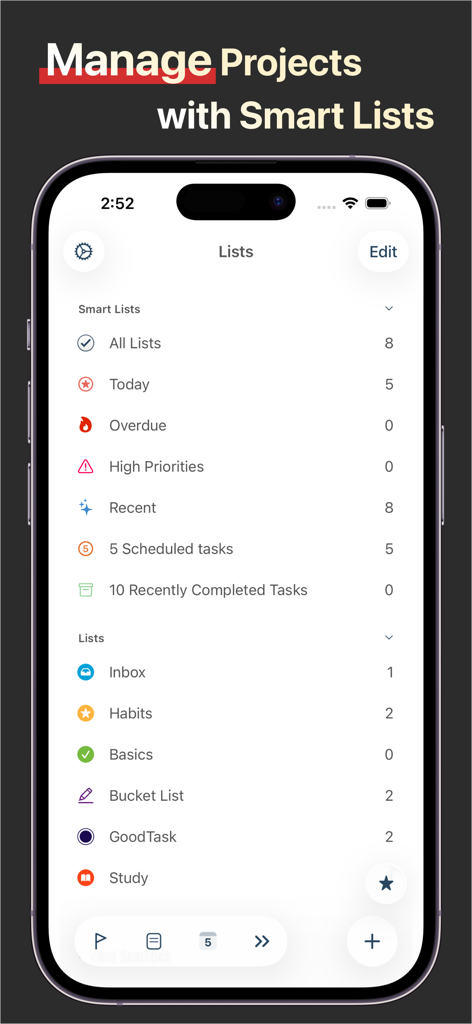
The GoodTask app interface on an iPhone displaying smart lists and project management folders
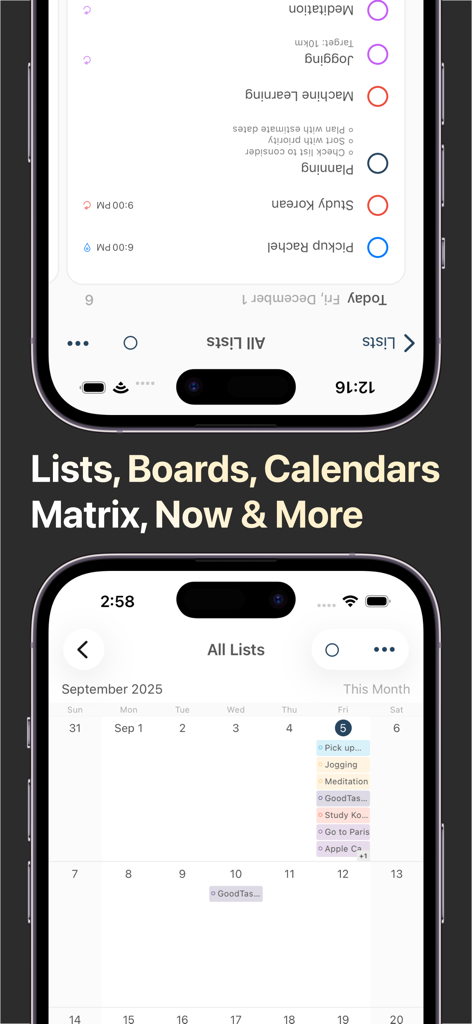
GoodTask app showing list and calendar views for task management
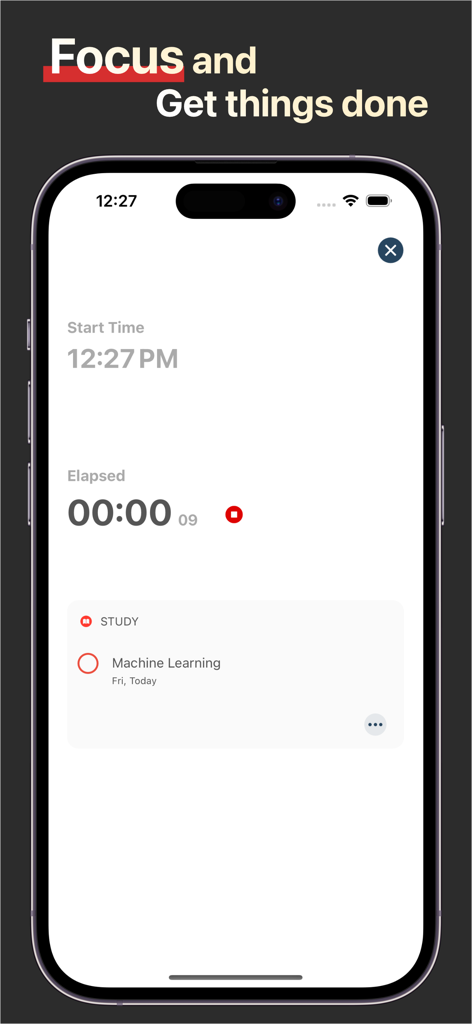
GoodTask focus mode interface showing a productivity timer and a study task on an iPhone.
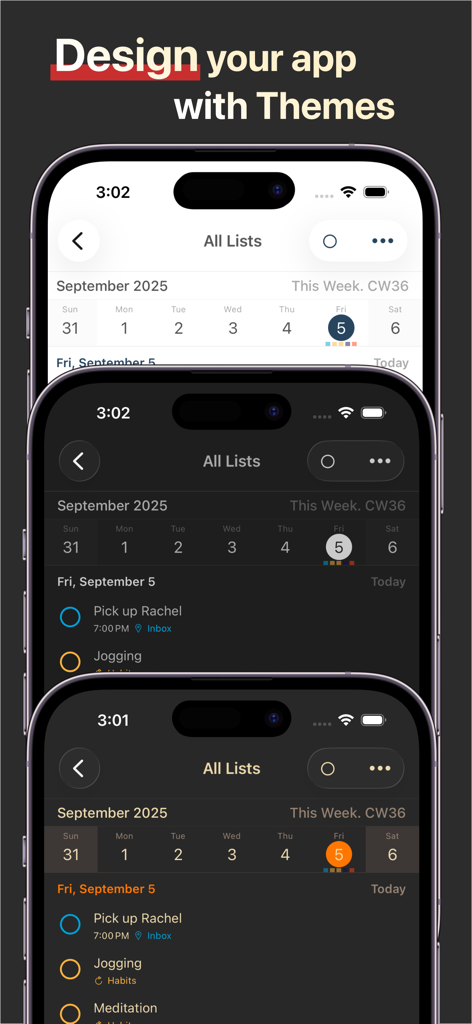
GoodTask app showing three different UI themes on iPhone screens
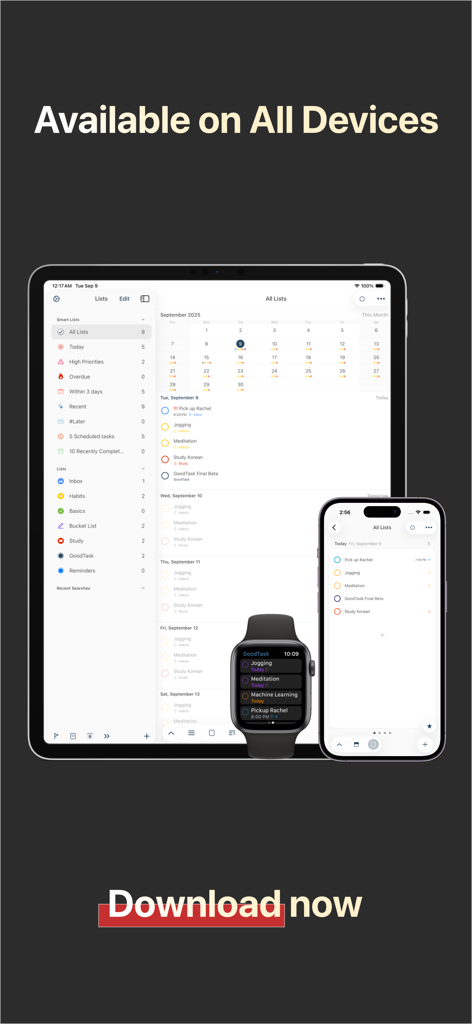
GoodTask productivity app interface on iPad, iPhone, and Apple Watch.
Description
Download
More Like This
Apps with similar features and user experience
Toki - The AI Calendar
Orion Arm Pte. Ltd

CalendarTask - Efficient life
Beijing Xiaowei Cloud Service Technology Co., Ltd.
Across: Modern Calendar
DayMore Corp.
Calendar ·
Luni
BusyCal: Calendar & Tasks
Busy Apps FZE
iCalendar
Symfonies, Inc.
Calendar,Schedule & to do list
陈 彭
FirstSeed Calendar for iPad
FirstSeed Inc
Timepage: Calendar Planner
Bonobo Pte Ltd
This page is not an official page of the app or its developer, but an independent editorial publication created for informational and commentary purposes. Unless expressly stated otherwise, neither the app nor its developer is affiliated with, endorsed by, sponsored by, authorized by, or otherwise officially connected with MWM, Apple, Google Play, the app publisher, or the app's developer, and nothing on this page implies that the app was developed using MWM's services. Any trademarks, logos, screenshots, and other content remain the property of their respective owners.