
This page is not an official page of the app or its developer, but an independent editorial publication created for informational and commentary purposes. Unless expressly stated otherwise, neither the app nor its developer is affiliated with, endorsed by, sponsored by, authorized by, or otherwise officially connected with MWM, Apple, Google Play, the app publisher, or the app's developer, and nothing on this page implies that the app was developed using MWM's services. Any trademarks, logos, screenshots, and other content remain the property of their respective owners.
Calculator-EasyCalc,Real voice
The ad-free, all-in-one calculator designed for every user. Featuring real-time voice feedback, smart history tracking, and professional unit conversion for a stress-free and accessible experience.
Downloads
0User Rating
Total Ratings
0Publisher
Category
UtilitiesLocales
11Latest Version
1.0.6Size
30.9 MBFirst Released
Jun 18, 2025Calculate with Absolute Confidence
Experience a distraction-free utility designed for precision, featuring real-time voice feedback, smart history, and professional-grade conversion tools.
Voice & Visual Clarity
Real voice feedback and adjustable font sizes provide the ultimate accessibility for seniors and those needing crystal-clear input confirmation.
Smart Calculation History
Never lose your place again. Automatically save and review every expression to easily verify household budgets, measurements, or medical dosages.
The following screenshots and description are sourced directly from the app's official store listing and are the property of the app developer.
App Store
Screenshots
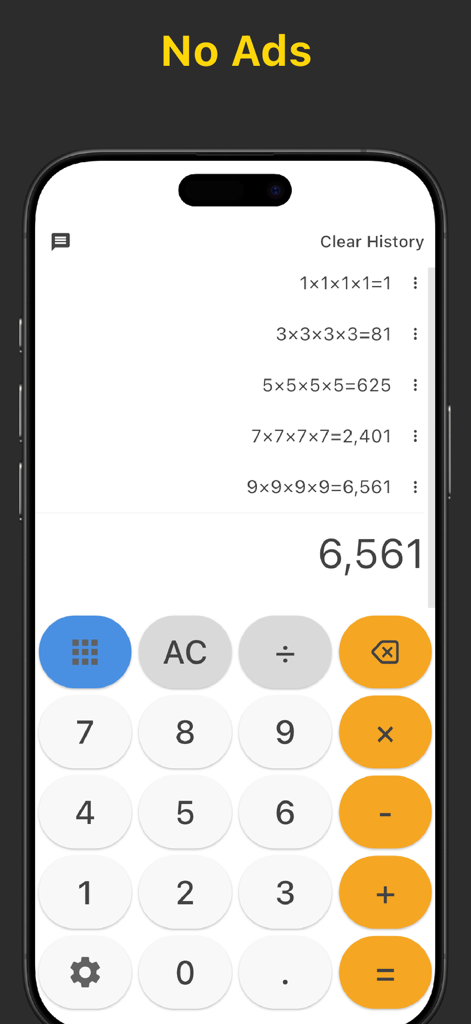
Calculator interface showing calculation history and ad-free text
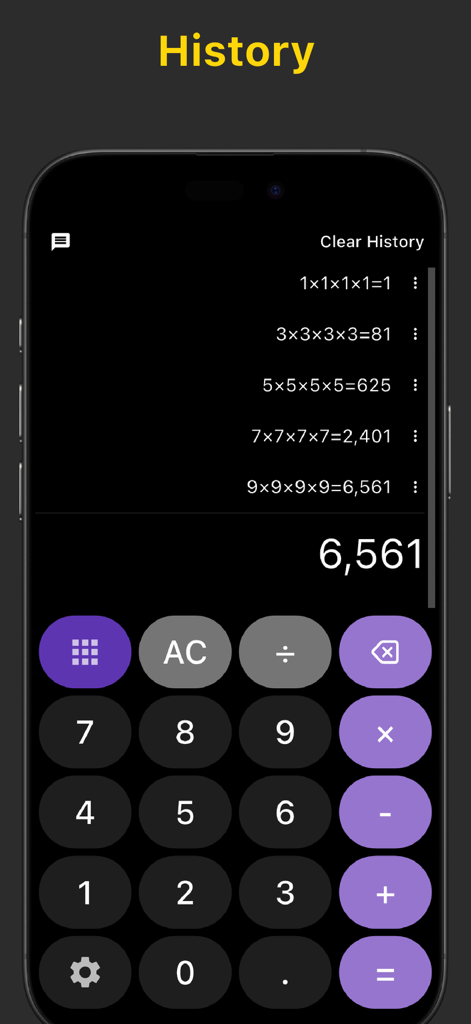
Calculator interface showing a detailed history log of past calculations on a dark purple theme
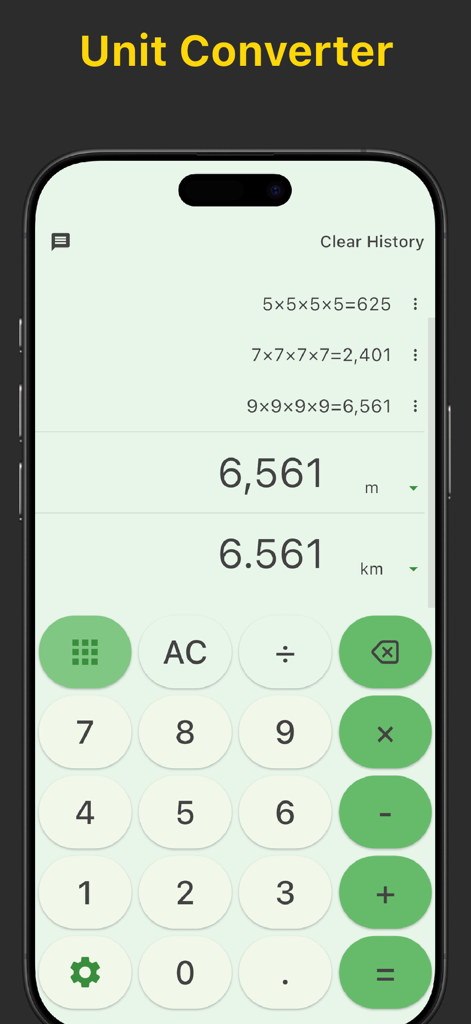
Calculator app interface showing unit conversion between meters and kilometers with calculation history
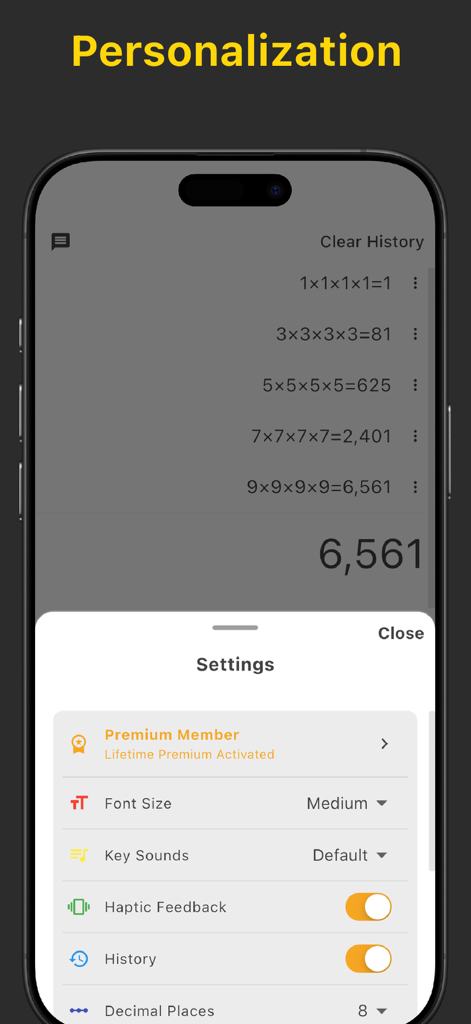
Mobile app settings menu for Calculator-EasyCalc showing personalization options like font size, key sounds, and haptic feedback toggles.
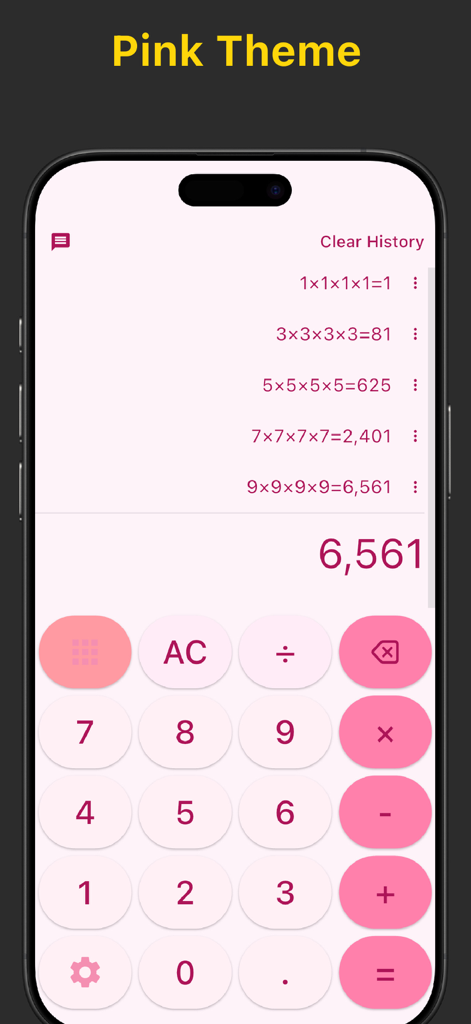
EasyCalc calculator app interface featuring a pink theme and smart calculation history
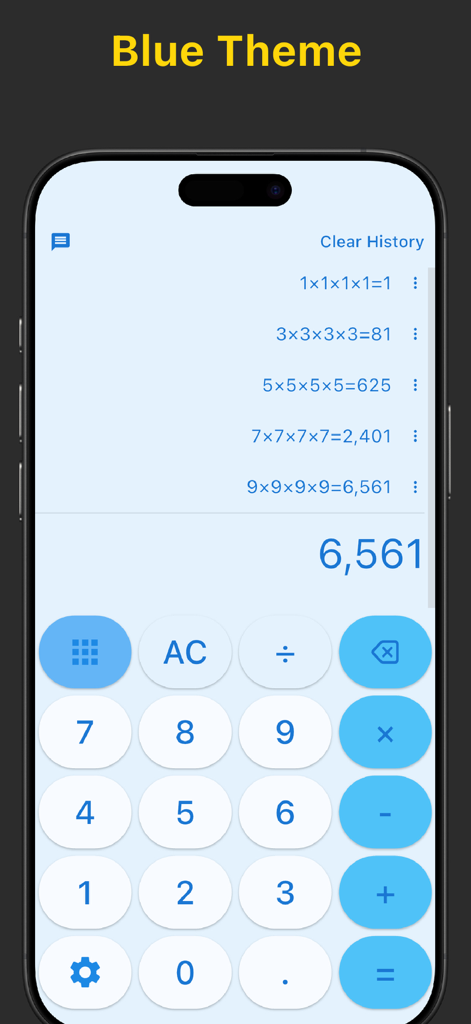
Calculator EasyCalc mobile app interface showing a blue color theme and a list of calculation history entries on an iPhone.
Description
Download
More Like This
Top-ranked apps in the same category

Google LLC

Google Chrome
Google LLC

中国移动(手机营业厅)
China Mobile Online Services Co., Ltd.

Google Authenticator
Google LLC

gov.br
Servicos e Informacoes do Brasil

Buddy VPN
Frederic Hennes Sprl

Cleanup: Phone Storage Cleaner
DEEP FLOW SOFTWARE SERVICES - FZCO

Microsoft Edge: AI Browser
Microsoft Corporation

Meu Social - Gás do Povo
Servicos e Informacoes do Brasil
This page is not an official page of the app or its developer, but an independent editorial publication created for informational and commentary purposes. Unless expressly stated otherwise, neither the app nor its developer is affiliated with, endorsed by, sponsored by, authorized by, or otherwise officially connected with MWM, Apple, Google Play, the app publisher, or the app's developer, and nothing on this page implies that the app was developed using MWM's services. Any trademarks, logos, screenshots, and other content remain the property of their respective owners.