
This page is not an official page of the app or its developer, but an independent editorial publication created for informational and commentary purposes. Unless expressly stated otherwise, neither the app nor its developer is affiliated with, endorsed by, sponsored by, authorized by, or otherwise officially connected with MWM, Apple, Google Play, the app publisher, or the app's developer, and nothing on this page implies that the app was developed using MWM's services. Any trademarks, logos, screenshots, and other content remain the property of their respective owners.

Calculator SC-323PU
Experience the precision and feel of a high-end physical calculator on your iPhone, Mac, and Apple Watch. From 20-digit scientific accuracy to bit-level logic and unit conversions, get the ultimate multi-functional tool designed for STEM professionals.
Downloads
116K+User Rating
Total Ratings
600Publisher
Category
UtilitiesLocales
2Latest Version
1.11.4Size
15.3 MBFirst Released
Jul 11, 2009Engineered for Ultimate Precision
Replace your bulky hardware with a professional-grade calculation suite designed for engineers, programmers, and STEM professionals who demand absolute accuracy.
Pro Scientific Logic
Experience 20-digit mantissa precision with complex number support, 47 physical constants, and 30 levels of parentheses for complex formulas.
Programmer Logic Mode
Seamlessly switch between HEX, DEC, OCT, and BIN systems with dedicated Boolean operations, bit-shifting, and endianness control.
The following screenshots and description are sourced directly from the app's official store listing and are the property of the app developer.
App Store
Screenshots
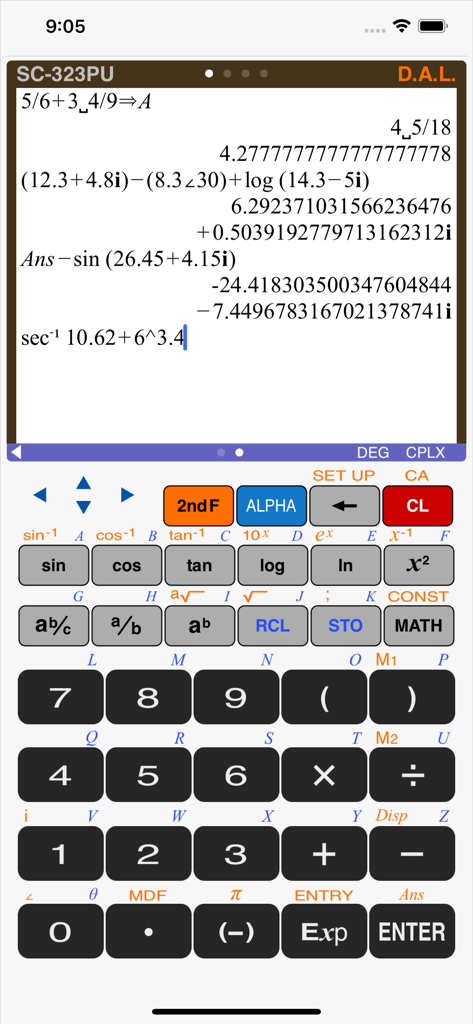
Skeuomorphic interface of the SC-323PU scientific calculator showing complex math calculations
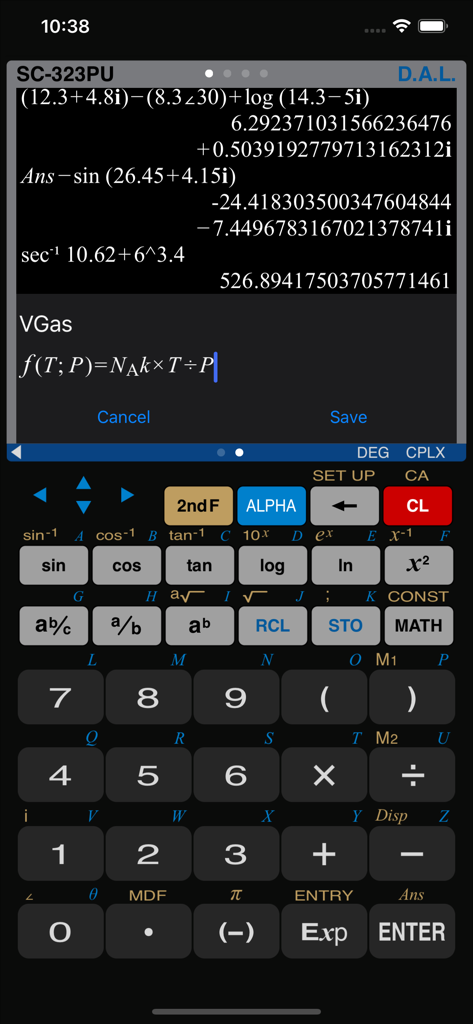
Scientific calculator interface with complex mathematical expressions and a custom formula editor
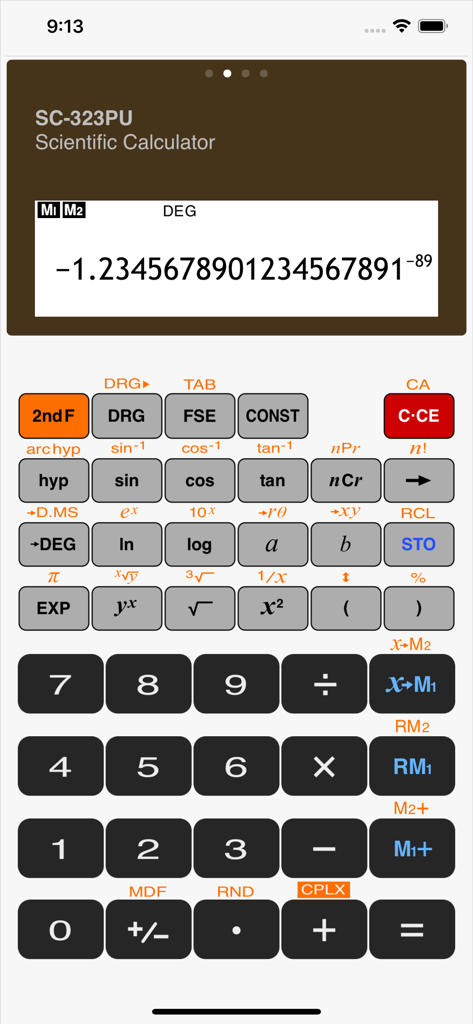
Skeuomorphic user interface of the SC323PU scientific calculator app showing advanced mathematical functions
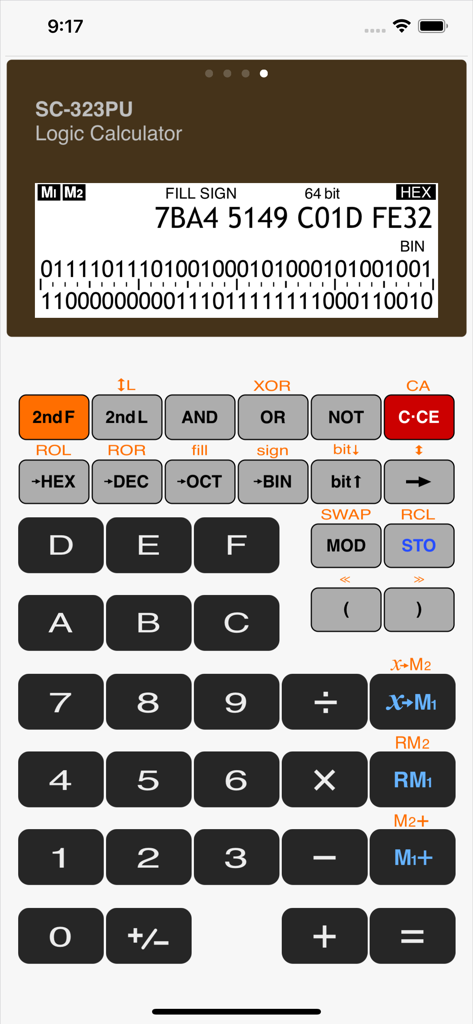
Calculator SC-323PU interface in logic calculator mode displaying hexadecimal and binary values with programmer tools
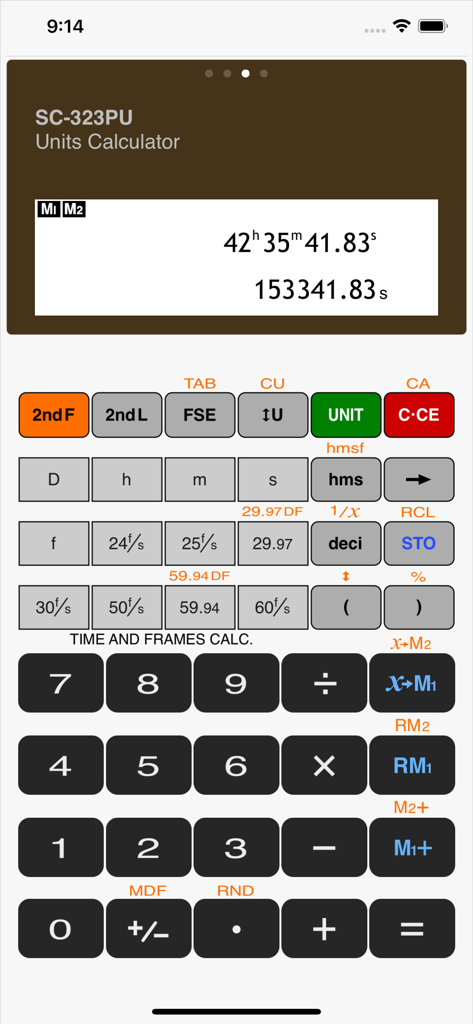
Skeuomorphic interface of the SC-323PU calculator app displaying time and frame rate calculation options
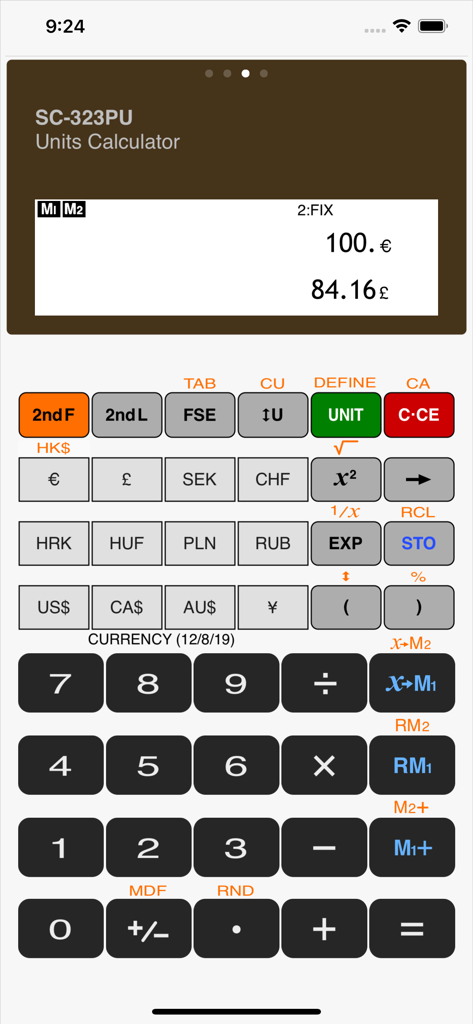
Calculator SC-323PU app interface displaying currency conversion from Euros to Pounds
Description
Download
More Like This
Top-ranked apps in the same category

Google LLC

Google Chrome
Google LLC

中国移动(手机营业厅)
China Mobile Online Services Co., Ltd.

Google Authenticator
Google LLC

CNH do Brasil
Servicos e Informacoes do Brasil

Cleanup: Phone Storage Cleaner
DEEP FLOW SOFTWARE SERVICES - FZCO

gov.br
Servicos e Informacoes do Brasil

中国电信-全国统一官方服务平台
CHINA TELECOM Corporation Ltd.

Microsoft Edge: AI Browser
Microsoft Corporation
This page is not an official page of the app or its developer, but an independent editorial publication created for informational and commentary purposes. Unless expressly stated otherwise, neither the app nor its developer is affiliated with, endorsed by, sponsored by, authorized by, or otherwise officially connected with MWM, Apple, Google Play, the app publisher, or the app's developer, and nothing on this page implies that the app was developed using MWM's services. Any trademarks, logos, screenshots, and other content remain the property of their respective owners.