
Cape: Screen Time Master

Break the cycle of doomscrolling with intelligent geofencing and automated app restrictions designed for high-achievers who value their time and mental clarity.
Publisher
Category
UtilitiesDownloads
2M+User Rating
Total Ratings
86K+Locales
19Discover the interface used by 2M+ users.
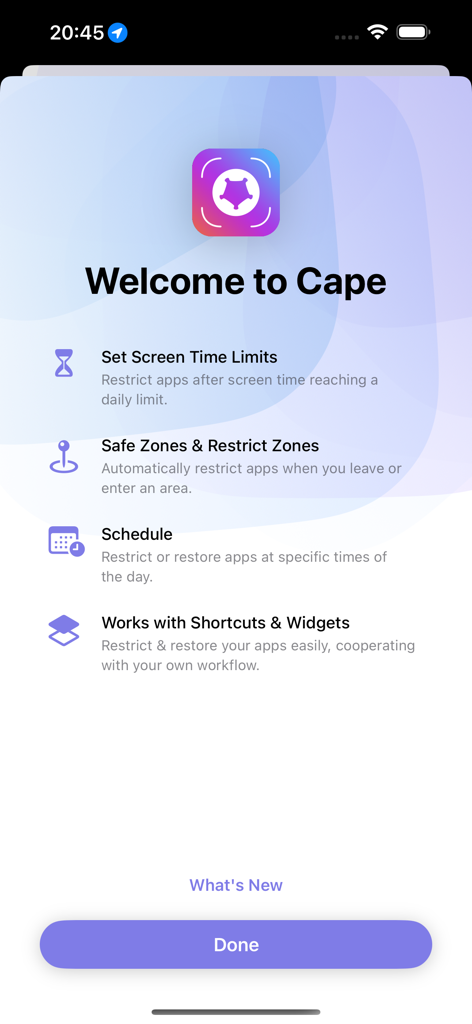
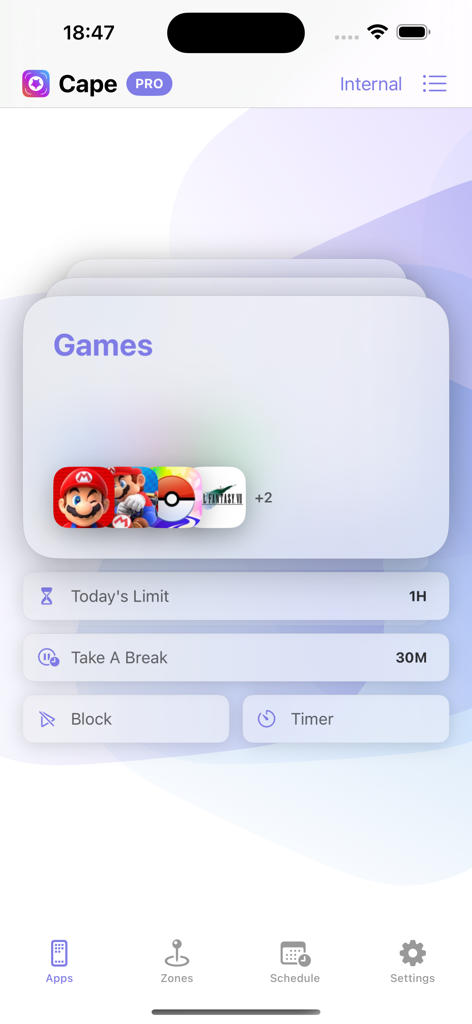
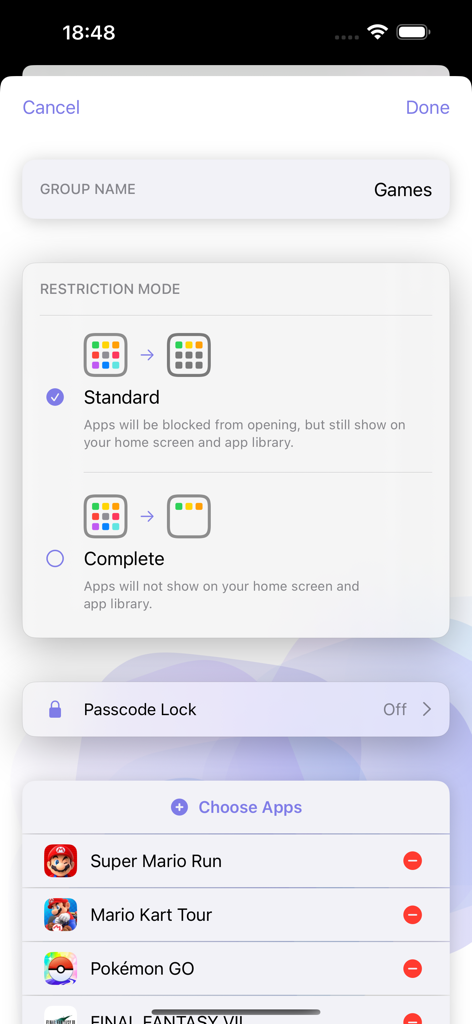
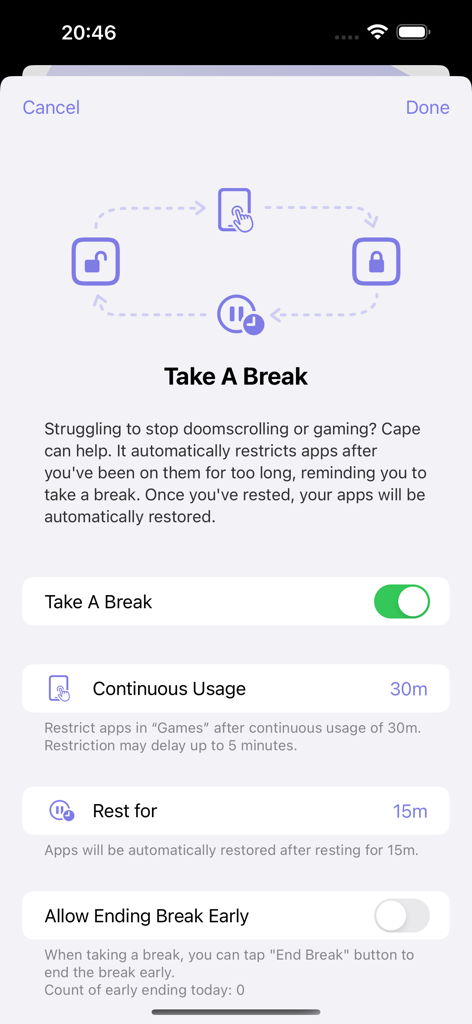
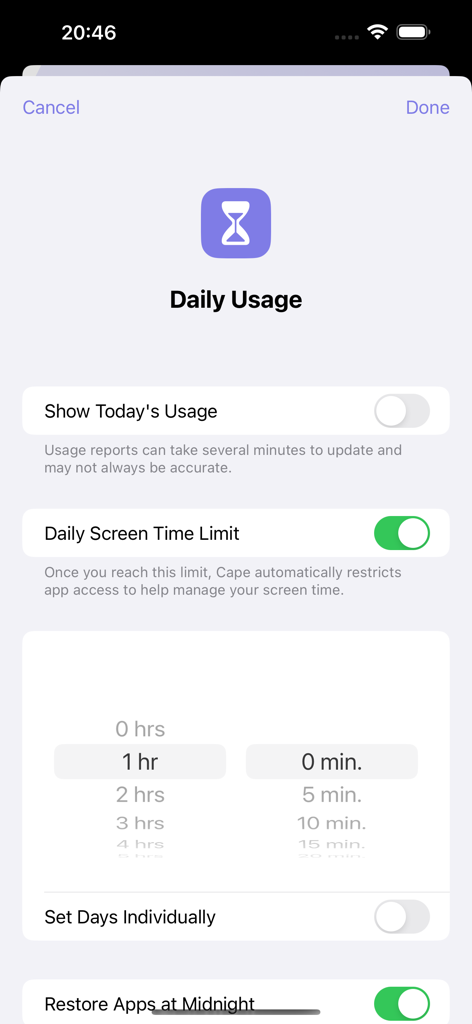
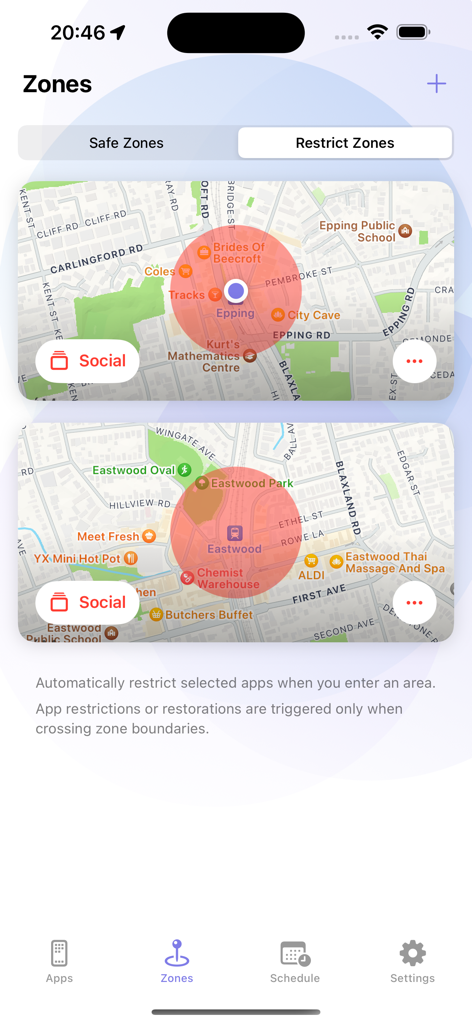
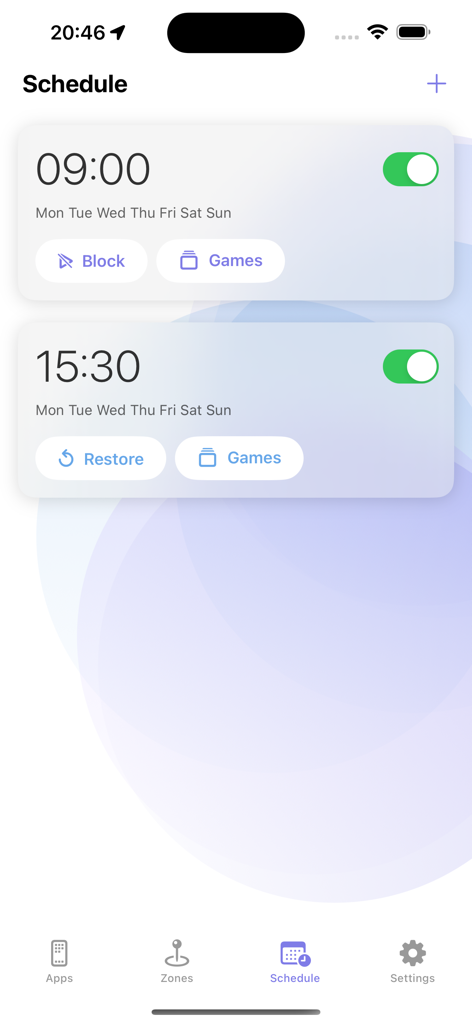
The tools that make this app stand out, trusted by 2M+ users.
Automatically restrict distracting apps the moment you enter your 'Deep Work' zone or reach the library.
Say goodbye to the 'Ignore Limit' trap. Cape provides the necessary friction to stop doomscrolling and reclaim your focus.
Integrate with iOS Shortcuts to create custom focus routines that fit your high-performance lifestyle perfectly.
Everything you need to know about Cape: Screen Time Master.
Description
Latest Version
3.3.6
Size
93.0 MB
First Released
Dec 21, 2022
Join over 2 million high-achievers using Cape to end doomscrolling, automate digital boundaries, and reclaim their most valuable asset: time.
Everything you need to know about Cape: Screen Time Master
Cape is an app designed to help users manage screen time and reduce digital distractions. It pauses excess app usage and restores access at specific times, promoting healthier digital habits.
Cape helps users reduce screen time by automatically pausing app usage when daily limits are reached or after continuous usage. It offers features like customizable pause screens and scheduled restrictions to promote mindful usage.
Yes, Cape supports individuals struggling with attention or ADHD-related challenges by adding gentle pauses and clear boundaries. This helps reduce impulsive app openings and fosters healthier digital habits.
Users can set daily screen time limits within Cape. When the limit is reached, apps automatically pause. Access is then restored at the appropriate time, such as midnight, to manage overall usage.
The 'Take a Break' feature in Cape automatically pauses apps after extended continuous usage. It then restores them once a designated break period ends, preventing prolonged engagement like doomscrolling or excessive gaming.
Yes, Cape allows users to customize the pause screen. This screen displays a personal message, a countdown, and a usage summary when a paused app is opened, helping to maintain mindfulness and awareness.
Yes, Cape supports location-based restrictions through 'Allow Zones' and 'Block Zones.' Apps are automatically restricted or restored when a user enters or leaves designated geographical areas.
Yes, Cape enables users to automate app access with schedules. You can set specific times of the day for apps to be automatically restricted or restored.
Cape integrates with iOS Shortcuts, allowing users to easily restrict or restore apps. This cooperation with personalized workflows helps streamline digital habit management.
In 'Standard' restriction mode, apps are blocked from opening but remain visible. In 'Complete' mode, apps are entirely hidden from both the home screen and app library, preventing any visual access.
You can contact the Cape developer team directly via email. Their official contact address is root@getcape.app.
Apps with similar features and user experience

OPAL OS CORPORATION

Screen Detox Inc

Brick LLC (Wisconsin)

riedel.wtf apps S.L.
ScreenZen LLC

Labi, LLC

Seamint Co., Ltd.

MWM

MobileSoft s.r.o.
App information, icons, screenshots, and descriptions displayed on this page are sourced from the Apple App Store and are the property of their respective developers. Download estimates and rankings are based on MWM's proprietary models and may not reflect actual figures. This page is provided for informational and analytical purposes only.
Believe this page infringes your intellectual property? File a dispute