
This page is not an official page of the app or its developer, but an independent editorial publication created for informational and commentary purposes. Unless expressly stated otherwise, neither the app nor its developer is affiliated with, endorsed by, sponsored by, authorized by, or otherwise officially connected with MWM, Apple, Google Play, the app publisher, or the app's developer, and nothing on this page implies that the app was developed using MWM's services. Any trademarks, logos, screenshots, and other content remain the property of their respective owners.

Cast for Chromecast
Physical remotes vanish. This app grants users total command over their Chromecast, straight from the phone.
Downloads
1M+User Rating
Total Ratings
12.2KPublisher
Category
UtilitiesLocales
1Latest Version
2.3.7Size
60.2 MBFirst Released
Jan 16, 2023An evaluation of the application's core functionalities and their impact on user experience.
Cast for Chromecast: Key Features Analysis
Quick Device Connection
It allows users to quickly establish a connection to their Chromecast device by automatically detecting compatible devices on the same Wi-Fi network, ensuring immediate usability.
Comprehensive Playback Control
The app provides users with full command over media playback, including play, pause, rewind, and fast-forward functionalities, enhancing their viewing experience.
Intuitive App and Menu Navigation
This tool features seamless navigation through Chromecast applications and menus using a responsive and user-friendly remote layout.
Universal Chromecast Compatibility
The app ensures broad compatibility, functioning seamlessly with all generations of Chromecast devices, making it a versatile solution for a wide user base.
Direct App Launch Capability
It enables users to directly launch installed applications on their Chromecast device, streamlining access to their preferred streaming services and content.
Volume Management
The app facilitates precise volume adjustment directly from the user's mobile device, offering convenient and immediate audio control.
Frequently Asked Questions
Everything you need to know about Cast for Chromecast
What is Cast for Chromecast?
Cast for Chromecast transforms your phone into a powerful remote for your Chromecast. It allows you to navigate apps, control playback, and adjust volume on your TV.
How do I connect Cast for Chromecast to my device?
To connect, ensure your phone and Chromecast are on the same Wi-Fi network. Open Cast for Chromecast, and it automatically detects and allows you to select your device.
Does Cast for Chromecast work with all Chromecast devices?
Yes, Cast for Chromecast works with all Chromecast devices. The app ensures compatibility across the entire range of Google's Chromecast hardware.
Can I control media playback with Cast for Chromecast?
Yes, Cast for Chromecast provides full remote control for media playback. You can play, pause, rewind, fast-forward, and adjust the volume directly from the app.
Does Cast for Chromecast support screen mirroring?
Yes, Cast for Chromecast supports screen mirroring. You can mirror your phone's screen to your Chromecast device, as demonstrated in the app's visuals.
Can I cast photos and videos using Cast for Chromecast?
Yes, Cast for Chromecast allows you to cast photos and videos. The app features options for casting from your camera roll, files, and even a live camera feed.
Is Cast for Chromecast an official Google product?
No, Cast for Chromecast is not affiliated with Google LLC. The app is independently developed and explicitly states its non-affiliation with Google or any other mentioned trademarks.
The following screenshots and description are sourced directly from the app's official store listing and are the property of the app developer.
App Store
Screenshots
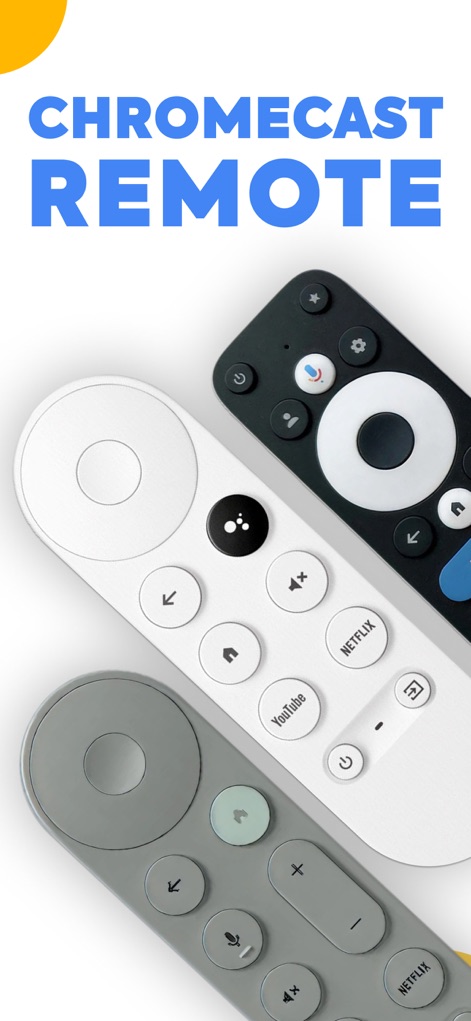
The app transforms your phone into a versatile remote, showcasing its intuitive navigation ring and dedicated app buttons for services like YouTube and Netflix.
Remote Control Hub
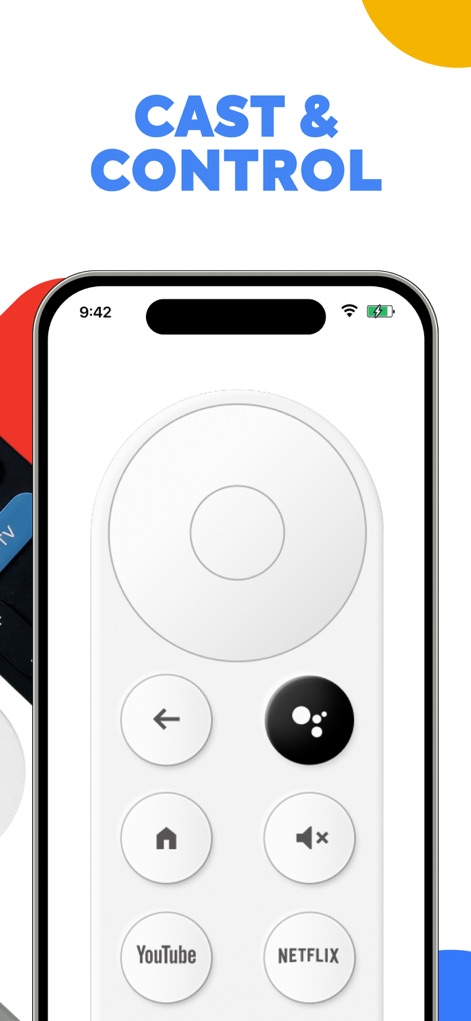
Users can manage their Chromecast with a clean digital remote interface, featuring a responsive circular navigation pad and quick access to volume controls.
Intuitive Digital Control
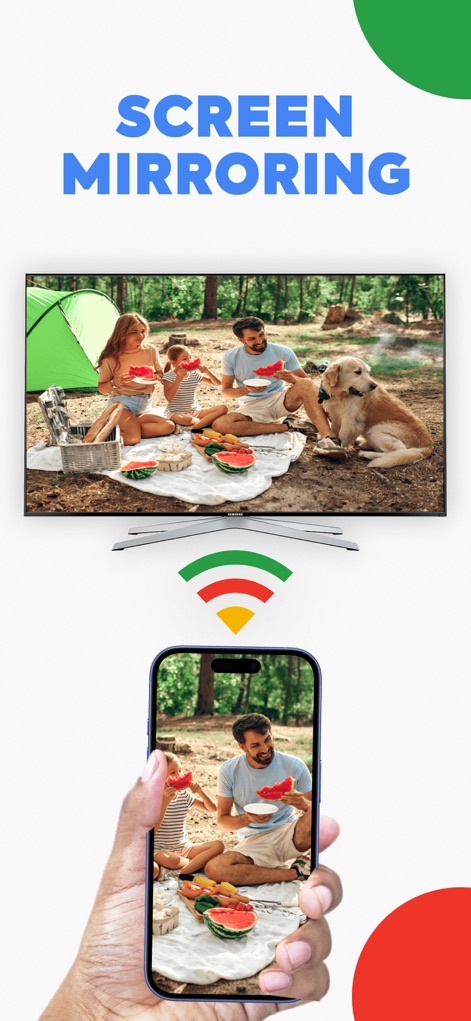
This tool enables effortless screen mirroring, allowing users to project their mobile device content directly onto a larger TV screen via a stable Wi-Fi connection.
Seamless Screen Share
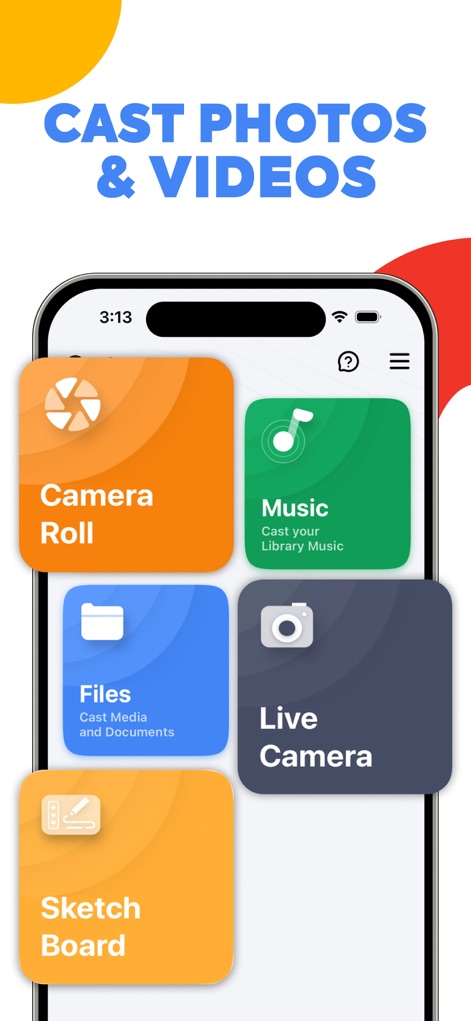
The app facilitates casting various media types, providing direct access to the Camera Roll for photos and videos, and a dedicated section for Music from the user's library.
Diverse Media Casting
Description
Download
More Like This
Apps with similar features and user experience

小米音箱
Beijing Xiaomi Co., Ltd

Starlink
Space Exploration Technologies Corp.

Bambu Handy
Shanghai Lunkuo Technology Co., Ltd

DREO
HESUNG INNOVATION LIMITED

My Verisure
Securitas Direct

Whisker
Automated Pet Care Products Inc.

geeni
Merkury Innovations LLC

ADT+
ADT LLC

X-Sense Home Security
X-Sense USA LLC.
This page is not an official page of the app or its developer, but an independent editorial publication created for informational and commentary purposes. Unless expressly stated otherwise, neither the app nor its developer is affiliated with, endorsed by, sponsored by, authorized by, or otherwise officially connected with MWM, Apple, Google Play, the app publisher, or the app's developer, and nothing on this page implies that the app was developed using MWM's services. Any trademarks, logos, screenshots, and other content remain the property of their respective owners.