
This page is not an official page of the app or its developer, but an independent editorial publication created for informational and commentary purposes. Unless expressly stated otherwise, neither the app nor its developer is affiliated with, endorsed by, sponsored by, authorized by, or otherwise officially connected with MWM, Apple, Google Play, the app publisher, or the app's developer, and nothing on this page implies that the app was developed using MWM's services. Any trademarks, logos, screenshots, and other content remain the property of their respective owners.


CHMate+: EPUB & CHM Reader
Access your entire library of technical manuals and eBooks with lightning-fast search, customizable code fonts, and seamless iCloud sync across all your devices.
Downloads
354K+User Rating
Total Ratings
1K+Publisher
Category
BooksLocales
2Latest Version
25.10.20Size
15.9 MBFirst Released
Jul 31, 2009The Professional's Technical Library
Master your CHM and EPUB collection with a high-performance reader built for software developers, engineers, and academic researchers.
Optimized for Code
Tailor your reading experience with customizable fonts specifically for code snippets and technical documentation headers.
Seamless iCloud Sync
Maintain your focus across devices with instant synchronization of collections, bookmarks, and highlights via iCloud.
Frequently Asked Questions
Everything you need to know about CHMate+: EPUB & CHM Reader
What eBook formats does CHMate+ support for reading?
CHMate+ supports reading eBooks in both EPUB and CHM formats. This allows users to enjoy a wide range of digital books with its comprehensive reading features.
Can users organize their eBook files within the CHMate+ app?
Yes, CHMate+ enables users to organize their CHM documents into personal Collections. These collections sync across all devices via iCloud, ensuring organized access to your library.
Does CHMate+ offer iCloud synchronization for reading progress and notes?
Yes, CHMate+ integrates iCloud features. It keeps bookmarks, highlights, notes, and your current reading page synchronized across all your devices, providing a seamless reading experience.
How can I customize the text appearance and layout in CHMate+?
Yes, CHMate+ allows extensive customization. Users can adjust fonts for headings, body text, and code snippets, modify line height, and set page margins for an optimized reading view.
Can users highlight text and add notes to eBooks in CHMate+?
Yes, CHMate+ includes built-in features for highlighting passages and adding notes directly within your eBooks. These annotations are also kept up-to-date across your devices via iCloud.
What sharing options are available in the CHMate+ app?
Yes, CHMate+ provides sharing capabilities. Users can share quotes or thoughts from their books with friends via platforms like Facebook, X, Messages, or Mail directly from the app.
Does CHMate+ include an in-book search feature for eBooks?
Yes, CHMate+ features a built-in search function. This allows users to quickly find specific words, characters, or phrases anywhere within their open eBook.
Can I adjust the screen brightness from within the CHMate+ app?
Yes, CHMate+ allows users to easily adjust screen brightness directly within the application. This feature helps create optimal lighting conditions for reading in any environment.
How do I add new EPUB or CHM files to the CHMate+ app?
Users can add files to CHMate+ either by using a desktop web browser or through iTunes File Sharing. These methods provide flexible ways to import your eBooks into the app.
The following screenshots and description are sourced directly from the app's official store listing and are the property of the app developer.
App Store
Screenshots
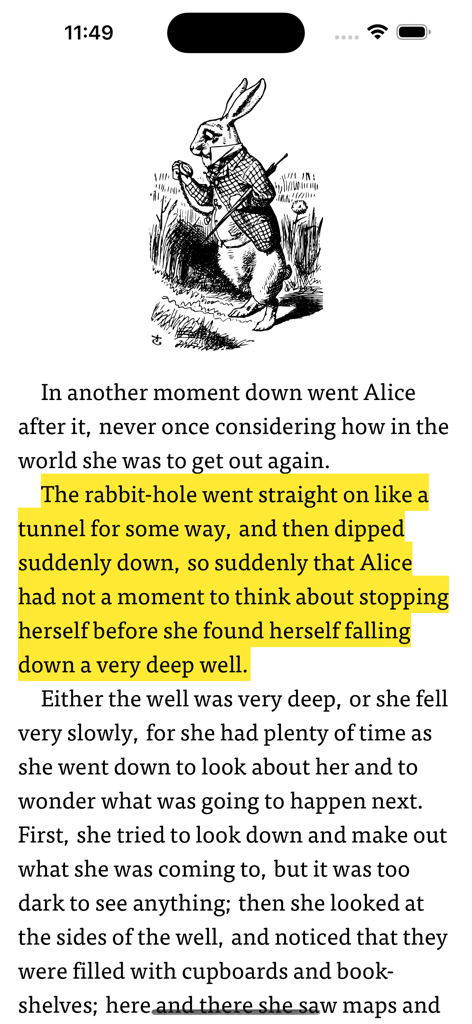
Reading interface of CHMate plus app showing highlighted text and a classic illustration
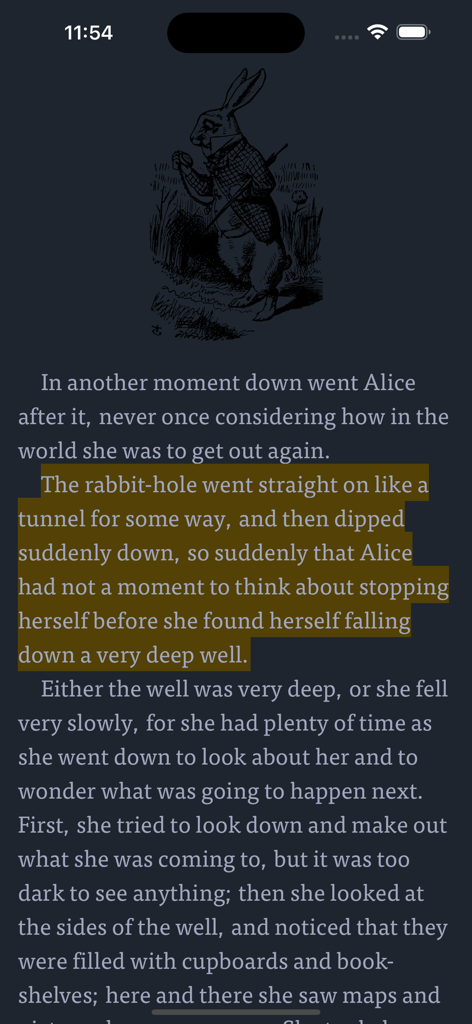
Reading interface of CHMate plus with highlighted text and a classic book illustration
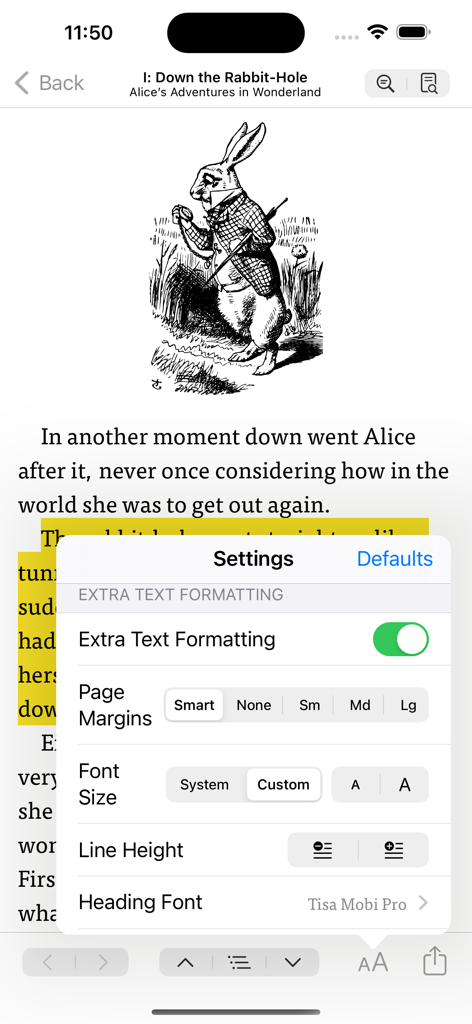
CHMate plus app interface showing eBook formatting settings for margins font size and line height
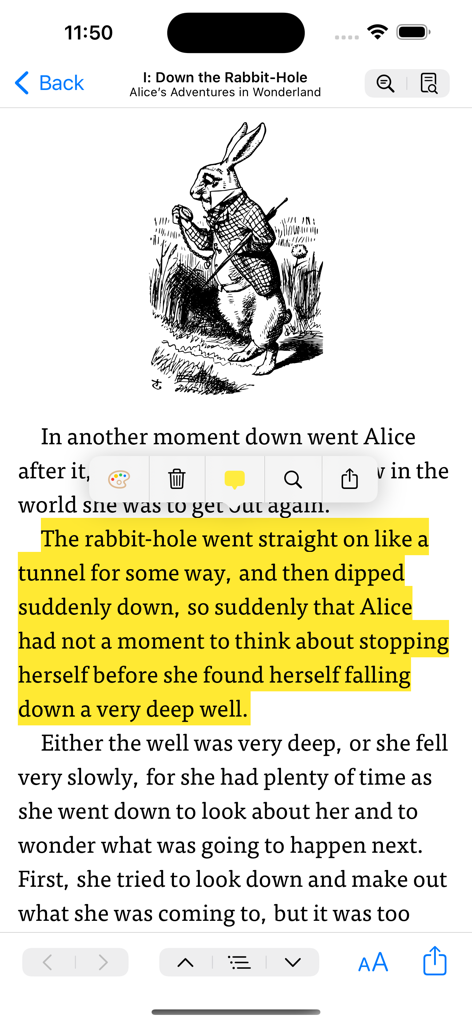
Reading interface of CHMate plus app showing a highlighted paragraph and illustration in an eBook
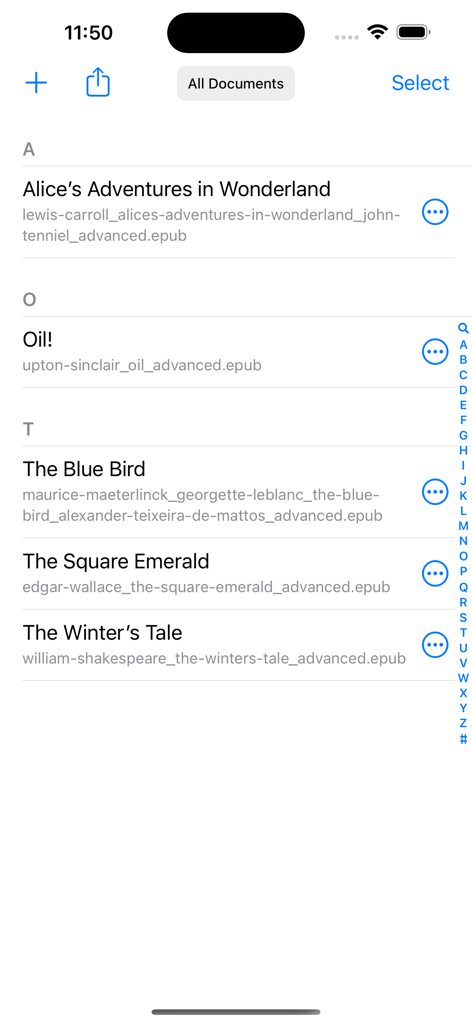
Interface of the CHMate plus app showing a sorted list of EPUB and CHM documents in a library view
Description
Download
More Like This
Apps with similar features and user experience

eBoox - fb2 ePub book reader
REDIT, OOO

PureLibro: ebook reader
添欢 谢

Summit Reader
三英 郑

Readingo
哲魁 左

YACReader - Comic Reader
Luis Ángel San Martín

KRed Reader
Kingjet Network Co., Ltd.

Epub Reader -read epub,chm,txt
俊杰 阮

Yomu EBook Reader
Beat Raess

KyBook 3 Ebook Reader
Konstantin Bukreev
This page is not an official page of the app or its developer, but an independent editorial publication created for informational and commentary purposes. Unless expressly stated otherwise, neither the app nor its developer is affiliated with, endorsed by, sponsored by, authorized by, or otherwise officially connected with MWM, Apple, Google Play, the app publisher, or the app's developer, and nothing on this page implies that the app was developed using MWM's services. Any trademarks, logos, screenshots, and other content remain the property of their respective owners.