
This page is not an official page of the app or its developer, but an independent editorial publication created for informational and commentary purposes. Unless expressly stated otherwise, neither the app nor its developer is affiliated with, endorsed by, sponsored by, authorized by, or otherwise officially connected with MWM, Apple, Google Play, the app publisher, or the app's developer, and nothing on this page implies that the app was developed using MWM's services. Any trademarks, logos, screenshots, and other content remain the property of their respective owners.

ClickUp: Tasks, Chat, Docs, AI
Eliminate tool sprawl and supercharge your productivity with the world's most flexible Work OS. Join 20 million users who orchestrate tasks, docs, and AI agents in one unified workspace.
Downloads
3M+User Rating
Total Ratings
18K+Publisher
Category
ProductivityLocales
6Latest Version
6.5.4Size
250.8 MBFirst Released
Dec 14, 2020Master Your Entire Workflow in One Place
Eliminate tool sprawl and reclaim your focus with a unified platform that combines project management, documentation, and AI-powered automation.
Eliminate Tool Fatigue
Stop context-switching between dozens of apps. Bring your tasks, chats, and docs together into a single source of truth for total alignment.
AI-Powered Productivity
Leverage AI Super Agents™ that actually understand your project's context to automate routine updates and generate content in seconds.
Frequently Asked Questions
Everything you need to know about ClickUp: Tasks, Chat, Docs, AI
What is ClickUp: Tasks, Chat, Docs, AI?
ClickUp is a comprehensive productivity platform that unifies all software, human collaboration, and AI agents into a single workspace. It offers extensive tools for project management and team communication.
What core features does ClickUp provide?
ClickUp offers over 50 features including project management, team communication, AI Super Agents™, scheduling, time tracking, Docs & Wikis, CRM, ITSM, whiteboards, and files & approvals.
Does ClickUp incorporate Artificial Intelligence (AI)?
Yes, ClickUp deeply integrates AI capabilities through AI Super Agents™, Brain AI Assistant, and AI Meetings & Calls. It aims to replace other AI tools by connecting AI directly to your work context.
Can ClickUp replace multiple other work applications?
Yes, ClickUp is designed to replace dozens of work applications and other AI tools like ChatGPT. It consolidates various functions into one platform for enhanced productivity and reduced app switching.
Who uses the ClickUp platform?
Over 20 million users from the world's most innovative teams trust ClickUp. This includes companies like Zillow, Chick-fil-A, American Airlines, and Sephora for their productivity and collaboration needs.
How does ClickUp support project management?
ClickUp facilitates project management by allowing users to orchestrate every project, task, and conversation from a single, unified workspace, and track time, budgets, and resources with precision.
Does ClickUp include tools for team communication and collaboration?
Yes, ClickUp supports team communication with features like real-time chat, allowing team members to brainstorm, sync, and collaborate anywhere. This breaks down silos and unifies discussions.
The following screenshots and description are sourced directly from the app's official store listing and are the property of the app developer.
App Store
Screenshots
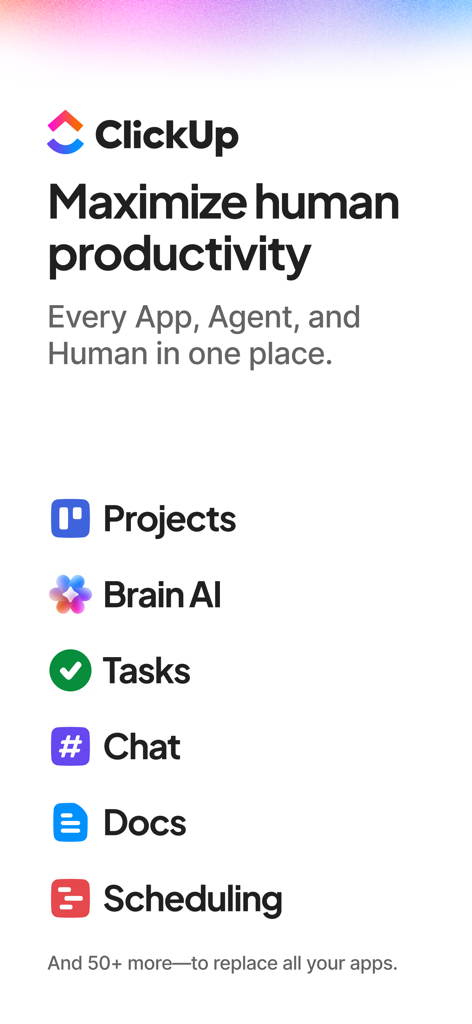
ClickUp app overview showing features like Projects, Brain AI, Tasks, Chat, and Docs to maximize productivity
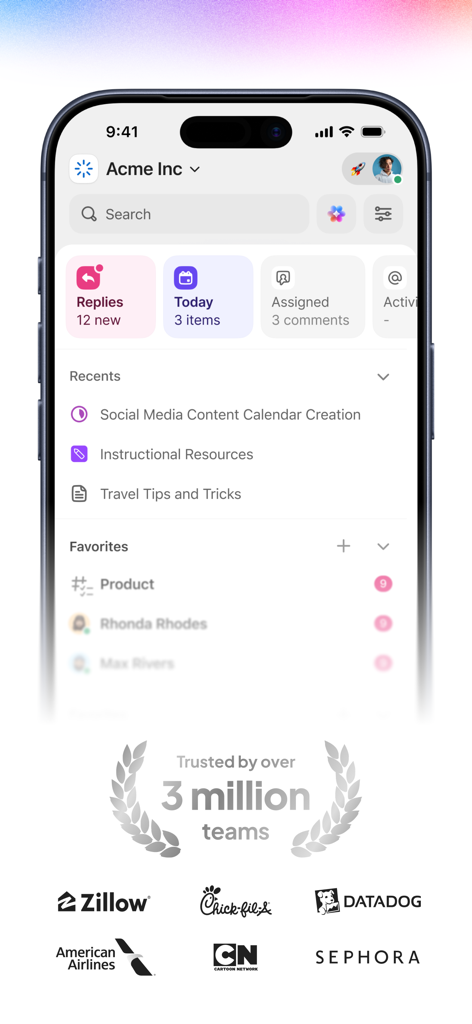
ClickUp mobile app interface showing a workspace dashboard with project tasks and logos of trusted brands like Zillow and Sephora
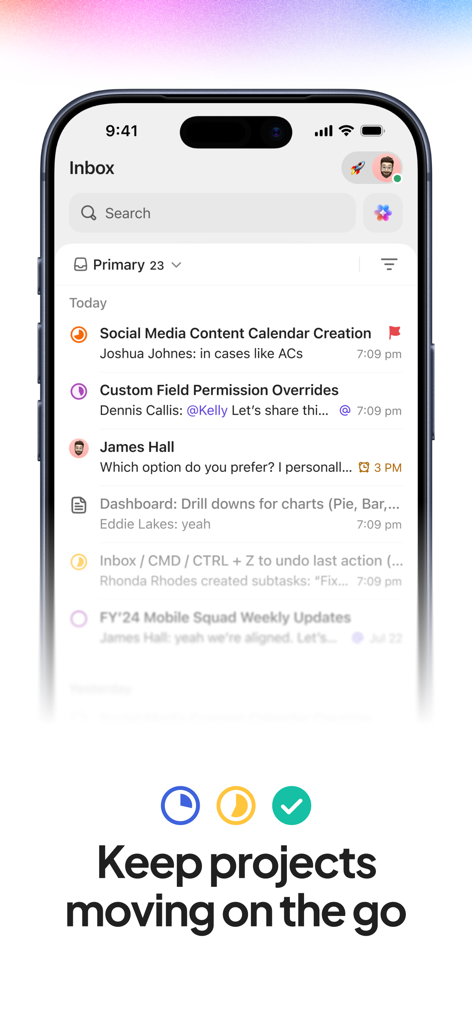
ClickUp mobile app inbox screen showing project tasks and team updates
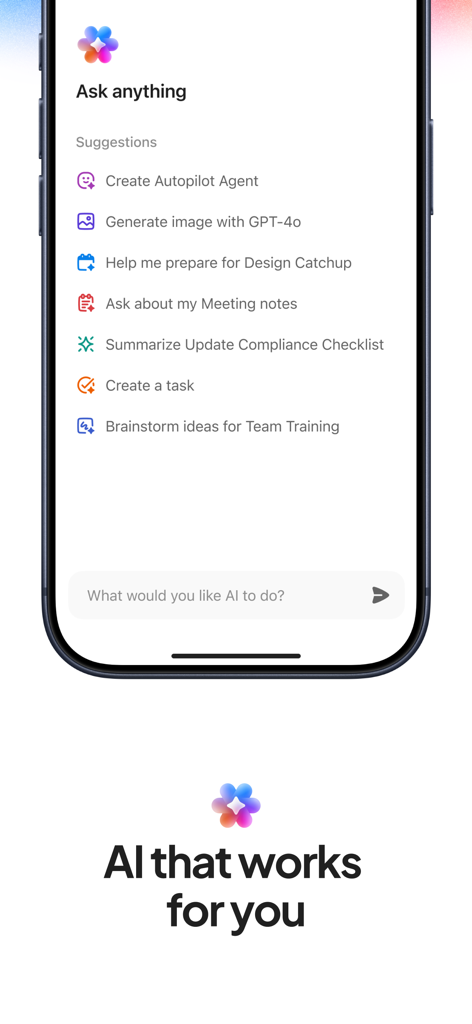
ClickUp mobile app showing the AI assistant interface with task and agent suggestions
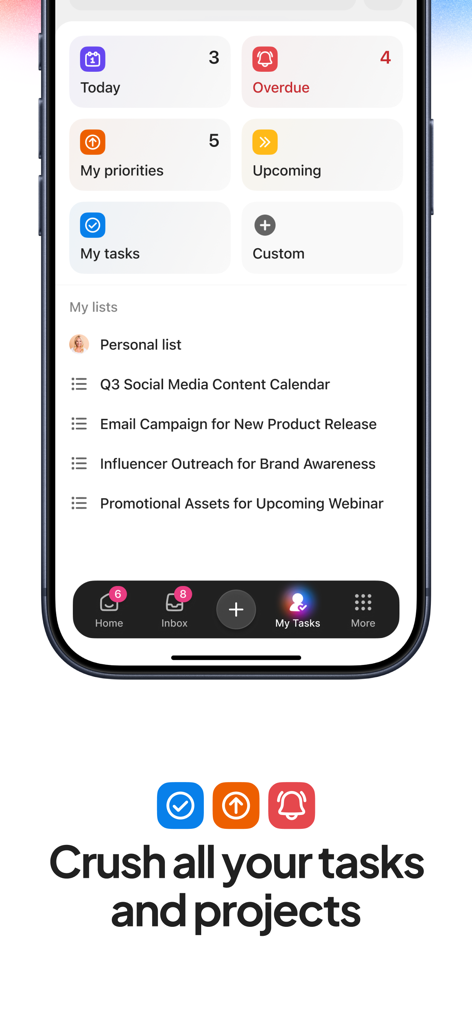
ClickUp mobile app dashboard displaying task categories like today and overdue alongside specific project lists for content calendars and marketing campaigns.
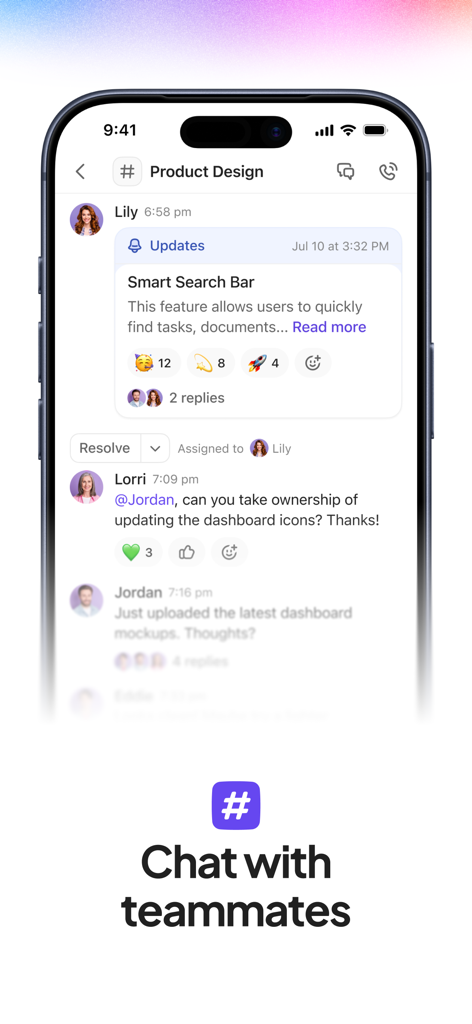
ClickUp mobile app screenshot showing real-time team collaboration in a project chat
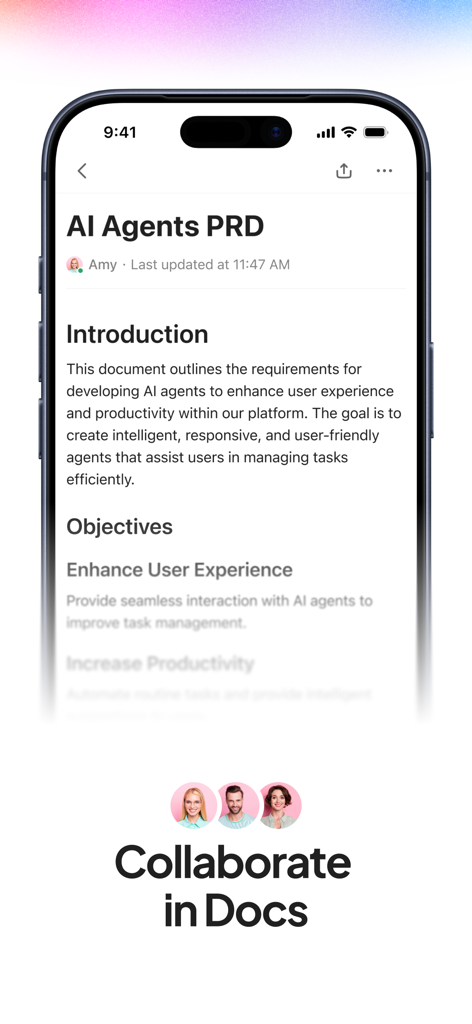
ClickUp mobile app interface showing a collaborative document titled AI Agents PRD with team member avatars
Description
Download
More Like This
Apps with similar features and user experience

Notion: Notes, Tasks, AI
Notion Labs, Incorporated

Freenotes®: AI Notes Taking
Hangzhou Free Notes Technology Co., Ltd

Structured - Daily Planner
unorderly GmbH

Google Tasks: Get Things Done
Google LLC

TickTick:To-Do List & Calendar
Appest Limited

Noteful: Notes & PDF Markup
Noteful Technologies Ltd

Todoist: To Do List & Calendar
Doist Inc.

To do list MinimaList & Widget
Inner Grow Limited

monday.com - Work Platform
monday.com Ltd.
This page is not an official page of the app or its developer, but an independent editorial publication created for informational and commentary purposes. Unless expressly stated otherwise, neither the app nor its developer is affiliated with, endorsed by, sponsored by, authorized by, or otherwise officially connected with MWM, Apple, Google Play, the app publisher, or the app's developer, and nothing on this page implies that the app was developed using MWM's services. Any trademarks, logos, screenshots, and other content remain the property of their respective owners.