
This page is not an official page of the app or its developer, but an independent editorial publication created for informational and commentary purposes. Unless expressly stated otherwise, neither the app nor its developer is affiliated with, endorsed by, sponsored by, authorized by, or otherwise officially connected with MWM, Apple, Google Play, the app publisher, or the app's developer, and nothing on this page implies that the app was developed using MWM's services. Any trademarks, logos, screenshots, and other content remain the property of their respective owners.
CodeDiff+
Master your pull requests and file reviews with side-by-side color highlights, native iPad SplitView support, and a lightning-fast diff engine built for your mobile workflow.
Downloads
0User Rating
Total Ratings
0Publisher
Category
Developer ToolsLocales
1Latest Version
1.0Size
1.7 MBFirst Released
Dec 3, 2025Review Code with Confidence, Anywhere
CodeDiff+ brings desktop-grade comparison tools to your mobile workflow, helping you spot bugs and review pull requests on the go with total precision.
Pro-Grade Visual Diffs
Spot every change instantly with side-by-side color highlighting and quick-jump navigation designed for professional code reviews.
Developer-First Syntax
Work with Swift, JSON, and more using SF Mono fonts and customizable layouts that mirror your favorite desktop IDE environment.
The following screenshots and description are sourced directly from the app's official store listing and are the property of the app developer.
App Store
Screenshots
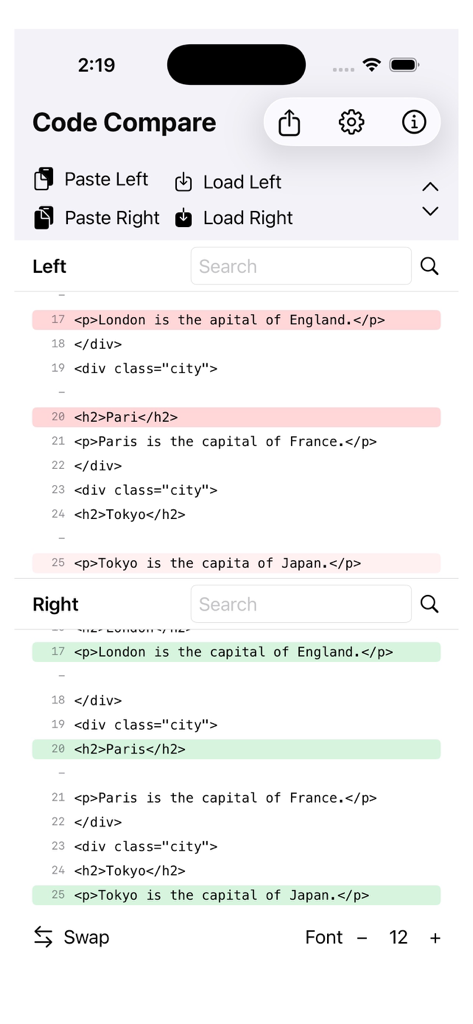
CodeDiff plus mobile interface showing a vertical code comparison of HTML files with red and green highlights marking the differences
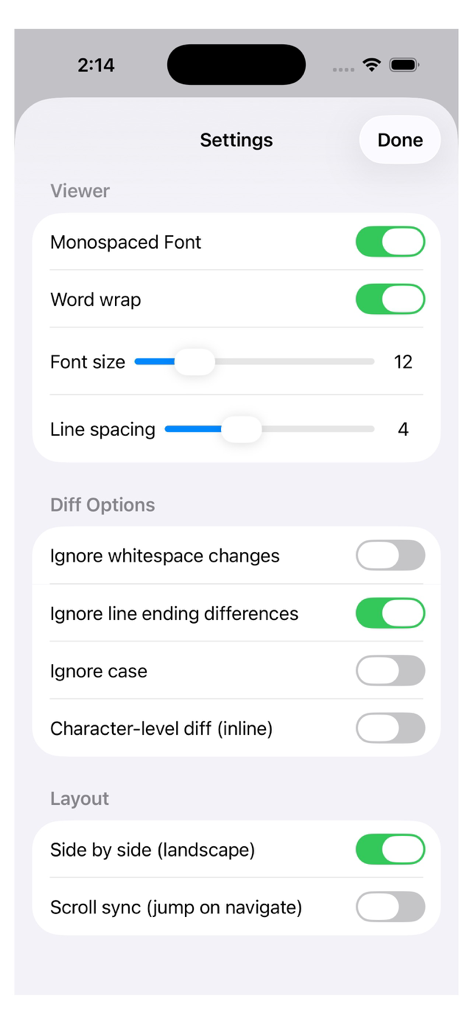
Settings screen of the CodeDiff plus app showing customizable options for code viewer diff engine and layout
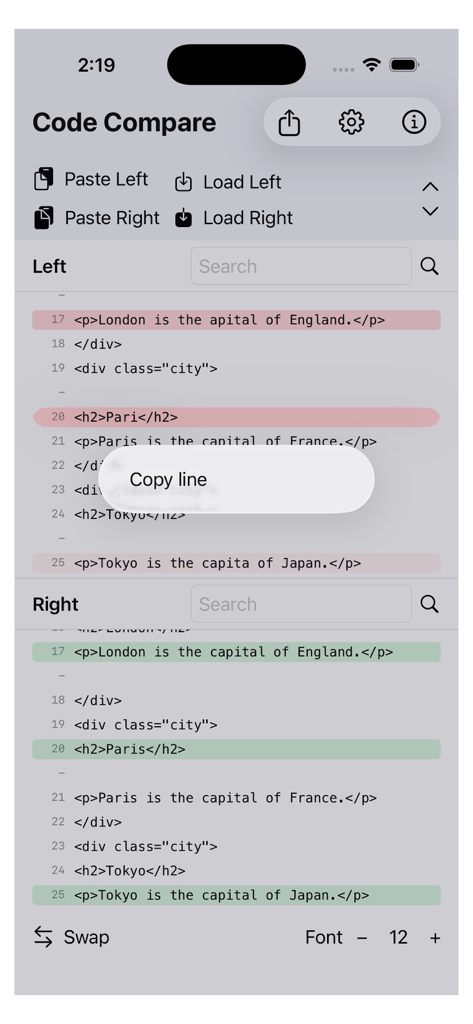
Interface of the CodeDiff plus app showing a vertical side by side code comparison of HTML lines with green and red highlighting for differences
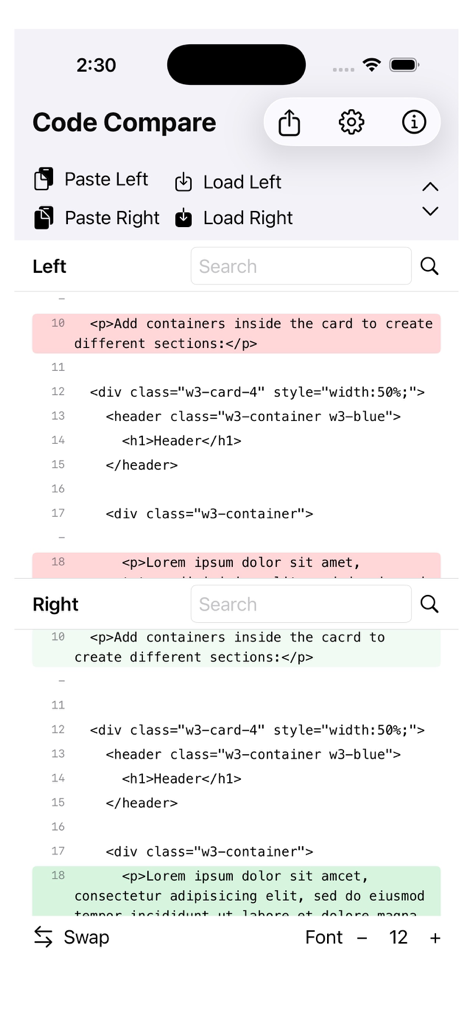
CodeDiff plus app interface displaying a stacked code comparison with red and green highlighting for changes
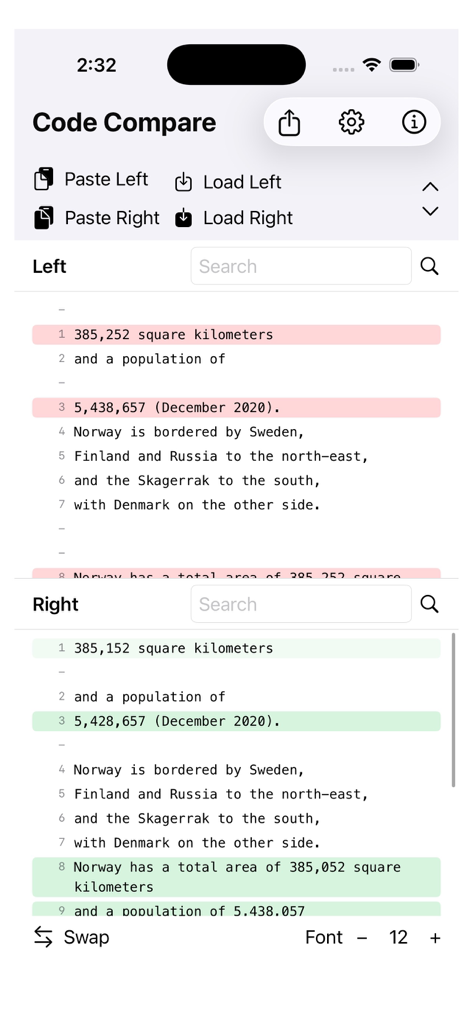
Screenshot of CodeDiff plus app showing a portrait view of text comparison with red and green highlighting for differences
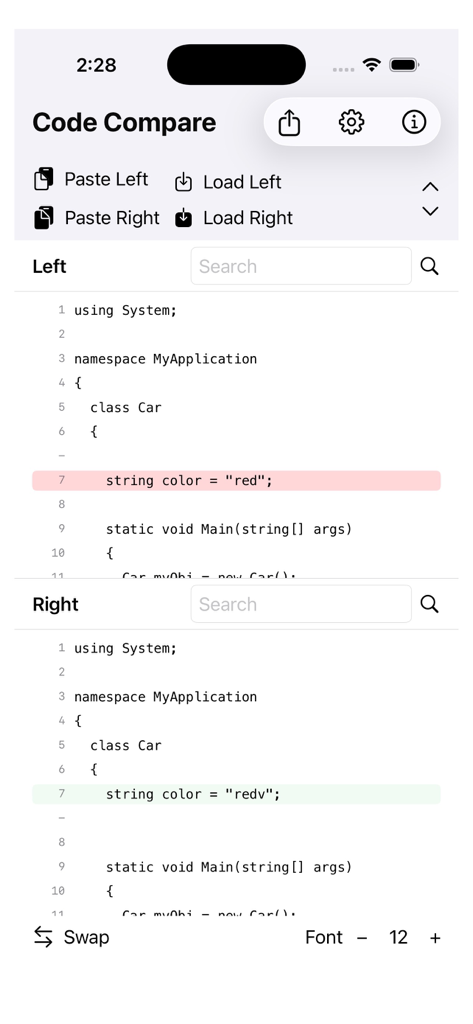
A screenshot of the CodeDiff plus app showing a vertical stacked view of two code snippets with highlighted differences in red and green.
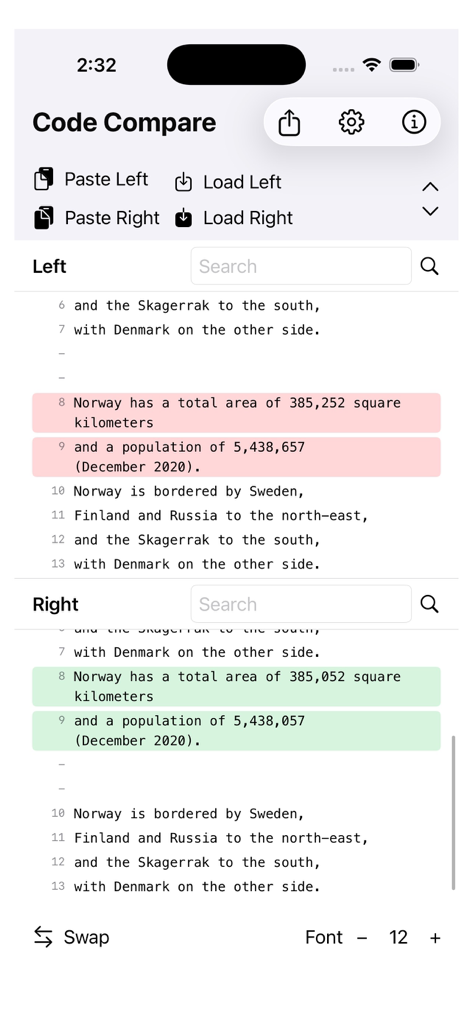
CodeDiff plus app interface showing a stacked comparison of two text files with red and green highlights indicating differences.
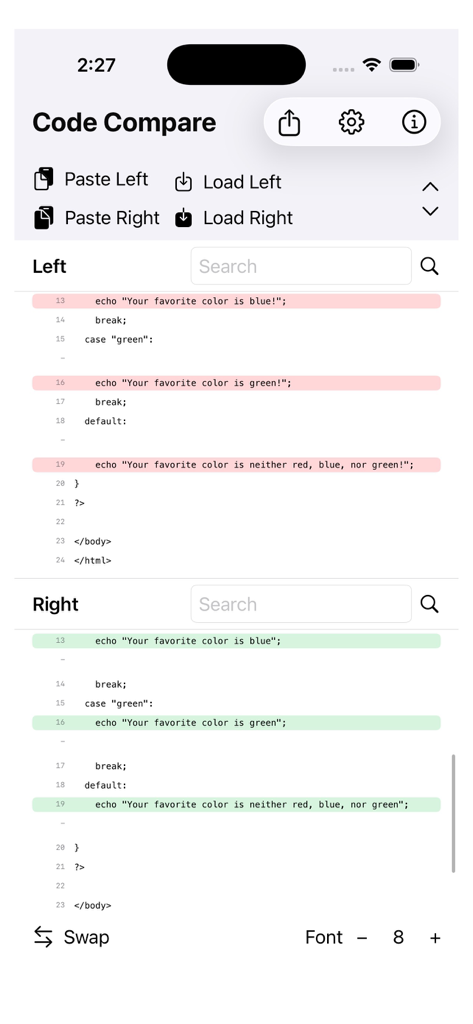
Mobile app interface of CodeDiff plus showing a side by side comparison of code snippets with red and green highlights for differences
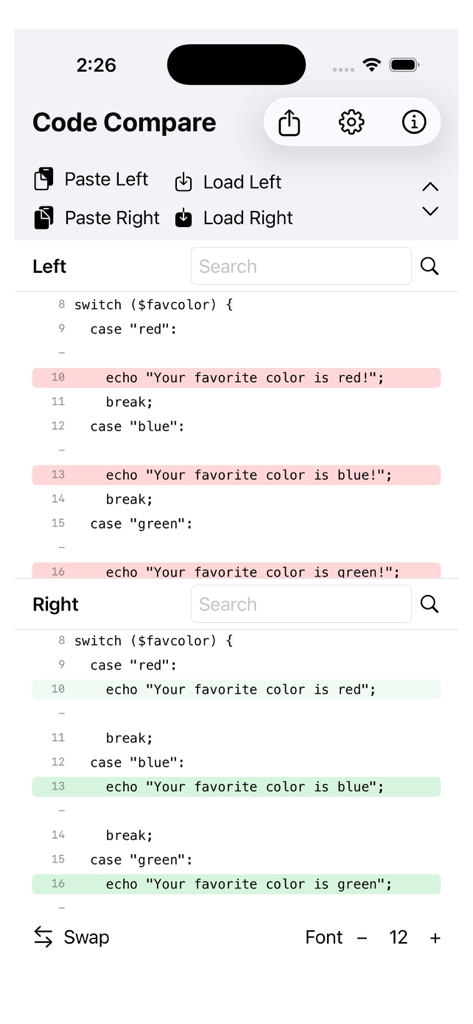
CodeDiff plus mobile interface displaying side-by-side code comparison with syntax highlighting and differences
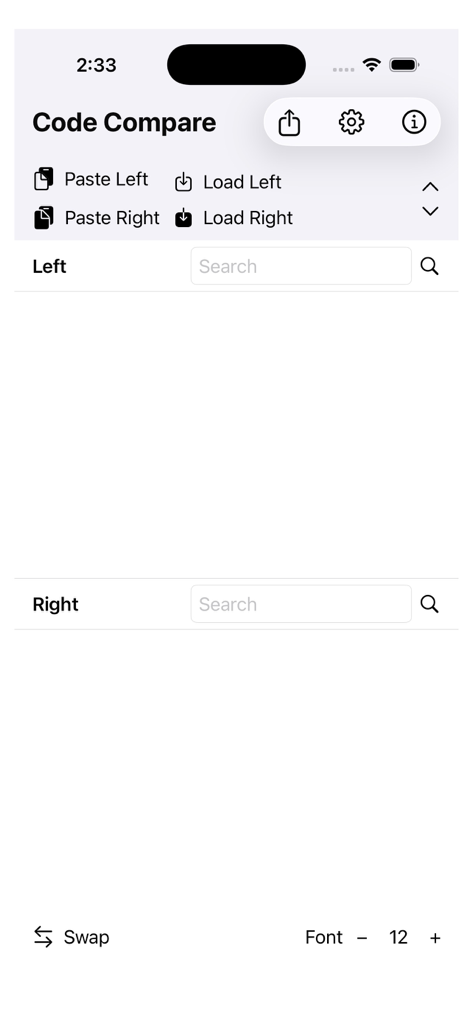
Main interface of CodeDiff+ app with side-by-side code comparison panels and file loading options
Description
Download
More Like This
Top-ranked apps in the same category

TestFlight
Apple Inc.

Replit: Vibe Code Apps
Replit, Inc

GitHub
GitHub

O-KAM Pro
Shenzhen VeePai IoT Intelligent Technology LLC

Apple Developer
Apple Inc.

Expo Go
650 Industries, Inc.

Scriptable
Simon Stovring

Stream - Network Debug Tool
Stream Lab Inc.

App Store Connect
Apple Inc.
This page is not an official page of the app or its developer, but an independent editorial publication created for informational and commentary purposes. Unless expressly stated otherwise, neither the app nor its developer is affiliated with, endorsed by, sponsored by, authorized by, or otherwise officially connected with MWM, Apple, Google Play, the app publisher, or the app's developer, and nothing on this page implies that the app was developed using MWM's services. Any trademarks, logos, screenshots, and other content remain the property of their respective owners.