
This page is not an official page of the app or its developer, but an independent editorial publication created for informational and commentary purposes. Unless expressly stated otherwise, neither the app nor its developer is affiliated with, endorsed by, sponsored by, authorized by, or otherwise officially connected with MWM, Apple, Google Play, the app publisher, or the app's developer, and nothing on this page implies that the app was developed using MWM's services. Any trademarks, logos, screenshots, and other content remain the property of their respective owners.

Colemak
Stop settling for QWERTY. Optimize your typing with 5 professional layouts—including Colemak-DH and Tarmak—built for speed, comfort, and open-source transparency.
Downloads
100User Rating
Total Ratings
0Publisher
Category
UtilitiesLocales
1Latest Version
5Size
22.8 MBFirst Released
Mar 31, 2024Built for High-Performance Typing
Stop fighting 19th-century keyboard layouts. Colemak is engineered to reduce finger travel, eliminate repetitive strain, and synchronize your mobile typing with your desktop workflow.
Optimized Ergonomics
Minimize effort with the home-row focus. By placing the most common characters under your strongest fingers, you increase speed while significantly reducing hand fatigue.
Pro-Level Customization
Switch between five specialized layouts including Colemak-DH, OG, and Tabbed. We provide the specific mods that power users and mechanical keyboard enthusiasts demand.
The following screenshots and description are sourced directly from the app's official store listing and are the property of the app developer.
App Store
Screenshots
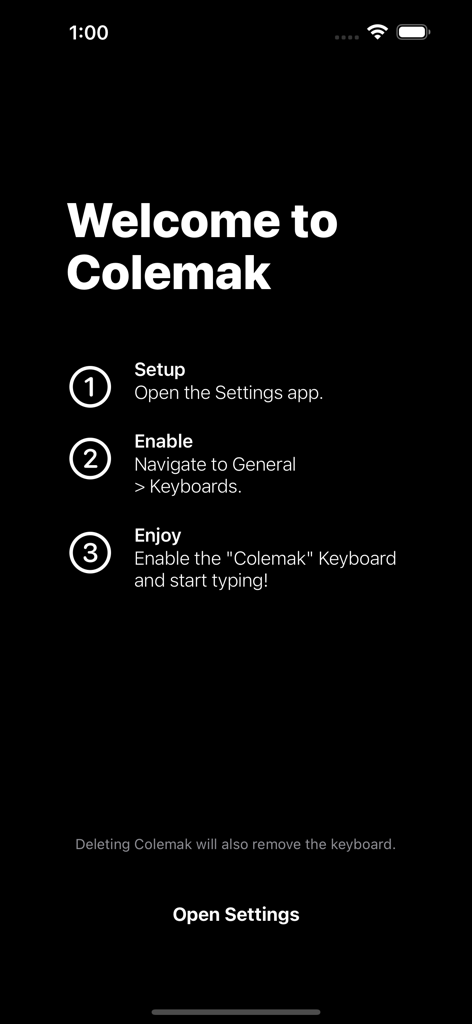
Welcome screen of the Colemak app explaining the three-step setup process to enable the keyboard layout in iOS settings.
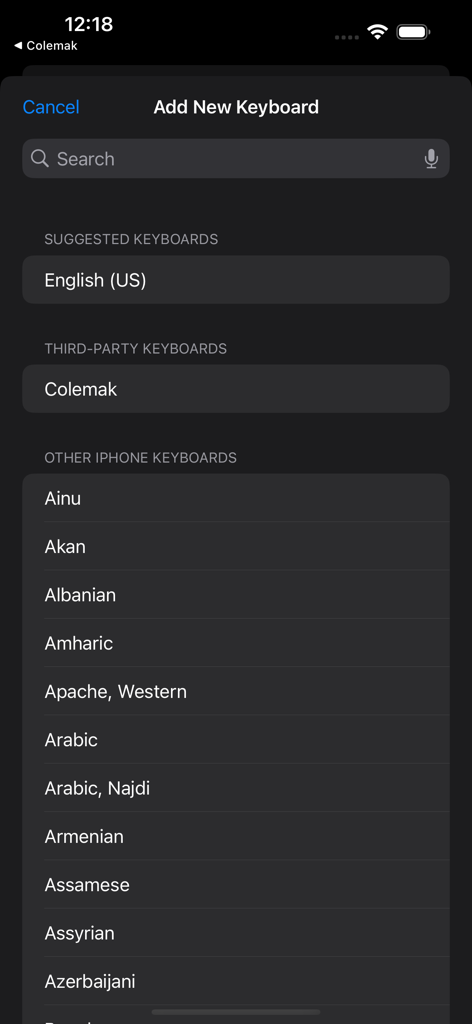
iOS Add New Keyboard screen featuring the Colemak third party keyboard option
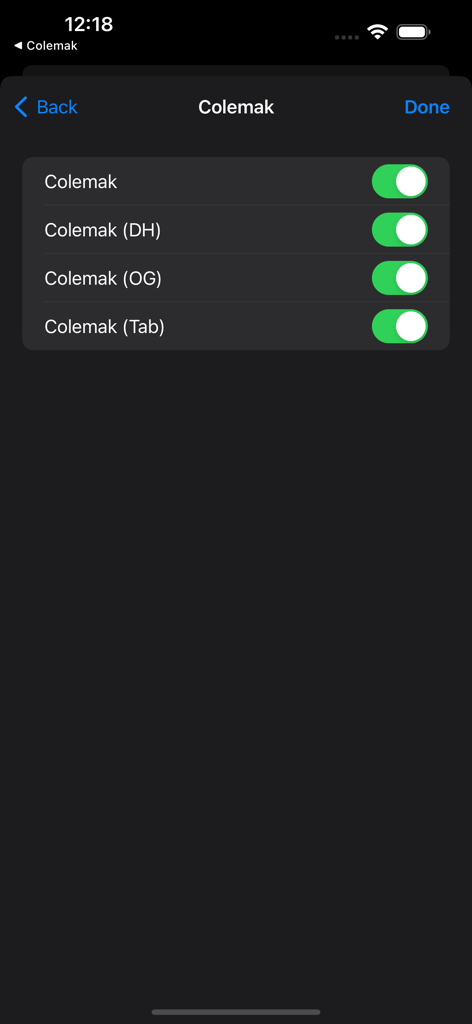
Settings screen for the Colemak app showing toggles to enable layout variations like DH and OG

Screenshot of the Colemak keyboard layout on an iPhone in dark mode

Colemak keyboard layout interface on an iPhone

Colemak keyboard layout active on an iPhone messaging interface

iPhone screen showing the Colemak keyboard layout active in a dark mode message interface
Description
Download
More Like This
Top-ranked apps in the same category

Google LLC

Google Chrome
Google LLC

中国移动(手机营业厅)
China Mobile Online Services Co., Ltd.

Google Authenticator
Google LLC

CNH do Brasil
Servicos e Informacoes do Brasil

Cleanup: Phone Storage Cleaner
DEEP FLOW SOFTWARE SERVICES - FZCO

gov.br
Servicos e Informacoes do Brasil

Super VPN Fly 2026
YUNFAN TECHNOLOGY CO., LIMITED

Microsoft Edge: AI Browser
Microsoft Corporation
This page is not an official page of the app or its developer, but an independent editorial publication created for informational and commentary purposes. Unless expressly stated otherwise, neither the app nor its developer is affiliated with, endorsed by, sponsored by, authorized by, or otherwise officially connected with MWM, Apple, Google Play, the app publisher, or the app's developer, and nothing on this page implies that the app was developed using MWM's services. Any trademarks, logos, screenshots, and other content remain the property of their respective owners.