
This page is not an official page of the app or its developer, but an independent editorial publication created for informational and commentary purposes. Unless expressly stated otherwise, neither the app nor its developer is affiliated with, endorsed by, sponsored by, authorized by, or otherwise officially connected with MWM, Apple, Google Play, the app publisher, or the app's developer, and nothing on this page implies that the app was developed using MWM's services. Any trademarks, logos, screenshots, and other content remain the property of their respective owners.


CONNECT SetUp
Transform your smartphone into a powerful diagnostic tool. Streamline installation, configure operators, and provide expert maintenance for your customers with precision and speed.
Downloads
0User Rating
Total Ratings
0Publisher
Category
UtilitiesLocales
-Latest Version
7.0Size
46.8 MBFirst Released
Jul 29, 2018Streamline Your Field Operations
The all-in-one professional toolkit to configure, diagnose, and manage CAME operators with precision and speed directly from your smartphone.
Rapid Digital Setup
Eliminate tedious manual programming. Configure CAME operators and radio-frequency controls in minutes using a high-resolution, intuitive interface.
Precision Diagnostics
Identify system faults and accessory issues instantly. Eliminate guesswork and reduce unnecessary truck rolls with real-time diagnostic power.
The following screenshots and description are sourced directly from the app's official store listing and are the property of the app developer.
App Store
Screenshots
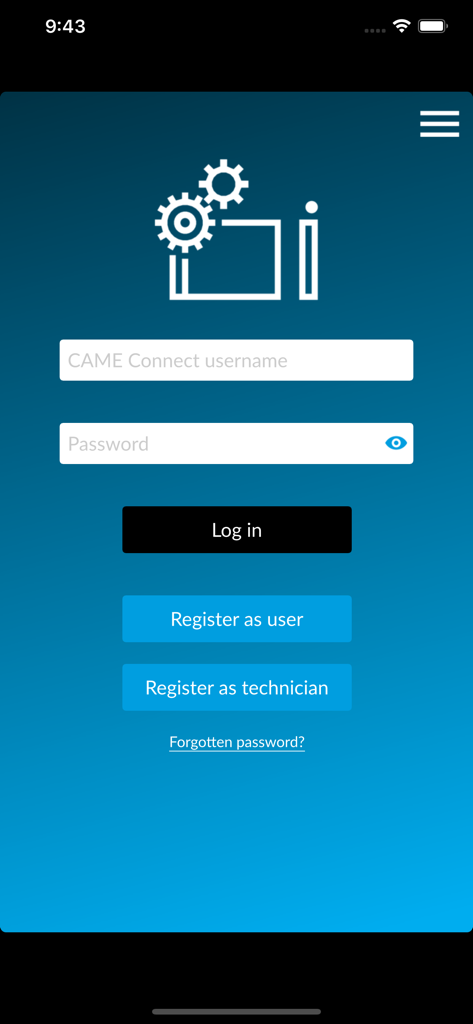
Login screen for the CONNECT SetUp app with options to log in or register as a user or technician
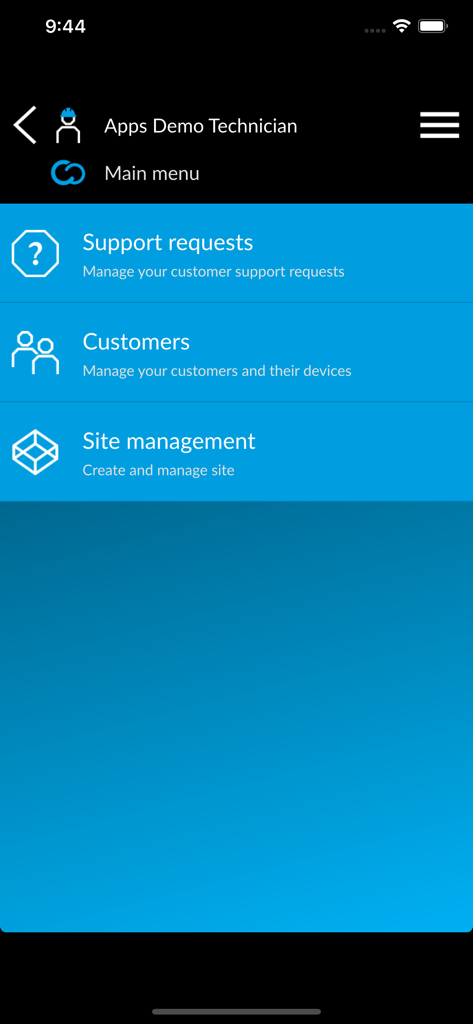
Main menu of the CONNECT SetUp app for technicians showing options for support requests, customer management, and site management.
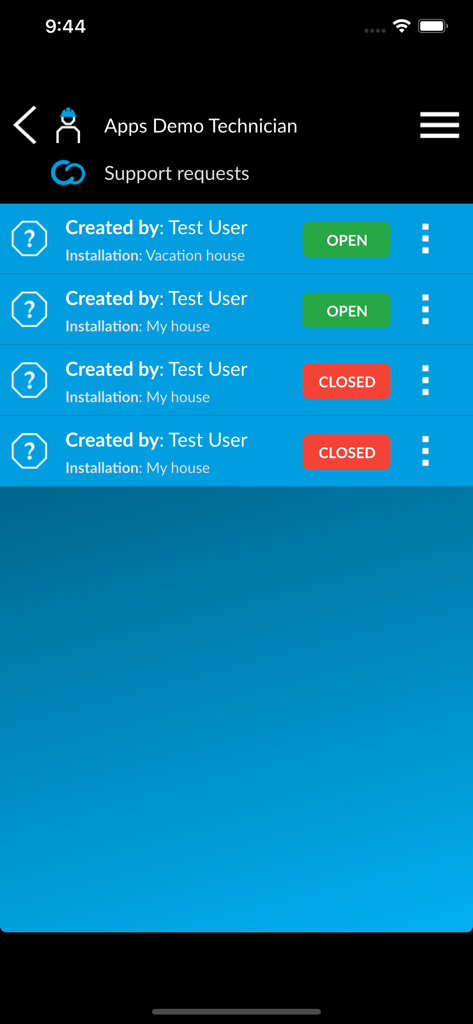
CAME CONNECT SetUp app screen showing a list of technician support requests with open and closed statuses
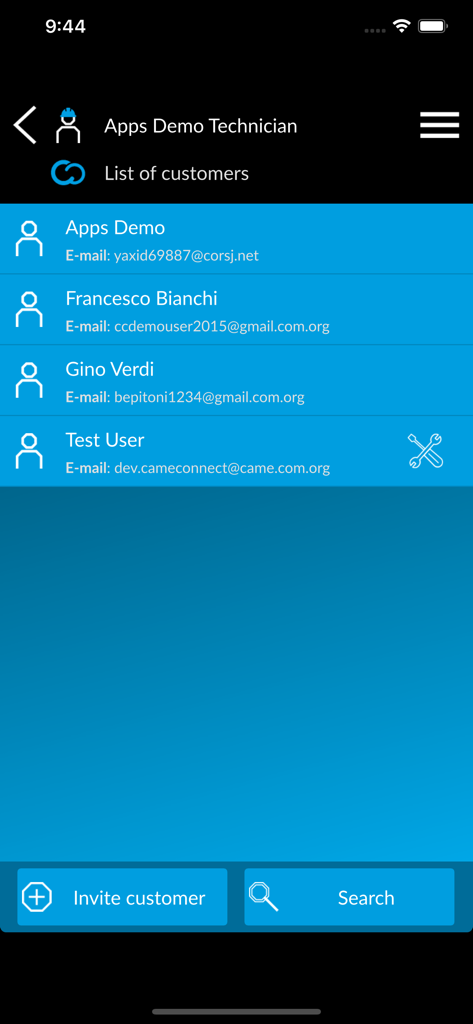
List of customers for professional technicians in the CONNECT SetUp app
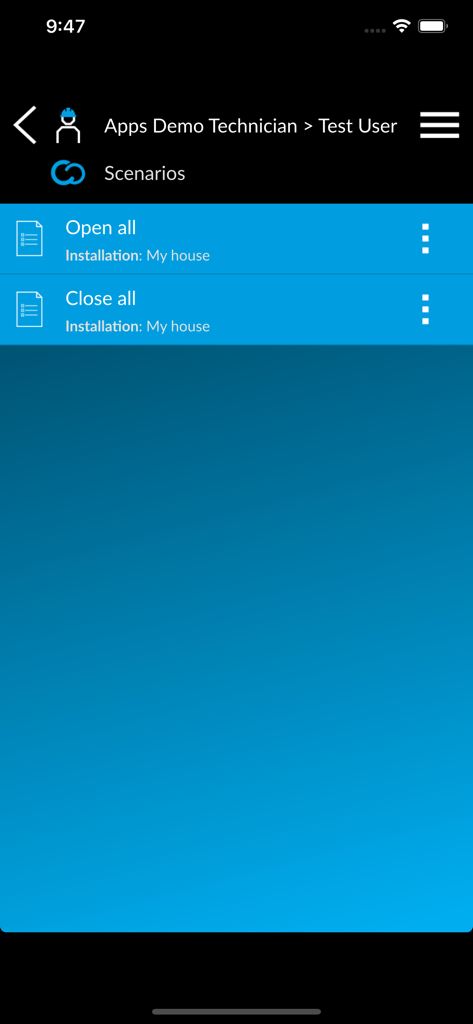
CONNECT SetUp app interface showing a list of automated scenarios like open all and close all for a technician.
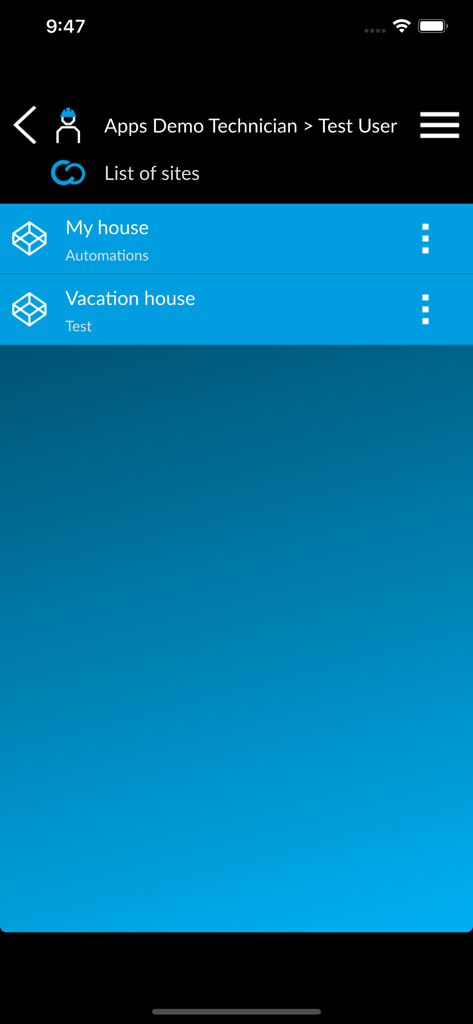
Technician dashboard in the CONNECT SetUp app showing a list of managed automation sites
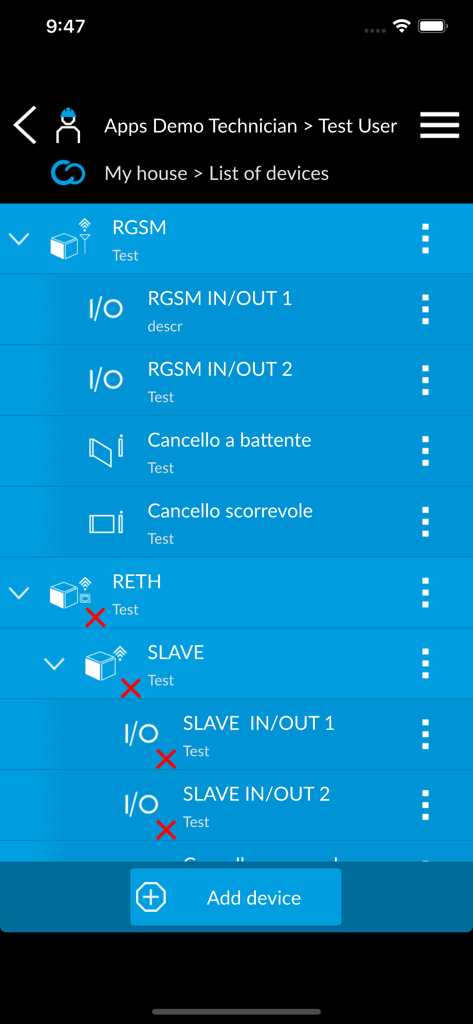
Technician view of connected automated access devices and modules with status indicators
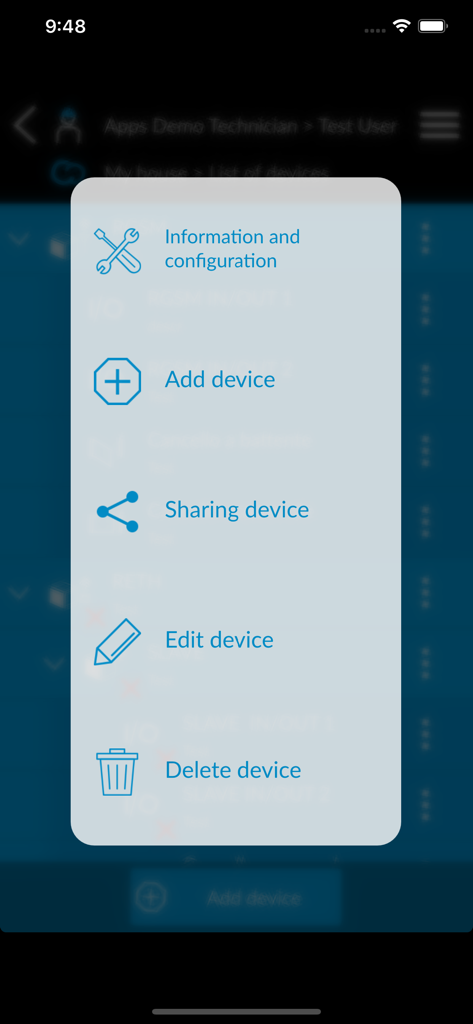
Interface showing device management options in the CONNECT SetUp app.
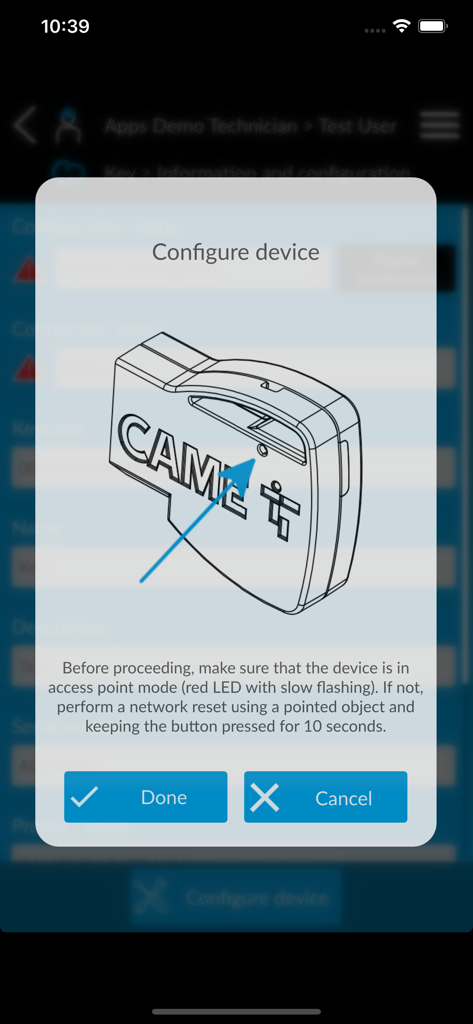
Diagram in the CONNECT SetUp app explaining how to put a CAME device into access point mode
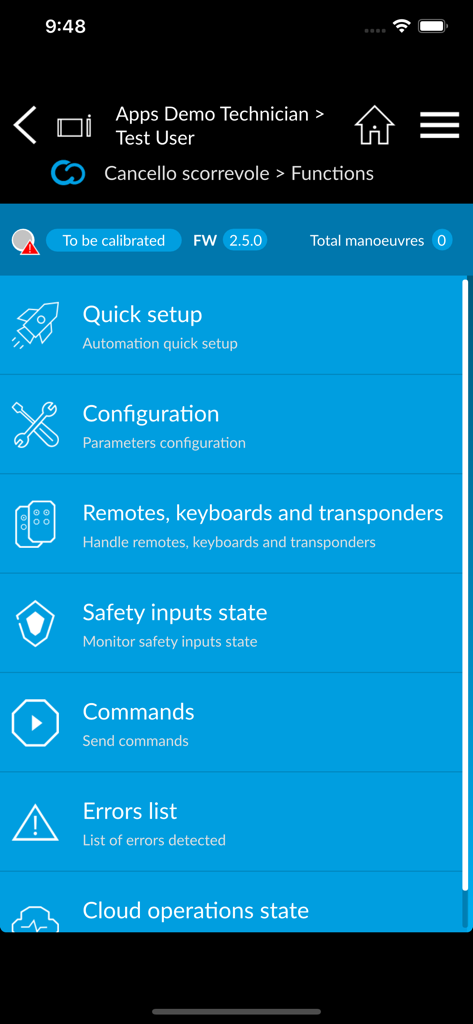
The main functions screen of the CONNECT SetUp app for professional gate installers, showing a list of options including quick setup, configuration, remotes, and errors list.
Description
Download
More Like This
Top-ranked apps in the same category

Google LLC

Google Chrome
Google LLC

中国移动(手机营业厅)
China Mobile Online Services Co., Ltd.

Google Authenticator
Google LLC

gov.br
Servicos e Informacoes do Brasil

Meu Social - Gás do Povo
Servicos e Informacoes do Brasil

Cleanup: Phone Storage Cleaner
DEEP FLOW SOFTWARE SERVICES - FZCO

Microsoft Edge: AI Browser
Microsoft Corporation

百度-AI智能搜索
Beijing Baidu Netcom Science & Technology Co.,Ltd
This page is not an official page of the app or its developer, but an independent editorial publication created for informational and commentary purposes. Unless expressly stated otherwise, neither the app nor its developer is affiliated with, endorsed by, sponsored by, authorized by, or otherwise officially connected with MWM, Apple, Google Play, the app publisher, or the app's developer, and nothing on this page implies that the app was developed using MWM's services. Any trademarks, logos, screenshots, and other content remain the property of their respective owners.