
This page is not an official page of the app or its developer, but an independent editorial publication created for informational and commentary purposes. Unless expressly stated otherwise, neither the app nor its developer is affiliated with, endorsed by, sponsored by, authorized by, or otherwise officially connected with MWM, Apple, Google Play, the app publisher, or the app's developer, and nothing on this page implies that the app was developed using MWM's services. Any trademarks, logos, screenshots, and other content remain the property of their respective owners.

Convert Video to MP3: VidoTune
Extract high-quality audio, remove background noise, and isolate vocals with ease. The ultimate offline toolkit for creators and students to master their sound and optimize their workflow anywhere.
Downloads
0User Rating
Total Ratings
0Publisher
Category
UtilitiesLocales
1Latest Version
1.0Size
4.3 MBFirst Released
Jan 17, 2026Unleash the Power of Your Media
VidoTune combines lightning-fast conversion with professional-grade editing tools designed to fit your creative and academic lifestyle.
Isolate Vocals with One Tap
Perfect for creators and music lovers. Effortlessly remove vocals to create high-quality instrumentals or isolate clean dialogue for your next social media edit.
Smart Denoise for Pure Clarity
Eliminate distracting background noise from lectures, meetings, or voice memos. Transform messy video recordings into crisp, professional audio files for easy review.
Frequently Asked Questions
Everything you need to know about Convert Video to MP3: VidoTune
What is the "Convert Video to MP3: VidoTune" app?
Convert Video to MP3: VidoTune is an app that converts any video into high-quality MP3 audio. It also functions as a full audio editor, offering advanced features like vocal removal, equalization, and audio trimming.
Does "Convert Video to MP3: VidoTune" work without an internet connection?
Yes, "Convert Video to MP3: VidoTune" works fully offline. It performs conversions and edits directly on your device, making it accessible anytime, anywhere without internet access.
What video formats can "Convert Video to MP3: VidoTune" convert to MP3?
"Convert Video to MP3: VidoTune" supports popular video formats including MP4, MOV, AVI, and MKV. It also handles format needs like MOV to MP4 before conversion.
Can I remove vocals from a video using "Convert Video to MP3: VidoTune"?
Yes, "Convert Video to MP3: VidoTune" includes a vocal remover feature. It isolates instrumental tracks using multi-band EQ processing, with adjustable removal intensity for various effects.
Does "Convert Video to MP3: VidoTune" offer an equalizer feature?
Yes, "Convert Video to MP3: VidoTune" includes a built-in 5-Band Equalizer. Users can fine-tune bass, treble, and vocals, with presets like Flat, Rock, Pop, and Jazz available.
What audio output formats does "Convert Video to MP3: VidoTune" support besides MP3?
"Convert Video to MP3: VidoTune" supports additional output formats besides MP3, including M4A, WAV, AIFF, and CAF. These options are available during the conversion process within the app.
Can "Convert Video to MP3: VidoTune" be used for creating ringtones?
Yes, "Convert Video to MP3: VidoTune" functions as a precision MP3 cutter. This feature allows users to accurately trim audio for creating custom ringtones and clips.
The following screenshots and description are sourced directly from the app's official store listing and are the property of the app developer.
App Store
Screenshots
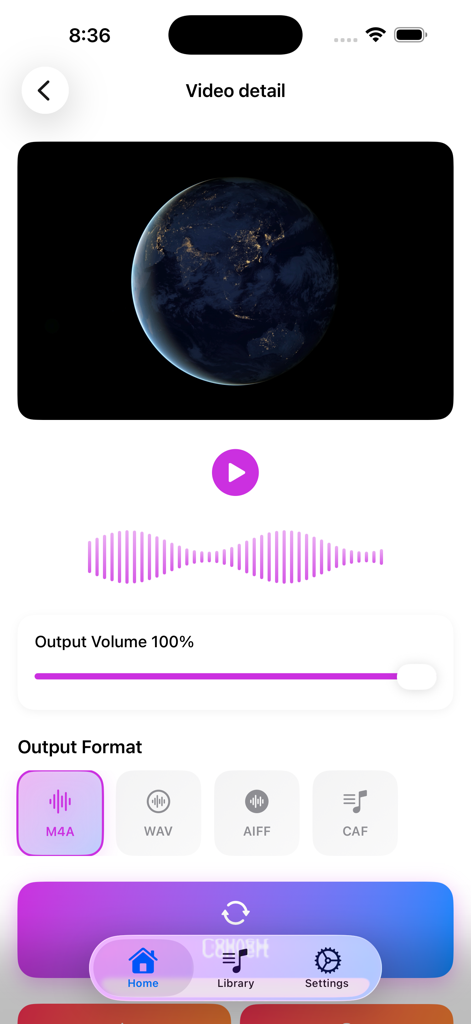
VidoTune app interface showing video playback and options to select audio output formats like M4A and WAV
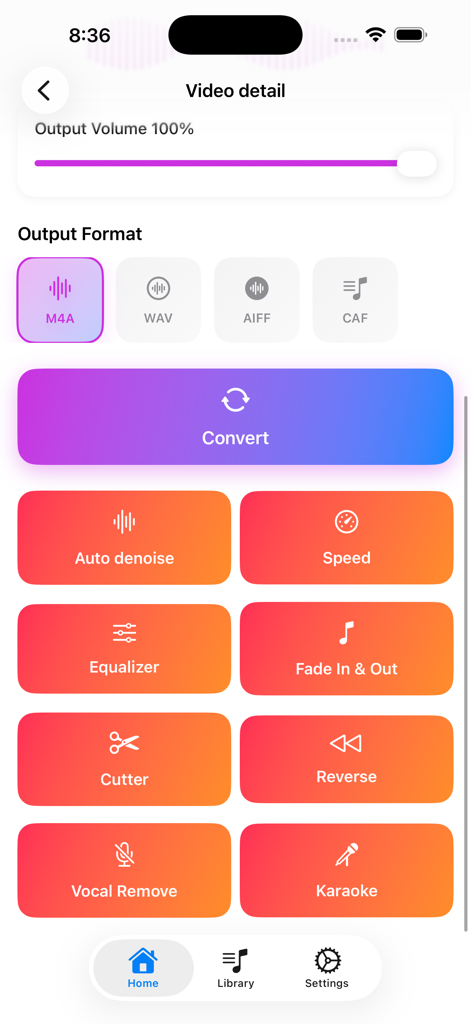
VidoTune app screen showing video to audio conversion formats and various editing tools like vocal remover and auto denoise
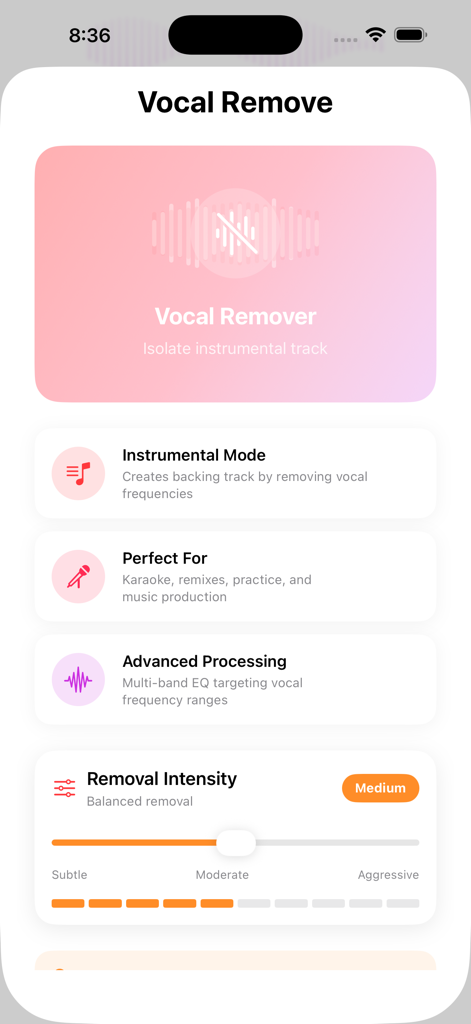
VidoTune app screen for vocal removal and instrumental track extraction with adjustable intensity settings
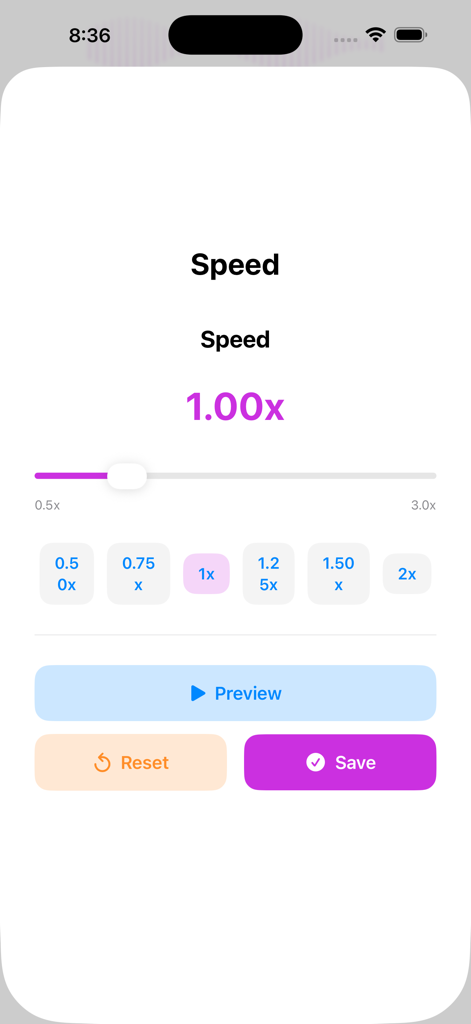
Interface of the VidoTune app showing the playback speed adjustment screen with a slider and preset buttons from 0.5x to 2x
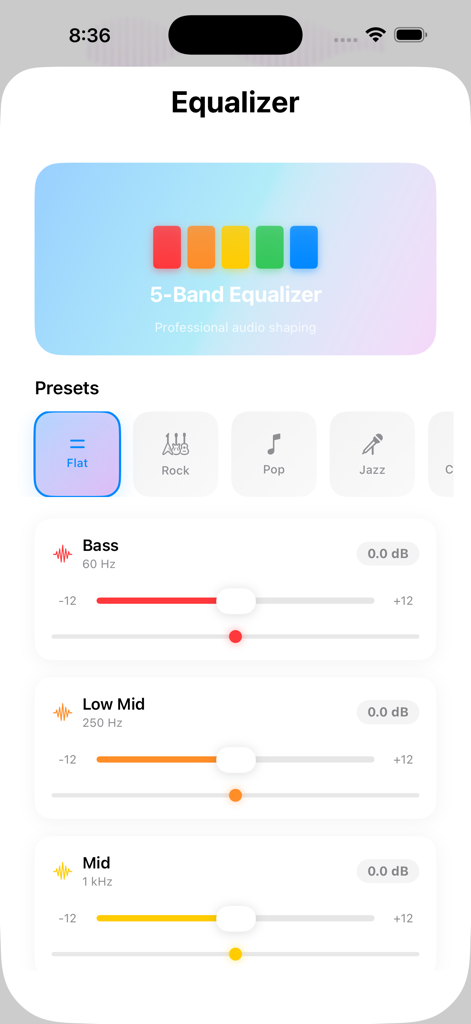
Interface of the VidoTune app showing the 5-band equalizer with audio presets and frequency adjustment sliders
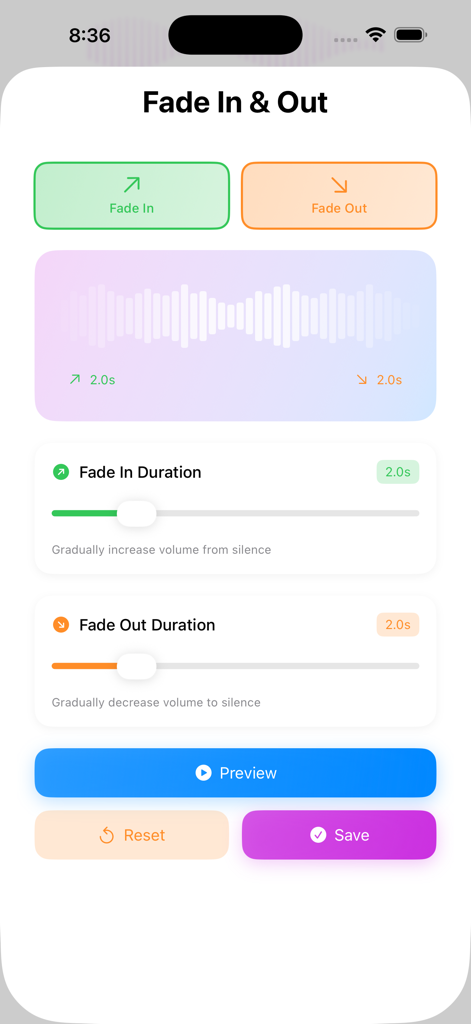
Interface of VidoTune app showing sliders to adjust audio fade in and fade out durations for video to mp3 conversion
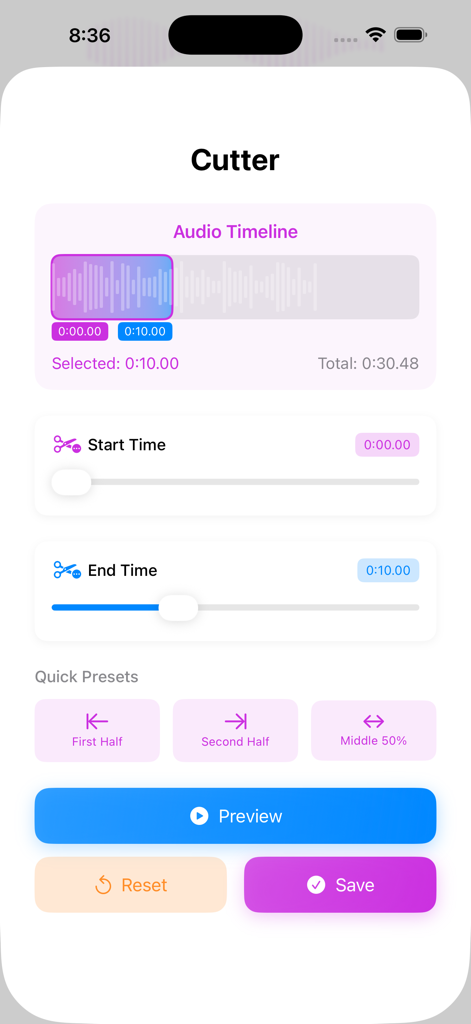
Interface of the VidoTune app showing the audio cutter tool with start and end time sliders and a waveform timeline.
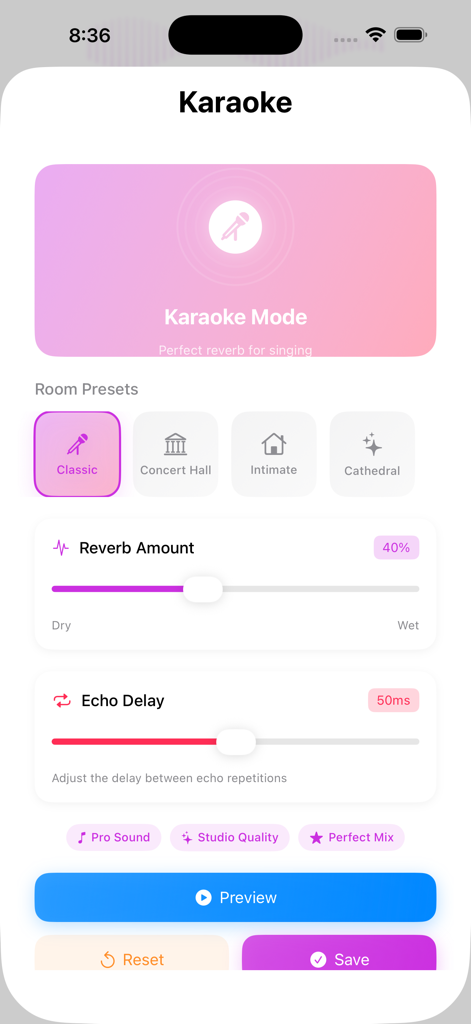
VidoTune app interface showing karaoke mode with adjustable reverb and echo settings
Description
Download
More Like This
Top-ranked apps in the same category

Google LLC

Google Chrome
Google LLC

中国移动(手机营业厅)
China Mobile Online Services Co., Ltd.

Google Authenticator
Google LLC

CNH do Brasil
Servicos e Informacoes do Brasil

Cleanup: Phone Storage Cleaner
DEEP FLOW SOFTWARE SERVICES - FZCO

gov.br
Servicos e Informacoes do Brasil

中国电信-全国统一官方服务平台
CHINA TELECOM Corporation Ltd.

Microsoft Edge: AI Browser
Microsoft Corporation
This page is not an official page of the app or its developer, but an independent editorial publication created for informational and commentary purposes. Unless expressly stated otherwise, neither the app nor its developer is affiliated with, endorsed by, sponsored by, authorized by, or otherwise officially connected with MWM, Apple, Google Play, the app publisher, or the app's developer, and nothing on this page implies that the app was developed using MWM's services. Any trademarks, logos, screenshots, and other content remain the property of their respective owners.