
This page is not an official page of the app or its developer, but an independent editorial publication created for informational and commentary purposes. Unless expressly stated otherwise, neither the app nor its developer is affiliated with, endorsed by, sponsored by, authorized by, or otherwise officially connected with MWM, Apple, Google Play, the app publisher, or the app's developer, and nothing on this page implies that the app was developed using MWM's services. Any trademarks, logos, screenshots, and other content remain the property of their respective owners.

Counter - Tally Meister
Empower your workflow with GPS-integrated activity logs, multi-counter views, and tactile haptic feedback. Precision-built for researchers, event coordinators, and anyone who tracks what matters.
Downloads
0User Rating
Total Ratings
0Publisher
Category
UtilitiesLocales
7Latest Version
2.1Size
2.4 MBFirst Released
Apr 2, 2021Professional Precision at Your Fingertips
Tally Meister transforms your iPhone into a powerful data-logging tool designed for methodical professionals and detail-oriented enthusiasts who demand more than just a simple counter.
Geo-Tagged Activity Logs
Automatically record the exact timestamp and GPS location of every entry, providing a verifiable digital paper trail for field research, audits, and professional accountability.
Tactile Eyes-Free Counting
Maintain focus on your work with customizable haptic feedback and adjustable step sizes, allowing you to count in any increment without needing to look at your device.
The following screenshots and description are sourced directly from the app's official store listing and are the property of the app developer.
App Store
Screenshots
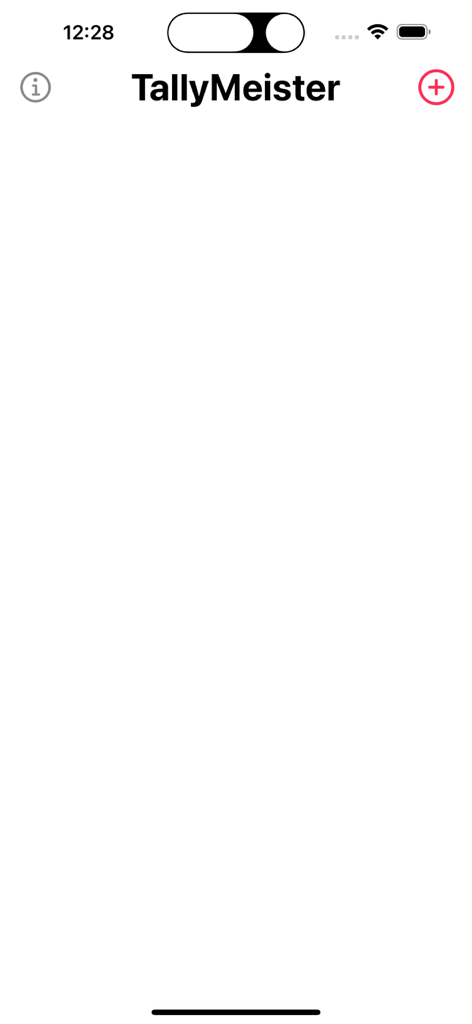
The main home screen of the TallyMeister app showing a clean white interface with a plus icon to create a new counter
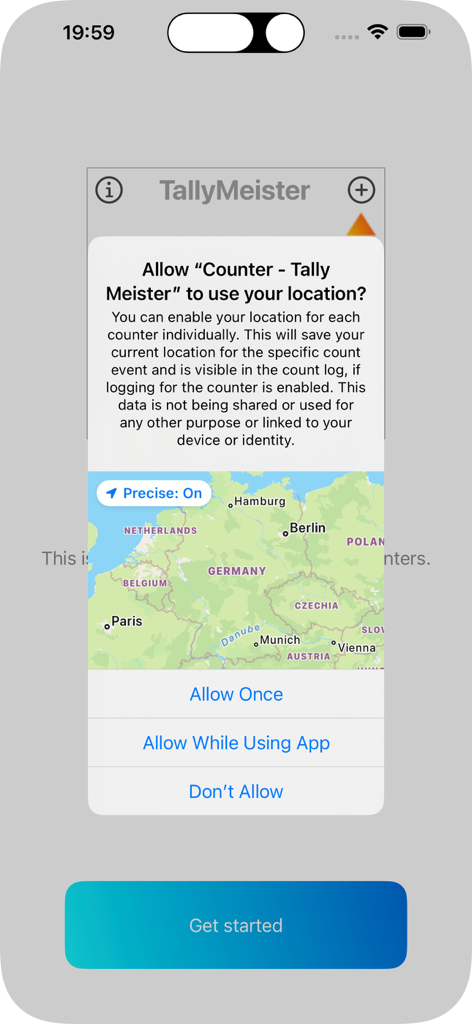
Location permission request screen in the Tally Meister app showing a map of Europe
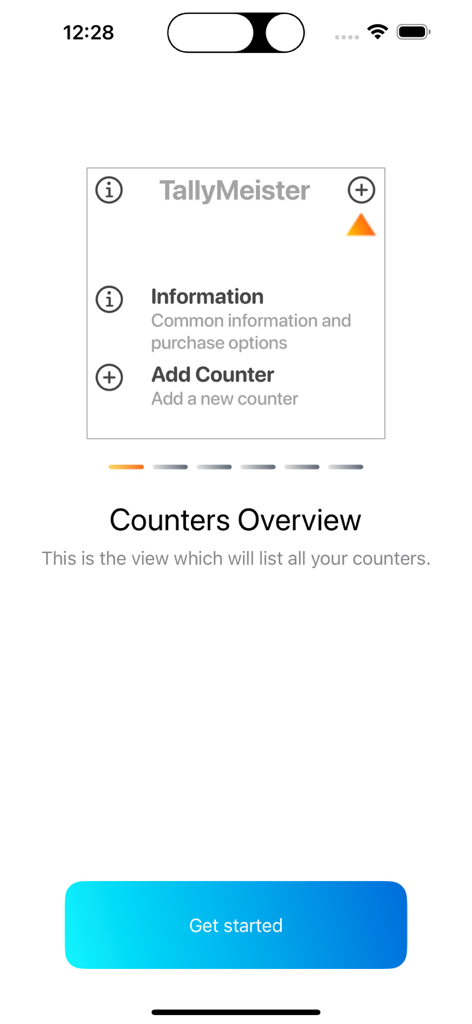
Tally Meister app onboarding screen showing the counters overview and get started button
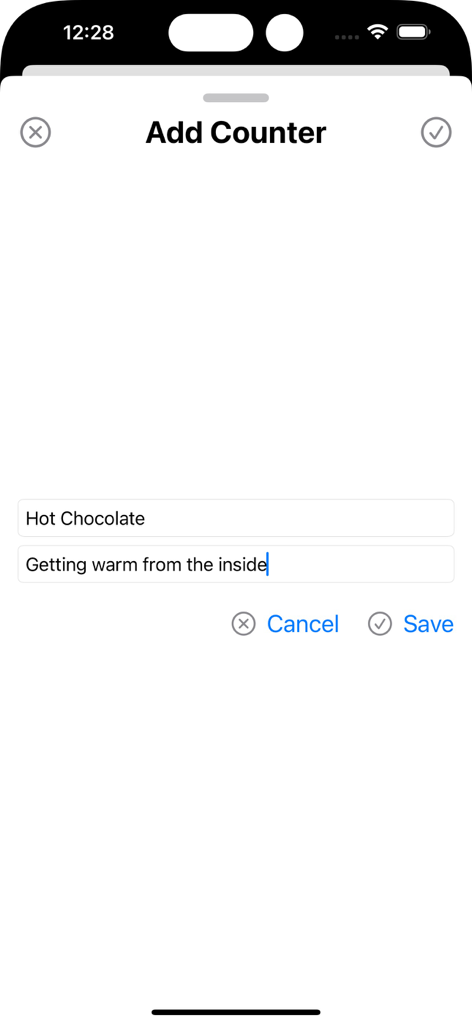
The Add Counter screen of the Tally Meister app showing fields for a custom title and subtitle.
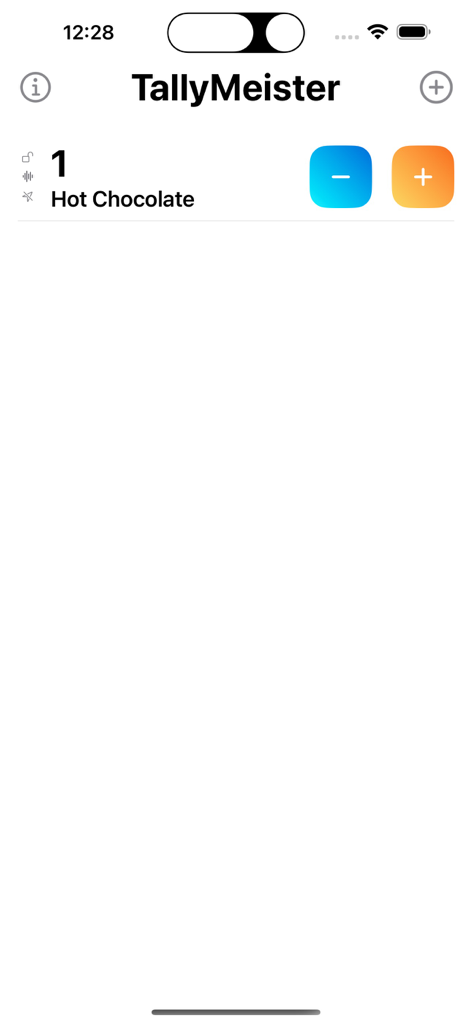
Tally Meister mobile app interface showing a single digital counter for Hot Chocolate with plus and minus buttons
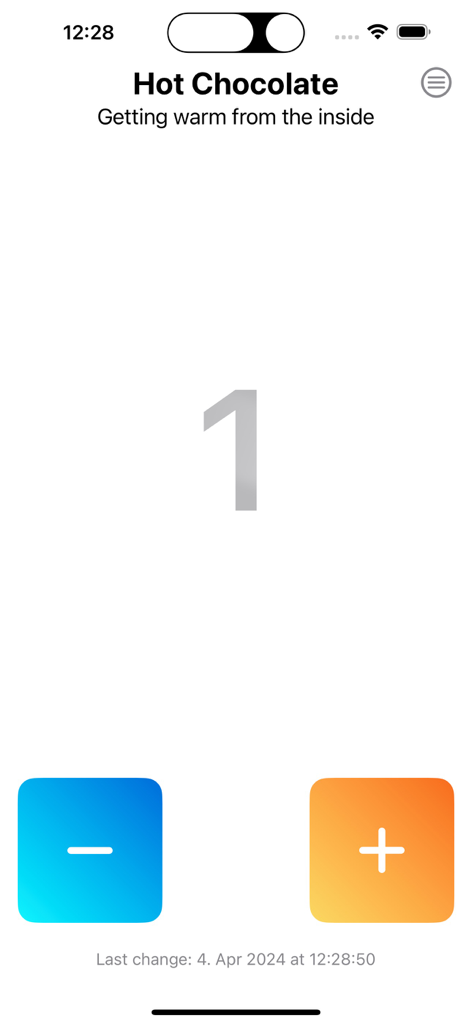
Interface of the Tally Meister app showing a counter named Hot Chocolate with a current count of one
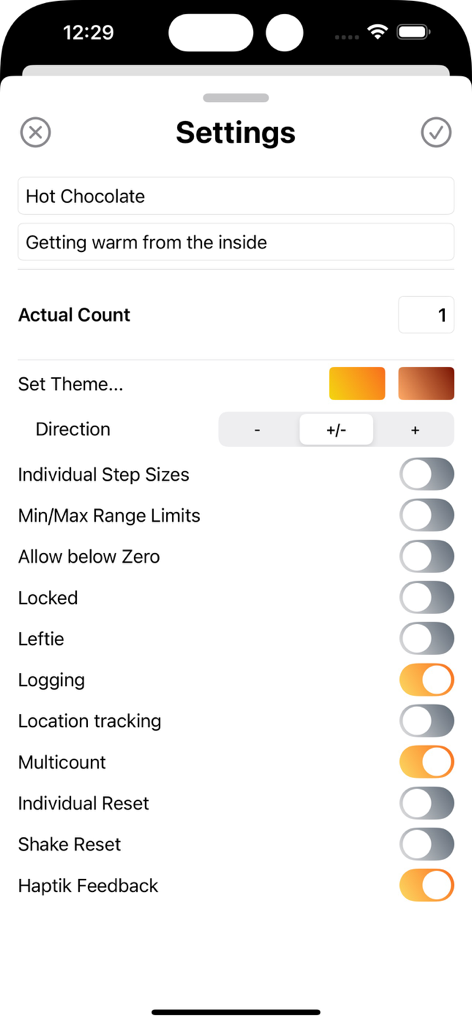
The settings menu of the Tally Meister app displaying customization options such as theme, direction, and haptic feedback.
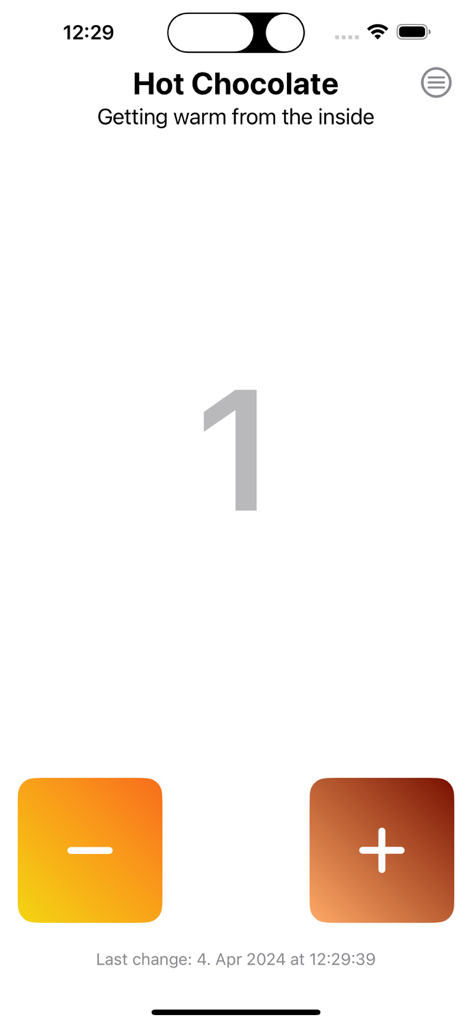
Single counter screen in Tally Meister app showing a count for hot chocolate with plus and minus buttons
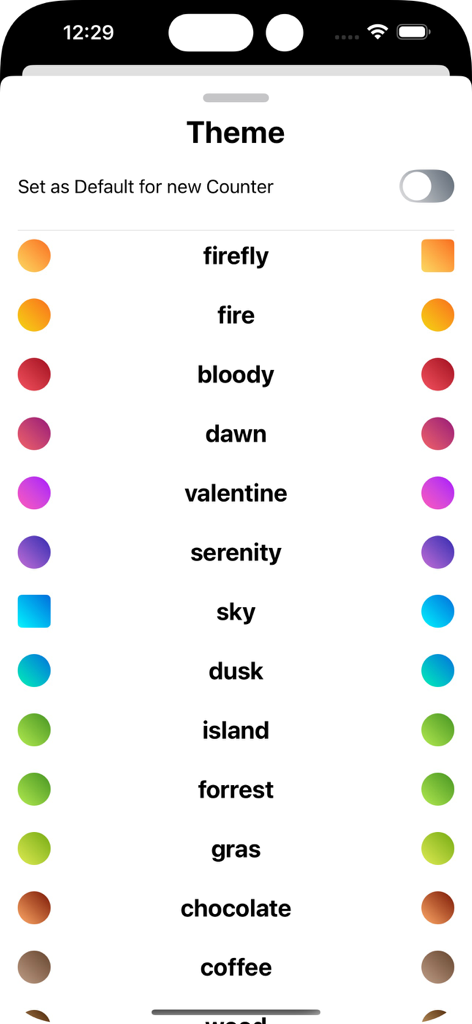
A menu within the Counter Tally Meister app showing various color theme options such as firefly dawn and sky with gradient icons

Tip the developer screen in the Tally Meister app showing coffee themed donation options ranging from 99 cents to 6.99 dollars.
Description
Download
More Like This
Top-ranked apps in the same category

Google LLC

Google Chrome
Google LLC

中国移动(手机营业厅)
China Mobile Online Services Co., Ltd.

Google Authenticator
Google LLC

Super VPN Fly 2026
YUNFAN TECHNOLOGY CO., LIMITED

Cleanup: Phone Storage Cleaner
DEEP FLOW SOFTWARE SERVICES - FZCO

gov.br
Servicos e Informacoes do Brasil

百度-AI智能搜索
Beijing Baidu Netcom Science & Technology Co.,Ltd

Microsoft Edge: AI Browser
Microsoft Corporation
This page is not an official page of the app or its developer, but an independent editorial publication created for informational and commentary purposes. Unless expressly stated otherwise, neither the app nor its developer is affiliated with, endorsed by, sponsored by, authorized by, or otherwise officially connected with MWM, Apple, Google Play, the app publisher, or the app's developer, and nothing on this page implies that the app was developed using MWM's services. Any trademarks, logos, screenshots, and other content remain the property of their respective owners.