
This page is not an official page of the app or its developer, but an independent editorial publication created for informational and commentary purposes. Unless expressly stated otherwise, neither the app nor its developer is affiliated with, endorsed by, sponsored by, authorized by, or otherwise officially connected with MWM, Apple, Google Play, the app publisher, or the app's developer, and nothing on this page implies that the app was developed using MWM's services. Any trademarks, logos, screenshots, and other content remain the property of their respective owners.


Craft: Notes, Documents, AI
Mind expanded. The app transforms your digital workspace into a knowledge powerhouse, letting AI sculpt your thoughts and tasks.
Downloads
1M+User Rating
Total Ratings
12.2KPublisher
Category
ProductivityLocales
10Latest Version
3.3.12Size
296.5 MBFirst Released
Nov 10, 2020An analytical overview of the core functionalities impacting tech-savvy users within the Apple ecosystem.
Key Features of Craft: Notes, Documents, AI
AI-Powered Assistant
It provides an intelligent partner for brainstorming, research, summarization, and content generation, significantly enhancing productivity and knowledge management by interacting with the user's content.
Extensive Integration Capabilities
This tool features robust API support and deep integrations with other productivity apps and AI models, allowing users to embed Craft into their broader workflow and use it as a central knowledge hub.
Universal Sync and Offline Mode
The app provides consistent access to all features across iPhone, iPad, Mac, and the web, ensuring that work can continue uninterrupted online or offline with automatic synchronization.
Advanced Document Structuring
The app supports creating structured documents, organizing knowledge with Collections, and easily linking ideas, making it ideal for complex information management.
Visual Whiteboards
This tool features a spacious canvas for sketching ideas, mapping projects, and fostering collaborative creative sessions.
Native Task Management
It allows users to capture and manage tasks directly within their notes, offering dedicated inboxes, due dates, and reminders for streamlined project and daily planning.
Frequently Asked Questions
Everything you need to know about Craft: Notes, Documents, AI
Can I use Craft: Notes, Documents, AI offline?
Yes, Craft provides full offline access to all features, allowing you to work without an internet connection. Changes sync automatically when you reconnect your device.
What can Craft's AI Assistant do?
Craft's AI Assistant helps with research, text editing, and searching your knowledge base. It finds notes, answers questions based on your content, and aids organization across devices.
Does Craft: Notes, Documents, AI have task management features?
Yes, Craft includes a built-in task management system. You can capture tasks, manage them in an Inbox, set target dates, due dates, and reminders across all your notes.
How does Craft support daily planning?
Craft facilitates daily planning with Daily Notes, where you can capture thoughts, plan schedules, track tasks, and journal. A calendar view helps visualize your progress and reflect.
Can Craft: Notes, Documents, AI integrate with other tools?
Yes, Craft integrates deeply with popular AI chat tools and productivity apps via APIs. You can save conversations, pull in content, or use documents as a CMS for blogs or websites.
Is Craft: Notes, Documents, AI free to use?
Yes, you can continue using Craft for free without purchasing a subscription. Optional one-month and 12-month subscriptions are available for additional features.
How do I manage my Craft: Notes, Documents, AI subscription auto-renewal?
You can turn off auto-renewal for your Craft subscription at any time through your account settings on the App Store. Your account is charged for renewal within 24 hours of the current period's end.
What platforms does Craft: Notes, Documents, AI support?
Craft is available on iPhone, iPad, Mac, and the web. It also supports Apple Vision Pro, offering seamless synchronization across all these devices.
What are Collections in Craft: Notes, Documents, AI?
Collections in Craft allow you to organize your knowledge efficiently. You can build powerful, structured documents to manage and categorize various types of information, such as books by genre.
Does Craft: Notes, Documents, AI include Whiteboards?
Yes, Craft now includes Whiteboards. This feature provides a spacious canvas for sketching ideas, mapping projects, and collaborating creatively within the app.
The following screenshots and description are sourced directly from the app's official store listing and are the property of the app developer.
App Store
Screenshots
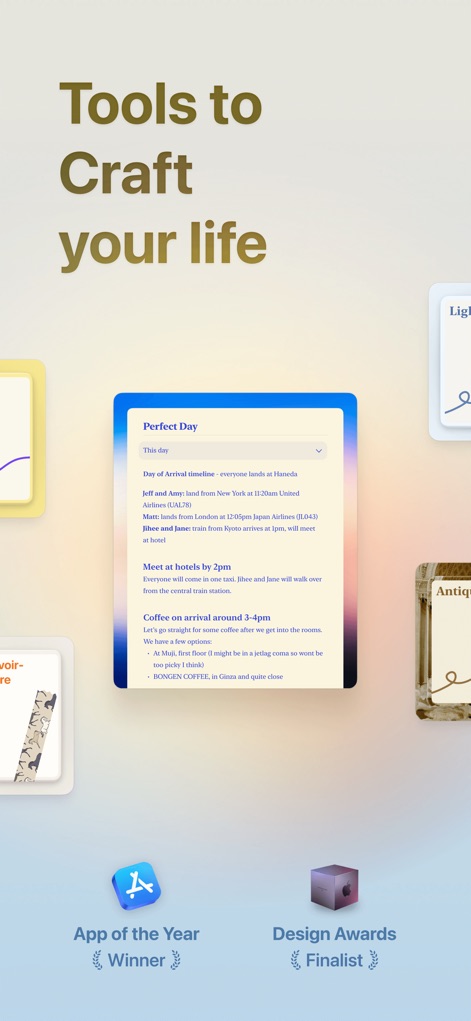
See how the app's elegant interface presents a "Perfect Day" planning document, underscored by its "Award-Winning" recognition for design excellence.
Award-Winning Design
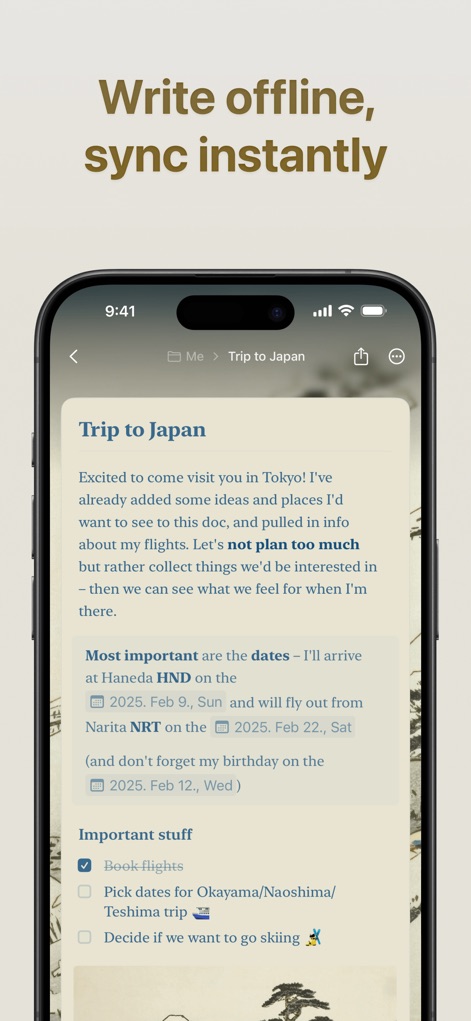
Discover the power of "Offline Writing" as the app captures your detailed "Trip to Japan" document, ready to sync instantly when reconnected.
Uninterrupted Workflow
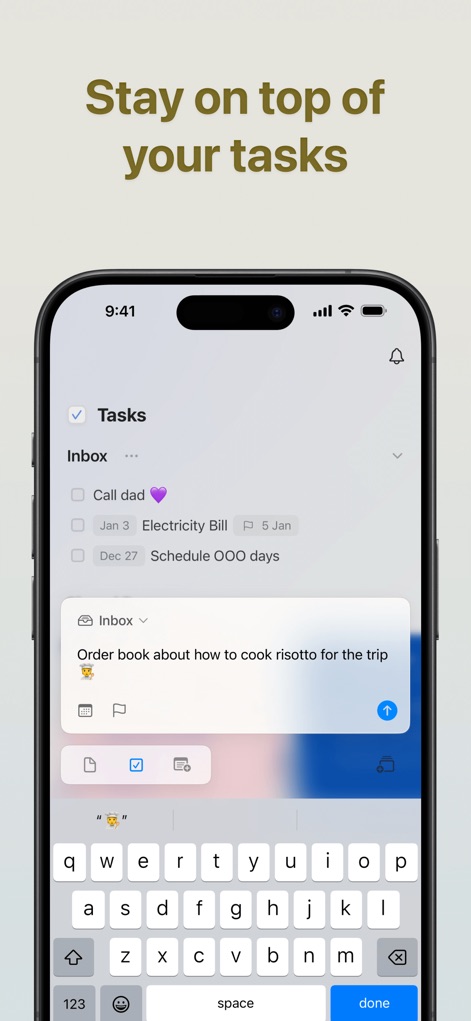
Observe the "Tasks Inbox" where users can swiftly add and manage items, utilizing the intuitive "keyboard input" for seamless organization.
Effortless Task Management
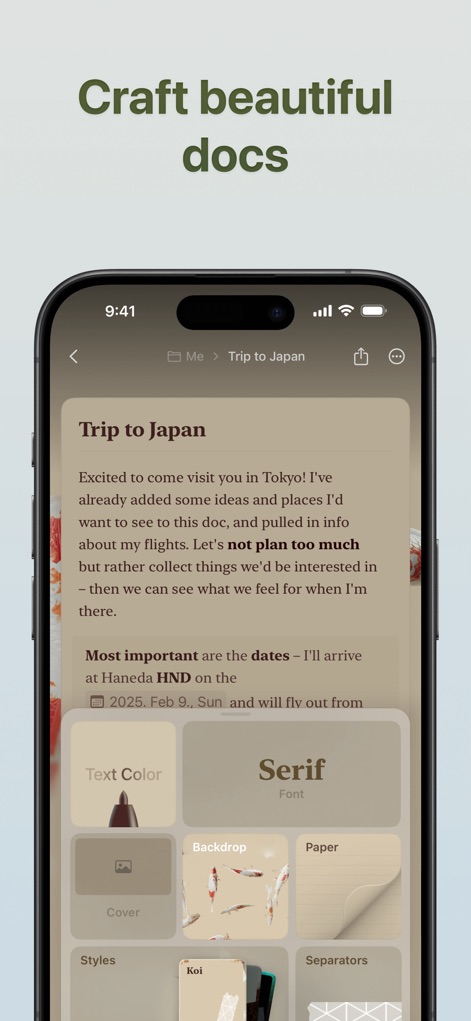
Explore the app's robust customization options, showcasing how users can enhance documents with varied "Text Color" choices and unique "Backdrop" designs for visual appeal.
Stunning Document Design
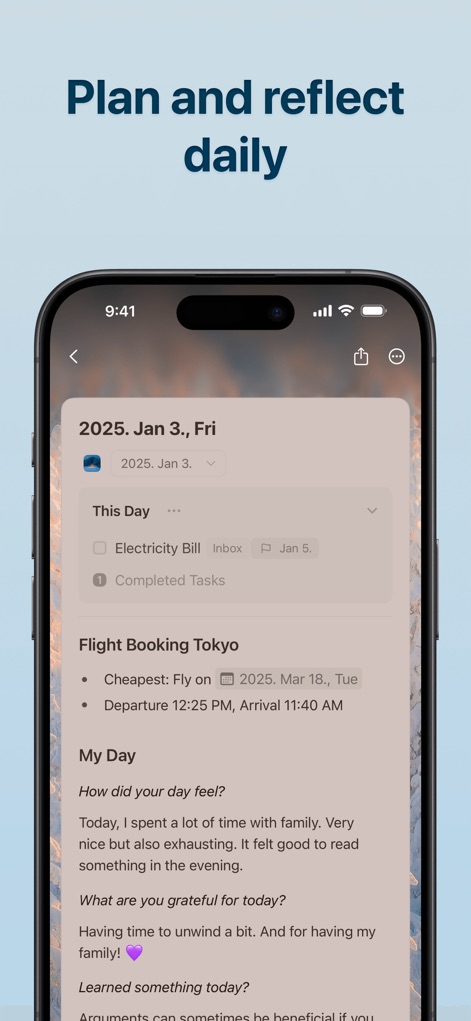
Examine the "Daily Notes" feature, enabling users to organize tasks and flight details alongside reflective "My Day" prompts for comprehensive daily planning.
Structured Daily Planning

Witness the "AI Assistant" in action, offering smart suggestions for editing and translating text, such as formalizing English content into "Japanese" with a friendly tone.
Intelligent Content Creation
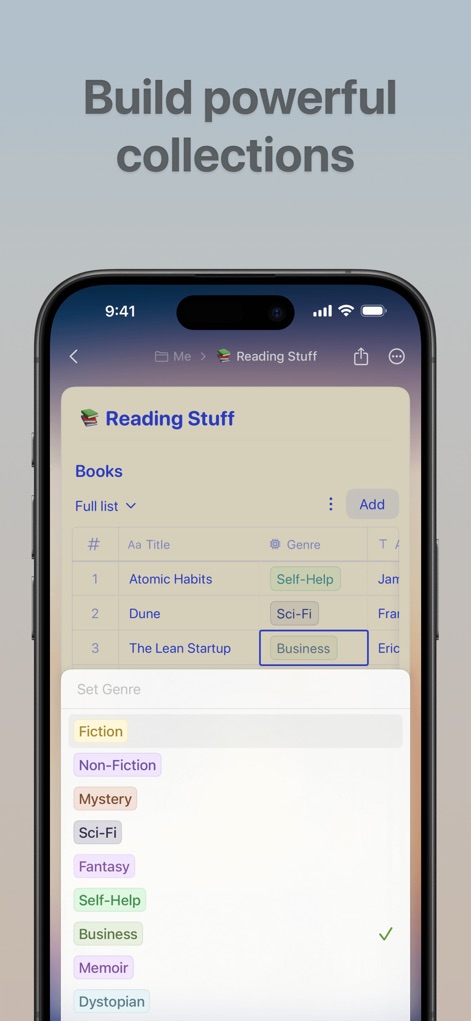
Discover the versatility of "Collections" where users can curate organized lists like "Reading Stuff" and categorize entries using a flexible "genre tagging system."
Organized Knowledge Hub
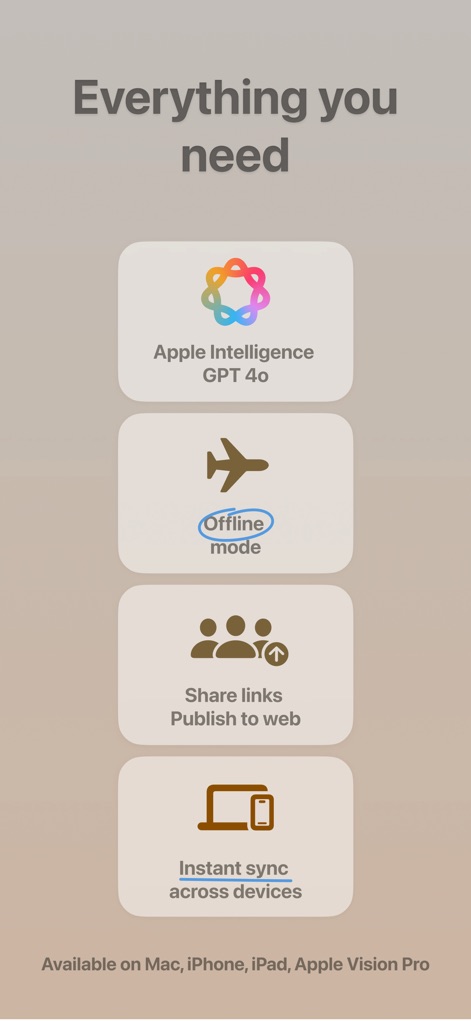
Understand the app's fundamental strengths, from its cutting-edge "Apple Intelligence GPT 4o" integration to "Instant Sync across devices," ensuring a connected workflow.
Core Capabilities Overview
Description
Download
More Like This
Apps with similar features and user experience

Notion: Notes, Tasks, AI
Notion Labs, Incorporated

Freenotes®: AI Notes Taking
Hangzhou Free Notes Technology Co., Ltd

Structured - Daily Planner
unorderly GmbH

Google Tasks: Get Things Done
Google LLC

TickTick:To-Do List & Calendar
Appest Limited

Noteful: Notes & PDF Markup
Noteful Technologies Ltd

Todoist: To Do List & Calendar
Doist Inc.

To do list MinimaList & Widget
Inner Grow Limited

monday.com - Work Platform
monday.com Ltd.
This page is not an official page of the app or its developer, but an independent editorial publication created for informational and commentary purposes. Unless expressly stated otherwise, neither the app nor its developer is affiliated with, endorsed by, sponsored by, authorized by, or otherwise officially connected with MWM, Apple, Google Play, the app publisher, or the app's developer, and nothing on this page implies that the app was developed using MWM's services. Any trademarks, logos, screenshots, and other content remain the property of their respective owners.