
This page is not an official page of the app or its developer, but an independent editorial publication created for informational and commentary purposes. Unless expressly stated otherwise, neither the app nor its developer is affiliated with, endorsed by, sponsored by, authorized by, or otherwise officially connected with MWM, Apple, Google Play, the app publisher, or the app's developer, and nothing on this page implies that the app was developed using MWM's services. Any trademarks, logos, screenshots, and other content remain the property of their respective owners.

Creality Cloud Lite
Take total control of your printer with real-time remote monitoring, AI-powered failure detection, and seamless time-lapse recording designed for the modern maker.
Downloads
2K+User Rating
Total Ratings
0Publisher
Category
UtilitiesLocales
1Latest Version
3.1.1Size
196.8 MBFirst Released
Dec 10, 2023Master Your 3D Prints from Anywhere
Designed for makers who value precision and peace of mind, Creality Cloud Lite brings professional-grade remote management and AI-powered monitoring to your smartphone.
Full Remote Control
Distribute print tasks and control your hardware from your smartphone. Monitor your progress in real-time, whether you are at the office or on your commute.
AI failure Detection
Our built-in AI continuously monitors for abnormalities. If a failure is detected, the app automatically pauses the print to save your filament and protect your machine.
Frequently Asked Questions
Everything you need to know about Creality Cloud Lite
Does Creality Cloud Lite support remote 3D printer control?
Yes, the Creality Cloud Lite App enables you to remotely control your 3D printer and distribute print tasks from anywhere. You can monitor the printing status in real-time, no matter where you are.
Does Creality Cloud Lite include AI print detection?
Yes, Creality Cloud Lite features built-in AI print detection. It continuously monitors the printing process, notifies you of abnormalities, and automatically pauses the print if issues are detected.
Can I make time-lapse videos with Creality Cloud Lite?
Yes, the Creality Cloud Lite App allows you to record the printing process and create time-lapse videos of your 3D prints. You can then share these creations with friends.
Is Creality Cloud Lite compatible with Creality Sonic Pad?
Yes, the Creality Cloud Lite App supports integration with the Creality Sonic Pad. This allows for remote control functionality by synchronizing with your Creality Cloud account.
What is the primary purpose of the Creality Cloud Lite App?
The Creality Cloud Lite App simplifies the complexity of 3D printing. It provides a convenient user experience for distributing print tasks and controlling your 3D printer, enabling more people to enjoy 3D printing.
The following screenshots and description are sourced directly from the app's official store listing and are the property of the app developer.
App Store
Screenshots
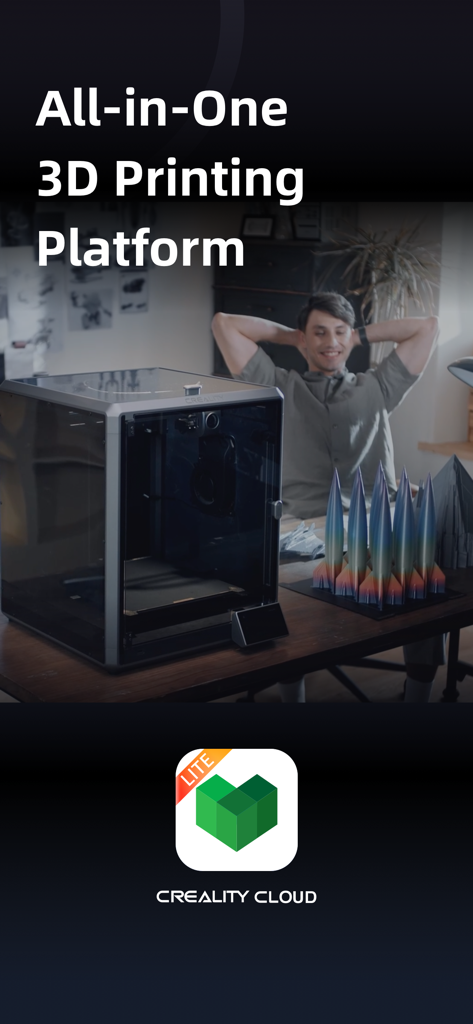
A maker sitting in his workshop with a Creality 3D printer and finished rocket models on a desk with the text All in One 3D Printing Platform
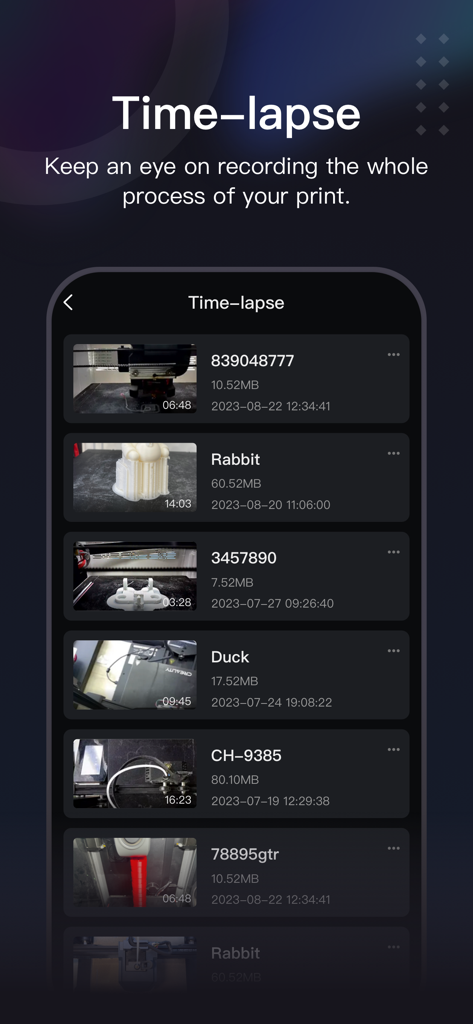
A list of 3D printing time-lapse videos showing thumbnails and file details in the Creality Cloud Lite app interface.
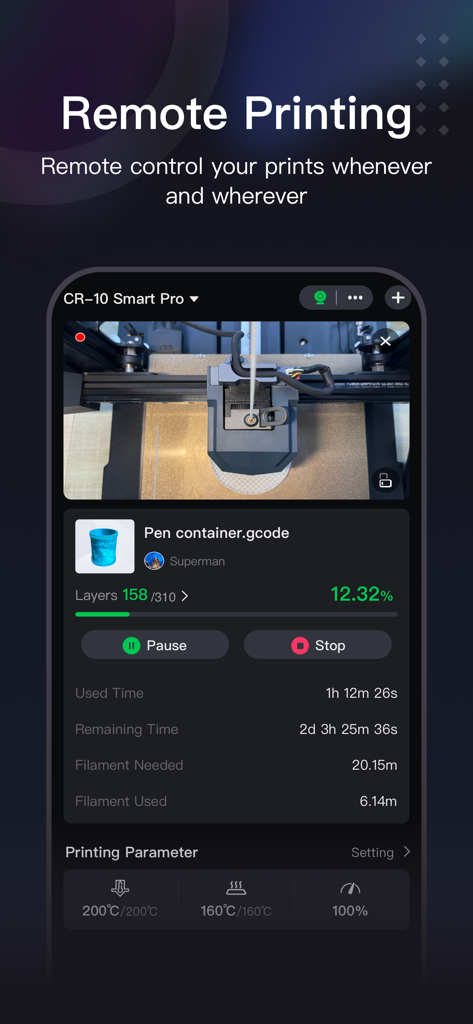
Creality Cloud Lite app interface showing remote 3D printing monitoring and control with live video feed
Description
Download
More Like This
Top-ranked apps in the same category

Google LLC

Google Chrome
Google LLC

中国移动(手机营业厅)
China Mobile Online Services Co., Ltd.

Google Authenticator
Google LLC

CNH do Brasil
Servicos e Informacoes do Brasil

Cleanup: Phone Storage Cleaner
DEEP FLOW SOFTWARE SERVICES - FZCO

gov.br
Servicos e Informacoes do Brasil

中国电信-全国统一官方服务平台
CHINA TELECOM Corporation Ltd.

Microsoft Edge: AI Browser
Microsoft Corporation
This page is not an official page of the app or its developer, but an independent editorial publication created for informational and commentary purposes. Unless expressly stated otherwise, neither the app nor its developer is affiliated with, endorsed by, sponsored by, authorized by, or otherwise officially connected with MWM, Apple, Google Play, the app publisher, or the app's developer, and nothing on this page implies that the app was developed using MWM's services. Any trademarks, logos, screenshots, and other content remain the property of their respective owners.