
This page is not an official page of the app or its developer, but an independent editorial publication created for informational and commentary purposes. Unless expressly stated otherwise, neither the app nor its developer is affiliated with, endorsed by, sponsored by, authorized by, or otherwise officially connected with MWM, Apple, Google Play, the app publisher, or the app's developer, and nothing on this page implies that the app was developed using MWM's services. Any trademarks, logos, screenshots, and other content remain the property of their respective owners.

Crook Catcher Anti Theft Alarm
Stop thieves and snoops in their tracks. Protect your privacy with smart motion alerts, pocket-snatch protection, and automatic intruder selfies.
Downloads
4K+User Rating
Total Ratings
0Publisher
Category
UtilitiesLocales
1Latest Version
2026.3Size
36.1 MBFirst Released
May 8, 2025Stay Protected, Anywhere You Go
Gotcha transforms your iPhone into a smart security system, shielding your device from thieves and nosy snoops with instant alerts and photo evidence.
Movement & Snatch Alerts
Perfect for libraries and cafés—a loud alarm triggers the second someone picks up your phone or tries to snatch it from your pocket.
Caught-on-Camera Proof
Protect your digital privacy with automatic 'Unlock Selfies' that identify exactly who tried to peek into your personal messages.
The following screenshots and description are sourced directly from the app's official store listing and are the property of the app developer.
App Store
Screenshots
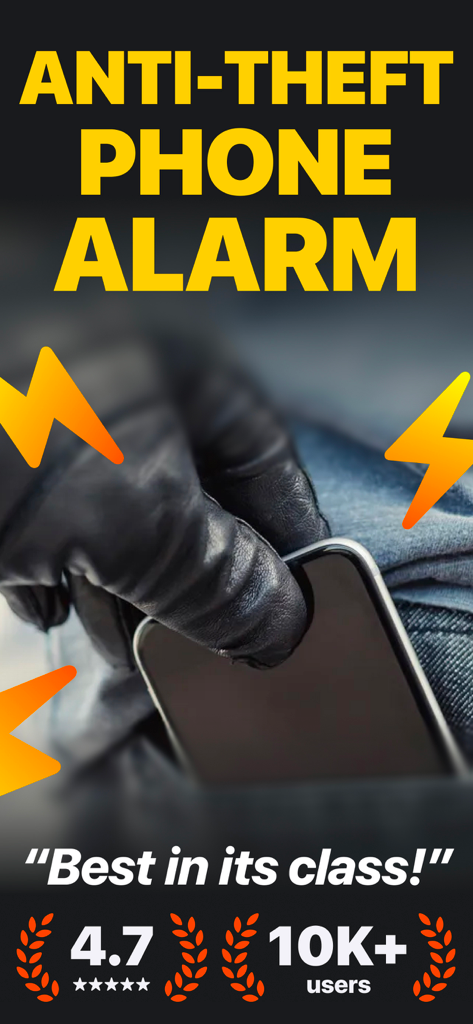
An illustration of a thief in black gloves stealing a phone from a pocket with lightning bolt alarm symbols.
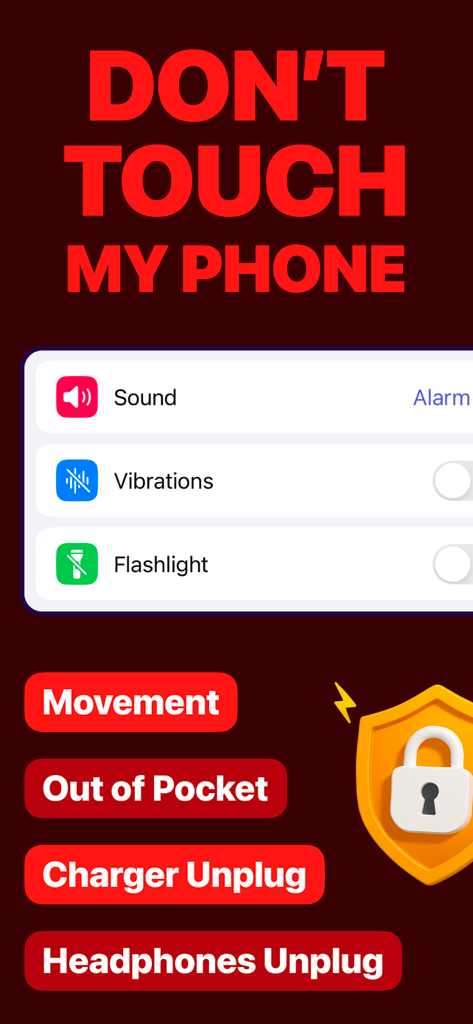
Interface of the Crook Catcher anti-theft app showing alarm options for movement, out of pocket, and charger unplug alerts
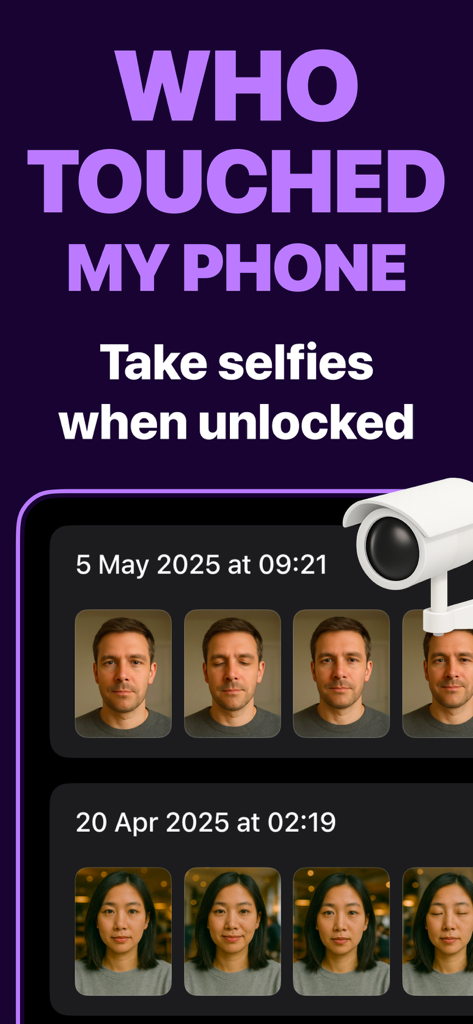
Interface of the Gotcha app displaying a log of intruder selfies captured during unauthorized phone unlock attempts
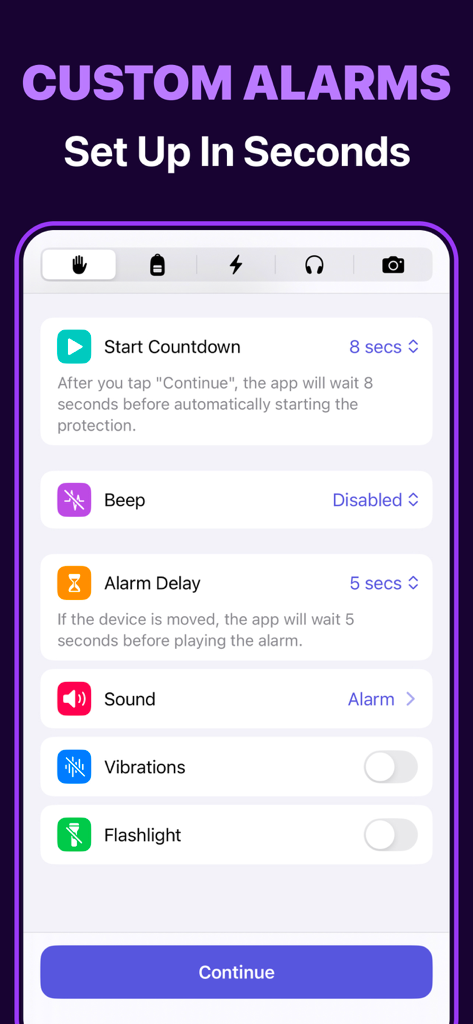
Custom alarm setup screen in the Crook Catcher anti-theft app showing security configuration options
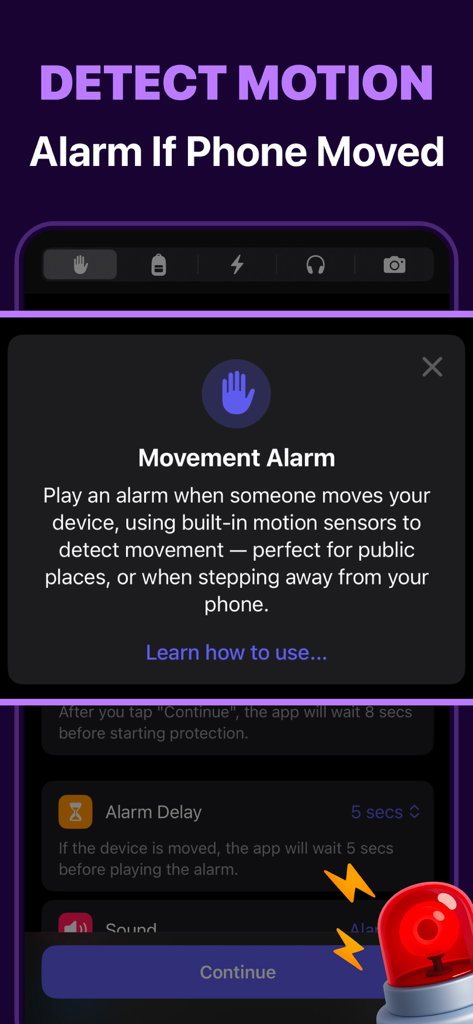
Interface of Crook Catcher app showing the movement alarm feature with a description of motion sensor protection.
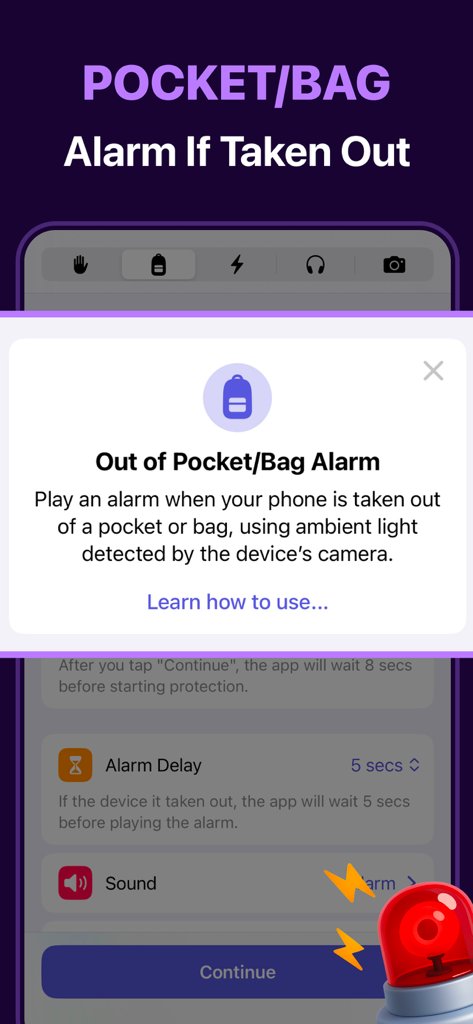
Crook Catcher app screen showing the pocket and bag alarm setting for phone protection
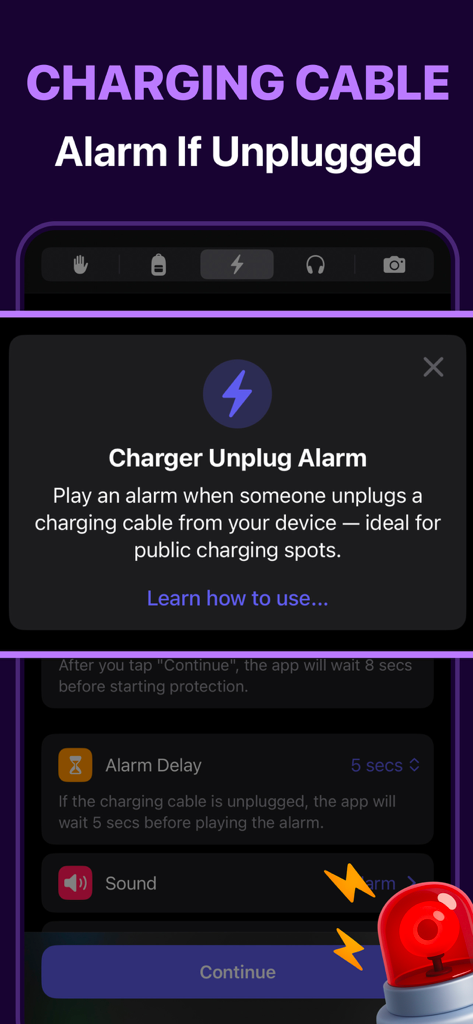
Interface of the charger unplug alarm feature in the Crook Catcher anti theft mobile app
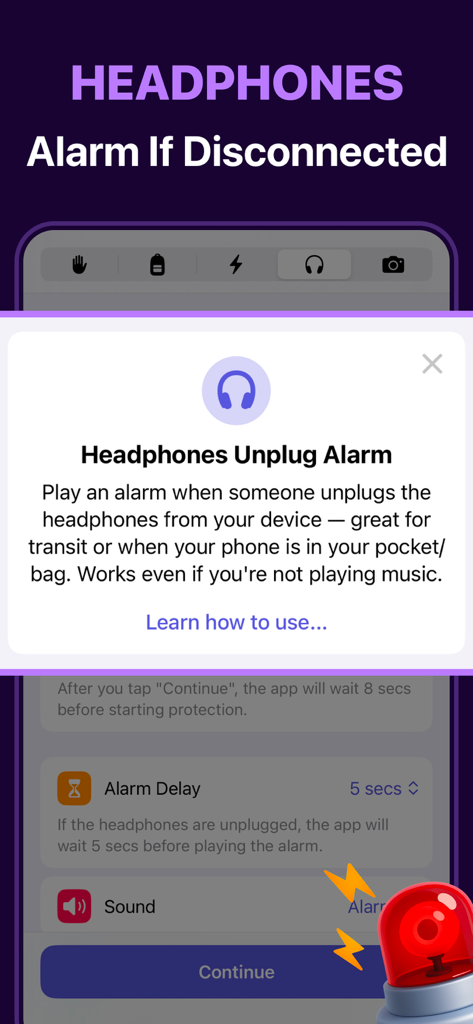
Feature overview of the headphones unplug alarm in the Crook Catcher app
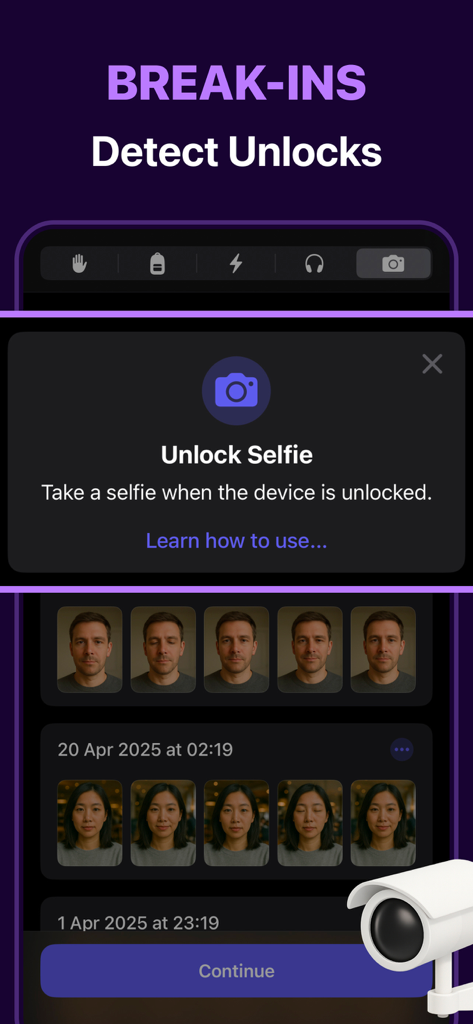
Mobile app screen showing the unlock selfie feature with a gallery of caught intruders
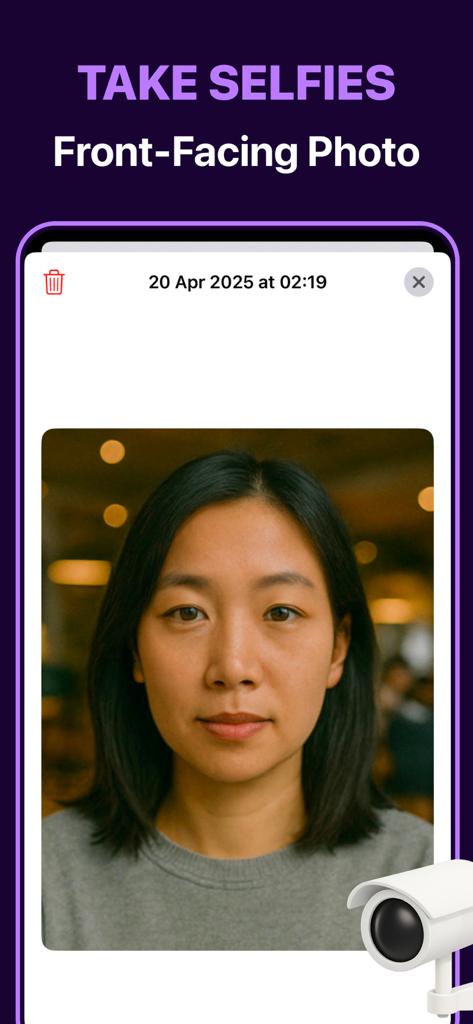
Screenshot of the Gotcha app showing a front-facing selfie of an intruder captured during a phone unlock attempt
Description
Download
More Like This
Top-ranked apps in the same category

Google LLC

Google Chrome
Google LLC

中国移动(手机营业厅)
China Mobile Online Services Co., Ltd.

Google Authenticator
Google LLC

CNH do Brasil
Servicos e Informacoes do Brasil

Cleanup: Phone Storage Cleaner
DEEP FLOW SOFTWARE SERVICES - FZCO

gov.br
Servicos e Informacoes do Brasil

中国电信-全国统一官方服务平台
CHINA TELECOM Corporation Ltd.

Microsoft Edge: AI Browser
Microsoft Corporation
This page is not an official page of the app or its developer, but an independent editorial publication created for informational and commentary purposes. Unless expressly stated otherwise, neither the app nor its developer is affiliated with, endorsed by, sponsored by, authorized by, or otherwise officially connected with MWM, Apple, Google Play, the app publisher, or the app's developer, and nothing on this page implies that the app was developed using MWM's services. Any trademarks, logos, screenshots, and other content remain the property of their respective owners.