
This page is not an official page of the app or its developer, but an independent editorial publication created for informational and commentary purposes. Unless expressly stated otherwise, neither the app nor its developer is affiliated with, endorsed by, sponsored by, authorized by, or otherwise officially connected with MWM, Apple, Google Play, the app publisher, or the app's developer, and nothing on this page implies that the app was developed using MWM's services. Any trademarks, logos, screenshots, and other content remain the property of their respective owners.


Crypto Tools (De)Encryption
Securely analyze JWTs, manage keys, and parse certificates with a local-first approach. Built for developers and security professionals who demand zero-knowledge data integrity on iOS and iPadOS.
Downloads
0User Rating
Total Ratings
0Publisher
Category
UtilitiesLocales
2Latest Version
2.4Size
18.0 MBFirst Released
Mar 18, 2024A Professional Cryptography Suite in Your Pocket
Stop pasting sensitive data into insecure web browsers. CryptoTools provides a robust, local-first environment to analyze tokens, manage keys, and inspect certificates directly on your Apple devices.
Privacy-First, Local Execution
Perform complex cryptographic operations entirely offline. Your sensitive keys and production tokens never leave your device, eliminating the security risks of cloud-based debuggers.
Advanced JWT & Auth Debugging
Deep-dive into JWT, JWS, and JWE structures. Verify signatures and analyze Apple Sign-In tokens with specialized tools designed for modern developer authentication flows.
The following screenshots and description are sourced directly from the app's official store listing and are the property of the app developer.
App Store
Screenshots
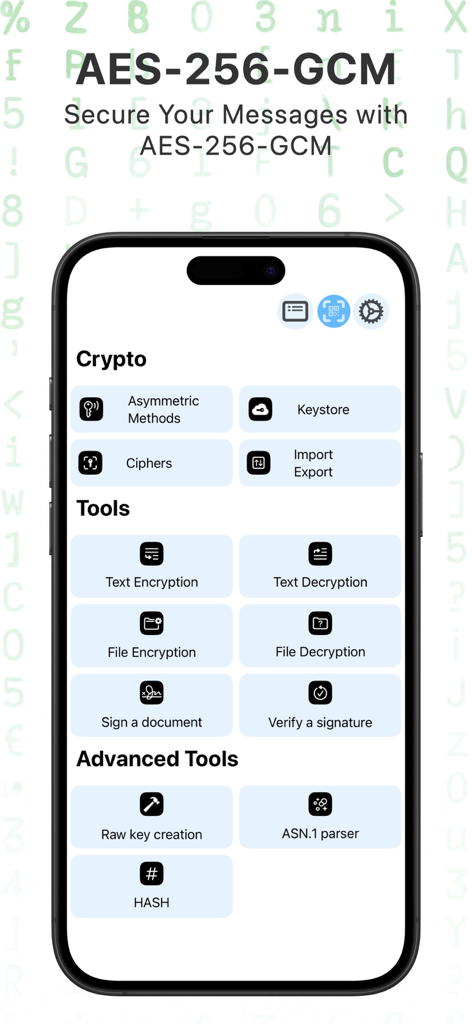
Main dashboard of the Crypto Tools app showing encryption decryption and security analysis tools
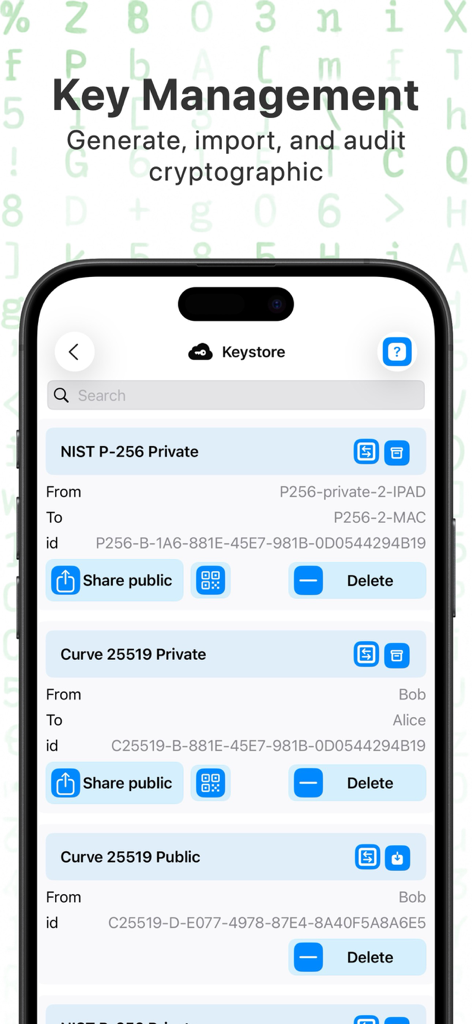
Crypto Tools app Keystore interface for managing NIST and Curve cryptographic keys
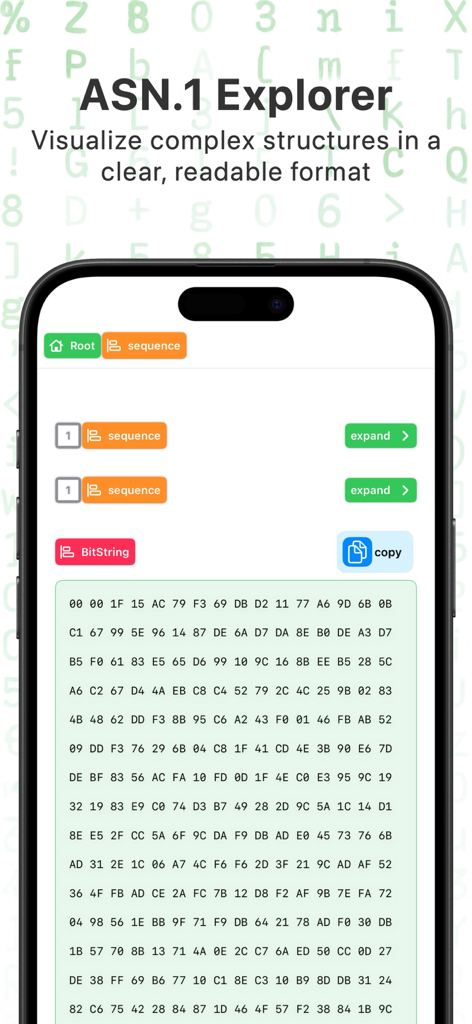
ASN.1 Explorer screen in the Crypto Tools app showing visualized data structures and bitstring hex data
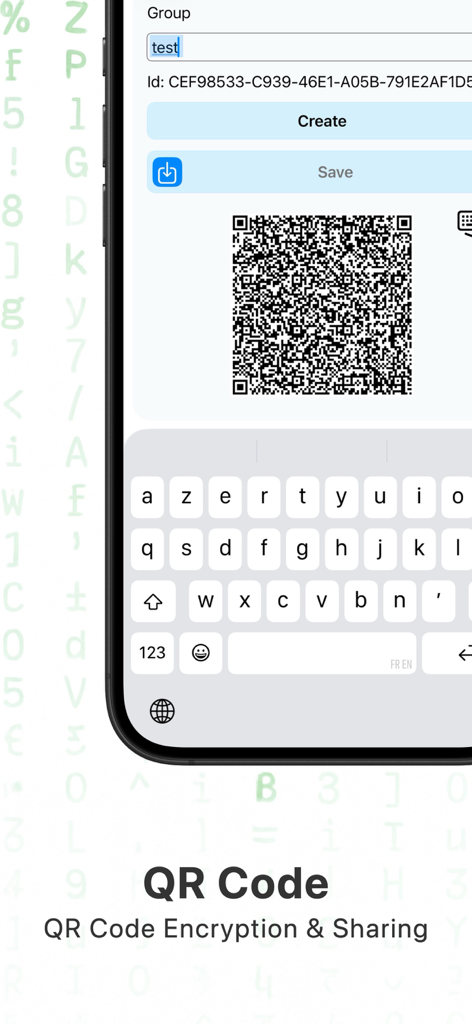
QR code generation and encryption interface in the Crypto Tools app
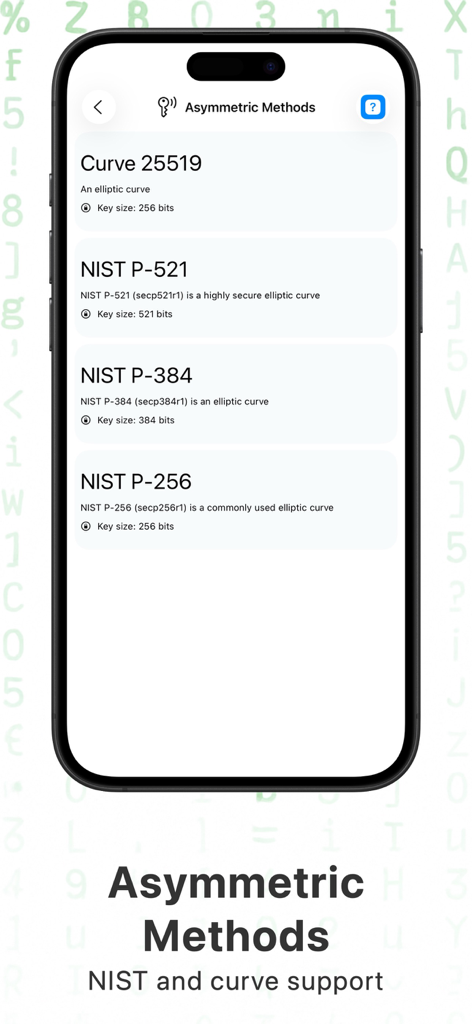
A mobile interface listing asymmetric cryptographic methods including Curve 25519 and various NIST elliptic curves with their corresponding bit sizes
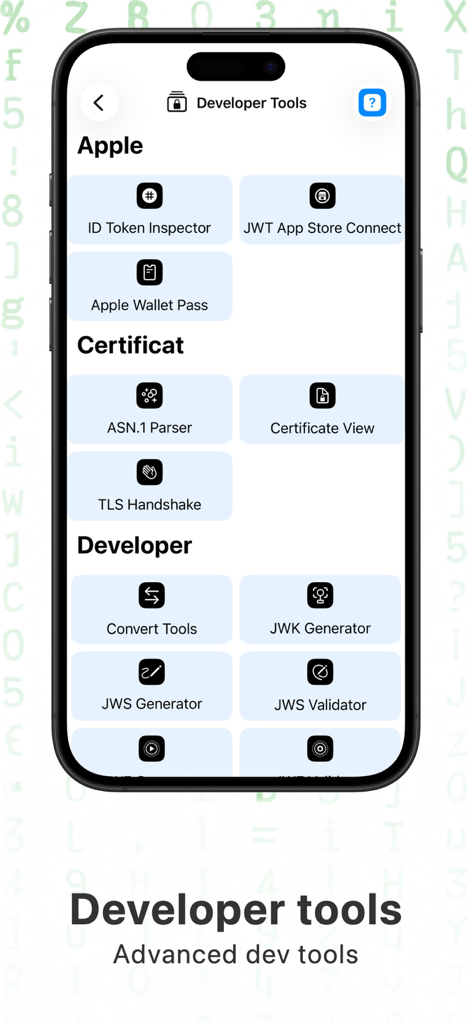
Crypto Tools app interface showing a list of developer utilities for Apple tokens certificates and cryptographic validation
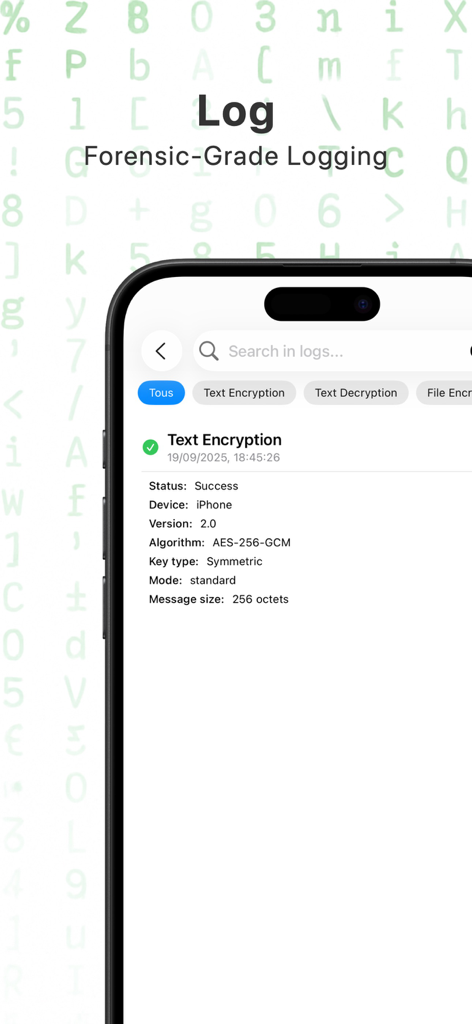
Forensic log entry showing successful AES-256-GCM text encryption details
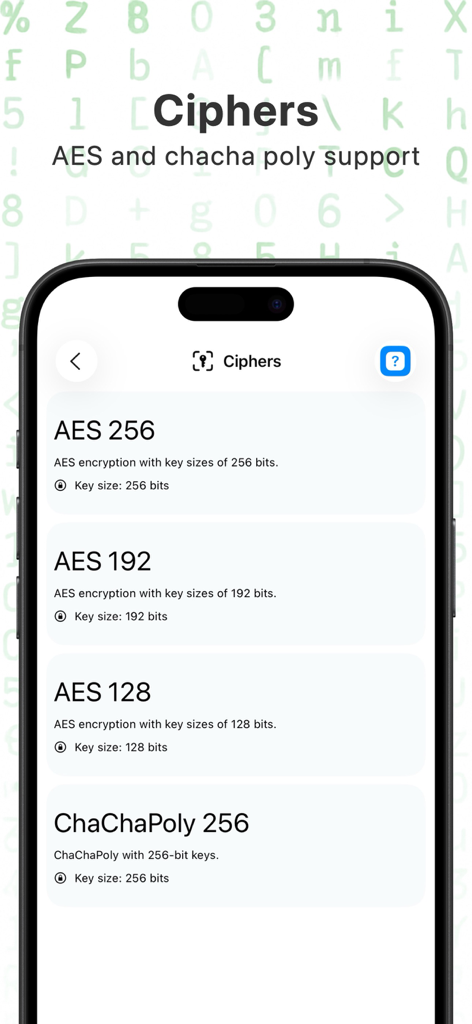
Crypto Tools app interface showing encryption options for AES 256 AES 192 AES 128 and ChaChaPoly 256 algorithms
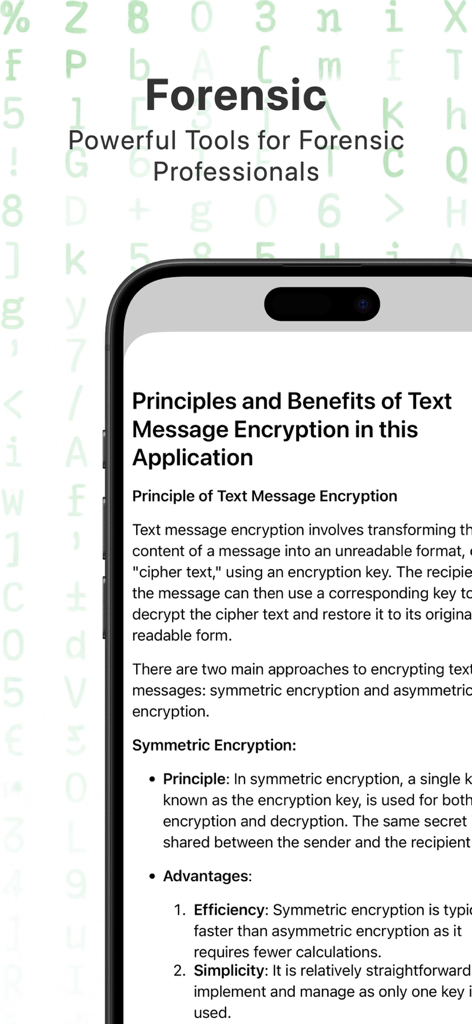
Crypto Tools app screen showing technical documentation for forensic professionals on text message encryption principles
Description
Download
More Like This
Top-ranked apps in the same category

Google LLC

Google Chrome
Google LLC

中国移动(手机营业厅)
China Mobile Online Services Co., Ltd.

Google Authenticator
Google LLC

gov.br
Servicos e Informacoes do Brasil

Buddy VPN
Frederic Hennes Sprl

Microsoft Edge: AI Browser
Microsoft Corporation

Meu Social - Gás do Povo
Servicos e Informacoes do Brasil

Cleanup: Phone Storage Cleaner
DEEP FLOW SOFTWARE SERVICES - FZCO
This page is not an official page of the app or its developer, but an independent editorial publication created for informational and commentary purposes. Unless expressly stated otherwise, neither the app nor its developer is affiliated with, endorsed by, sponsored by, authorized by, or otherwise officially connected with MWM, Apple, Google Play, the app publisher, or the app's developer, and nothing on this page implies that the app was developed using MWM's services. Any trademarks, logos, screenshots, and other content remain the property of their respective owners.