
This page is not an official page of the app or its developer, but an independent editorial publication created for informational and commentary purposes. Unless expressly stated otherwise, neither the app nor its developer is affiliated with, endorsed by, sponsored by, authorized by, or otherwise officially connected with MWM, Apple, Google Play, the app publisher, or the app's developer, and nothing on this page implies that the app was developed using MWM's services. Any trademarks, logos, screenshots, and other content remain the property of their respective owners.


Cupixel: AR Tracing & Classes
Eliminate the fear of the blank canvas with foolproof AR Smart Trace technology. Whether you're customizing sneakers, icing cookies, or painting portraits, our artist-led classes and AI-powered tools help you create professional-level art you'll be proud to share.
Downloads
196K+User Rating
Total Ratings
1K+Publisher
Category
Graphics & DesignLocales
1Latest Version
10.15.0Size
87.0 MBFirst Released
Jul 6, 2017Master Your Creativity with AR Technology
Skip the frustration of sketching and jump straight to the fun part. Our AR-powered tools and expert-led classes empower you to create gallery-worthy art, regardless of your experience level.
Foolproof AR Smart Trace
Ditch the 'blank canvas' anxiety. Our Augmented Reality locks onto any surface, guiding your hand to trace perfect proportions with total precision.
Personalized AI Art
Turn your favorite memories into masterpieces. Our AI converts your photos into custom outlines—perfect for pet portraits, gifts, and personalized home decor.
The following screenshots and description are sourced directly from the app's official store listing and are the property of the app developer.
App Store
Screenshots
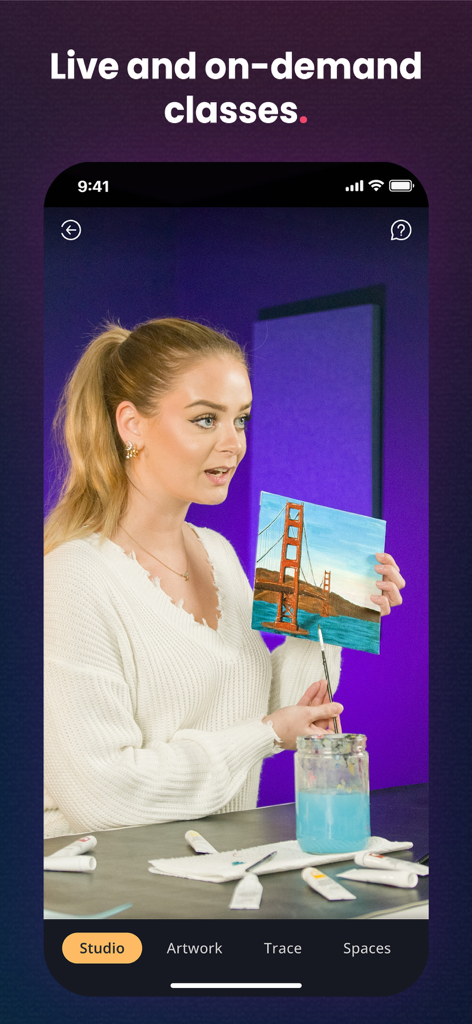
An art instructor holding a small canvas painting of the Golden Gate Bridge during a live class in the Cupixel app
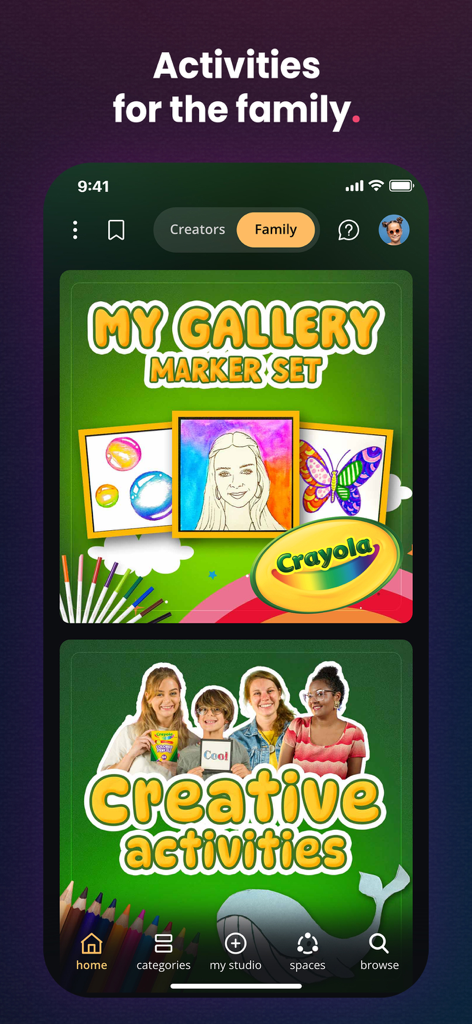
The Cupixel app interface showing creative family art activities and Crayola branded classes.

A screenshot of the Cupixel app home screen displaying various art classes and daily creative content
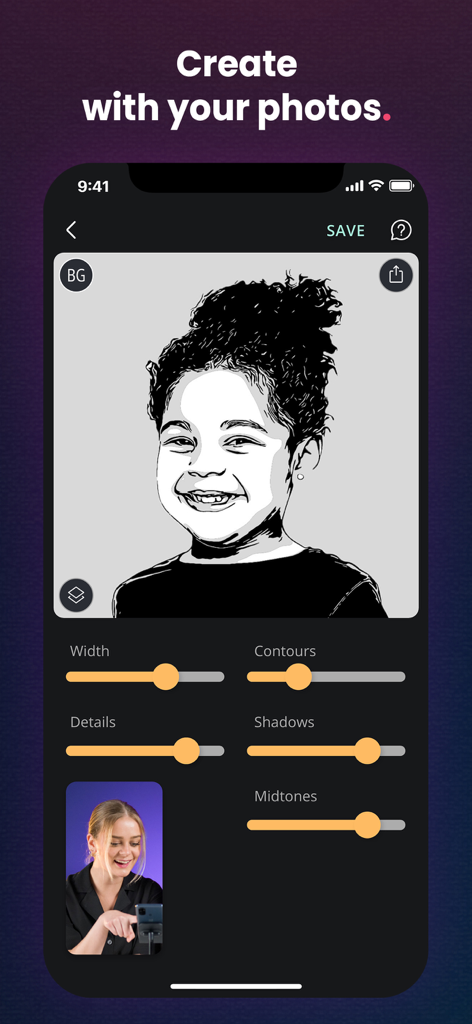
A smartphone screen showing the Cupixel app interface where a portrait is converted into a traceable black and white outline.
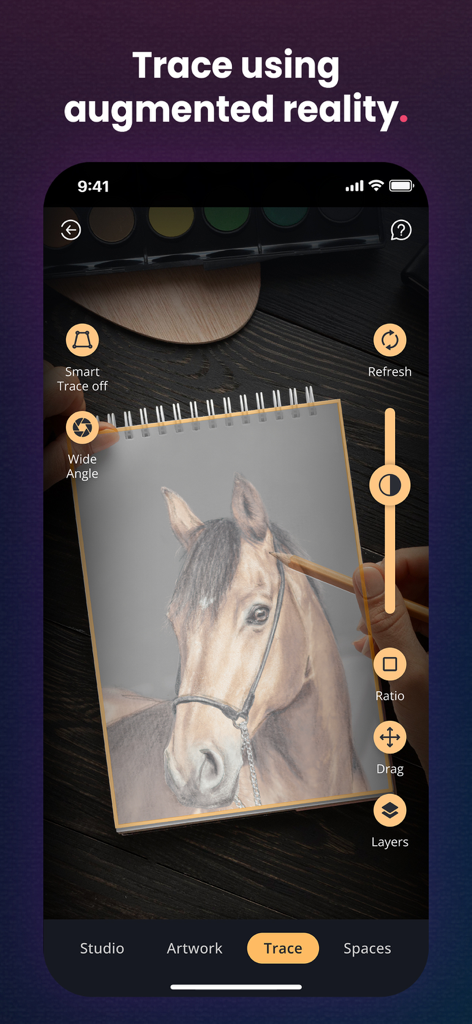
A smartphone interface showing the Cupixel app being used to trace a horse onto paper with augmented reality
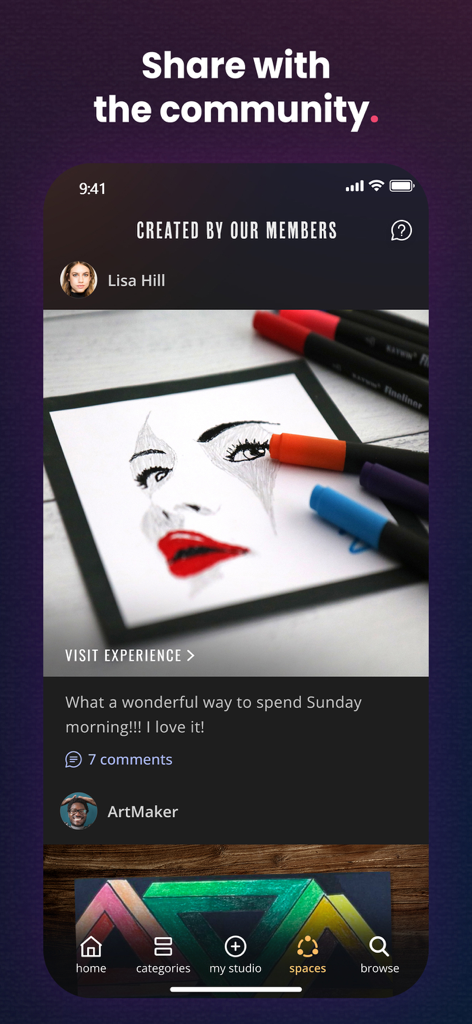
A social feed in the Cupixel app showing artwork created and shared by community members with comments and likes.
Description
Download
More Like This
Apps with similar features and user experience

AR Drawing Paint Sketch Trace
DROIDFUN LIMITED

Camera Lucida™: AR Drawing
Big Idea Design LLC

AR Drawing Sketch App: ArtEasy
SMDA GROUP SP Z O O SP KOMANDYTOWA

PicTrace: AR Drawing & Sketch
ANDROID VIETNAM TECHNOLOGY CORPORATION

AR Draw: Sketching & Painting
EIGEN SOFTWARE LIMITED

AR Drawing How to Draw Sketch
Magomed Dzhamalov

Da Vinci Eye: AR Trace & Draw
Da Vinci Eye LLC

AR Drawing - AR Sketch
Ketanbhai Khokhani

HEY CLAY®
HEY CLAY LTD
This page is not an official page of the app or its developer, but an independent editorial publication created for informational and commentary purposes. Unless expressly stated otherwise, neither the app nor its developer is affiliated with, endorsed by, sponsored by, authorized by, or otherwise officially connected with MWM, Apple, Google Play, the app publisher, or the app's developer, and nothing on this page implies that the app was developed using MWM's services. Any trademarks, logos, screenshots, and other content remain the property of their respective owners.