
This page is not an official page of the app or its developer, but an independent editorial publication created for informational and commentary purposes. Unless expressly stated otherwise, neither the app nor its developer is affiliated with, endorsed by, sponsored by, authorized by, or otherwise officially connected with MWM, Apple, Google Play, the app publisher, or the app's developer, and nothing on this page implies that the app was developed using MWM's services. Any trademarks, logos, screenshots, and other content remain the property of their respective owners.


Cutlist Optimizer V2: SmartCut
The fast, accurate tool for woodworkers and DIYers to generate professional cut lists. Save money, master grain direction, and export your diagrams to PDF for the workshop.
Downloads
2K+User Rating
Total Ratings
100Publisher
Category
UtilitiesLocales
30Latest Version
3.0.11Size
58.8 MBFirst Released
Aug 7, 2021Maximize Every Board
The ultimate material optimizer for woodworkers and makers. Reduce waste, save money, and simplify your workshop workflow with precision-engineered layout tools.
Eliminate Costly Waste
Stop throwing money in the scrap bin. Our advanced algorithm calculates the most efficient layout for sheet goods and lumber, ensuring you buy only what you need.
Craftsman-Grade Precision
Work exactly how you want with support for imperial fractions, blade kerf width, and grain direction—tailored for professional results every time.
The following screenshots and description are sourced directly from the app's official store listing and are the property of the app developer.
App Store
Screenshots
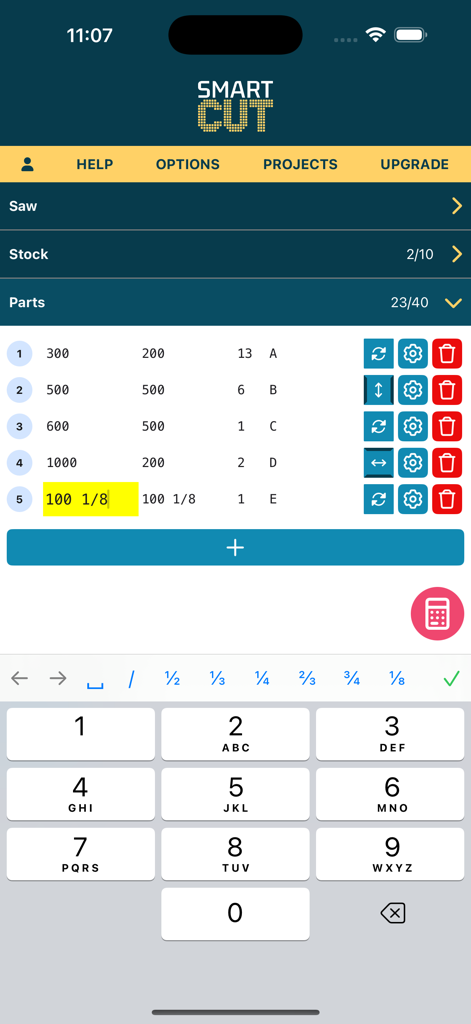
A parts list in the SmartCut app showing wood dimensions with fractions and a specialized numeric keypad for quick entry
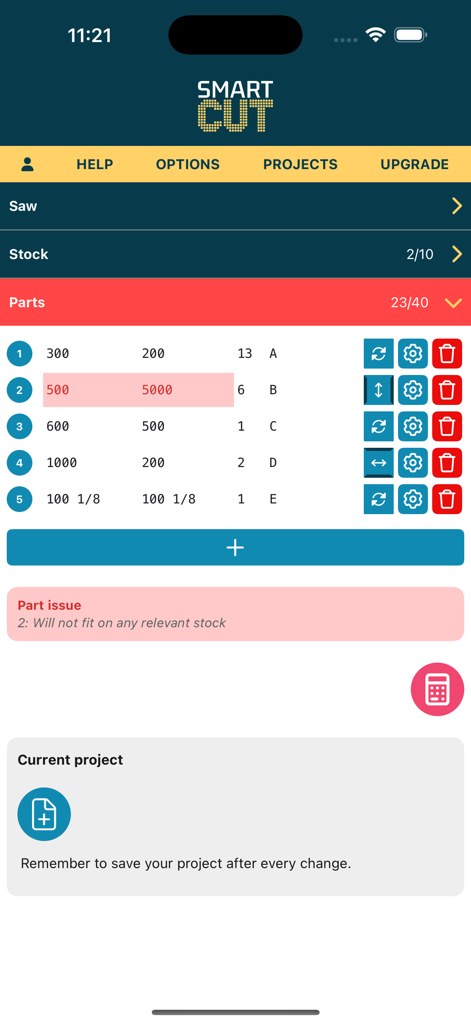
SmartCut mobile interface showing a project parts list with dimensions and a material fit warning
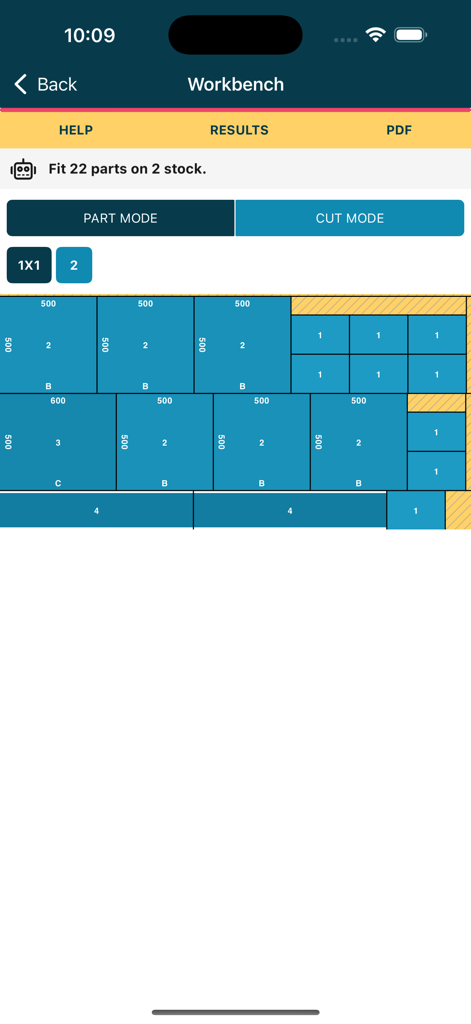
SmartCut app workbench interface showing an optimized material cutting diagram
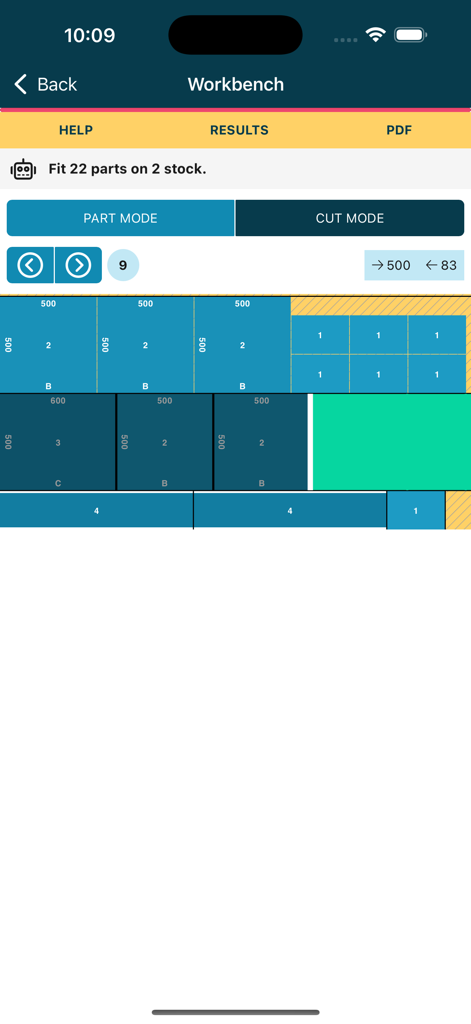
Optimized cut list diagram on a workbench view showing how to fit multiple parts on a stock sheet
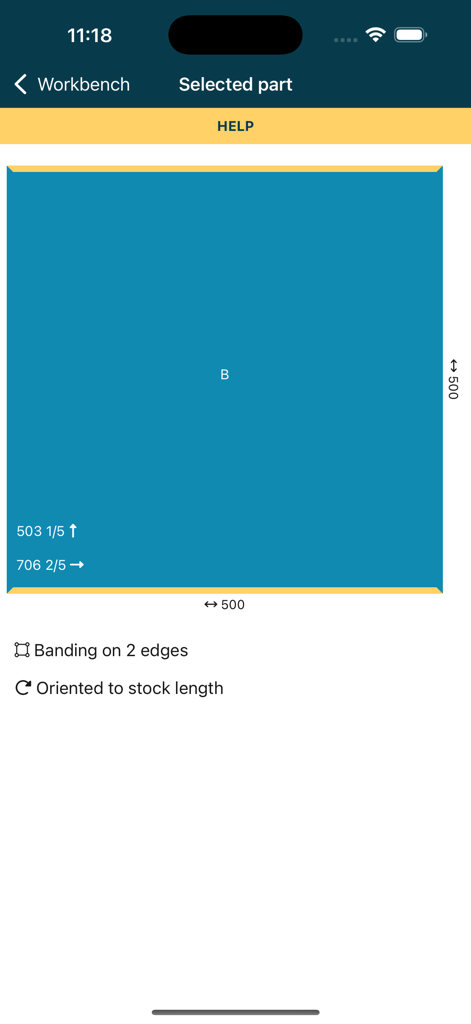
Digital layout of a woodworking part showing dimensions and edge banding settings in the SmartCut app
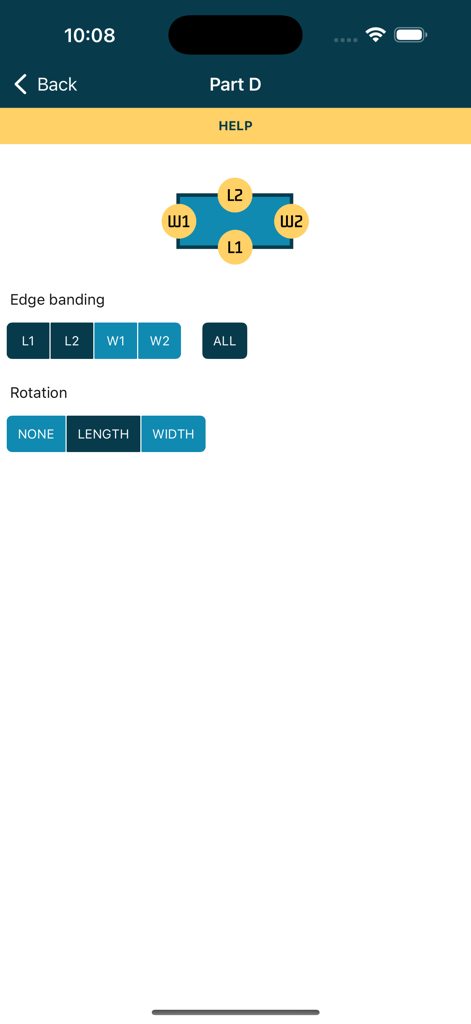
Configuration screen for edge banding and rotation settings of a woodworking part
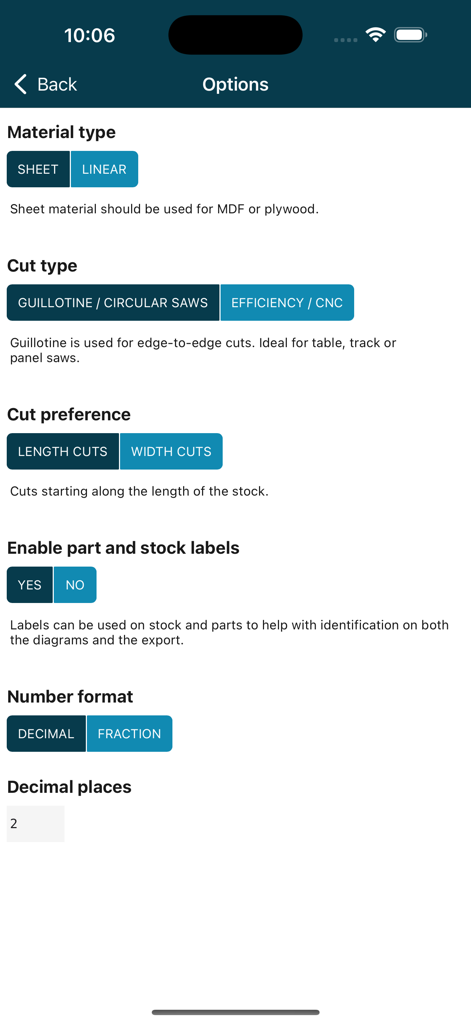
The settings menu in the SmartCut app showing options for material type cut preference and measurement formats
Description
Download
More Like This
Top-ranked apps in the same category

Google LLC

Google Chrome
Google LLC

中国移动(手机营业厅)
China Mobile Online Services Co., Ltd.

Google Authenticator
Google LLC

CNH do Brasil
Servicos e Informacoes do Brasil

Cleanup: Phone Storage Cleaner
DEEP FLOW SOFTWARE SERVICES - FZCO

gov.br
Servicos e Informacoes do Brasil

中国电信-全国统一官方服务平台
CHINA TELECOM Corporation Ltd.

Microsoft Edge: AI Browser
Microsoft Corporation
This page is not an official page of the app or its developer, but an independent editorial publication created for informational and commentary purposes. Unless expressly stated otherwise, neither the app nor its developer is affiliated with, endorsed by, sponsored by, authorized by, or otherwise officially connected with MWM, Apple, Google Play, the app publisher, or the app's developer, and nothing on this page implies that the app was developed using MWM's services. Any trademarks, logos, screenshots, and other content remain the property of their respective owners.