Dash Cam Plus
Dash Cam Plus
Download on App Store

This page is not an official page of the app or its developer, but an independent editorial publication created for informational and commentary purposes. Unless expressly stated otherwise, neither the app nor its developer is affiliated with, endorsed by, sponsored by, authorized by, or otherwise officially connected with MWM, Apple, Google Play, the app publisher, or the app's developer, and nothing on this page implies that the app was developed using MWM's services. Any trademarks, logos, screenshots, and other content remain the property of their respective owners.


Logo of Dash Cam Plus
Download on App Store

Dash Cam Plus

Drive with total peace of mind. Capture 4K road evidence with G-sensor collision protection, speed stamps, and privacy-first loop recording—all without buying expensive hardware.

Key Figures

Downloads

0

User Rating

1.0/5

Total Ratings

0

Publisher

Heng Jia Liang

Category

Utilities

Locales

1

Latest Version

1.4

Size

1.7 MB

First Released

Jul 9, 2016
Features

Drive with Total Peace of Mind

Transform your iPhone into a professional-grade dashboard camera designed to protect your vehicle, your wallet, and your journey with smart evidence-gathering tools.

Automatic Accident Protection

Built-in G-sensor technology detects collisions and instantly locks vital footage in a secure folder, ensuring your evidence is never overwritten during insurance disputes.

Optimized for the Long Haul

Engineered for daily commuters and gig workers with a battery-saving dim mode and intelligent loop recording that manages your storage automatically without overheating your device.

The following screenshots and description are sourced directly from the app's official store listing and are the property of the app developer.

App Store

Screenshots
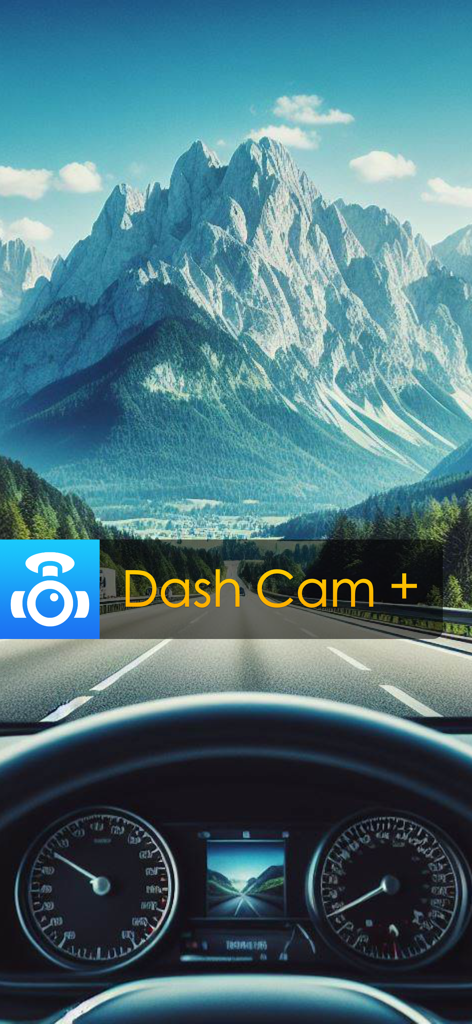
Dash Cam Plus - Car dashboard view of a scenic mountain road with the Dash Cam Plus app logo.
Car dashboard view of a scenic mountain road with the Dash Cam Plus app logo.

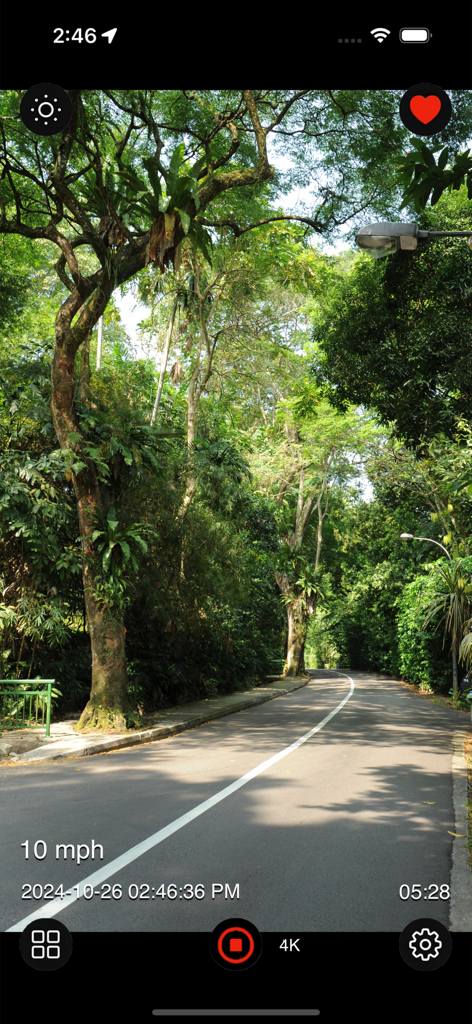
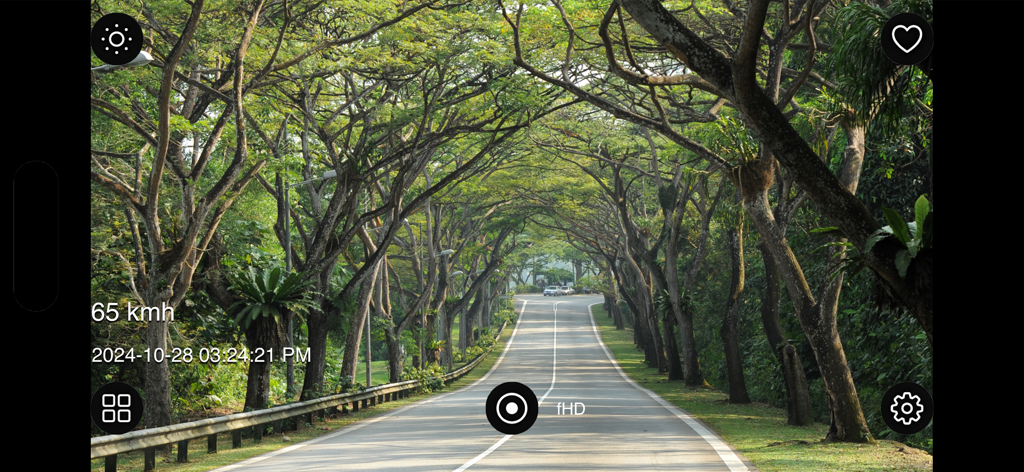
Dash Cam Plus - Dash Cam Plus app recording a scenic road drive with 4K resolution, speed, and timestamp overlays

Dash Cam Plus app recording a scenic road drive with 4K resolution, speed, and timestamp overlays
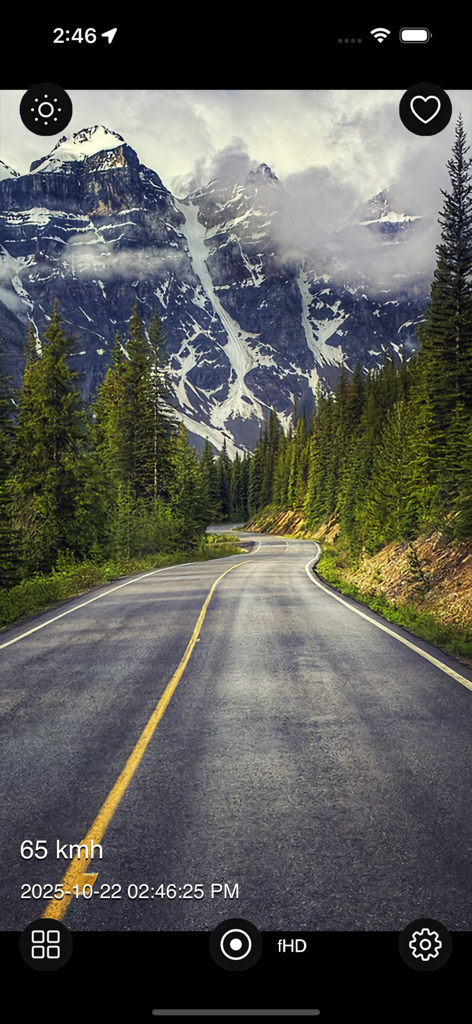
Dash Cam Plus - Dash Cam Plus interface recording a scenic drive on a mountain road with speed and time stamp overlays
Dash Cam Plus interface recording a scenic drive on a mountain road with speed and time stamp overlays

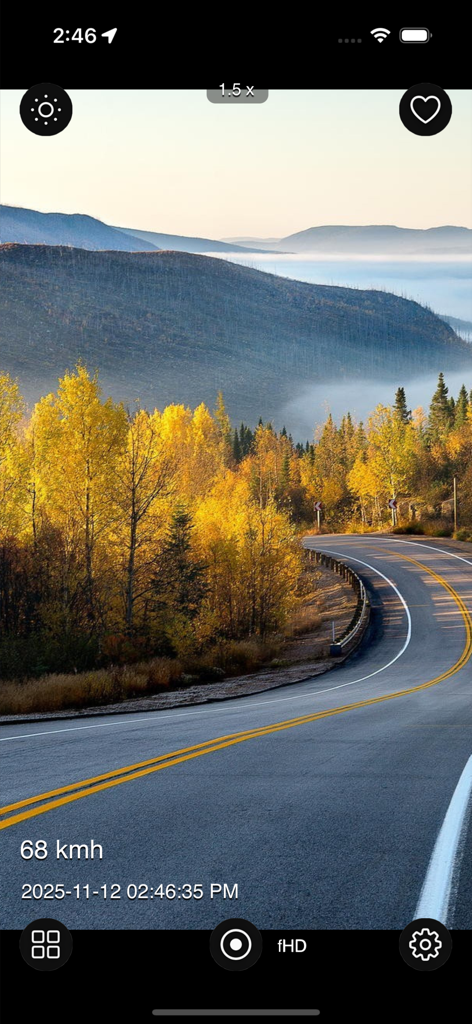
Dash Cam Plus - Dash Cam Plus app recording a scenic drive with speed and time overlays
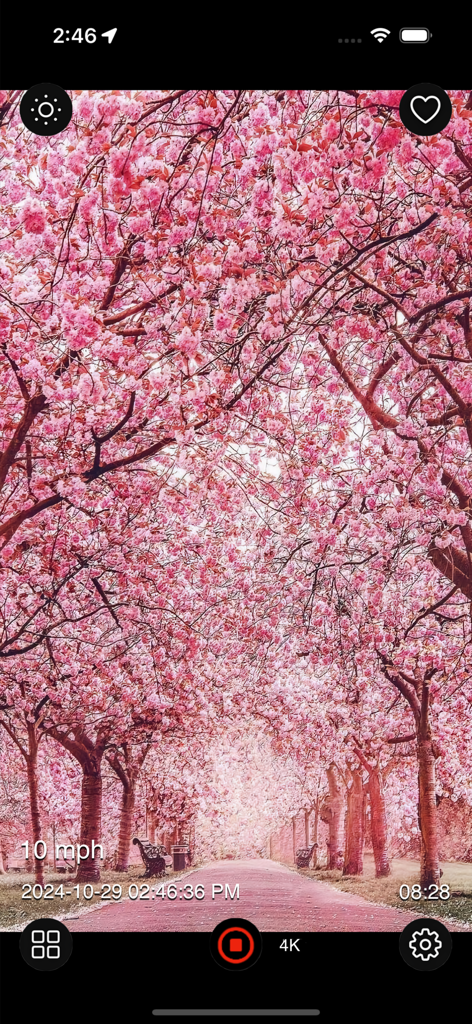
Dash Cam Plus app recording a scenic drive with speed and time overlays

Dash Cam Plus - Dash Cam Plus app recording a scenic road through pink cherry blossoms in 4K with speed and timestamp overlays
Dash Cam Plus app recording a scenic road through pink cherry blossoms in 4K with speed and timestamp overlays

Dash Cam Plus - Dash Cam Plus app recording a scenic drive with speed and timestamp overlays on the screen
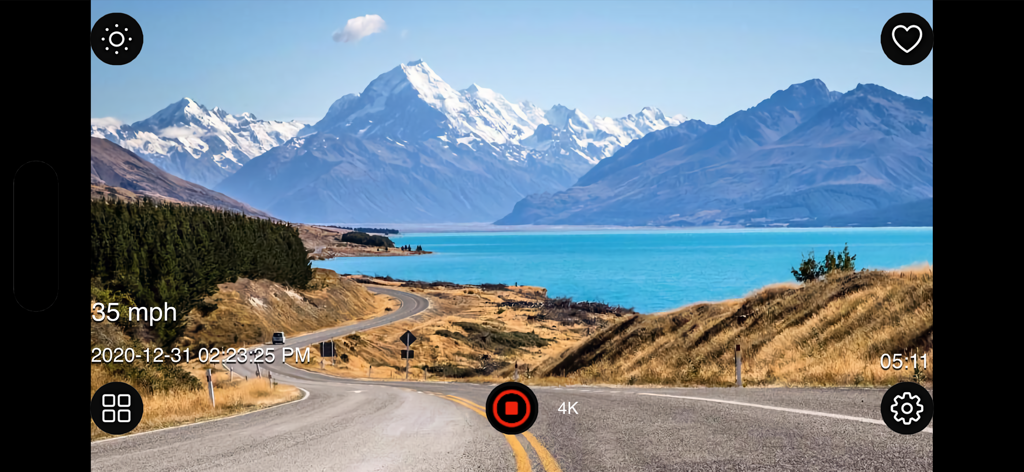
Dash Cam Plus app recording a scenic drive with speed and timestamp overlays on the screen

Dash Cam Plus - Dash Cam Plus app recording a scenic mountain road trip with speed and timestamp overlays in 4K resolution.
Dash Cam Plus app recording a scenic mountain road trip with speed and timestamp overlays in 4K resolution.

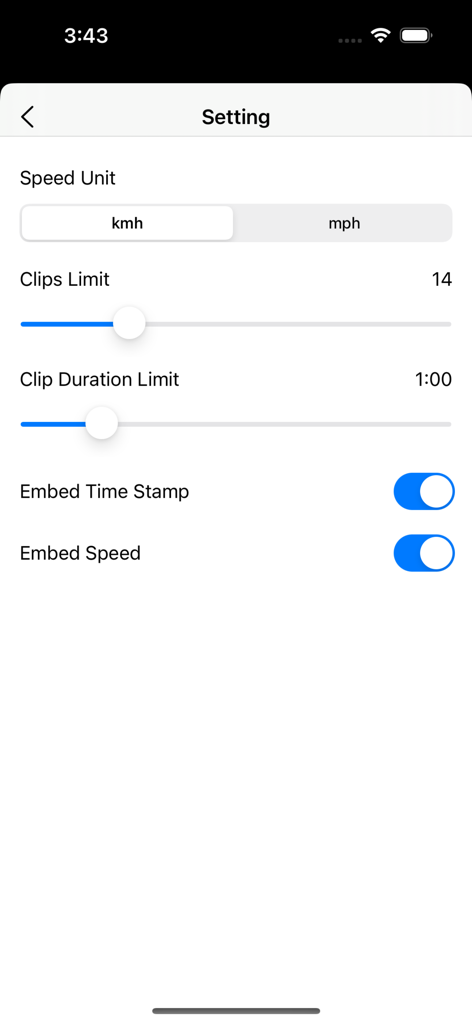
Dash Cam Plus - Dash Cam Plus app settings screen showing video recording preferences
Dash Cam Plus app settings screen showing video recording preferences

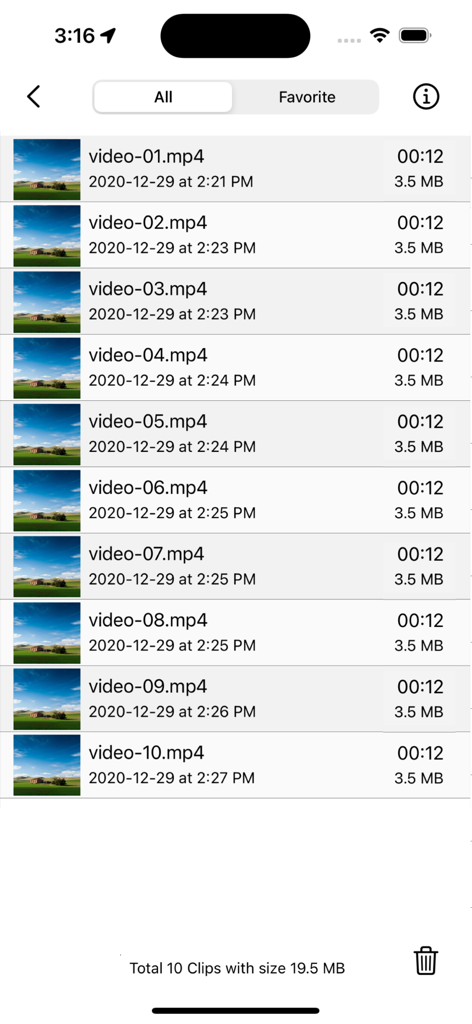
Dash Cam Plus - Dash Cam Plus video library showing a list of recorded driving clips with timestamps and file sizes
Dash Cam Plus video library showing a list of recorded driving clips with timestamps and file sizes

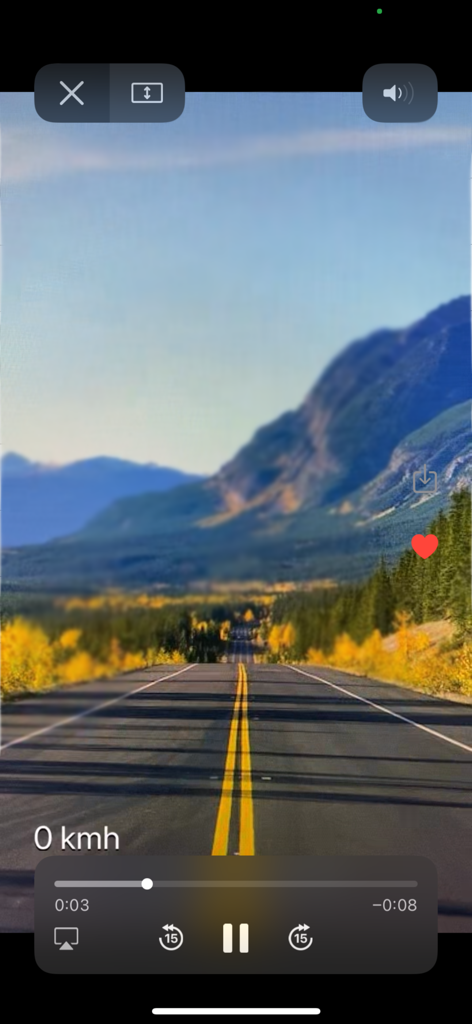
Dash Cam Plus - Dash Cam Plus app video playback interface showing a scenic mountain road trip with a speed indicator

Dash Cam Plus app video playback interface showing a scenic mountain road trip with a speed indicator

Description

Dash Cam Plus is a car dashboard camera that helps you record your travel journey while driving. You can use Dash Cam Plus to record the nice landscape scenes while driving along beautiful roads. Recorded videos can also be used as proof in case of any accidents. Recorded video goes in a loop where it overwrites old video clips after reaching the video clip limit you set, so you can better control the space usage on your iDevices. Dash Cam Plus with G-sensor ensures that recordings of a collision are not overwritten by storing them in the favorite folder. The G-sensor ensures that the dashcam makes separate recordings to avoid videos being overwritten. Features: • Easy start/stop recording. • Dim screen while video recording to preserve battery. • Tap the favorite button to save the current recording clip to the favorite folder. [Useful for emergencies or beautiful scenes] • Dual Lens or Triple Lens Devices support. • Pinch to zoom or pinch out for Ultra Wide Angle Lens. • Option to set speed unit: Kmh or Mph. • Support for both landscape and portrait mode. • Simple UI and easy to use. • Works seamlessly on both iPhone and iPad. • Lightweight, compact app optimized for everyday use. • Ad-free and built with privacy in mind. • Adjustable video quality settings such as 4K [high quality for better viewing], fHD 1080p, or HD 720p [low quality for space saving] • Adjustable video clip length, limit each clip ranging from 10 seconds to 60 minutes. • Adjustable video clip limit before videos are overwritten. Minimum 3 clips to a maximum of 50 clips. • Option to embed speed value or time, date into video. [Timestamped, speed-stamped video] • Video is saved to internal storage and available for external reach [access files via iTunes or Files App]. • Video library shows recorded clips, video status, space usage, and video quantity. • Option to delete videos in the video library. • Preview videos and add to favorites to avoid video being overwritten. • Save videos to the camera roll. Tips: • Dim the screen and choose HD size recording for battery saver. • Pinch out for Ultra Wide Angle Lens and capture more details surrounding. A dashboard camera or simply dashcam, also known as a car digital video recorder (car DVR), driving recorder, or event data recorder (EDR), is an onboard camera that continuously records the view through a vehicle's front windscreen and sometimes rear or other windows. Dashcams can provide video evidence in the event of a road accident. When parked, dashcams can capture video and picture evidence if vandalism is detected. There are many reasons why you need a dash cam. Mounted to your windscreen, they make motoring safer by capturing everything that happens while you’re behind the wheel. Besides giving you peace of mind, they can help lower your insurance premiums. Perfect for driving instructors and worried parents. Prevent fraud and a perfect solution for undisciplined drivers. Clips of unexpected moments on the road can be used for great YouTube material. Dash Cam Plus is certainly a great investment that will help you turn your road trip into a great experience and a memory you will cherish over the years. And it is a great value universal app that supports both iPhone and iPad for a single price. Thanks for your support and do visit nitrio.com for more apps for your iOS devices.

Download

Download on App Store

This page is not an official page of the app or its developer, but an independent editorial publication created for informational and commentary purposes. Unless expressly stated otherwise, neither the app nor its developer is affiliated with, endorsed by, sponsored by, authorized by, or otherwise officially connected with MWM, Apple, Google Play, the app publisher, or the app's developer, and nothing on this page implies that the app was developed using MWM's services. Any trademarks, logos, screenshots, and other content remain the property of their respective owners.








