
This page is not an official page of the app or its developer, but an independent editorial publication created for informational and commentary purposes. Unless expressly stated otherwise, neither the app nor its developer is affiliated with, endorsed by, sponsored by, authorized by, or otherwise officially connected with MWM, Apple, Google Play, the app publisher, or the app's developer, and nothing on this page implies that the app was developed using MWM's services. Any trademarks, logos, screenshots, and other content remain the property of their respective owners.

Digital Flip Clock Widgets
Transform your workspace with the ultimate minimalist clock and Pomodoro timer. Customize your home screen with retro flip animations, elegant themes, and focus tools designed for your unique productivity vibe.
Downloads
72K+User Rating
Total Ratings
0Publisher
Category
UtilitiesLocales
18Latest Version
1.3.5Size
213.6 MBFirst Released
Jan 26, 2025Elevate Your Aesthetic & Focus
The perfect blend of retro design and modern productivity tools to help you romanticize your study sessions and master your workflow.
Aesthetic Widget Customizer
Curate your perfect home screen with unlimited fonts, colors, and photo backgrounds that match your personal vibe.
Built-in Pomodoro Timer
Stay in the flow with focus blocks designed to eliminate distractions and make every study session more productive.
Frequently Asked Questions
Everything you need to know about Digital Flip Clock Widgets
What is Digital Flip Clock Widgets?
Digital Flip Clock Widgets is a classic desktop digital clock app featuring smooth flip animations and a large display with real-time seconds. It includes a built-in Pomodoro timer for productivity and focus.
Does Digital Flip Clock Widgets include a Pomodoro timer?
Yes, Digital Flip Clock Widgets features a built-in Pomodoro timer designed to help users stay focused during work or study sessions. Each focus period is a 25-minute countdown.
Can users customize the clock widgets in Digital Flip Clock Widgets?
Yes, users can customize clock widgets in Digital Flip Clock Widgets. Options include adding photos, choosing styles, editing fonts, colors, signatures, and flip effects for unlimited custom digital clocks.
Does Digital Flip Clock Widgets offer a full-screen clock display?
Yes, Digital Flip Clock Widgets provides a free full-screen clock display with seconds. Users can switch between 12-hour and 24-hour formats and select from various digital clock themes.
Is there a floating clock feature in Digital Flip Clock Widgets?
Yes, Digital Flip Clock Widgets includes a Floating Clock feature. This clock remains visible over other applications, allowing users to check the time conveniently while multitasking.
What customization options are available for Digital Flip Clock Widgets?
Digital Flip Clock Widgets allows extensive customization. Users can add photos, choose styles, edit fonts, colors, signatures, and flip effects. It also offers pre-designed widgets and various digital clock themes.
How does subscription work for Digital Flip Clock Widgets?
Payment for Digital Flip Clock Widgets subscriptions is charged to the App Store Account upon purchase confirmation. Subscriptions automatically renew unless auto-renew is turned off at least 24 hours before the current period ends.
Can Digital Flip Clock Widgets be used on iPhone?
Yes, Digital Flip Clock Widgets is available and can be used on iPhone devices. Users can open the flip clock widget app and utilize its features on their iPhone.
Does Digital Flip Clock Widgets show real-time seconds?
Yes, Digital Flip Clock Widgets displays real-time seconds. This feature is available on the big digital clock display and the full-screen clock option.
Are there different widget sizes for Digital Flip Clock Widgets?
Yes, Digital Flip Clock Widgets offers three size options for its home screen time widgets. This allows users to choose the preferred display size for their device.
The following screenshots and description are sourced directly from the app's official store listing and are the property of the app developer.
App Store
Screenshots
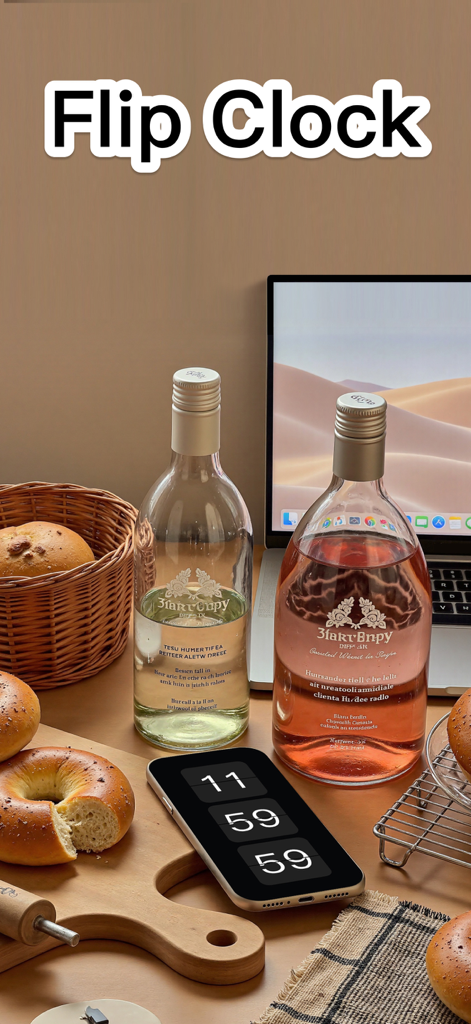
Digital flip clock app displayed on an iPhone on a cozy desk
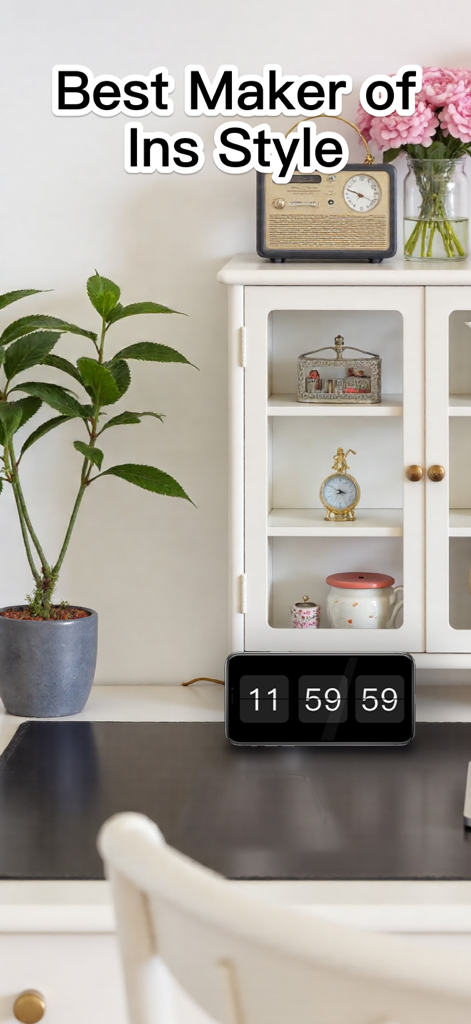
A digital flip clock widget displayed on a smartphone within a cozy aesthetic desk environment
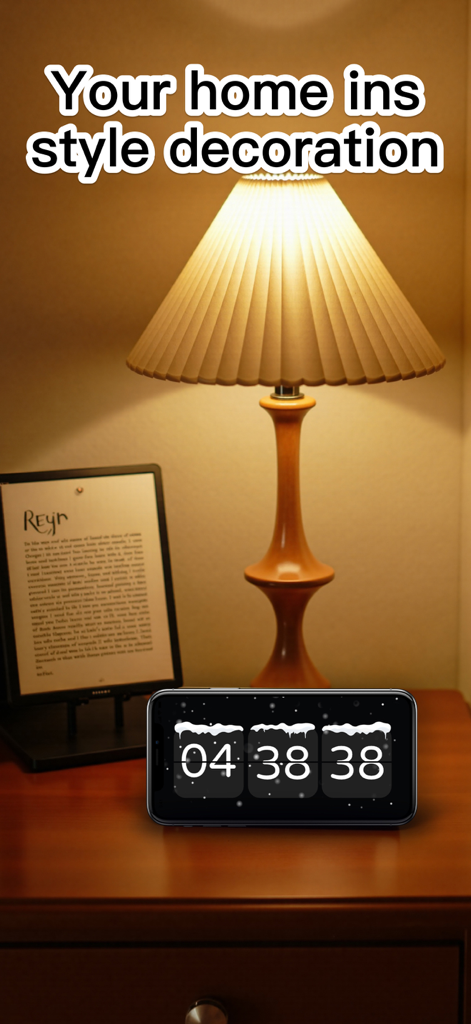
A digital flip clock app on an iPhone sitting on a cozy nightstand under a warm lamp
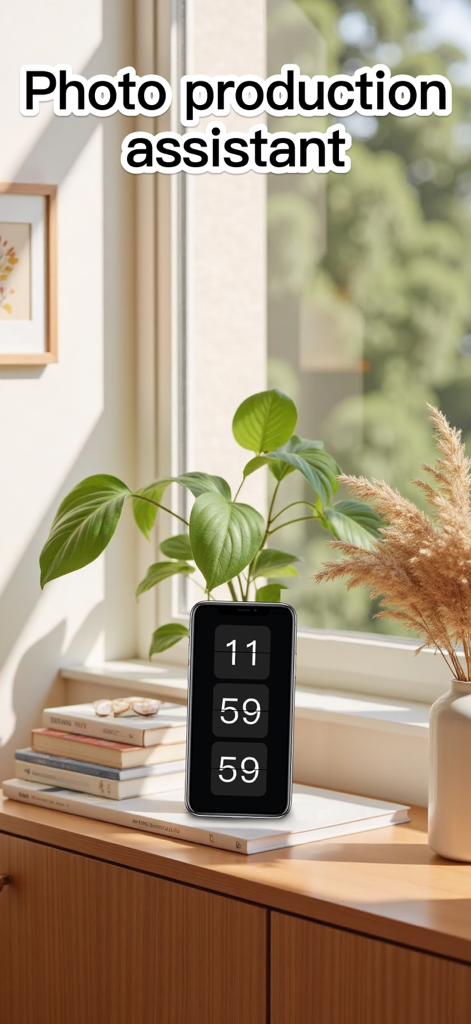
Vertical digital flip clock on a smartphone in a cozy sunlit room with plants
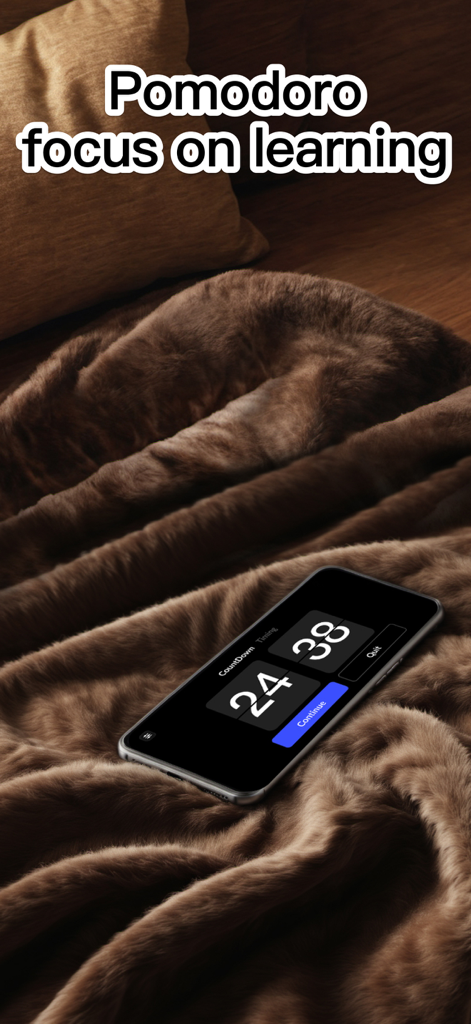
Smartphone showing a digital flip clock with a Pomodoro timer on a cozy brown blanket
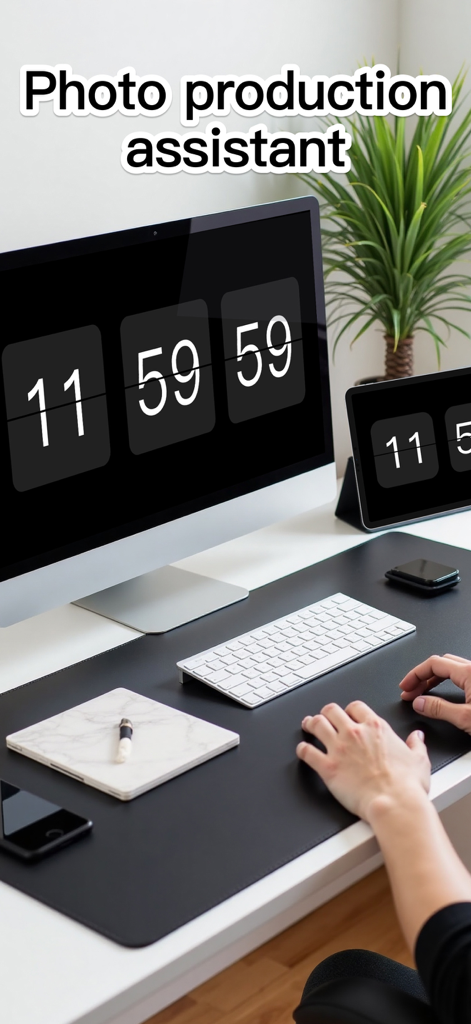
Aesthetic minimalist desk setup with digital flip clock widgets on a monitor and tablet
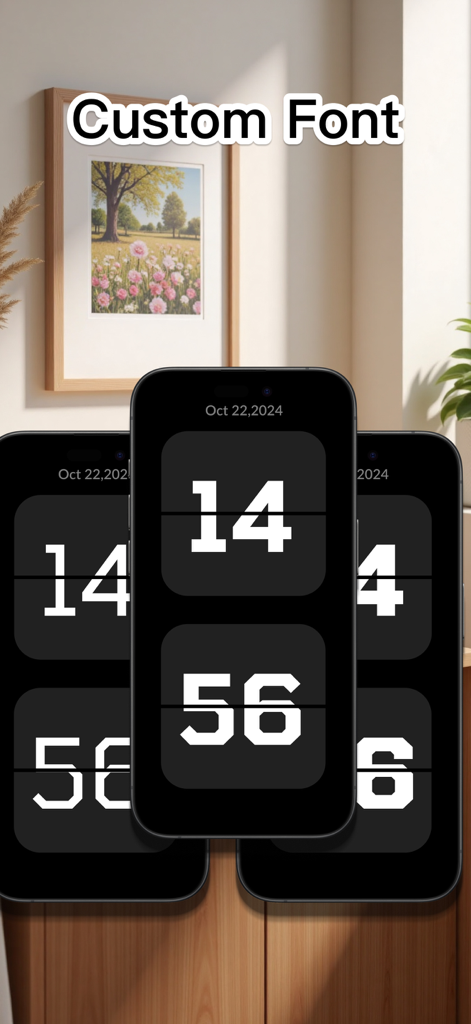
Three iPhones displaying different custom font styles for the digital flip clock widget
Description
Download
More Like This
Apps with similar features and user experience
DClock - Digital Flip Clock
少杰 施
Fullscreen Clock: Flip & Focus
Zhengzhou Sibo Intelligent Technology Co., Ltd.
Alarm Clock for Me - Wake Up!
Mosaic S.r.l.
Flip clock - no ads
Beijing Free Calculator Technology Co., Ltd.
Mugen Clock
Koichiro Kamada

The Clocks: Alarm, World Clock
Meanterm Inc.
Digital Clock - Bedside Alarm
俊杰 阮
Fliqlo
Yuji Adachi
Clocks - A fun standby mode
Daniel Destefanis
This page is not an official page of the app or its developer, but an independent editorial publication created for informational and commentary purposes. Unless expressly stated otherwise, neither the app nor its developer is affiliated with, endorsed by, sponsored by, authorized by, or otherwise officially connected with MWM, Apple, Google Play, the app publisher, or the app's developer, and nothing on this page implies that the app was developed using MWM's services. Any trademarks, logos, screenshots, and other content remain the property of their respective owners.