
This page is not an official page of the app or its developer, but an independent editorial publication created for informational and commentary purposes. Unless expressly stated otherwise, neither the app nor its developer is affiliated with, endorsed by, sponsored by, authorized by, or otherwise officially connected with MWM, Apple, Google Play, the app publisher, or the app's developer, and nothing on this page implies that the app was developed using MWM's services. Any trademarks, logos, screenshots, and other content remain the property of their respective owners.


Diptic
The most customizable way to organize your memories. Combine photos and videos into stunning, high-resolution layouts with complete creative control.
Downloads
503K+User Rating
Total Ratings
16K+Publisher
Category
Photo & VideoLocales
1Latest Version
10.1.1Size
21.5 MBFirst Released
Jun 23, 2010Transform Your Memories into Masterpieces
Diptic gives you the precision tools to create stunning photo and video collages that tell your unique story with professional elegance.
Total Layout Precision
Go beyond rigid templates. Slide interior frame lines and move joints to customize every layout to fit your photos, not the other way around.
Dynamic Multimedia Stories
Seamlessly combine up to nine photos and videos in a single frame. Add your favorite music and customize start times for a cinematic experience.
The following screenshots and description are sourced directly from the app's official store listing and are the property of the app developer.
App Store
Screenshots
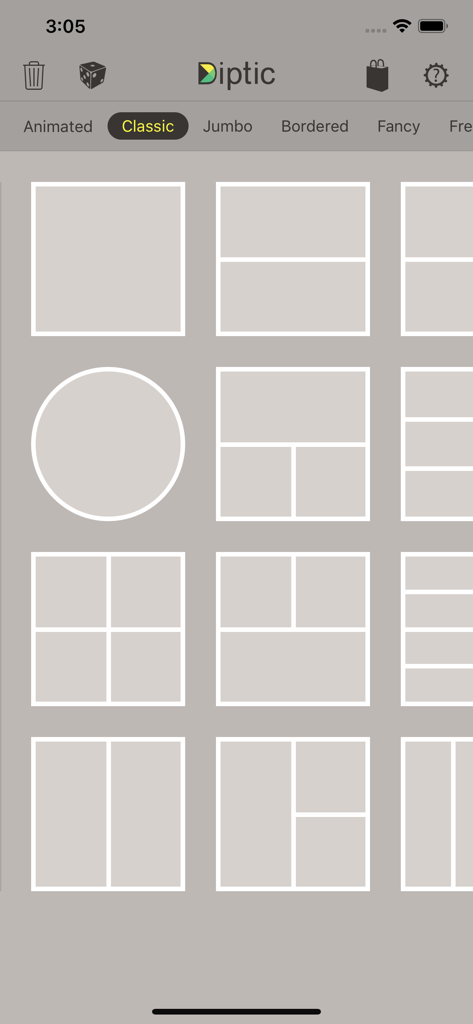
Interface of the Diptic app showing a grid of classic photo collage layout options
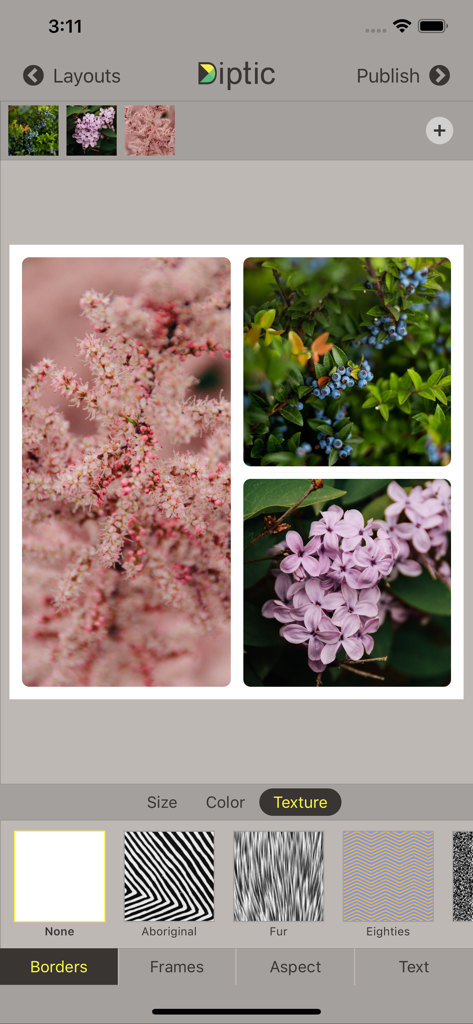
Diptic app screen showing a floral photo collage with border texture adjustment options
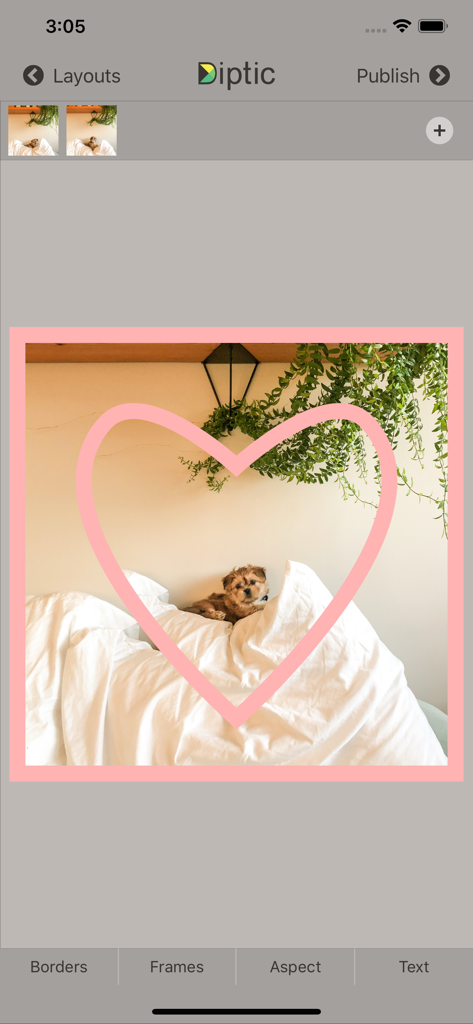
Diptic app interface showing a puppy photo with a pink heart frame overlay
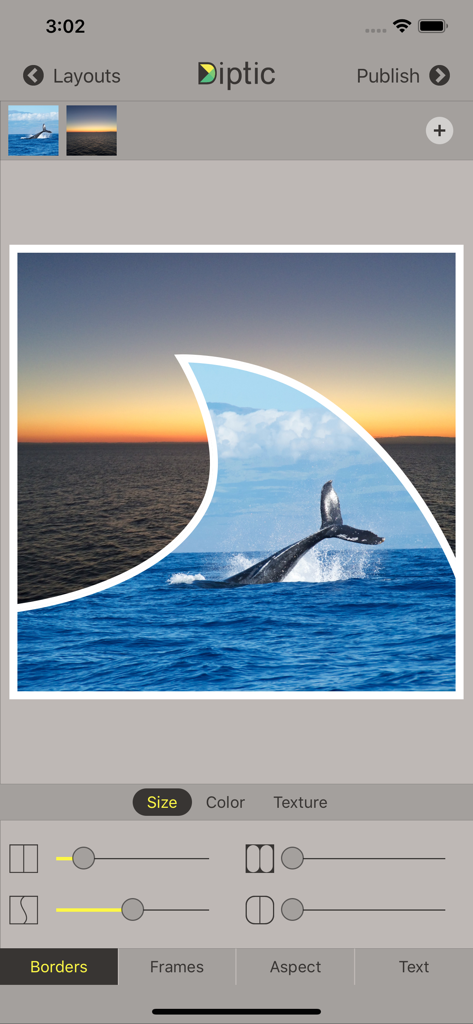
Diptic app interface featuring a custom photo collage with a whale in a fin-shaped frame and border adjustment sliders
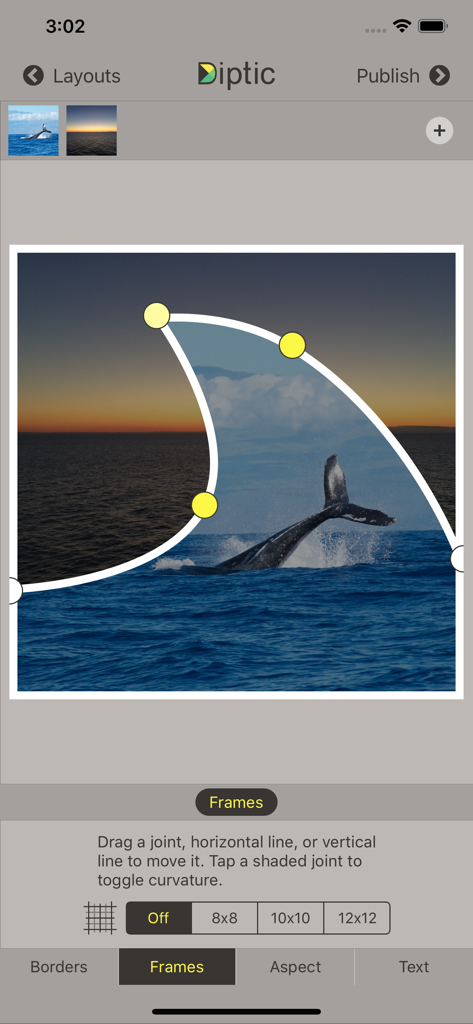
Diptic app interface showing adjustable curved frame joints for a photo collage of a whale and a sunset.
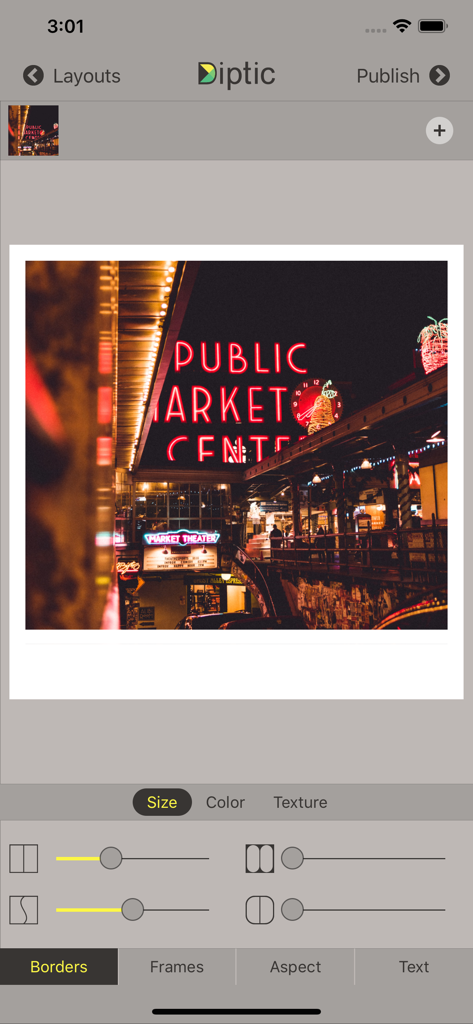
Diptic app interface showing border customization tools and a photo of the Public Market Center neon sign.
Description
Download
More Like This
Apps with similar features and user experience

SCRL: Photo Collage Maker
Appostrophe AB

PhotoGrid: Video Collage Maker
JUPITER PALACE PTE. LTD.

Layout for Instagram: Collage
Shamble, Inc.

Photo Collage Maker: InCollage
SHANTANU PTE. LTD.

TicPic
Zhuhai Kuxiong Network Technology Co., Ltd.

Collage Maker: CollagePlus
Shamble, Inc.

Photo Collage Montage Maker
Honk Honk Punch Pty Ltd

Photo Collage Maker & Creator
Honk Honk Punch Pty Ltd

Photo Collage Montage & Layout
Honk Honk Punch Pty Ltd
This page is not an official page of the app or its developer, but an independent editorial publication created for informational and commentary purposes. Unless expressly stated otherwise, neither the app nor its developer is affiliated with, endorsed by, sponsored by, authorized by, or otherwise officially connected with MWM, Apple, Google Play, the app publisher, or the app's developer, and nothing on this page implies that the app was developed using MWM's services. Any trademarks, logos, screenshots, and other content remain the property of their respective owners.