
This page is not an official page of the app or its developer, but an independent editorial publication created for informational and commentary purposes. Unless expressly stated otherwise, neither the app nor its developer is affiliated with, endorsed by, sponsored by, authorized by, or otherwise officially connected with MWM, Apple, Google Play, the app publisher, or the app's developer, and nothing on this page implies that the app was developed using MWM's services. Any trademarks, logos, screenshots, and other content remain the property of their respective owners.

Drawboard PDF Annotate, Markup
Experience the industry-leading ink feel and measurement tools trusted by architects, engineers, and power users. Elevate your paperless workflow with instant cloud sync and professional-grade calibration across all your devices.
Downloads
87K+User Rating
Total Ratings
1K+Publisher
Category
ProductivityLocales
1Latest Version
4.7.0Size
85.7 MBFirst Released
Dec 6, 2021Engineered for Precision, Built for Professionals
Replace your paper workflows with the world’s most intuitive PDF markup tool. Designed to meet the rigorous demands of architects, engineers, and legal experts who value speed and accuracy.
Natural Ink Experience
Feel the difference of ultra-responsive digital ink. Perfectly tuned for the Apple Pencil, it delivers the most natural handwriting and sketching experience available for signing contracts or redlining plans.
Professional Measurement Tools
Calculate area and length with smart page calibration. Built-in tools for the AEC industry allow you to take accurate measurements directly from your digital blueprints without a physical scale.
The following screenshots and description are sourced directly from the app's official store listing and are the property of the app developer.
App Store
Screenshots
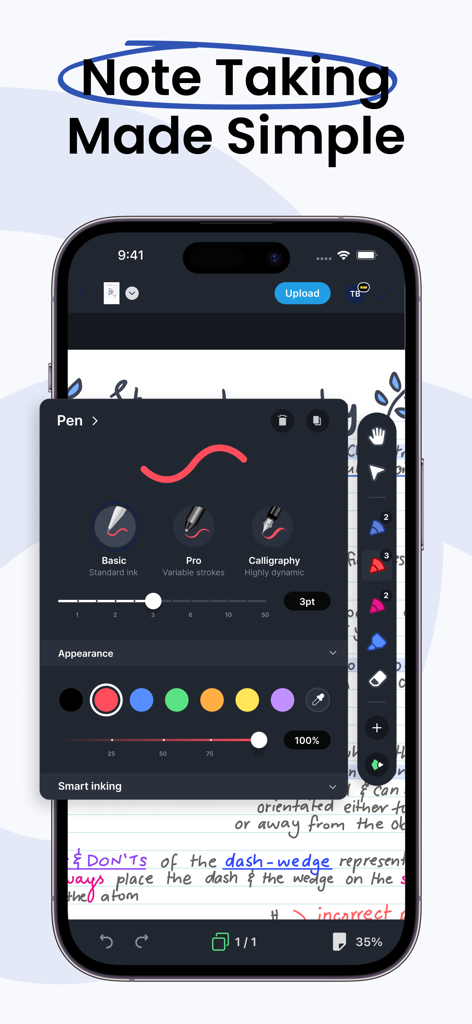
Drawboard PDF mobile interface showing pen tool customization and handwritten notes
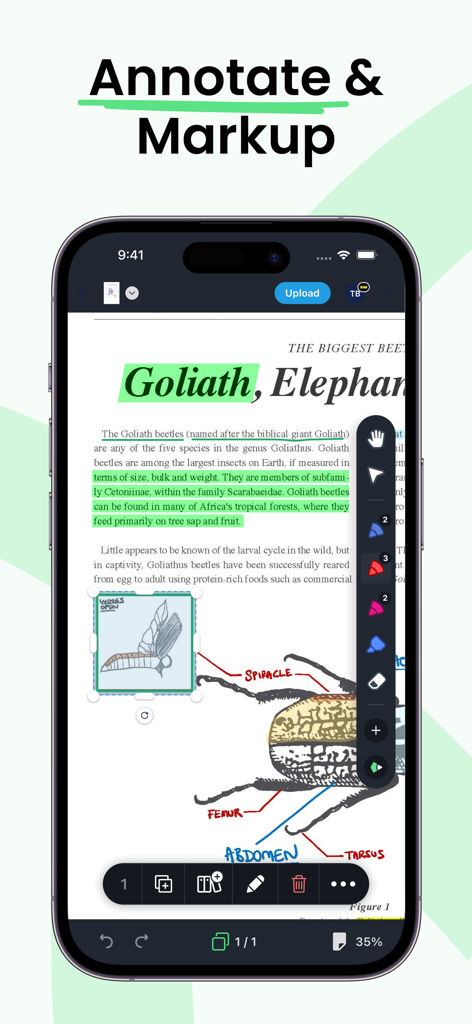
Smartphone display of Drawboard PDF app showing text highlighting and diagram markup tools

Real time team collaboration on a PDF document using Drawboard app on iPhone
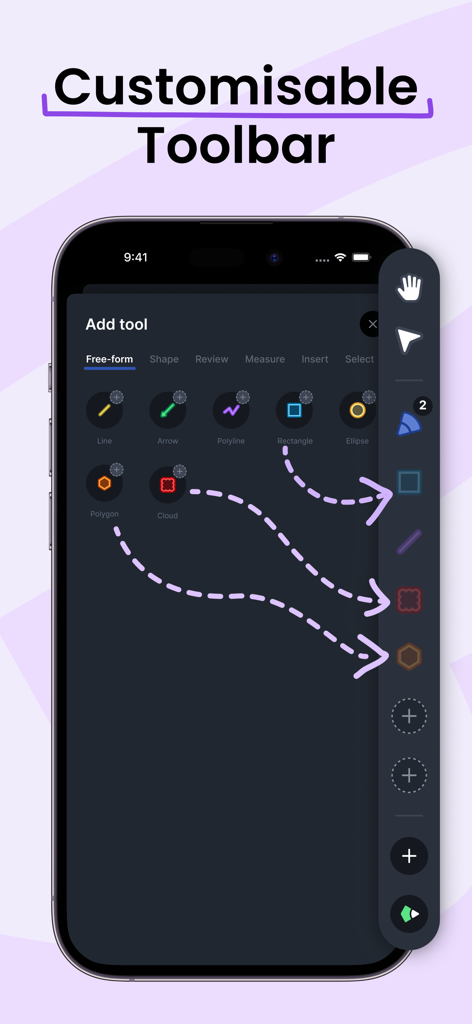
Screenshot of Drawboard PDF app showing how to customize the toolbar with various markup tools on an iPhone
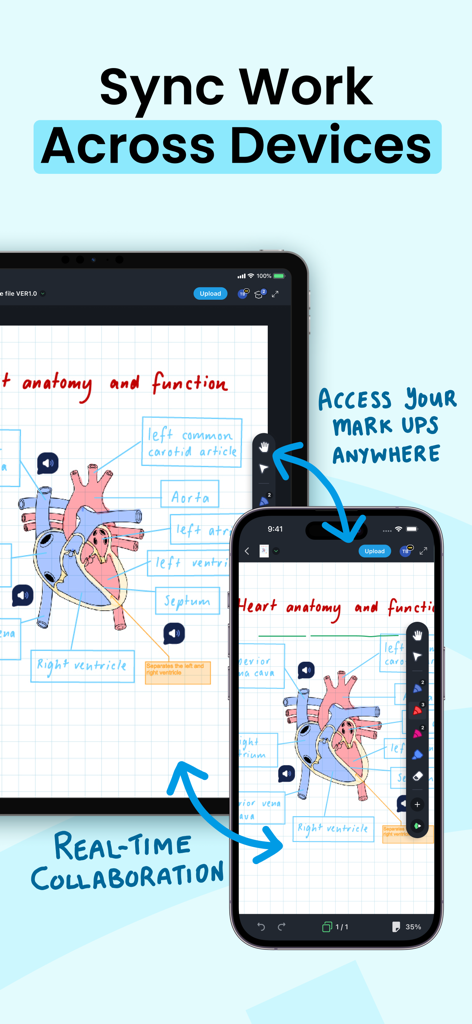
iPad and iPhone screens showing synchronized PDF heart anatomy annotations and real-time collaboration
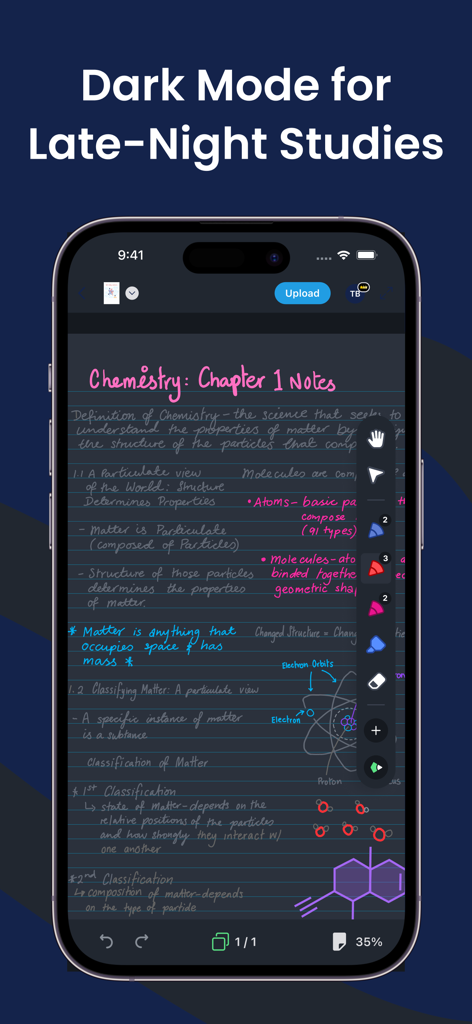
Handwritten chemistry notes on Drawboard PDF app in dark mode interface
Description
Download
More Like This
Apps with similar features and user experience

PDF PRO Scan Image & Documents
Balzo srl

The PDF Scanner, PDF editor HQ
NEXT K.U.M. LTD

CamScanner - PDF Scanner App
INTSIG Information Co., Ltd

Adobe Scan: PDF & OCR Scanner
Adobe Inc.

WPS Office: PDF, Docs, Sheets
KINGSOFT OFFICE SOFTWARE CORPORATION LIMITED

iLovePDF - PDF Editor & Scan
ILOVEPDF S.L.

Scanner App: Genius Scan
The Grizzly Labs

Microsoft Lens: PDF Scanner
Microsoft Corporation

Clear Scan: Doc Scanner App
INDY MOBILE APP COMPANY LIMITED
This page is not an official page of the app or its developer, but an independent editorial publication created for informational and commentary purposes. Unless expressly stated otherwise, neither the app nor its developer is affiliated with, endorsed by, sponsored by, authorized by, or otherwise officially connected with MWM, Apple, Google Play, the app publisher, or the app's developer, and nothing on this page implies that the app was developed using MWM's services. Any trademarks, logos, screenshots, and other content remain the property of their respective owners.