
This page is not an official page of the app or its developer, but an independent editorial publication created for informational and commentary purposes. Unless expressly stated otherwise, neither the app nor its developer is affiliated with, endorsed by, sponsored by, authorized by, or otherwise officially connected with MWM, Apple, Google Play, the app publisher, or the app's developer, and nothing on this page implies that the app was developed using MWM's services. Any trademarks, logos, screenshots, and other content remain the property of their respective owners.


Drawing Studio
Merge freehand sketches, Mermaid diagrams, and professional draw.io visuals into one privacy-first workspace. Organize your technical architecture and creative ideas with seamless iCloud sync across iPhone, iPad, and Mac—no account required.
Downloads
0User Rating
Total Ratings
0Publisher
Category
UtilitiesLocales
5Latest Version
2.1Size
41.5 MBFirst Released
Jun 3, 2025One Workspace for Every Visual Insight
Empower your workflow with the ultimate diagramming tool for Apple power users. Seamlessly combine freehand sketches, code-driven logic, and technical drawings in one private, synced vault.
Hybrid Diagramming Engine
Toggle between Mermaid's code-based logic, Excalidraw's creative sketches, and draw.io's professional architecture within a single workspace.
Privacy-First Ecosystem
Enjoy seamless iCloud sync across iPhone, iPad, and Mac with zero account creation. Your data never leaves your personal Apple environment.
The following screenshots and description are sourced directly from the app's official store listing and are the property of the app developer.
App Store
Screenshots
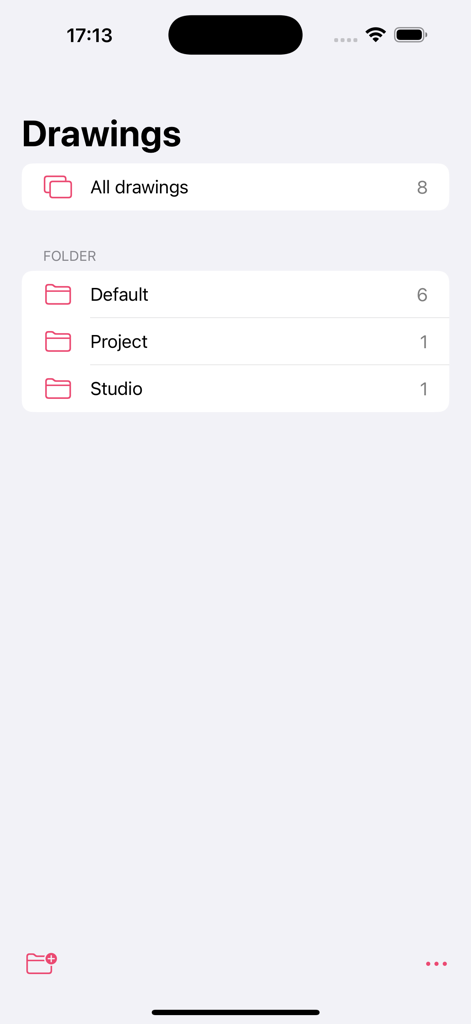
Drawing Studio app interface showing folder organization for visual notes and diagrams.
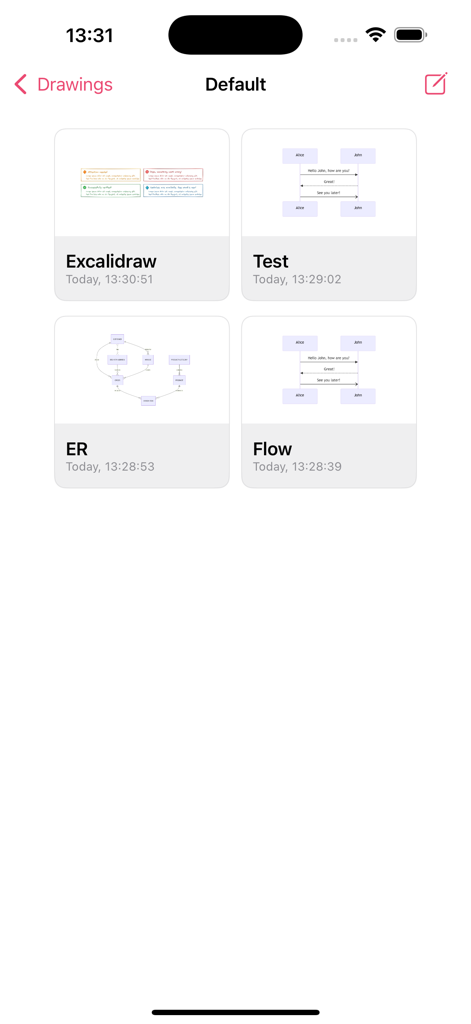
Drawing Studio app main dashboard showing a grid of saved diagrams including Excalidraw and flowcharts
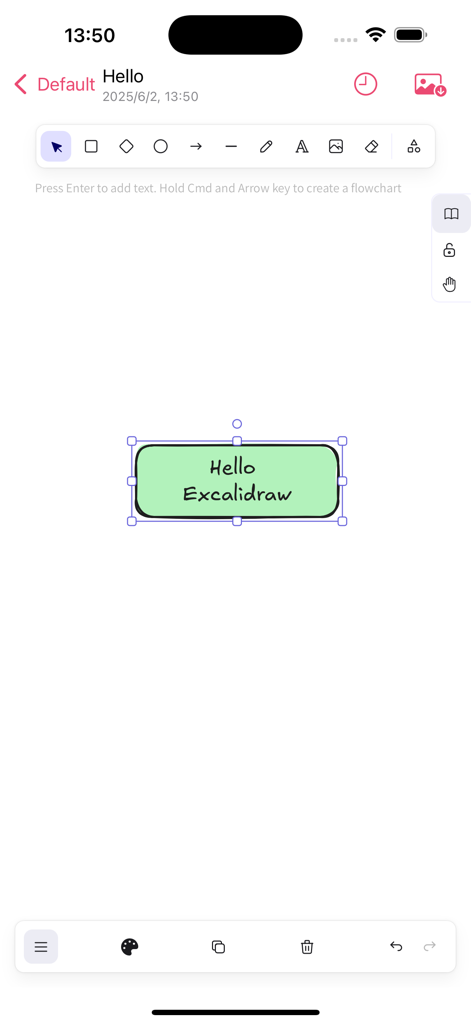
Drawing Studio mobile app interface featuring an Excalidraw canvas with a green text box and drawing tools
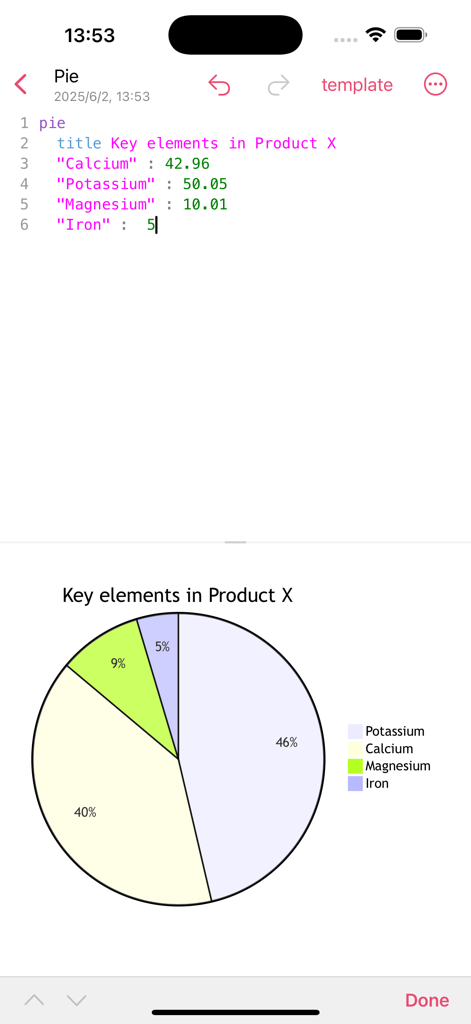
Drawing Studio interface showing Mermaid code and a generated pie chart on an iPhone
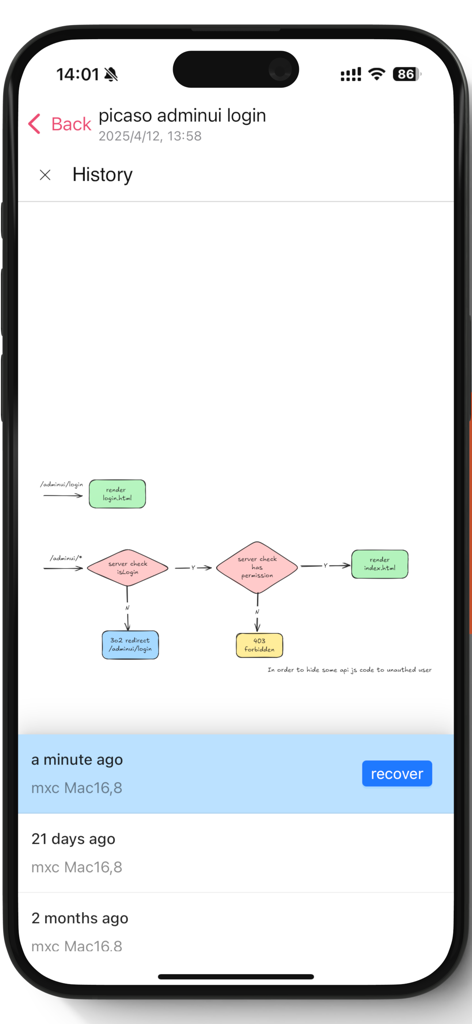
Drawing Studio app showing a technical flowchart with version history and recovery options on an iPhone.
Description
Download
More Like This
Top-ranked apps in the same category

Google LLC

Google Chrome
Google LLC

中国移动(手机营业厅)
China Mobile Online Services Co., Ltd.

Google Authenticator
Google LLC

Super VPN Fly 2026
YUNFAN TECHNOLOGY CO., LIMITED

Cleanup: Phone Storage Cleaner
DEEP FLOW SOFTWARE SERVICES - FZCO

gov.br
Servicos e Informacoes do Brasil

百度-AI智能搜索
Beijing Baidu Netcom Science & Technology Co.,Ltd

Microsoft Edge: AI Browser
Microsoft Corporation
This page is not an official page of the app or its developer, but an independent editorial publication created for informational and commentary purposes. Unless expressly stated otherwise, neither the app nor its developer is affiliated with, endorsed by, sponsored by, authorized by, or otherwise officially connected with MWM, Apple, Google Play, the app publisher, or the app's developer, and nothing on this page implies that the app was developed using MWM's services. Any trademarks, logos, screenshots, and other content remain the property of their respective owners.