
This page is not an official page of the app or its developer, but an independent editorial publication created for informational and commentary purposes. Unless expressly stated otherwise, neither the app nor its developer is affiliated with, endorsed by, sponsored by, authorized by, or otherwise officially connected with MWM, Apple, Google Play, the app publisher, or the app's developer, and nothing on this page implies that the app was developed using MWM's services. Any trademarks, logos, screenshots, and other content remain the property of their respective owners.


Duet Display
Join over 2 million professionals and turn your iPad or iPhone into a high-performance secondary display. Built by ex-Apple engineers to deliver a desktop-class experience with touch, gestures, and Apple Pencil support.
Downloads
2M+User Rating
Total Ratings
136K+Publisher
Category
ProductivityLocales
15Latest Version
3.0.3Size
67.3 MBFirst Released
Dec 18, 2014Maximize Your Workspace, Minimize the Friction
Designed for power users and creative pros who need a seamless, high-performance second screen that works as fast as they do.
Zero-Lag Performance
Built by ex-Apple engineers to deliver a smooth 60fps experience with crystal-clear retina resolution for a native desktop feel.
Interactive Touch & Gestures
Control your Mac or PC with natural iOS gestures, including two-finger scrolling, pan, and zoom for a tactile workflow.
Frequently Asked Questions
Everything you need to know about Duet Display
What is Duet Display?
Duet Display transforms your iPad or iPhone into an advanced extra display for your Mac or PC, providing unparalleled performance and zero lag with touch capabilities.
How do you connect devices with Duet Display?
Yes, Duet Display works by plugging your iPad or iPhone into your desktop with a charging cable. The free Duet desktop app automatically detects the device and converts it into a high-performance display.
Does Duet Display experience lag?
No, Duet Display offers zero lag performance and high display quality. It eliminates concerns about unreliable Wi-Fi or laggy performance, as affirmed by press reviews like The Guardian and Business Insider.
Does Duet Display support touch interaction?
Yes, Duet Display supports touchscreen interaction with both Mac and PC. It includes gestures like two-finger scrolling, pan, and zoom, and can add a touch bar to any iPad with any Mac.
What features are included with Duet Pro?
Duet Pro is an optional upgrade that turns your iPad and Apple Pencil into a professional graphics tablet. It offers ultra-responsive drawing, pressure and tilt sensitivity, hover, and palm rejection for creative software.
What devices are compatible with Duet Display and Duet Pro?
Duet Display is compatible with all iPhones and iPads running iOS 7.0+, all Macs with OS 10.9+, and all PCs with Windows 7+. Duet Pro requires iPad Pros with Apple Pencil and Windows 8.1+ (64 bit) for PCs.
The following screenshots and description are sourced directly from the app's official store listing and are the property of the app developer.
App Store
Screenshots
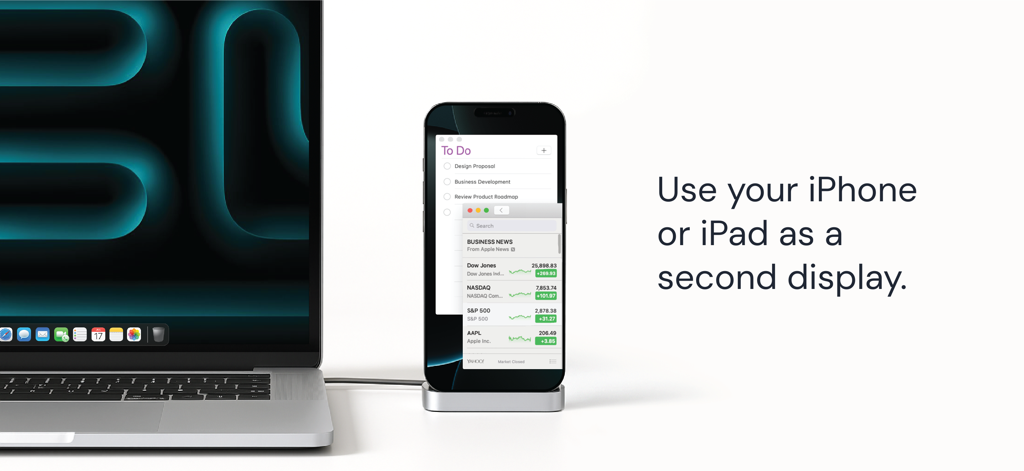
A laptop connected to an iPhone serving as a second display for multitasking and productivity
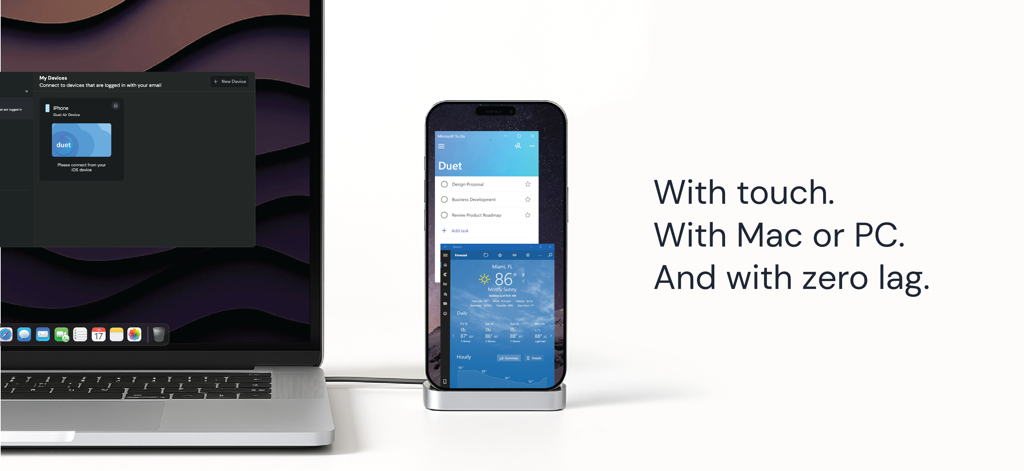
A laptop connected to an iPhone using Duet Display to create a secondary touchscreen monitor with zero lag
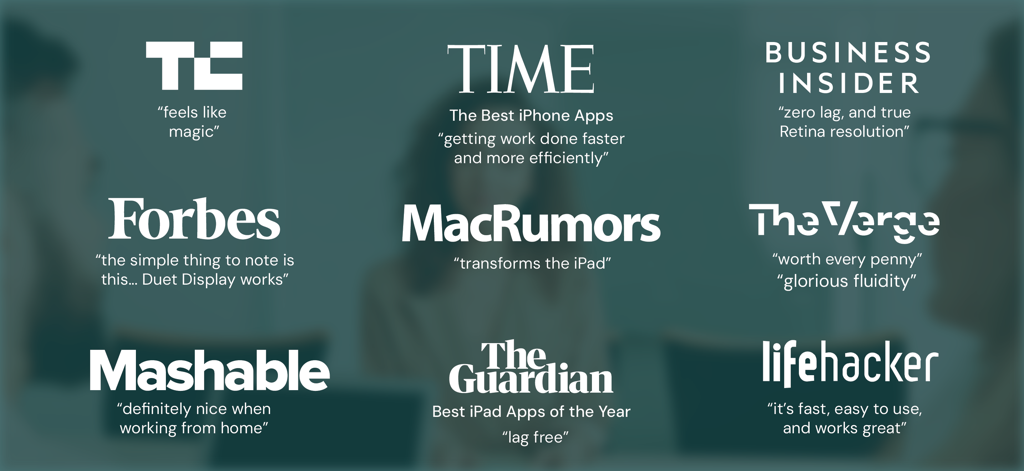
Major media outlet reviews and endorsements for Duet Display
Description
Download
More Like This
Apps with similar features and user experience

Mouse · Keyboard
Remote Sunrise LTD

Camo Camera
Reincubate Ltd

DroidCam Webcam & OBS Camera
DEV47 APPS LTD.

spacedesk - USB Display for PC
datronicsoft Technology GmbH

iVCam Webcam
俊红 柴

Remote Mouse
耀 阮

CamX - USB Camera
Touchbits Inc.

Genki Studio
Human Things, Inc

Astropad Studio Drawing Tablet
Astro HQ LLC
This page is not an official page of the app or its developer, but an independent editorial publication created for informational and commentary purposes. Unless expressly stated otherwise, neither the app nor its developer is affiliated with, endorsed by, sponsored by, authorized by, or otherwise officially connected with MWM, Apple, Google Play, the app publisher, or the app's developer, and nothing on this page implies that the app was developed using MWM's services. Any trademarks, logos, screenshots, and other content remain the property of their respective owners.