
This page is not an official page of the app or its developer, but an independent editorial publication created for informational and commentary purposes. Unless expressly stated otherwise, neither the app nor its developer is affiliated with, endorsed by, sponsored by, authorized by, or otherwise officially connected with MWM, Apple, Google Play, the app publisher, or the app's developer, and nothing on this page implies that the app was developed using MWM's services. Any trademarks, logos, screenshots, and other content remain the property of their respective owners.


EASA FTL Calc
Eliminate the guesswork of complex EASA OPS regulations. Instantly calculate FDP limits, acclimatization status, and minimum rest periods for cockpit and cabin crew to ensure you always stay legal and safe.
Downloads
187K+User Rating
Total Ratings
100Publisher
Category
UtilitiesLocales
1Latest Version
3.0.1Size
13.7 MBFirst Released
Jan 9, 2016Stay Compliant, Fly Safe
Master complex EASA FTL regulations with precision tools designed for professional cockpit and cabin crews.
100% Regulatory Protection
Eliminate the risk of license violations by automatically calculating complex limits for FDP, acclimatization, and disruptive schedules.
Instant Duty Calculations
Save time with automated math that handles time zones, rest periods, and commander’s discretion so you can focus on the mission.
The following screenshots and description are sourced directly from the app's official store listing and are the property of the app developer.
App Store
Screenshots
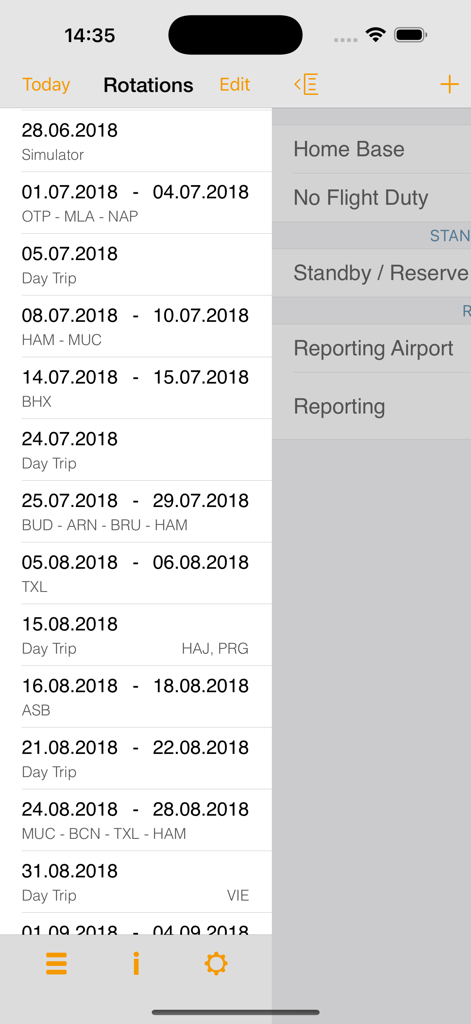
EASA FTL Calc app interface showing a list of flight rotations and duty schedules for aviation crew
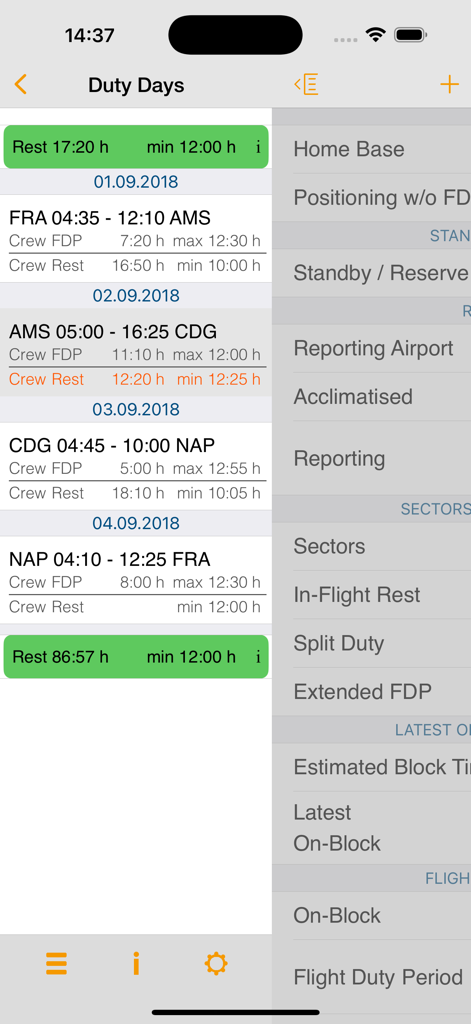
EASA FTL Calc app interface displaying duty days and flight time limitations for aviation crew
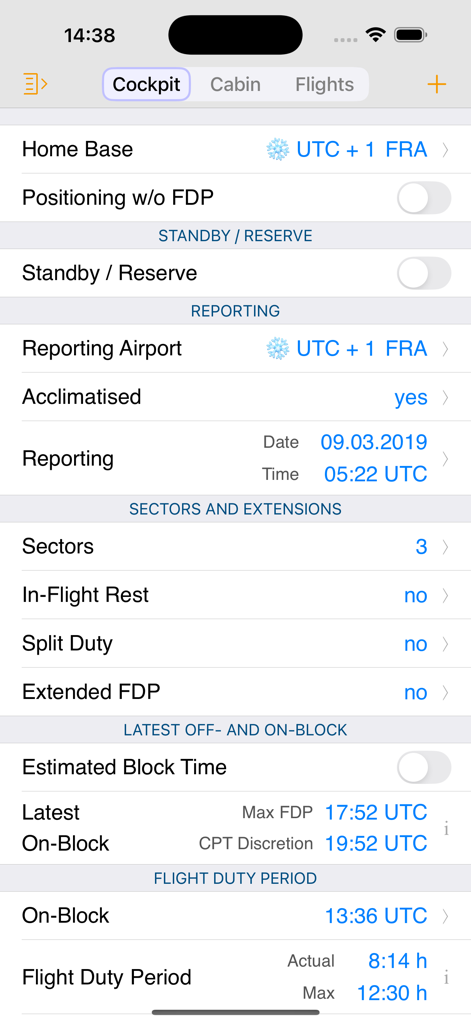
EASA FTL Calc mobile app interface showing cockpit flight duty period and reporting calculations
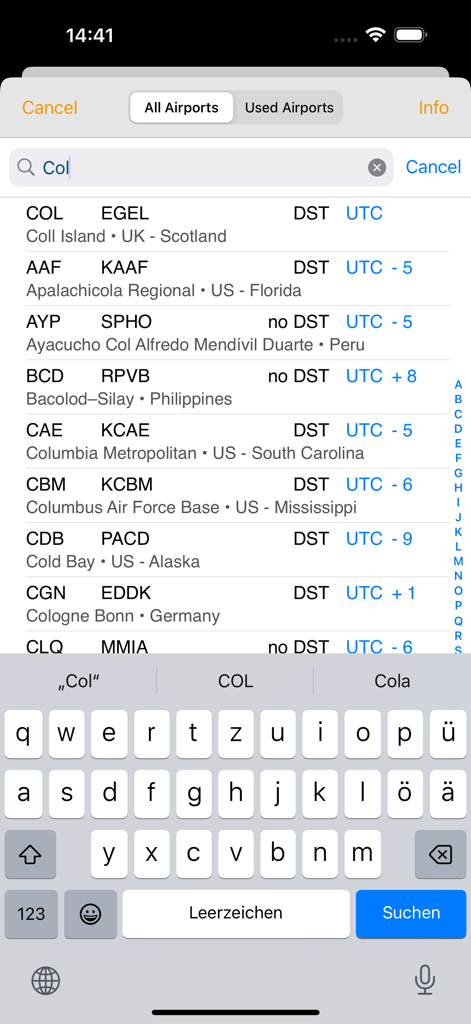
Search screen for airports within EASA FTL Calc showing IATA codes and UTC time zone information
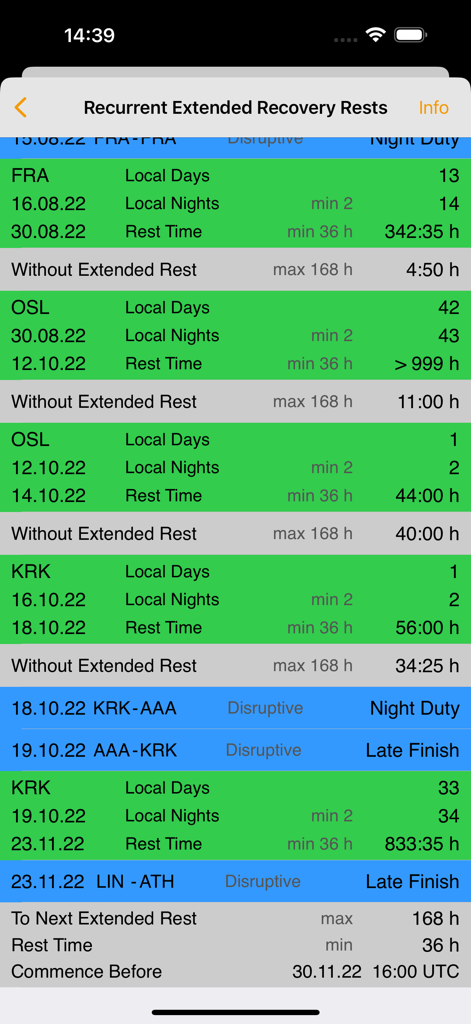
EASA FTL Calc screen displaying recurrent extended recovery rests with airport locations and rest durations
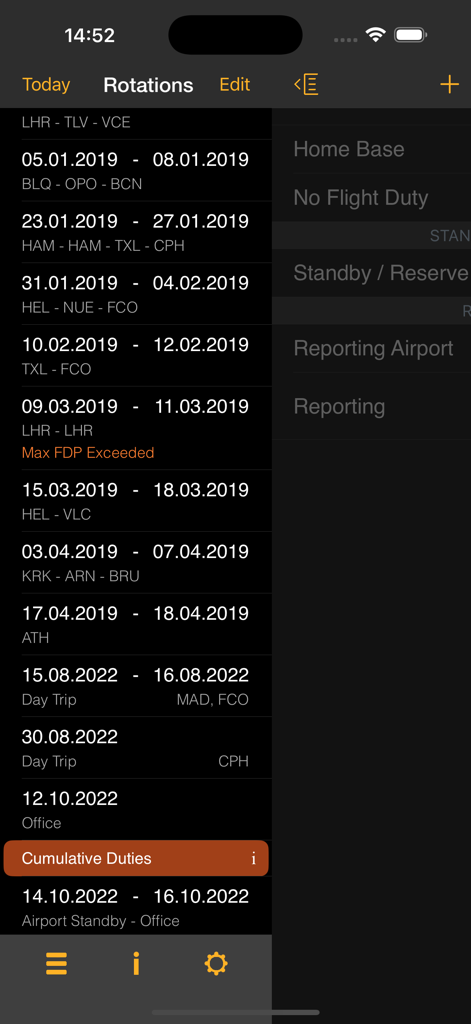
A list of flight rotations and duty periods showing dates and airport codes in the EASA FTL Calc app interface
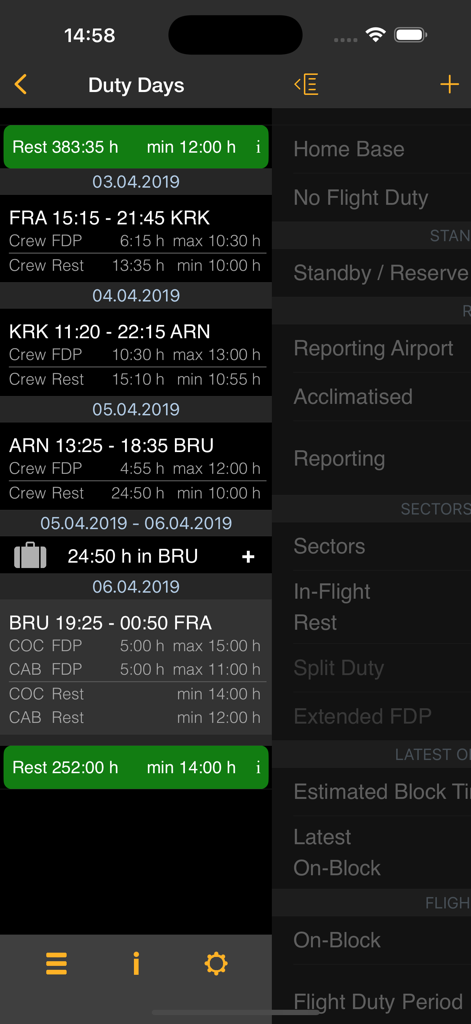
Interface of the EASA FTL Calc app showing duty days with flight duty period and rest time calculations for pilots and cabin crew.
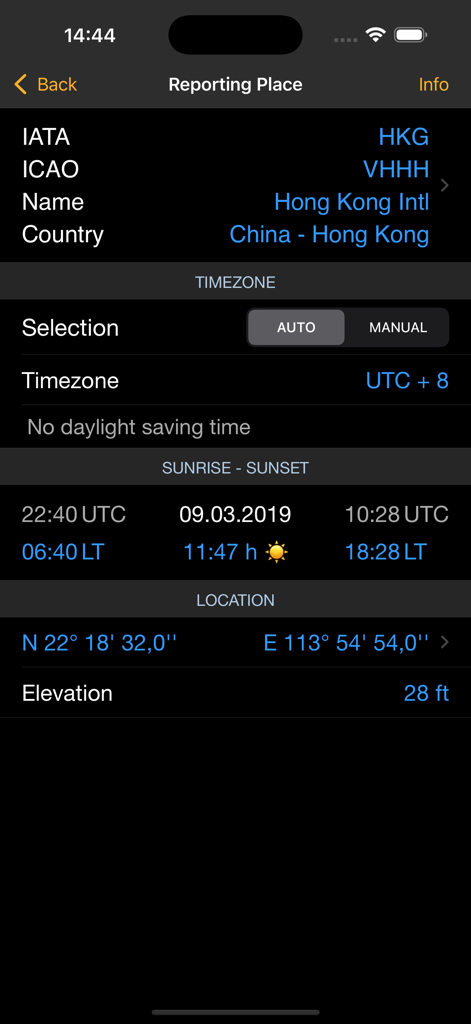
EASA FTL Calc reporting place screen displaying airport details for Hong Kong International
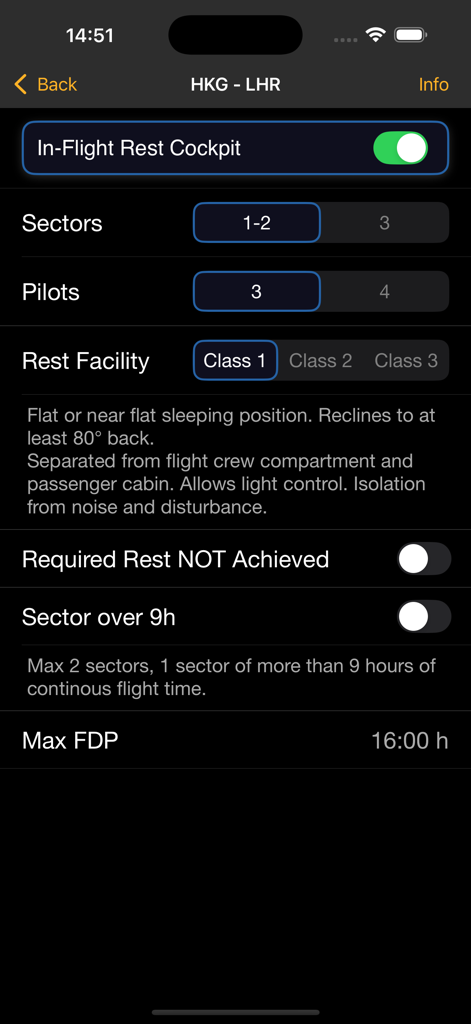
EASA FTL Calc app screen showing cockpit in-flight rest settings and maximum flight duty period calculation.
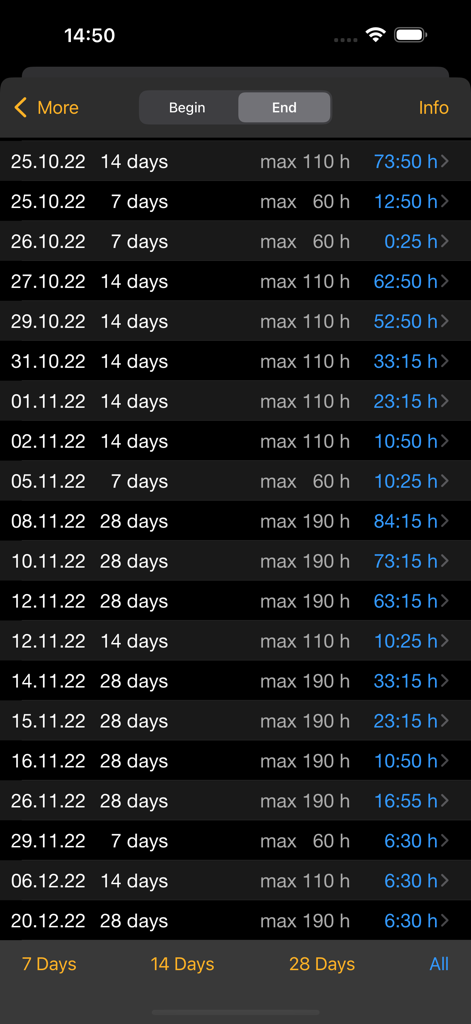
EASA FTL Calc app screen showing cumulative duty hour limits for pilots and crew
Description
Download
More Like This
Top-ranked apps in the same category

Google LLC

Google Chrome
Google LLC

中国移动(手机营业厅)
China Mobile Online Services Co., Ltd.

Google Authenticator
Google LLC

CNH do Brasil
Servicos e Informacoes do Brasil

Cleanup: Phone Storage Cleaner
DEEP FLOW SOFTWARE SERVICES - FZCO

gov.br
Servicos e Informacoes do Brasil

中国电信-全国统一官方服务平台
CHINA TELECOM Corporation Ltd.

Microsoft Edge: AI Browser
Microsoft Corporation
This page is not an official page of the app or its developer, but an independent editorial publication created for informational and commentary purposes. Unless expressly stated otherwise, neither the app nor its developer is affiliated with, endorsed by, sponsored by, authorized by, or otherwise officially connected with MWM, Apple, Google Play, the app publisher, or the app's developer, and nothing on this page implies that the app was developed using MWM's services. Any trademarks, logos, screenshots, and other content remain the property of their respective owners.