
This page is not an official page of the app or its developer, but an independent editorial publication created for informational and commentary purposes. Unless expressly stated otherwise, neither the app nor its developer is affiliated with, endorsed by, sponsored by, authorized by, or otherwise officially connected with MWM, Apple, Google Play, the app publisher, or the app's developer, and nothing on this page implies that the app was developed using MWM's services. Any trademarks, logos, screenshots, and other content remain the property of their respective owners.


Easy QR Pro : QR Scanner
The ultimate iOS tool for organized scanning. Manage your history with custom tags, scan from your photo gallery, and enjoy a premium experience with zero ads or hidden costs.
Downloads
0User Rating
Total Ratings
0Publisher
Category
UtilitiesLocales
32Latest Version
1.0Size
2.4 MBFirst Released
Jun 25, 2025Scanning Built for Professionals
A streamlined, ad-free experience designed to help you organize, archive, and manage your data with absolute precision.
100% Ad-Free & Private
Eliminate distractions and subscription fatigue. Experience a clean, professional utility with no pop-ups, no tracking, and no hidden fees.
Smart History & Tagging
Stop losing important links. Automatically archive every scan and use custom tags to categorize business contacts, inventory, or project files.
The following screenshots and description are sourced directly from the app's official store listing and are the property of the app developer.
App Store
Screenshots
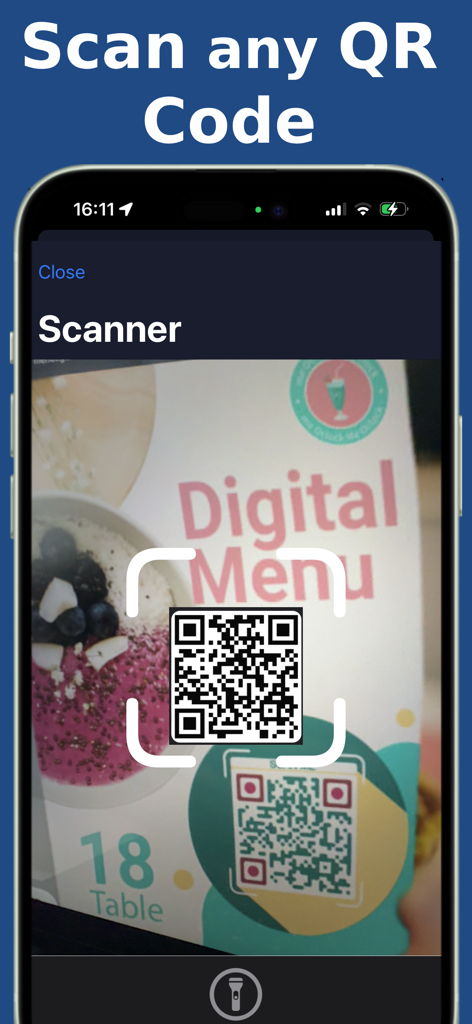
Easy QR Pro app scanning a QR code on a restaurant menu
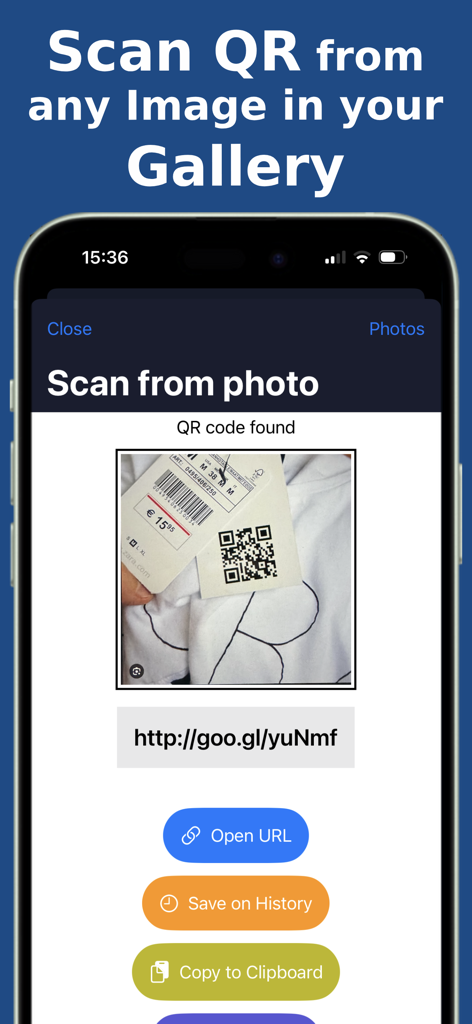
Easy QR Pro app interface showing the feature to scan a QR code from a gallery photo with options to open the URL or save to history
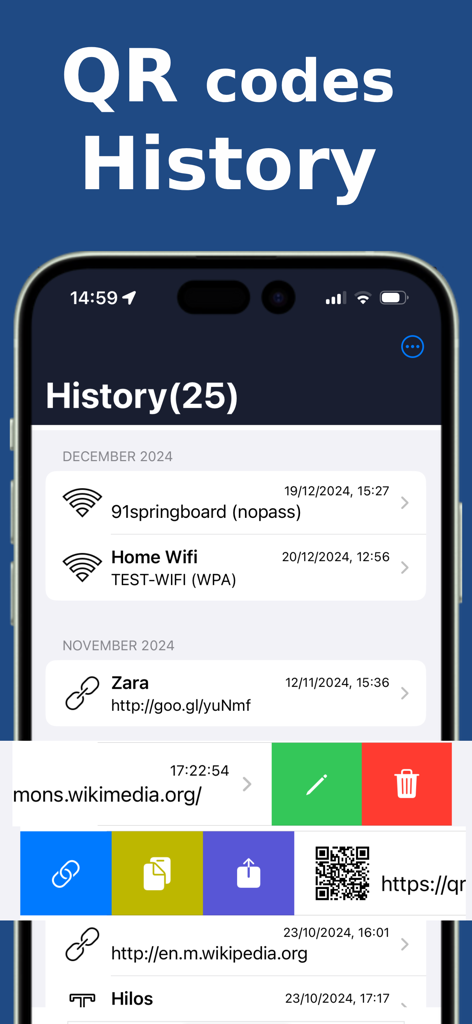
The history screen of Easy QR Pro showing a list of scanned QR codes for WiFi and websites.
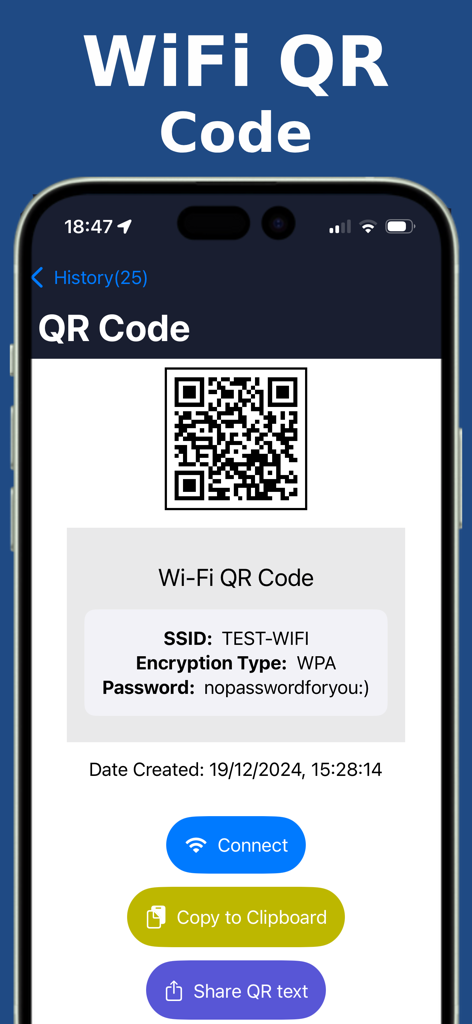
Easy QR Pro app showing WiFi network details and a connect button after scanning a QR code
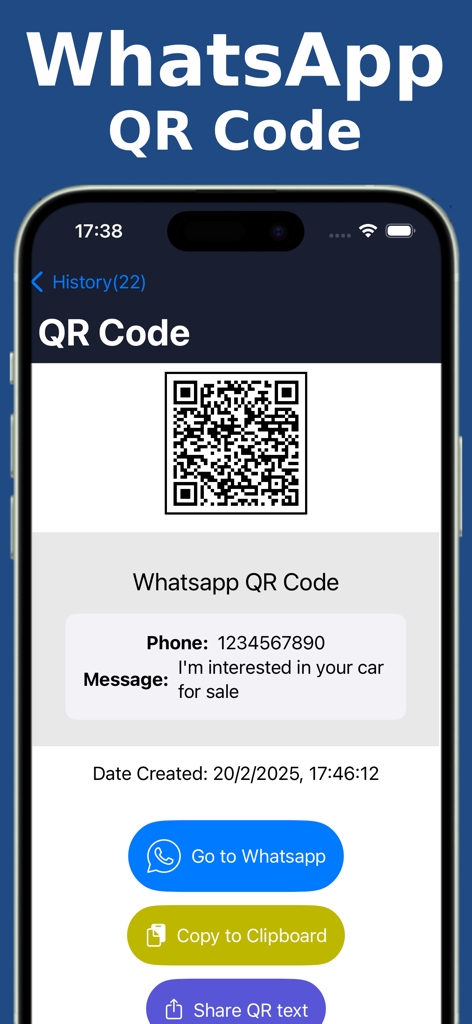
iPhone screen displaying a scanned WhatsApp QR code with phone number and message details in the Easy QR Pro app history.
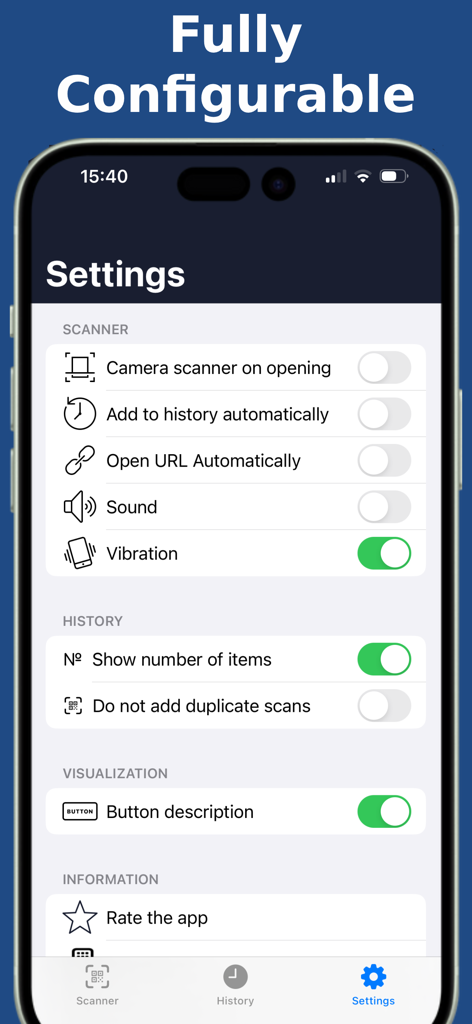
Easy QR Pro app settings screen showing configurable scanner and history options
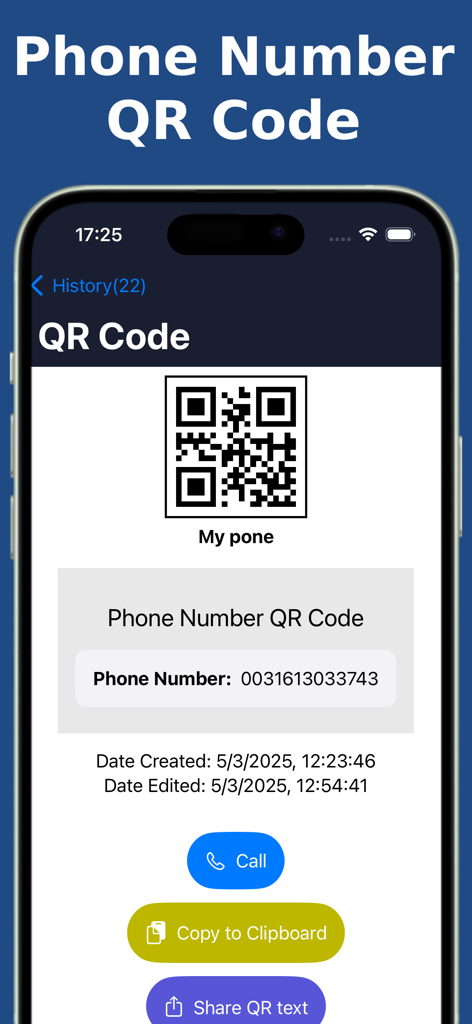
An iPhone screen displaying a scanned phone number QR code with action buttons for calling and copying.
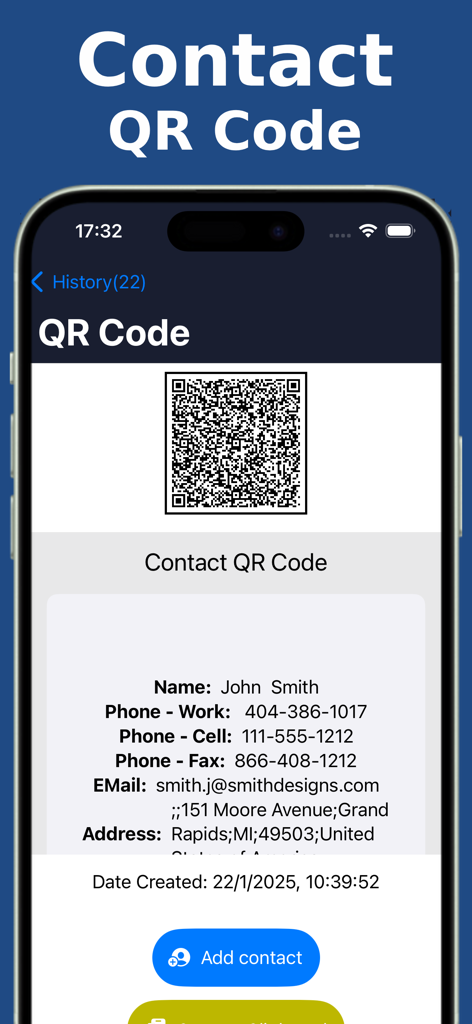
Mobile app screen showing contact details from a scanned QR code with an Add Contact button
Description
Download
More Like This
Top-ranked apps in the same category

Google LLC

Google Chrome
Google LLC

中国移动(手机营业厅)
China Mobile Online Services Co., Ltd.

Google Authenticator
Google LLC

CNH do Brasil
Servicos e Informacoes do Brasil

Cleanup: Phone Storage Cleaner
DEEP FLOW SOFTWARE SERVICES - FZCO

gov.br
Servicos e Informacoes do Brasil

Microsoft Edge: AI Browser
Microsoft Corporation

Super VPN Fly 2026
YUNFAN TECHNOLOGY CO., LIMITED
This page is not an official page of the app or its developer, but an independent editorial publication created for informational and commentary purposes. Unless expressly stated otherwise, neither the app nor its developer is affiliated with, endorsed by, sponsored by, authorized by, or otherwise officially connected with MWM, Apple, Google Play, the app publisher, or the app's developer, and nothing on this page implies that the app was developed using MWM's services. Any trademarks, logos, screenshots, and other content remain the property of their respective owners.