
This page is not an official page of the app or its developer, but an independent editorial publication created for informational and commentary purposes. Unless expressly stated otherwise, neither the app nor its developer is affiliated with, endorsed by, sponsored by, authorized by, or otherwise officially connected with MWM, Apple, Google Play, the app publisher, or the app's developer, and nothing on this page implies that the app was developed using MWM's services. Any trademarks, logos, screenshots, and other content remain the property of their respective owners.

EasyCanvas -Graphic tablet App
Draw directly into your favorite Windows PC software like Photoshop and Clip Studio using your iPad and Apple Pencil. Experience pro-grade pressure sensitivity, tilt support, and zero-lag performance—wired or wireless.
Downloads
564K+User Rating
Total Ratings
4K+Publisher
Category
ProductivityLocales
1Latest Version
4.8.4Size
28.4 MBFirst Released
Jul 4, 2017Professional Studio Power, Now on Your iPad
Bridge the gap between your Windows PC and Apple Pencil. EasyCanvas turns your iPad into a professional liquid crystal tablet for a fraction of the cost of a dedicated drawing display.
Precision Drawing Performance
Unlock full pressure sensitivity and tilt support for a natural 'pen-on-paper' feel in professional desktop apps like Photoshop and Clip Studio.
Total Creative Freedom
Switch seamlessly between ultra-stable USB connections for zero latency and wireless Wi-Fi mode to sketch comfortably from anywhere in your room.
Frequently Asked Questions
Everything you need to know about EasyCanvas -Graphic tablet App
What is the EasyCanvas app?
EasyCanvas transforms your iPad into a wired or wireless liquid crystal tablet, allowing you to draw directly in PC programs like Photoshop and Clip Studio.
What PC operating systems does EasyCanvas support?
EasyCanvas supports Windows 10 with WDDM version 2.0 or later for PC connections.
What iPad OS versions does EasyCanvas require?
EasyCanvas requires an iPad running iOS 12.2 or later to function.
How does EasyCanvas connect to a PC?
EasyCanvas connects to a PC via both stable USB wired connections and convenient Wi-Fi wireless connections.
Does EasyCanvas support Apple Pencil features like palm rejection and pen pressure?
Yes, EasyCanvas fully supports Apple Pencil features including Palm Rejection, Pen Pressure, and Tilt for a natural drawing experience.
Can EasyCanvas turn my iPad into an extended display?
Yes, EasyCanvas provides an Independent Virtual Display Solution, allowing your iPad to function as an extended monitor for dual or multi-monitor setups.
Does EasyCanvas offer a free trial period?
Yes, EasyCanvas provides a trial function that users can utilize for free for three days before purchase.
Which PC programs does EasyCanvas support for drawing?
EasyCanvas allows users to draw directly in PC programs such as Photoshop and Clip Studio through their iPad.
Does EasyCanvas support gesture features for canvas manipulation?
Yes, EasyCanvas includes gesture features, allowing users to zoom, pinch, and move the canvas easily with finger gestures.
Does EasyCanvas offer shortcut customization?
Yes, EasyCanvas features a shortcut setting that enables users to work faster and more conveniently by customizing menu bar shortcuts.
The following screenshots and description are sourced directly from the app's official store listing and are the property of the app developer.
App Store
Screenshots
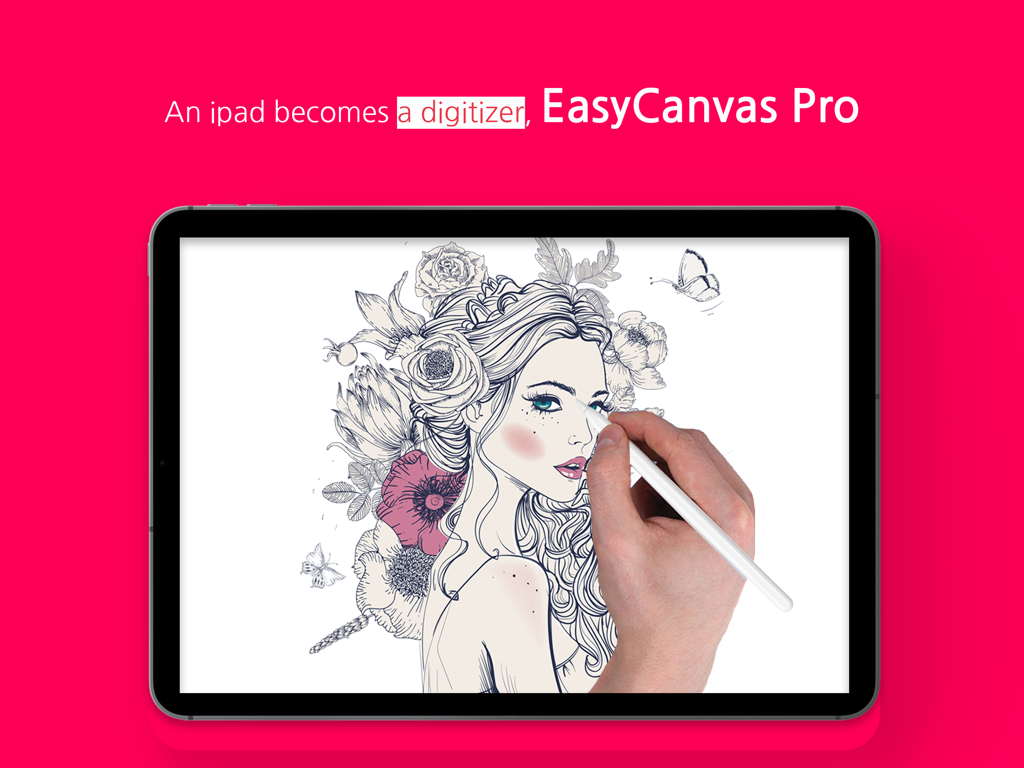
A person using an Apple Pencil to draw a detailed floral portrait on an iPad with the EasyCanvas Pro app
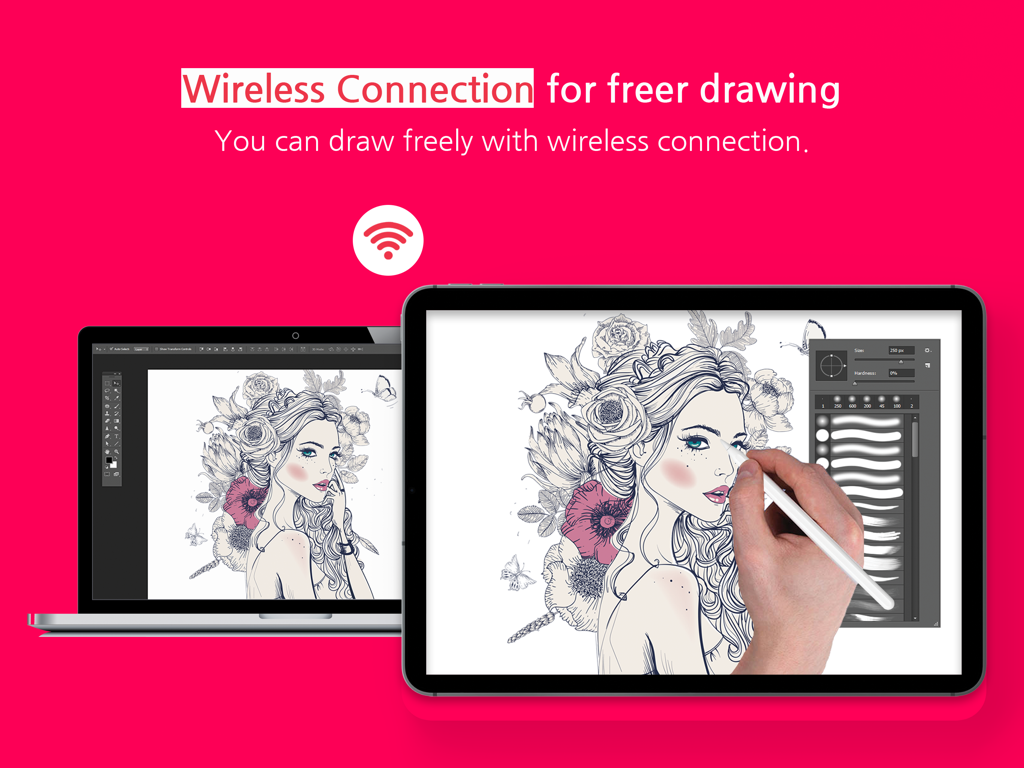
A laptop and iPad displaying synchronized digital art with a wireless connection icon.
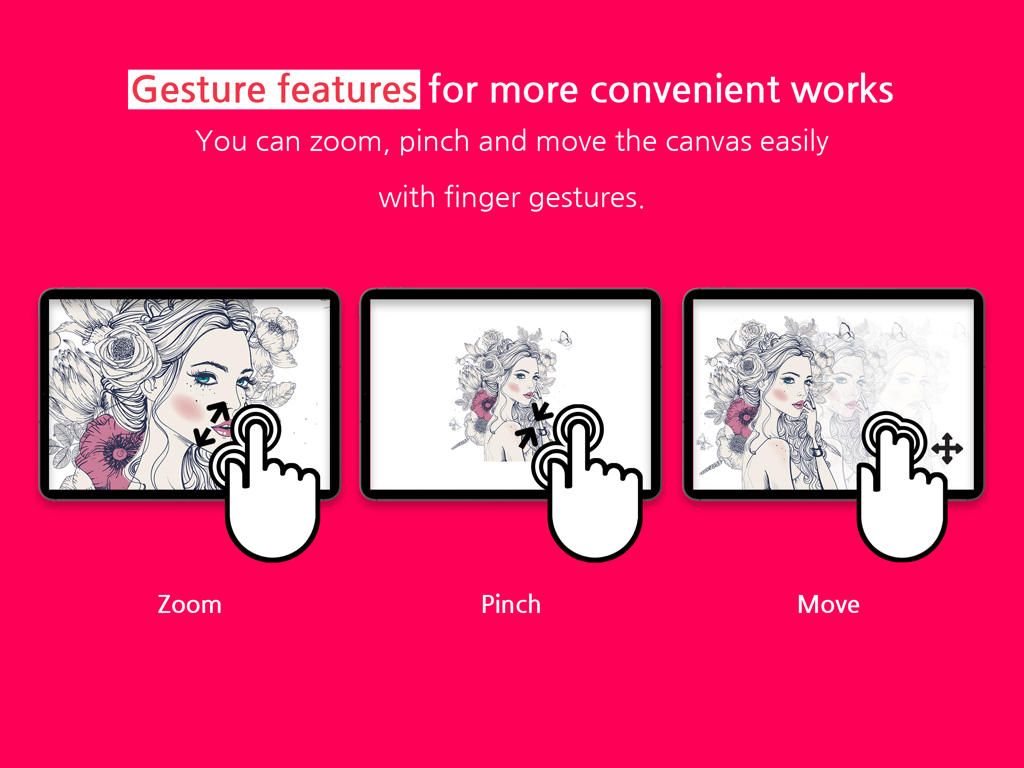
Demonstration of finger gestures for zooming, pinching, and moving the canvas in the EasyCanvas app on an iPad.
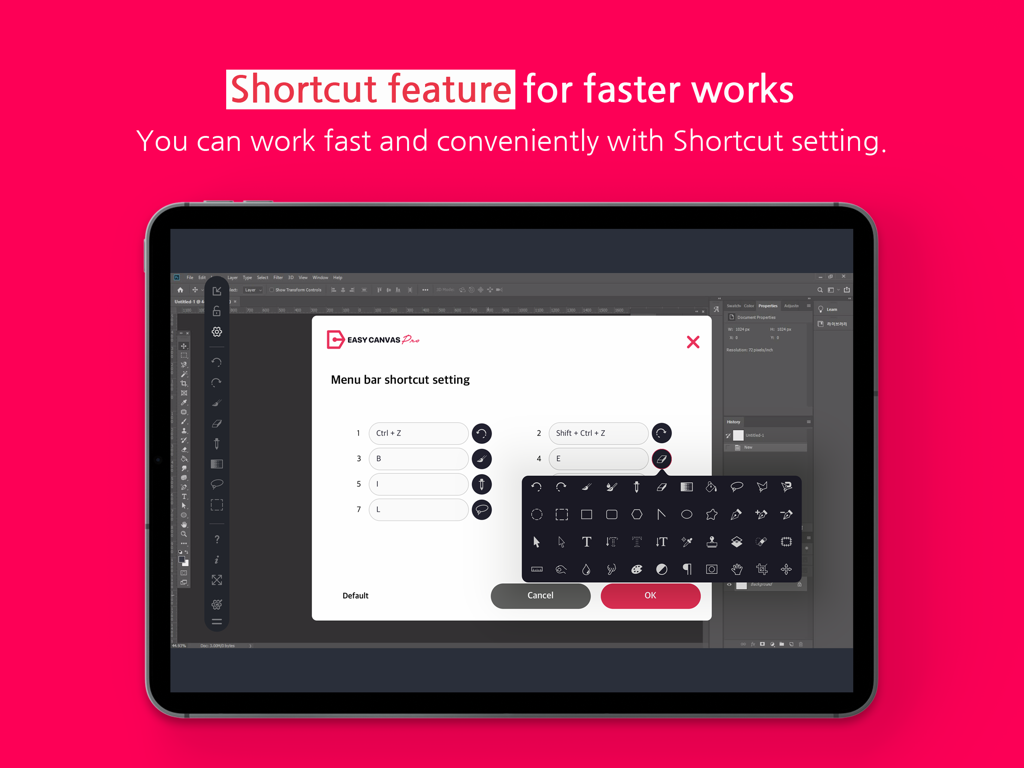
EasyCanvas shortcut setting menu on an iPad for digital illustration workflow
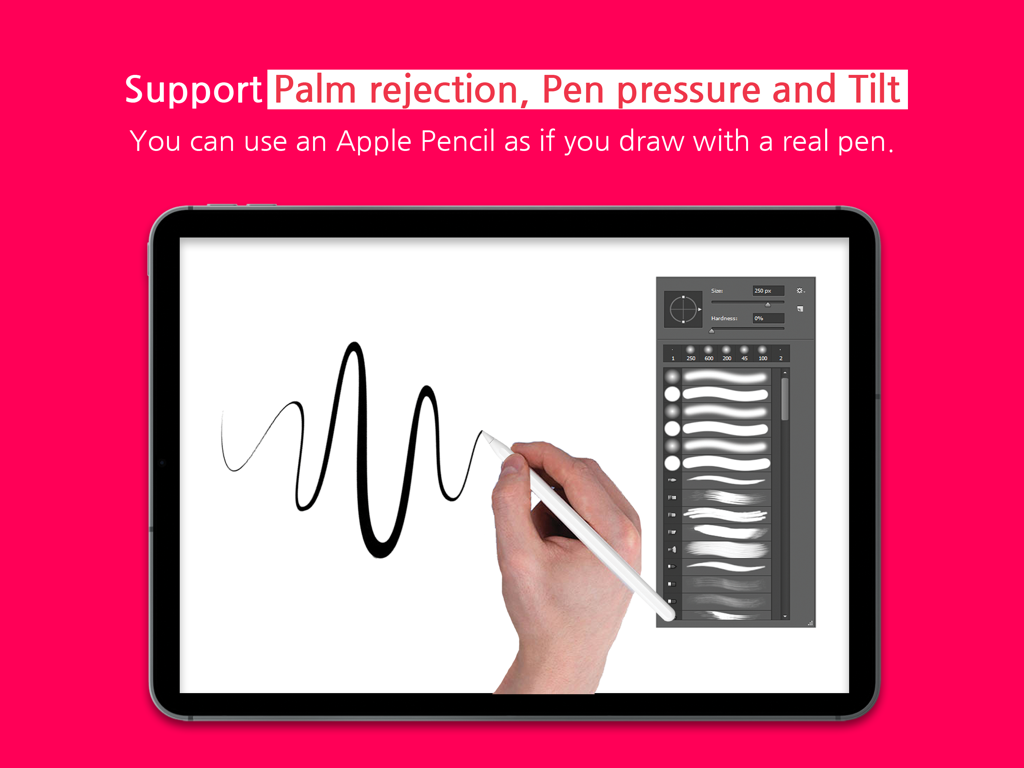
iPad screen displaying drawing features including palm rejection pen pressure and tilt with Apple Pencil
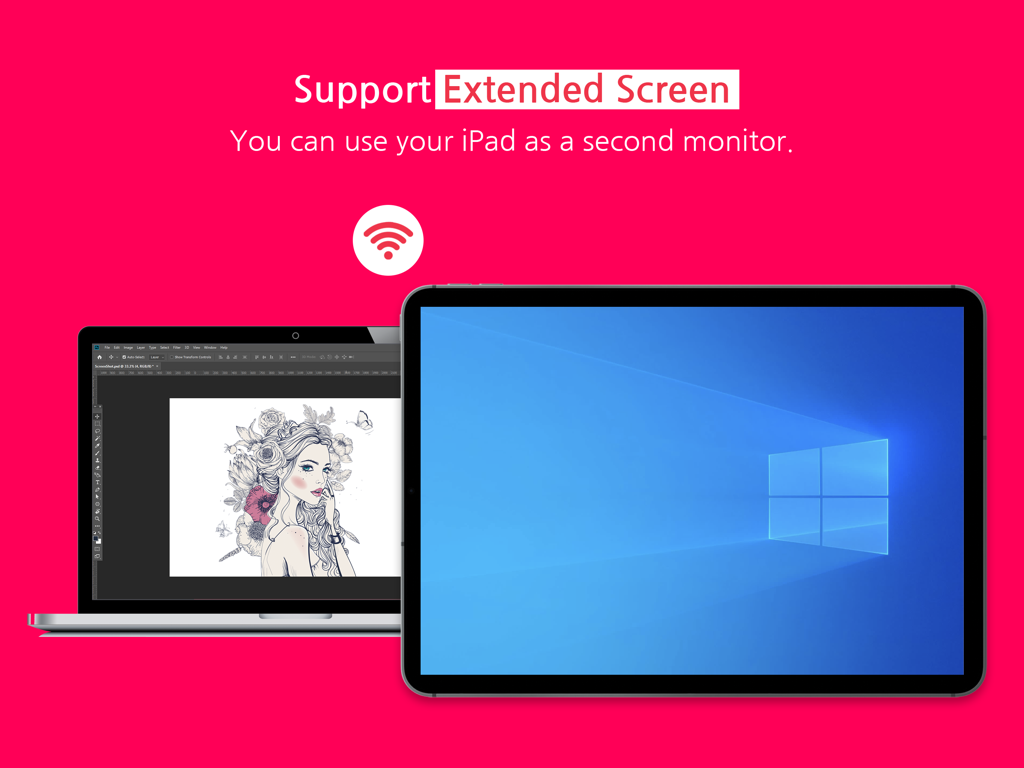
An iPad used as a second wireless monitor for a Windows laptop showing a digital illustration
Description
Download
More Like This
Apps with similar features and user experience

Mouse · Keyboard
Remote Sunrise LTD

Camo Camera
Reincubate Ltd

DroidCam Webcam & OBS Camera
DEV47 APPS LTD.

spacedesk - USB Display for PC
datronicsoft Technology GmbH

iVCam Webcam
俊红 柴

Remote Mouse
耀 阮

CamX - USB Camera
Touchbits Inc.

Genki Studio
Human Things, Inc

Astropad Studio Drawing Tablet
Astro HQ LLC
This page is not an official page of the app or its developer, but an independent editorial publication created for informational and commentary purposes. Unless expressly stated otherwise, neither the app nor its developer is affiliated with, endorsed by, sponsored by, authorized by, or otherwise officially connected with MWM, Apple, Google Play, the app publisher, or the app's developer, and nothing on this page implies that the app was developed using MWM's services. Any trademarks, logos, screenshots, and other content remain the property of their respective owners.