Evo - The Everything App
Download on App Store

This page is not an official page of the app or its developer, but an independent editorial publication created for informational and commentary purposes. Unless expressly stated otherwise, neither the app nor its developer is affiliated with, endorsed by, sponsored by, authorized by, or otherwise officially connected with MWM, Apple, Google Play, the app publisher, or the app's developer, and nothing on this page implies that the app was developed using MWM's services. Any trademarks, logos, screenshots, and other content remain the property of their respective owners.


Logo of Evo - The Everything App
Download on App Store

Evo - The Everything App

Reclaim your time and mental space with a minimalist timeline that combines your calendar, habits, notes, and focus. One purchase, forever yours, and fully private across all your Apple devices.

Key Figures

Downloads

8K+

User Rating

4.7/5

Total Ratings

0

Publisher

Solid Apps SRL

Category

Productivity

Locales

1

Latest Version

1.35

Size

23.1 MB

First Released

Feb 20, 2024
Features

Your Entire Life, Unified

Stop jumping between five different apps. Evo brings your calendar, habits, mood, and notes into one seamless timeline designed for the Apple ecosystem.

One Timeline, Zero Clutter

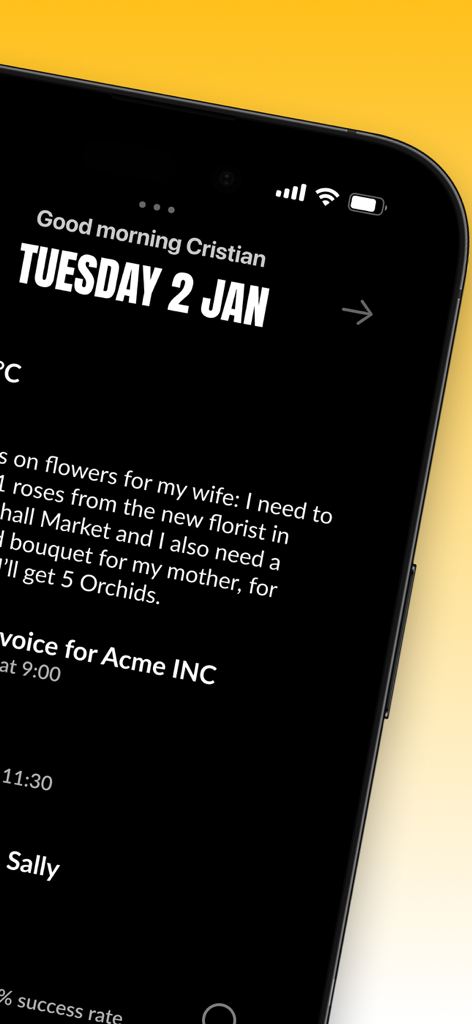
Consolidate your events, habits, and tasks into a single minimalist view that eliminates the cognitive load of switching apps.

Natural Language Entry

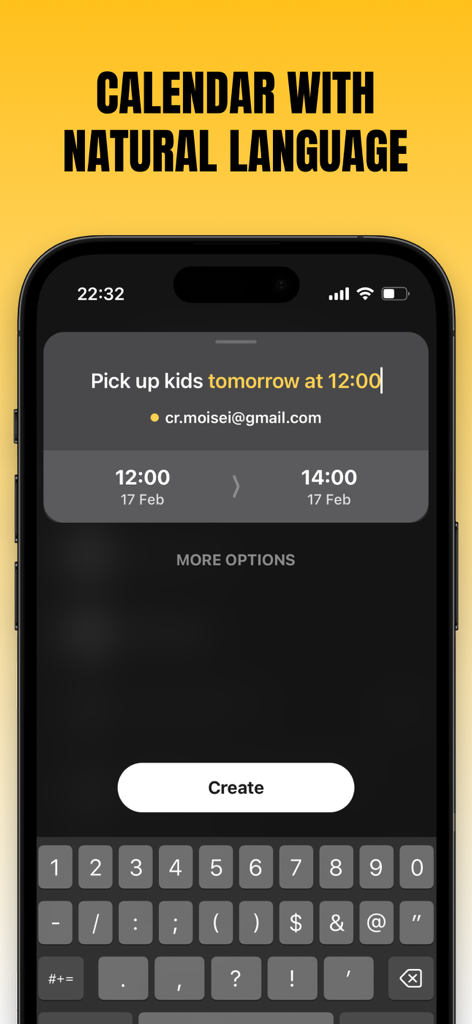
Schedule your life as fast as you think. Simply type 'Lunch with Sarah tomorrow at 1pm' and watch Evo organize your day instantly.

The following screenshots and description are sourced directly from the app's official store listing and are the property of the app developer.

App Store

Screenshots
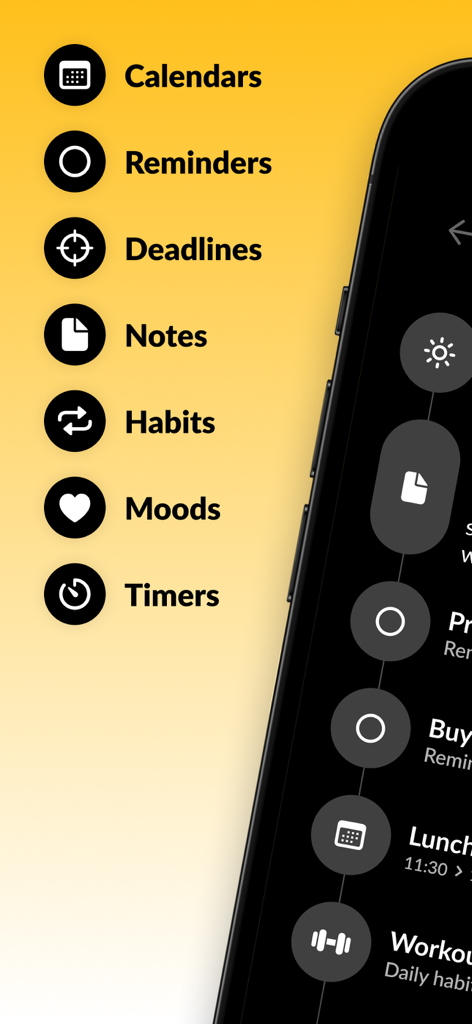
Evo - The Everything App - A list of productivity features in the Evo app including calendars, reminders, notes, and habits displayed on a yellow background next to a smartphone screen.
A list of productivity features in the Evo app including calendars, reminders, notes, and habits displayed on a yellow background next to a smartphone screen.

Evo - The Everything App - Evo app minimalist daily timeline interface in dark mode on iPhone
Evo app minimalist daily timeline interface in dark mode on iPhone

Evo - The Everything App - Evo app screen showing a calendar event being created with natural language input on an iPhone

Evo app screen showing a calendar event being created with natural language input on an iPhone
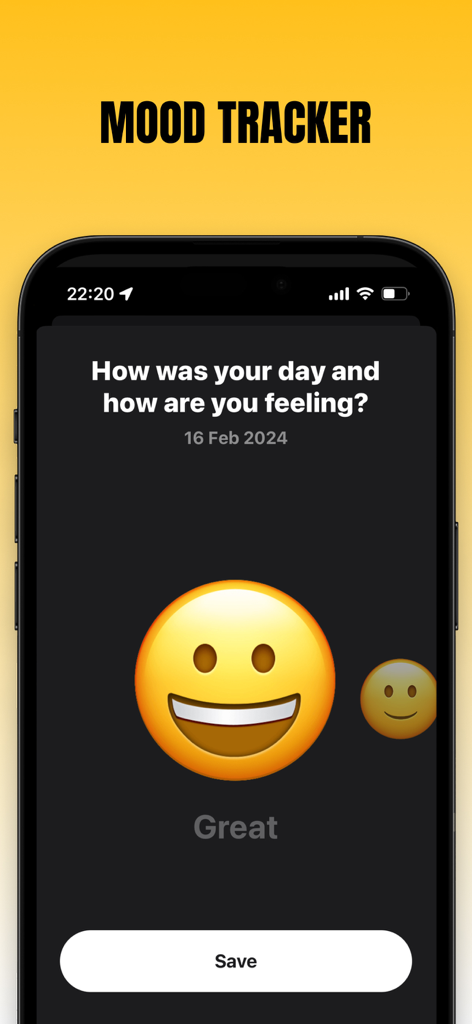
Evo - The Everything App - Mood tracking feature in the Evo app showing a daily wellness check-in with a smiling emoji
Mood tracking feature in the Evo app showing a daily wellness check-in with a smiling emoji

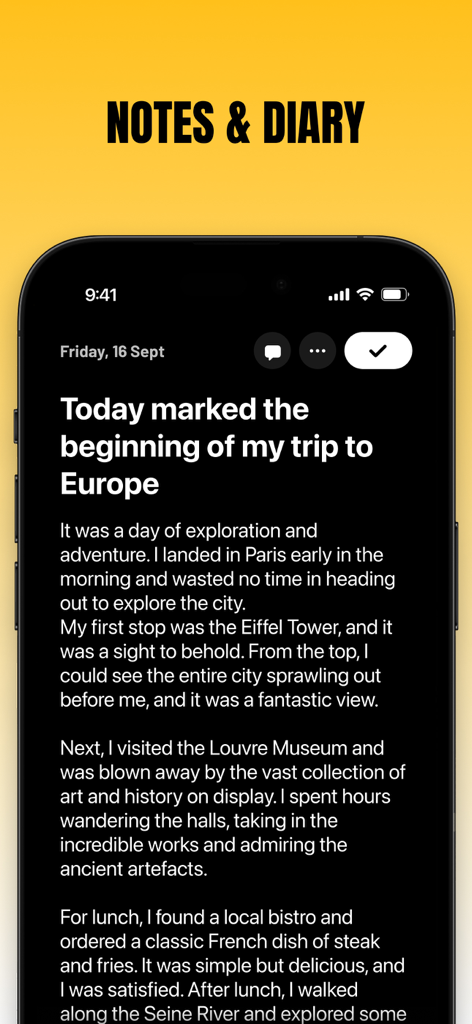
Evo - The Everything App - Evo app notes and diary interface showing a journal entry
Evo app notes and diary interface showing a journal entry

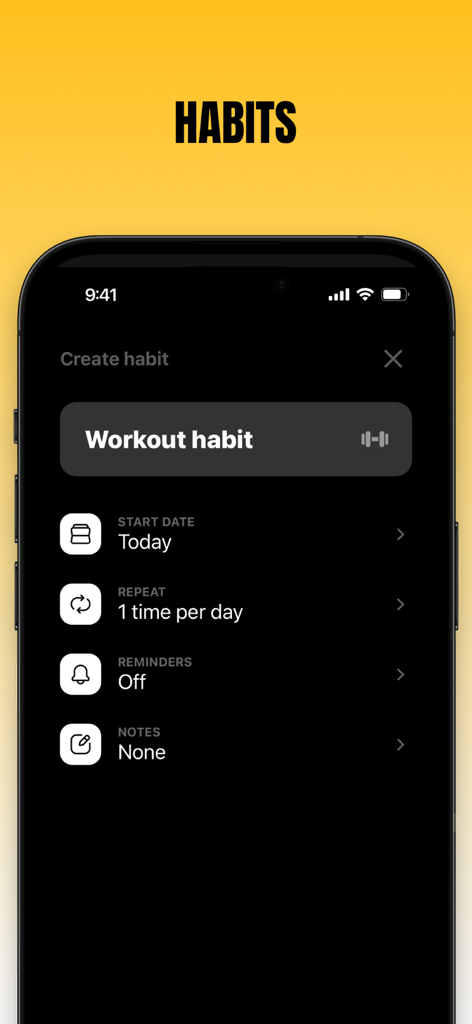
Evo - The Everything App - Evo app interface for creating a daily workout habit in dark mode
Evo app interface for creating a daily workout habit in dark mode

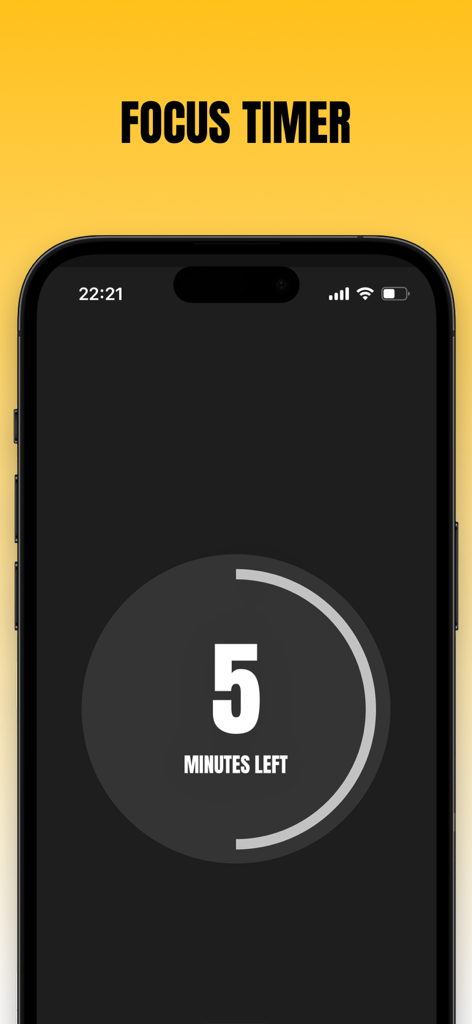
Evo - The Everything App - Minimalist focus timer screen in Evo app showing five minutes left
Minimalist focus timer screen in Evo app showing five minutes left

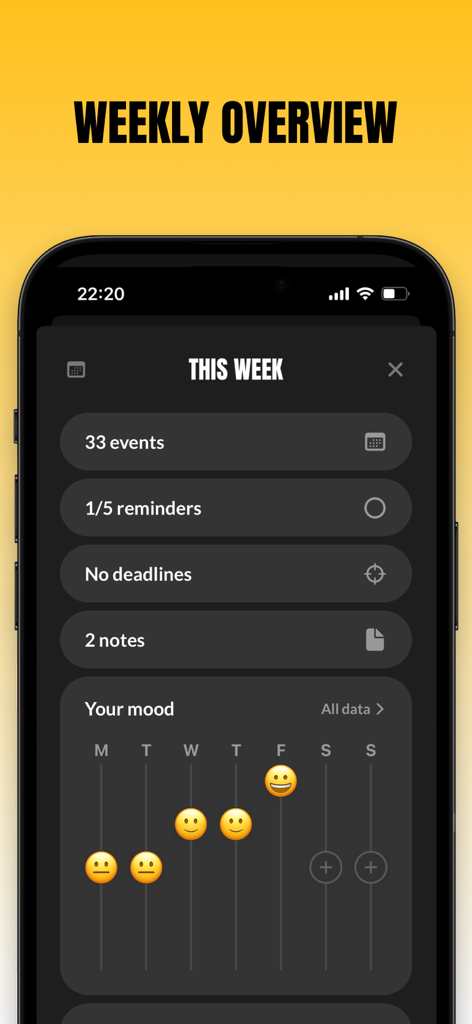
Evo - The Everything App - Weekly overview screen of the Evo app showing summary counts for events and a mood tracking chart

Weekly overview screen of the Evo app showing summary counts for events and a mood tracking chart
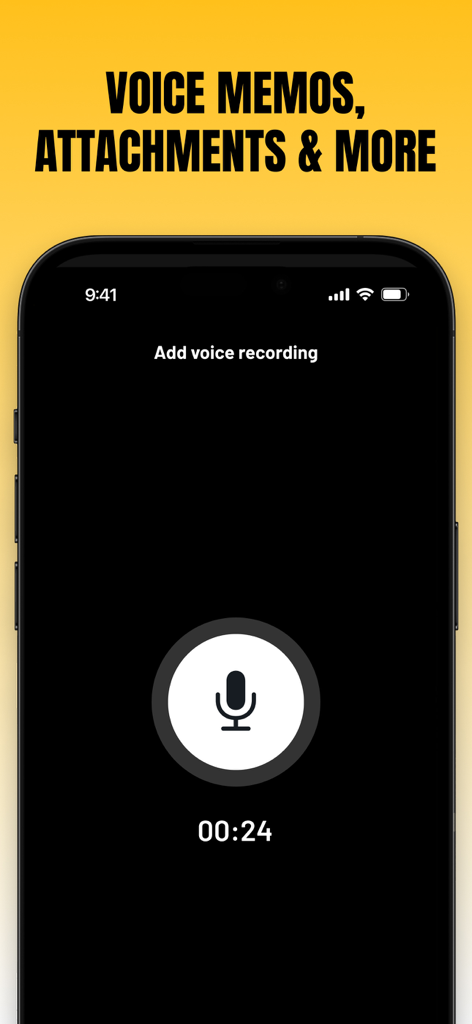
Evo - The Everything App - Interface of Evo app showing a voice memo recording screen with a large microphone icon and a timer
Interface of Evo app showing a voice memo recording screen with a large microphone icon and a timer

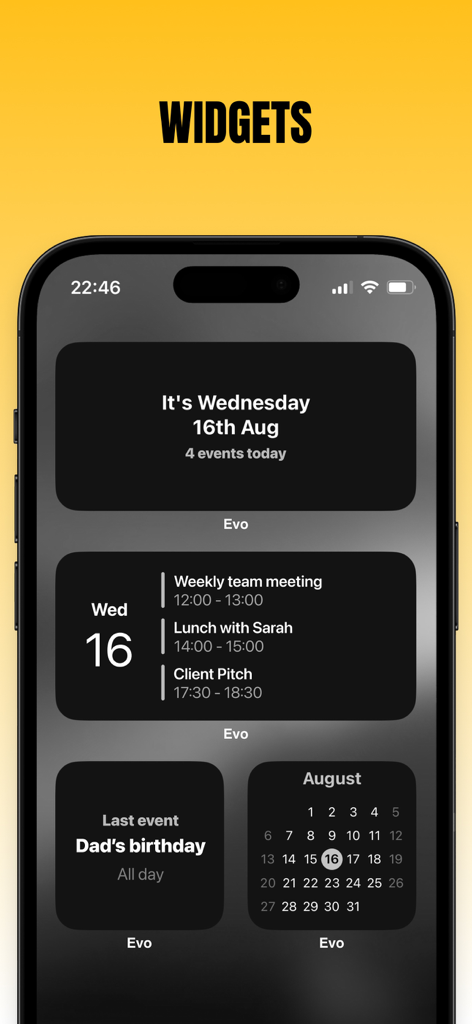
Evo - The Everything App - iPhone screen showing various dark mode calendar and productivity widgets for Evo app

iPhone screen showing various dark mode calendar and productivity widgets for Evo app

Description

No subscriptions - Buy once, keep forever Please note that Evo requires creating an account in order to sync your data across devices. Introducing: Evo - The everything app. The last productivity app you'll ever need, combining events, reminders, mood tracker, notes & diary, habits, a focus timer, and more. All in one seamless timeline design for minimalism and ease of use. Are you ready to reclaim your time and enjoy a more organized lifestyle? Download Evo now and manage your schedule, tasks, and events with ease. Key Features of Evo - The everything app: - Add events with natural language Isn't it so much easier when our devices understand us? You can say things like: "Pick up the kids tomorrow at 18:00" "Lunch this Saturday between 12:00 and 14:00" "Meet with Bill in 2 hours" - Quick Join for video calls You will find options to jump straight into events that have video calls both from the app itself and from notifications - Reminders Your Reminders can live alongside your events in all layouts. You can also create and edit reminders. - Use the calendars on your device Solid Calendar works with the calendars you already have on your device. No data about your calendars leaves your device, so you can have peace of mind about your privacy - Light and Dark mode Enjoy well-designed themes for both light and dark modes and pick the one you like best to accommodate your style. - Notes & Diary You can create any kind of notes you want and organize them across dates - Unlimited uploads You can upload as many images, voice recordings, and sketches as you need - Formatting Make your notes as useful and clear as they can be with a variety of formatting options - Mood tracking Use Evo - the everything app to keep track of how you feel each day - Build better habits You can use Evo to track any habit you want, whether it's 3 times daily, once weekly, or monthly, whether it's a fitness or health habit, personal habit, or something related to studying or work, you can track it all here. - Focus timer Once you created a few steps to work on, you can start a focus timer and get to work. - Deadlines Set a target for your goals and objects and get reminded in Evo - Widgets Pick from several widgets to display your calendar events - Solid Apps Account Your data is synced instantly across all your devices. It's fully encrypted and only you can read it. Events and Reminders are handled by EventKit, which is a framework from Apple, and this app is only given strict permissions to read and edit your events and reminders. The app does not copy them to any server or collect any information about your events and reminders. For more details please don’t hesitate to reach out or read the privacy policy. Are you ready to get on top of your schedule? Solid Calendar is a universal app available on iOS, iPadOS, and macOS You can choose to unlock just this app or all 6 Solid Apps with one purchase Please note that Evo is a standalone app and its data is not interchangeable or synced with other apps from the same developer (Solid Apps) Terms of service: http://solidapps.co/terms.html Privacy policy: http://solidapps.co/privacy.html

Download

Download on App Store

This page is not an official page of the app or its developer, but an independent editorial publication created for informational and commentary purposes. Unless expressly stated otherwise, neither the app nor its developer is affiliated with, endorsed by, sponsored by, authorized by, or otherwise officially connected with MWM, Apple, Google Play, the app publisher, or the app's developer, and nothing on this page implies that the app was developed using MWM's services. Any trademarks, logos, screenshots, and other content remain the property of their respective owners.








