
This page is not an official page of the app or its developer, but an independent editorial publication created for informational and commentary purposes. Unless expressly stated otherwise, neither the app nor its developer is affiliated with, endorsed by, sponsored by, authorized by, or otherwise officially connected with MWM, Apple, Google Play, the app publisher, or the app's developer, and nothing on this page implies that the app was developed using MWM's services. Any trademarks, logos, screenshots, and other content remain the property of their respective owners.

EZWrite 6
Transform your iPad into an interactive hub. Use an infinite canvas, rich multimedia tools, and real-time cloud sharing to engage your students and teams whether they are in the room or across the globe.
Downloads
500User Rating
Total Ratings
0Publisher
Category
UtilitiesLocales
-Latest Version
1.12.17.0Size
269.8 MBFirst Released
May 29, 2024Elevate Your Teaching and Collaboration
EZWrite 6 turns your iPad into a powerful interactive canvas, designed specifically for modern classrooms and dynamic hybrid meetings.
Infinite Creative Canvas
Break free from physical limits with an expandable board and precision tools optimized for the Apple Pencil.
Real-Time Cloud Collaboration
Engage remote students or colleagues instantly, allowing everyone to contribute to the same board from anywhere.
The following screenshots and description are sourced directly from the app's official store listing and are the property of the app developer.
App Store
Screenshots
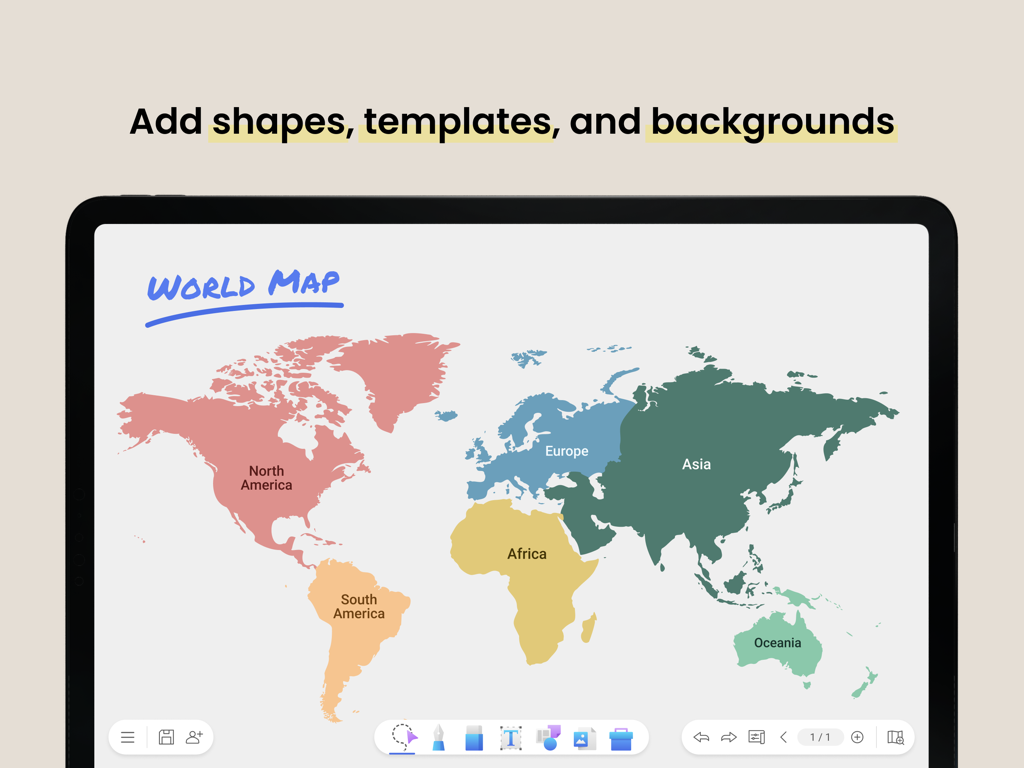
EZWrite 6 digital whiteboard showing a colorful world map template on an iPad
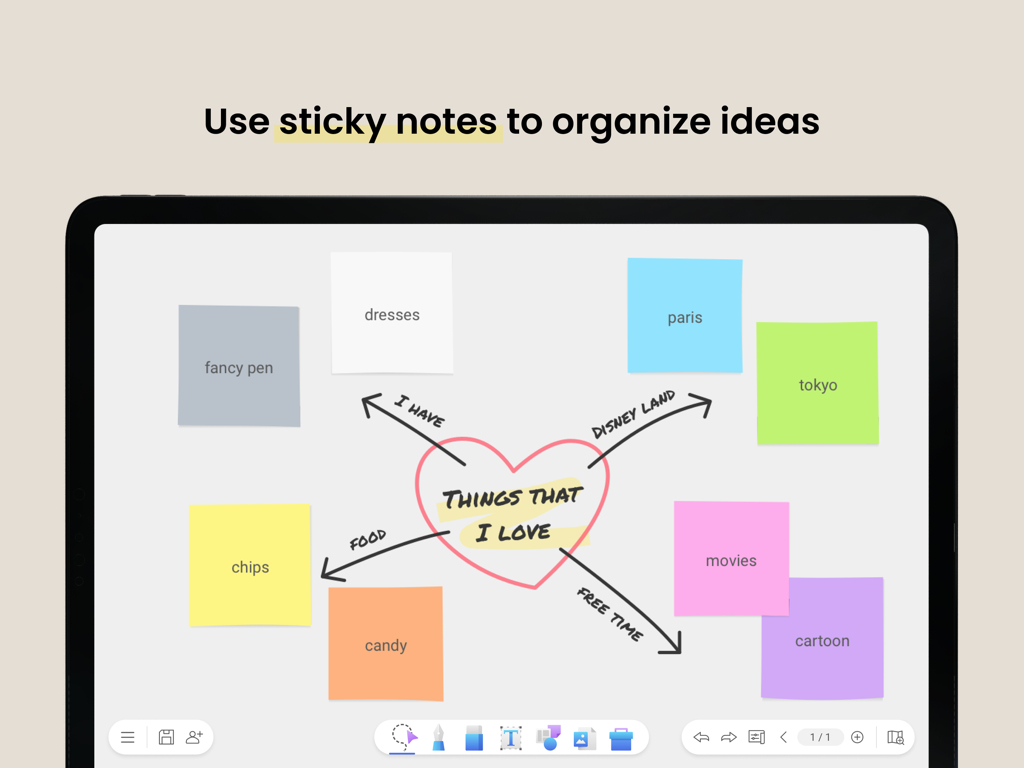
EZWrite 6 digital whiteboard displaying a creative mind map with colorful sticky notes on an iPad
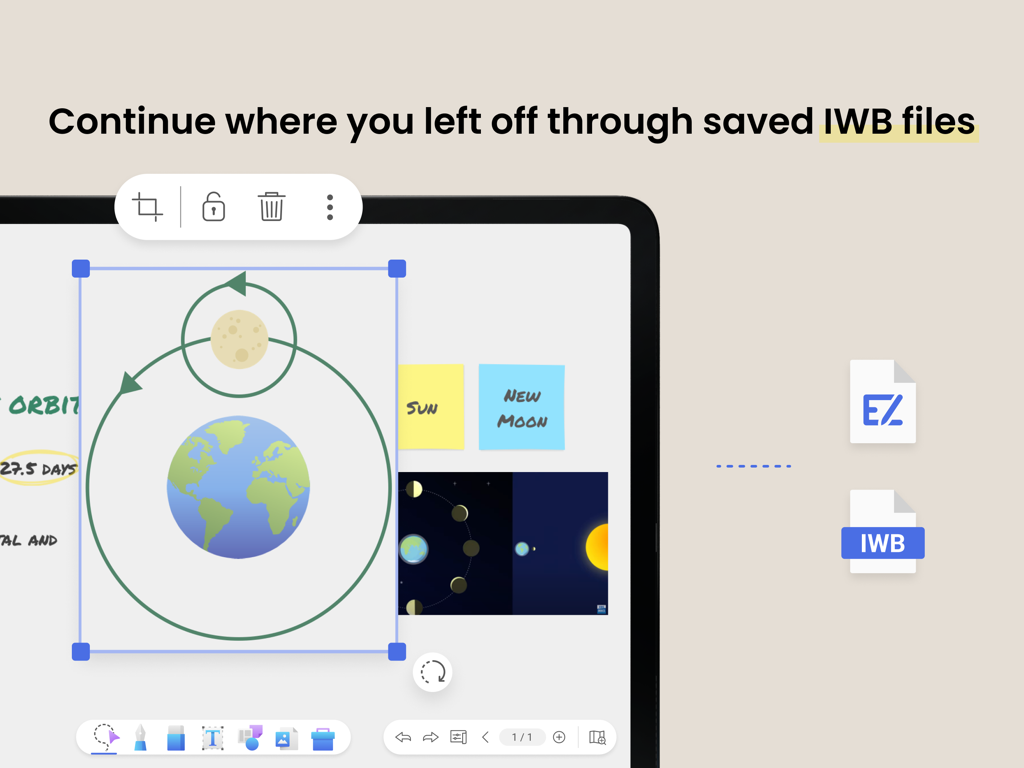
EZWrite 6 interface showing a digital whiteboard with an Earth orbit diagram and the option to continue work from saved IWB files
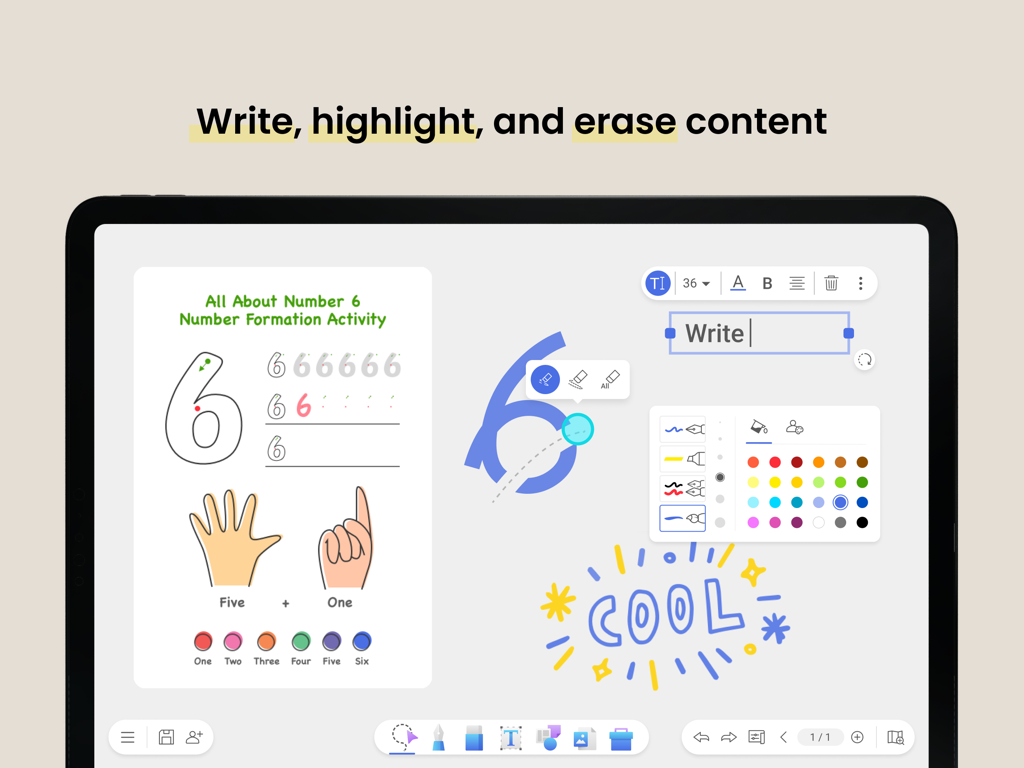
EZWrite 6 digital whiteboard interface on iPad showing handwriting tools and educational activities
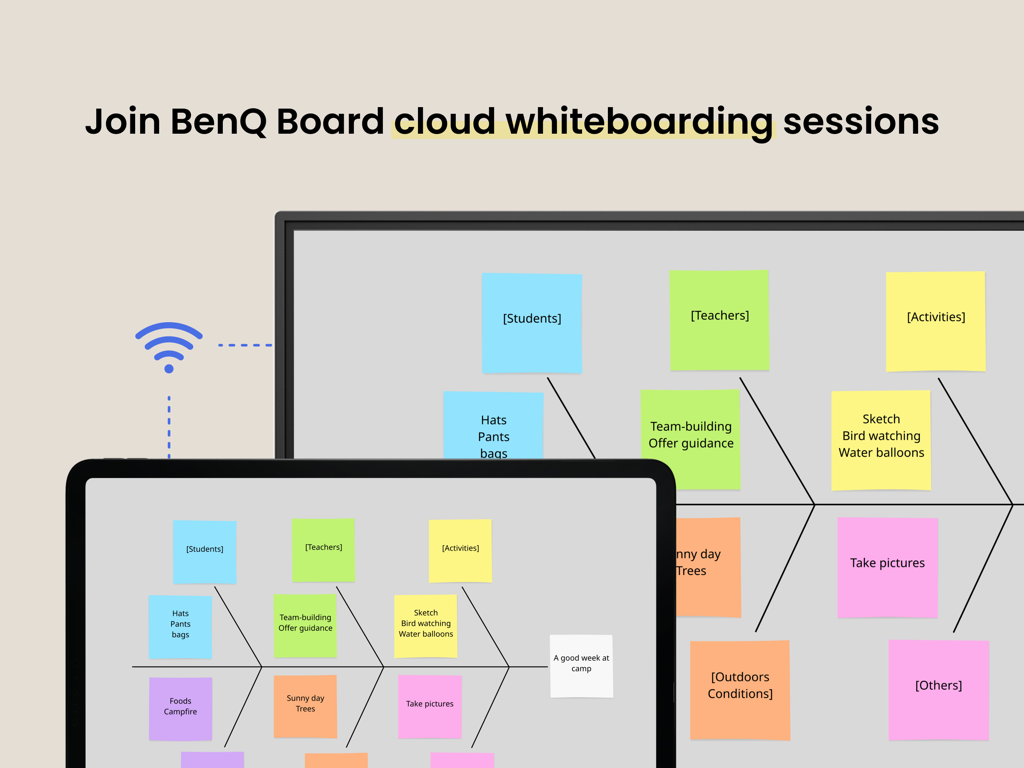
EZWrite 6 app interface showing a cloud whiteboarding session synchronized between an iPad and a BenQ Board.
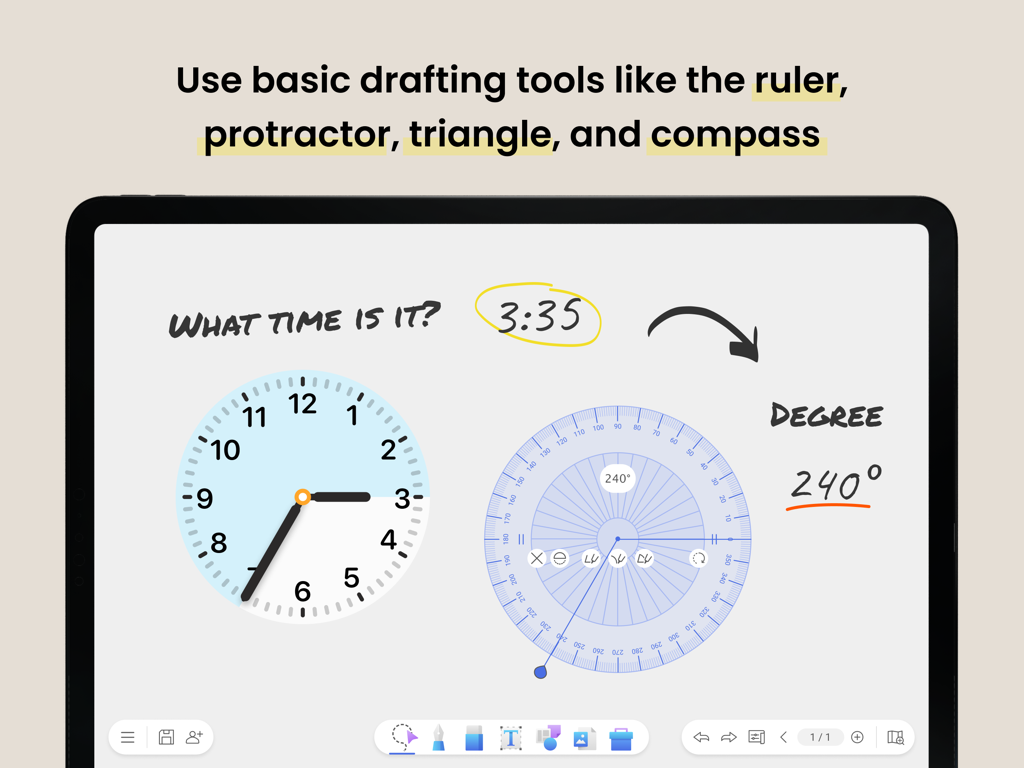
EZWrite 6 interface on an iPad featuring digital drafting tools including a protractor and a clock for educational lessons
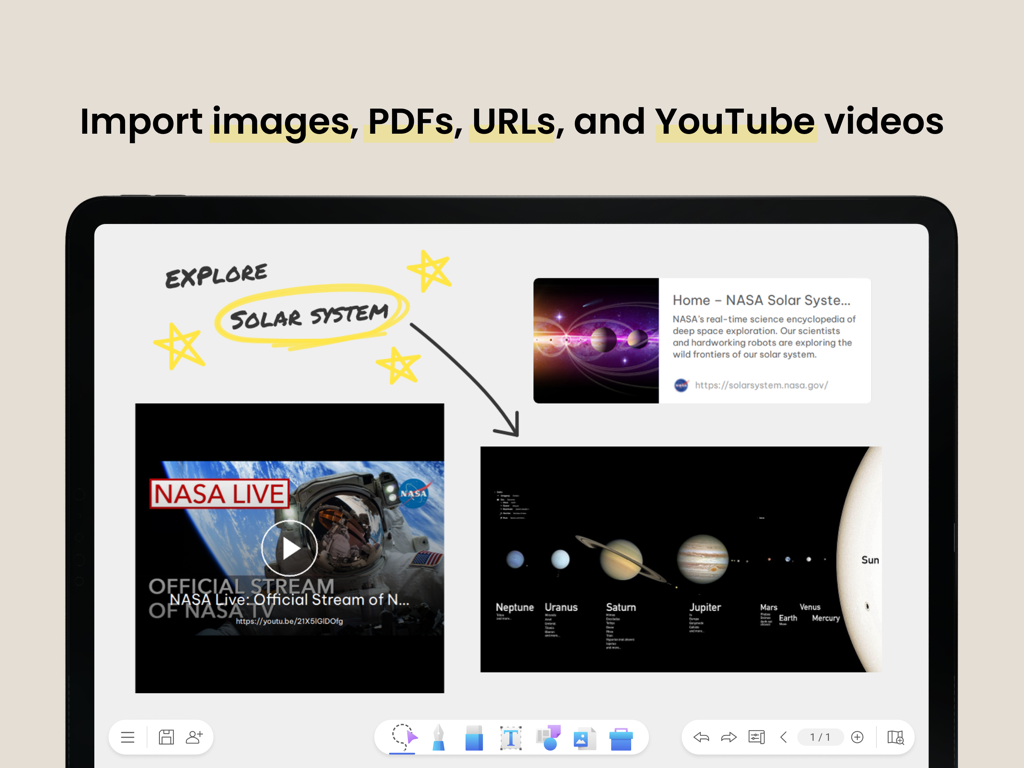
EZWrite 6 digital whiteboard on iPad displaying imported videos images and web links about the solar system
Description
Download
More Like This
Top-ranked apps in the same category

Google LLC

Google Chrome
Google LLC

中国移动(手机营业厅)
China Mobile Online Services Co., Ltd.

Google Authenticator
Google LLC

Cleanup: Phone Storage Cleaner
DEEP FLOW SOFTWARE SERVICES - FZCO

CNH do Brasil
Servicos e Informacoes do Brasil

gov.br
Servicos e Informacoes do Brasil

Super VPN Fly 2026
YUNFAN TECHNOLOGY CO., LIMITED

Microsoft Edge: AI Browser
Microsoft Corporation
This page is not an official page of the app or its developer, but an independent editorial publication created for informational and commentary purposes. Unless expressly stated otherwise, neither the app nor its developer is affiliated with, endorsed by, sponsored by, authorized by, or otherwise officially connected with MWM, Apple, Google Play, the app publisher, or the app's developer, and nothing on this page implies that the app was developed using MWM's services. Any trademarks, logos, screenshots, and other content remain the property of their respective owners.