
This page is not an official page of the app or its developer, but an independent editorial publication created for informational and commentary purposes. Unless expressly stated otherwise, neither the app nor its developer is affiliated with, endorsed by, sponsored by, authorized by, or otherwise officially connected with MWM, Apple, Google Play, the app publisher, or the app's developer, and nothing on this page implies that the app was developed using MWM's services. Any trademarks, logos, screenshots, and other content remain the property of their respective owners.

FieldCalc - GPS Area Measure
Join over 2 million farmers, surveyors, and real estate professionals who trust FieldCalc for high-accuracy acreage calculations and boundary mapping.
Downloads
2M+User Rating
Total Ratings
30K+Publisher
Category
UtilitiesLocales
1Latest Version
5.8Size
217.7 MBFirst Released
Jun 1, 2017Professional-Grade Land Measurement
FieldCalc turns your phone into a precision mapping tool, helping you calculate acreage, plan perimeters, and manage land projects with total confidence.
High-Precision GPS Mapping
Measure any field or property boundary with professional accuracy using real-time GPS tracking or interactive satellite maps.
Acreage & Material Estimation
Instantly calculate total acreage to optimize your budget for seeds, fertilizer, or fencing, ensuring you never over-order again.
Frequently Asked Questions
Everything you need to know about FieldCalc - GPS Area Measure
What is FieldCalc?
FieldCalc is a GPS-based tool for precise area and distance calculations. It is designed for measuring land, fields, or yards, serving farmers, surveyors, real estate agents, and homeowners with accuracy and ease.
Can FieldCalc measure land area using GPS?
Yes, FieldCalc features a GPS Field Area Measure tool. This allows users to easily measure the area of any land or property by selecting points on the map, providing high accuracy for fields, farms, or plots.
Does FieldCalc provide a distance measurement tool?
Yes, FieldCalc includes a Distance Tool. It quickly calculates the distance between multiple points on a map. This feature is perfect for measuring roads, walking paths, or planning routes with real-time tracking and precision.
What units does FieldCalc support for acreage calculations?
FieldCalc's Acreage Calculator converts measured land areas into acres, hectares, square meters, and other units effortlessly. This makes it easy for users to understand property sizes in their preferred format.
Can users draw shapes on maps with FieldCalc?
Yes, FieldCalc offers a Map Drawing feature. Users can draw shapes or mark custom boundaries directly on satellite maps. This visually outlines plots, zones, or routes, perfect for planning or real estate visualization.
Does FieldCalc calculate perimeter measurements?
Yes, FieldCalc accurately calculates the total boundary length of any selected area or land parcel. This Perimeter Measurement feature helps users estimate fencing, piping, or irrigation needs with just a few taps.
Is there a way to measure circular areas with FieldCalc?
Yes, FieldCalc provides Circular Measurement. This advanced feature measures circular or curved areas by placing radius points on the map. It is ideal for gardens, round fields, or tanks with a clean layout.
How does FieldCalc handle excluded areas in measurements?
FieldCalc includes an Area Subtraction feature. Users can subtract one area from another to find the usable land or unoccupied space. This is perfect for calculating excluded zones, buildings, or unmeasurable portions.
Does FieldCalc have a navigation compass?
Yes, FieldCalc integrates a Satellite Compass. Users navigate their location on the map accurately, helping them orient themselves in large fields or unknown territories with confidence using the built-in tool.
Can FieldCalc track movement speed?
Yes, FieldCalc includes a Speedometer. It tracks movement speed in real time while measuring or walking land boundaries. This is helpful for monitoring pace, planning routes, or field surveying activities.
Who uses the FieldCalc app?
FieldCalc is for farmers, surveyors, property evaluators, builders, real estate professionals, hikers, and adventurers. It assists anyone needing quick, accurate land or distance measurements.
Can I save my measurements in FieldCalc?
Yes, FieldCalc allows users to save their measurements. They can also share these measurements via email, text, or social media, enabling convenient collaboration and record-keeping.
How accurate are FieldCalc's measurements?
FieldCalc offers professional accuracy. Millions of surveyors, farmers, and contractors trust the app for its fast, reliable land measurements, ensured by its precise GPS-based calculation methods.
Where can I find support for FieldCalc?
Users can find help and support for FieldCalc by visiting the official contact page at https://fieldcalc.app/contact-us.
Does FieldCalc have a privacy policy?
Yes, FieldCalc maintains a privacy policy. Users can review the details regarding data handling and privacy practices at https://fieldcalc.app/privacy-policy.
The following screenshots and description are sourced directly from the app's official store listing and are the property of the app developer.
App Store
Screenshots
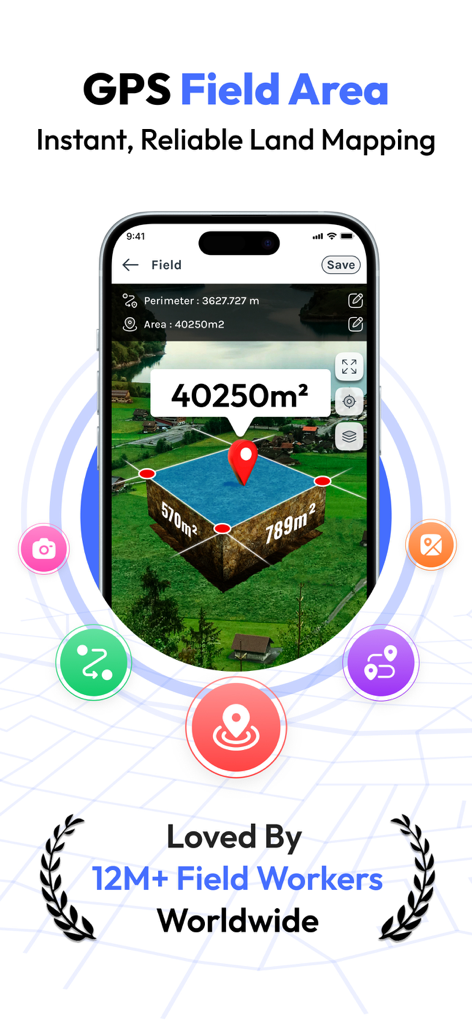
FieldCalc app interface demonstrating GPS field area measurement and land mapping.
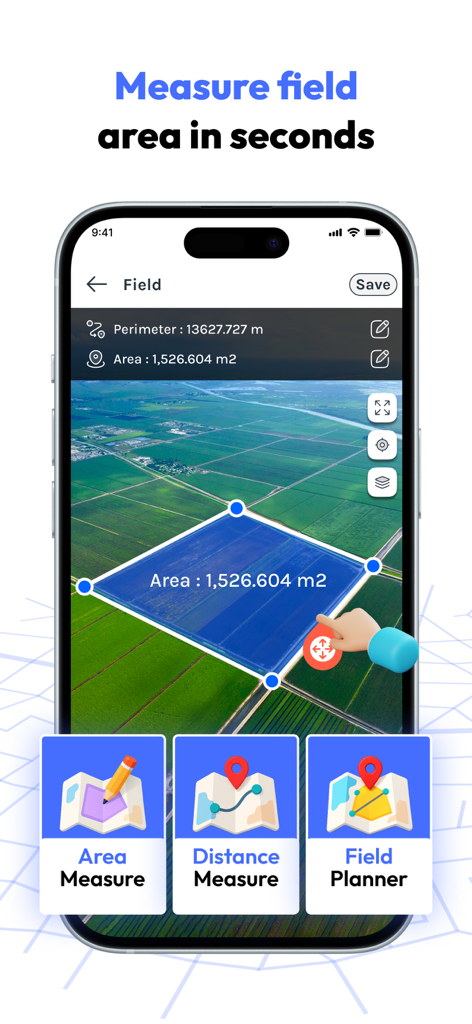
FieldCalc app measuring land area on a satellite map for farmers and real estate
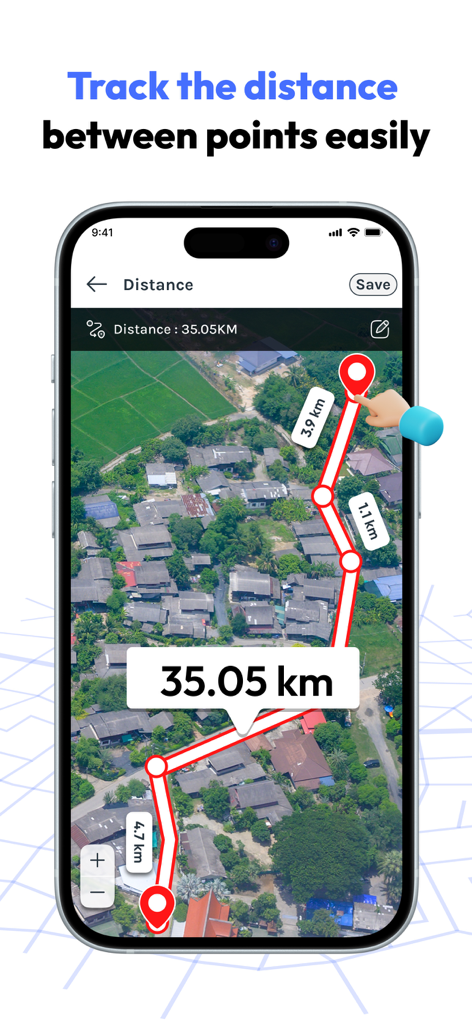
Smartphone screen showing FieldCalc app measuring distance between multiple points on a satellite map
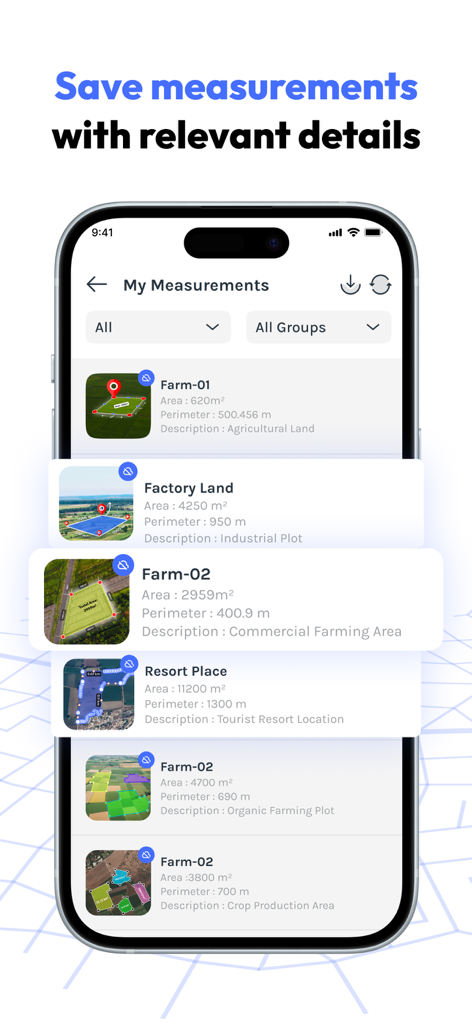
A mobile app screen displaying a list of saved GPS land measurements with area and perimeter details.
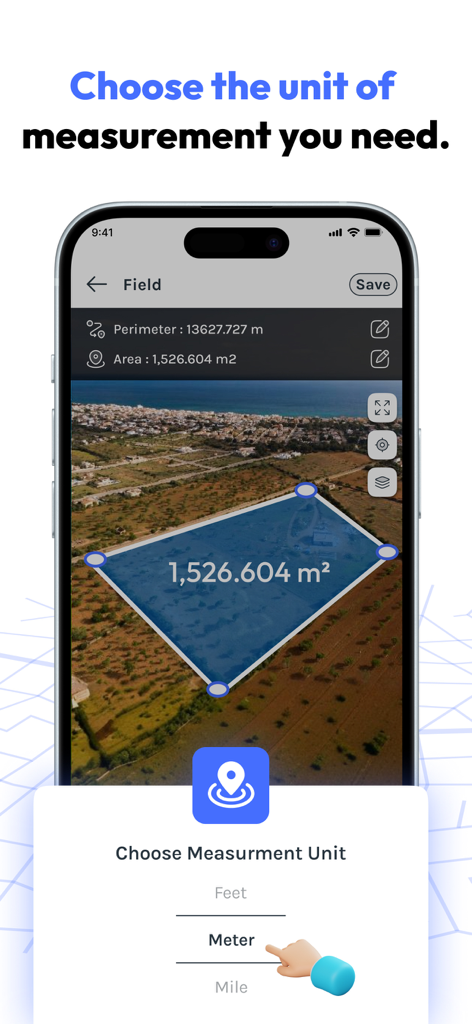
FieldCalc app interface showing a land area measurement on a satellite map with a measurement unit selector.
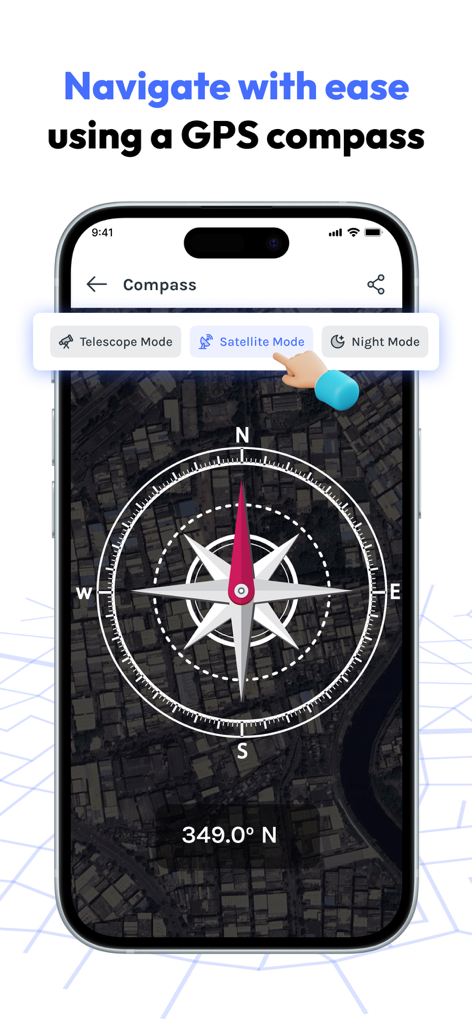
Digital GPS compass with satellite map background in the FieldCalc app
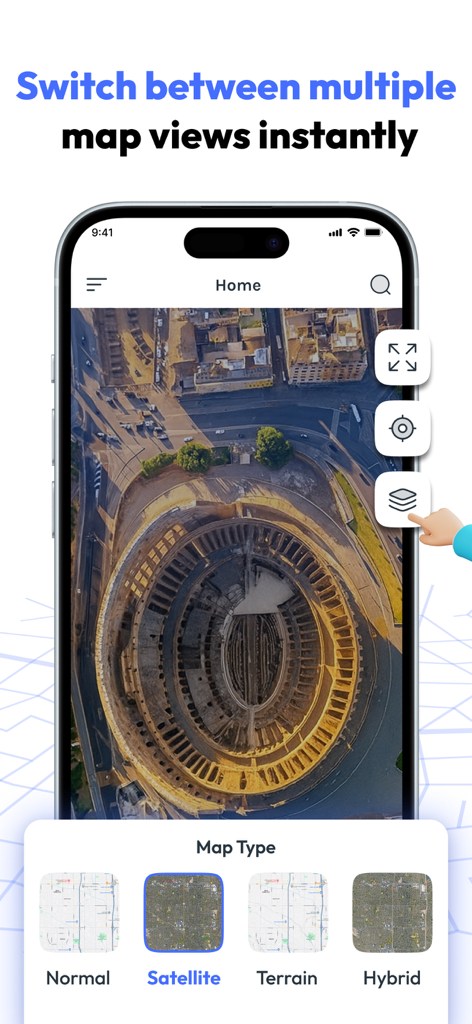
FieldCalc app interface showing satellite map view and different map types like terrain and hybrid.
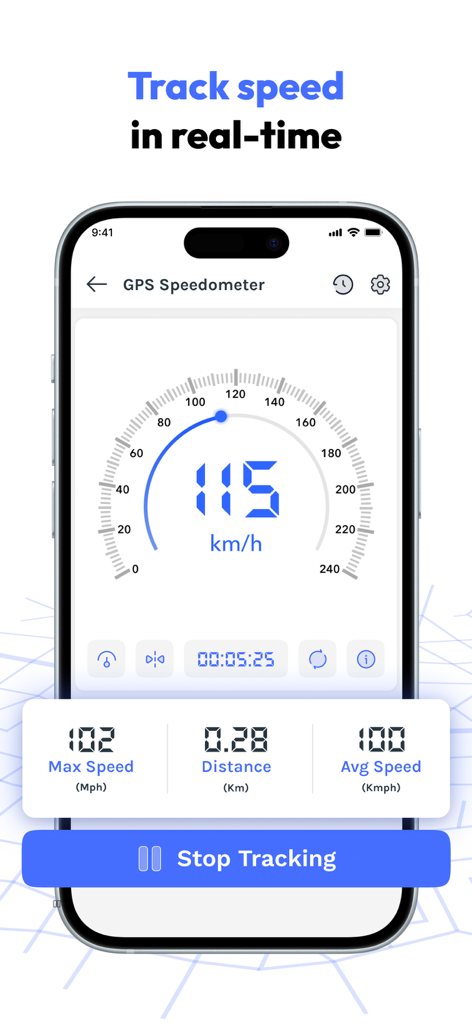
FieldCalc app GPS speedometer interface showing real time speed and distance tracking
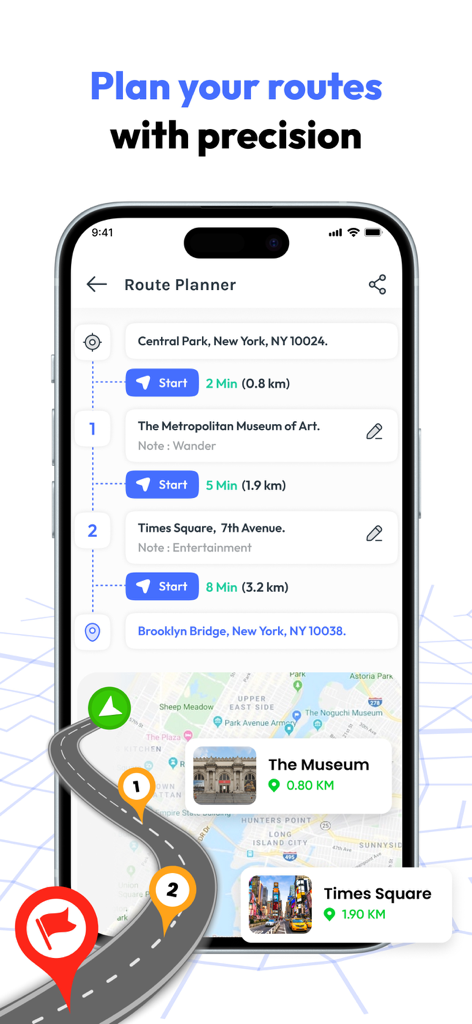
FieldCalc app interface for planning routes with multiple map markers and distance calculations
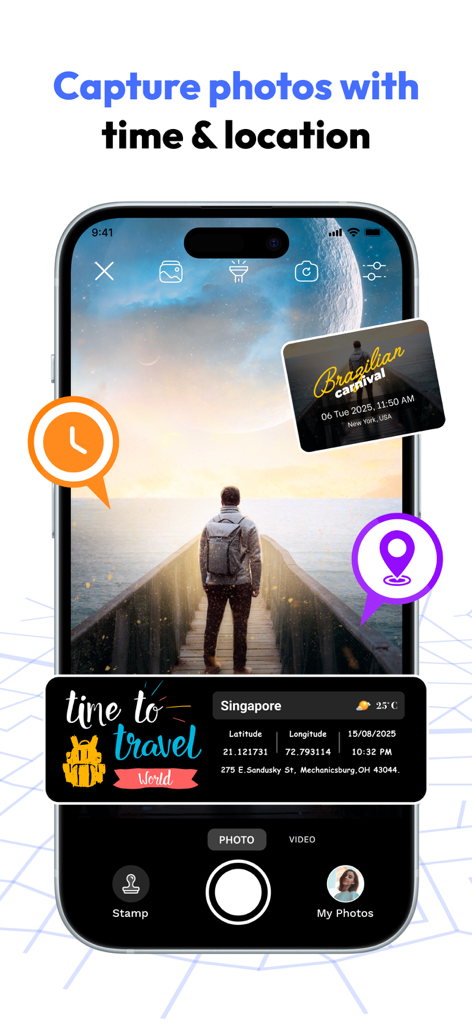
FieldCalc app interface showing photo capture with integrated GPS coordinates and time stamps
Description
Download
More Like This
Apps with similar features and user experience

Field MapS - Measure Land GPS
Aleksei Metelkin

Field Area MeasureーLand Parcel
Irina Metelkina

GPS Fields Area Measure Map
Rento UAB
Geo Field Area - GPS Measure
STOMBERG s.r.o
GLand: GPS Field Area Measure
Authai Yaprasat

Distance - Find My Distance
Mapnitude Company Limited

Area & Distance - Map Measure
Mapnitude Company Limited

Measure Map
Xuan Luong Do

Field Area Measure
Yaroslav Babenko
This page is not an official page of the app or its developer, but an independent editorial publication created for informational and commentary purposes. Unless expressly stated otherwise, neither the app nor its developer is affiliated with, endorsed by, sponsored by, authorized by, or otherwise officially connected with MWM, Apple, Google Play, the app publisher, or the app's developer, and nothing on this page implies that the app was developed using MWM's services. Any trademarks, logos, screenshots, and other content remain the property of their respective owners.